

terragrunt run-all command lets you perform bulk Terraform operations—such as init, plan, apply, and destroy—across every module in your project. By automating multi-module workflows, it reduces manual effort and ensures consistency in large-scale Terraform deployments.
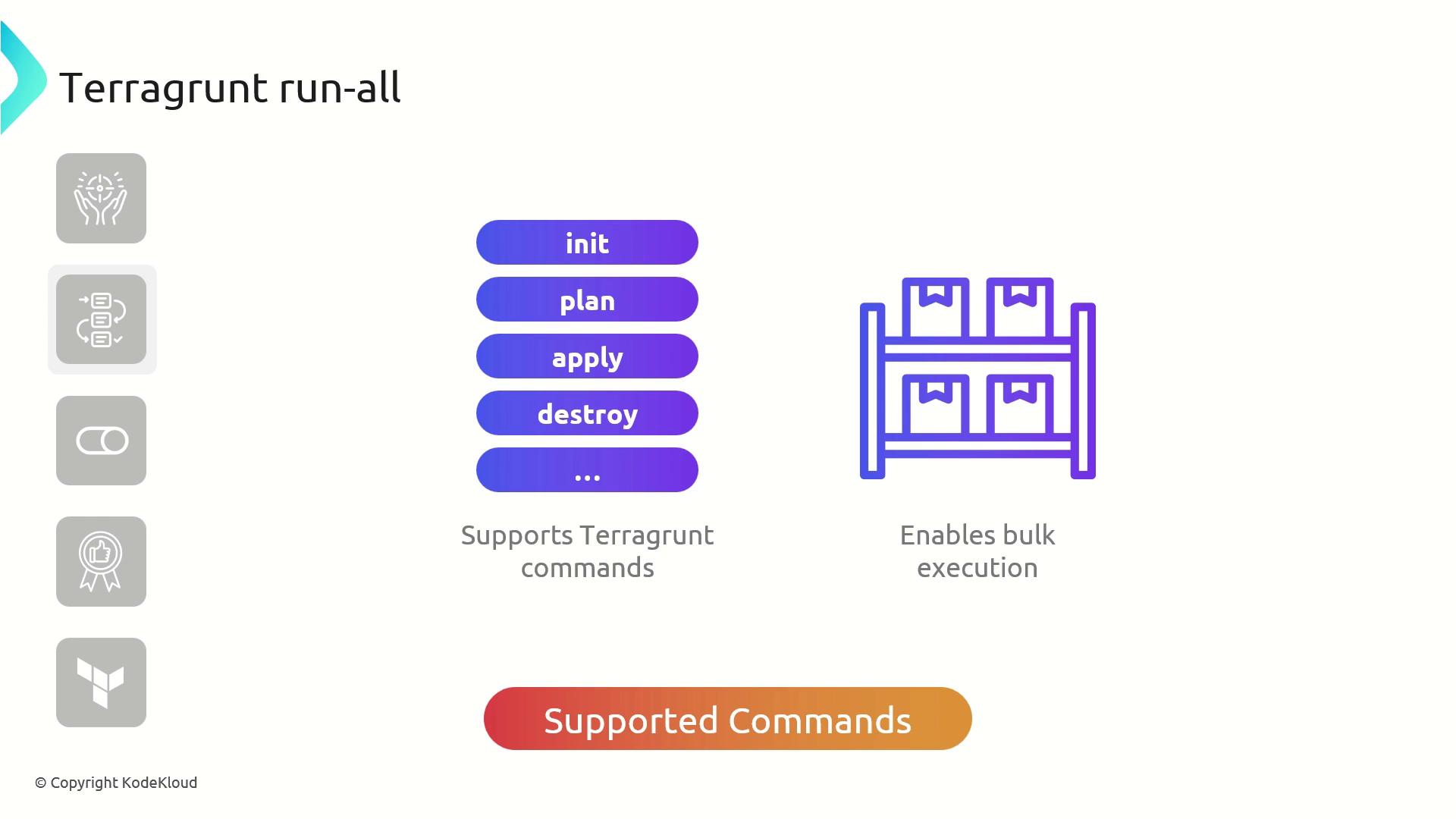
Key Features

Common Use Cases
- Apply changes across all modules with a single command
- Destroy resources uniformly in every module
- Automate routine Terraform tasks in CI/CD pipelines
Best Practices
- Review your Terraform plans before applying changes.
- Use targeted execution (
--terragrunt-include-dir/--terragrunt-exclude-dir) to scope large projects. - Remember that
run-all applyandrun-all destroyadd--auto-approveby default.
When running
terragrunt run-all apply or terragrunt run-all destroy, Terragrunt automatically appends --auto-approve. Ensure you understand the full impact before executing these commands.
Example: Applying Multiple VPC Modules
Assume you have two directories—vpc-1 and vpc-2—each containing a terragrunt.hcl that sources the AWS VPC module:
-
Initialize all modules
Downloads providers, creates cache folders, and writes lock files in each module.
-
Plan and apply changes
Prompts once, then creates VPCs in both modules:
-
Destroy all resources
Confirm with
yesto tear down everything: