

Terraform Modules Overview
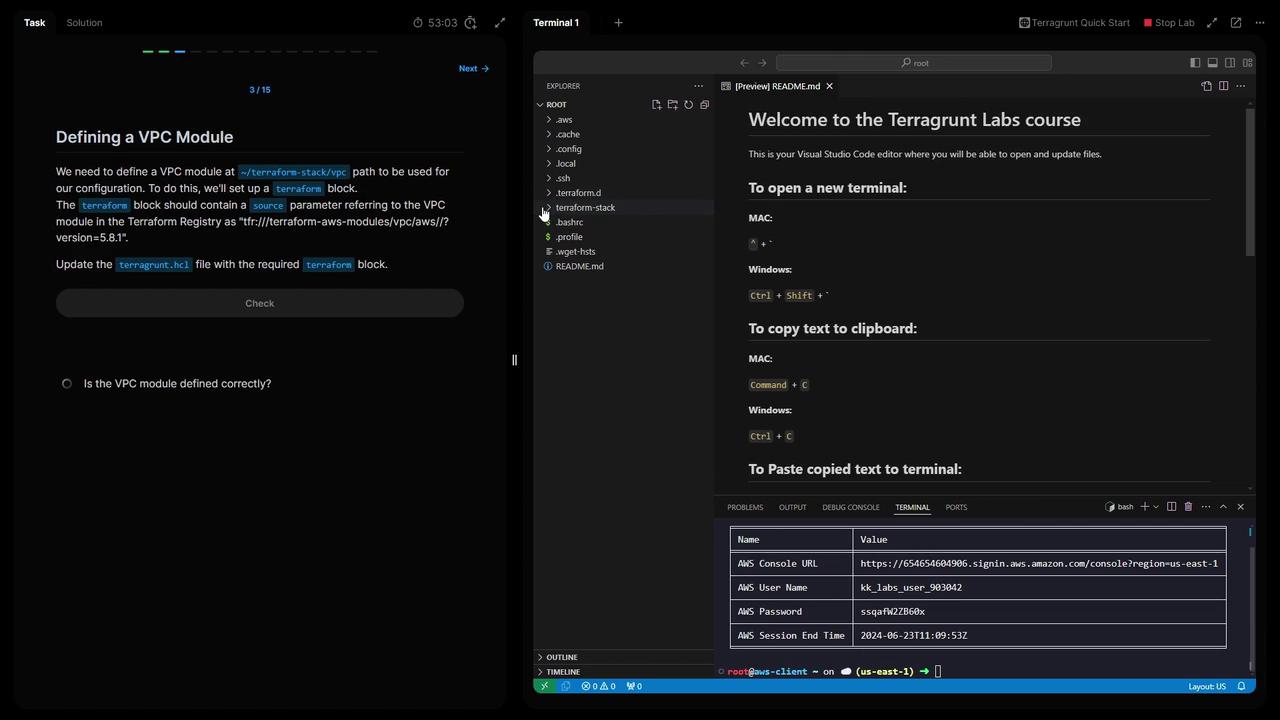
1. Define the VPC Module
Create a Terragrunt configuration underTerraform stack/vpc/terragrunt.hcl:
2. Configure Remote State in the Root
What is path_relative_to_include()?
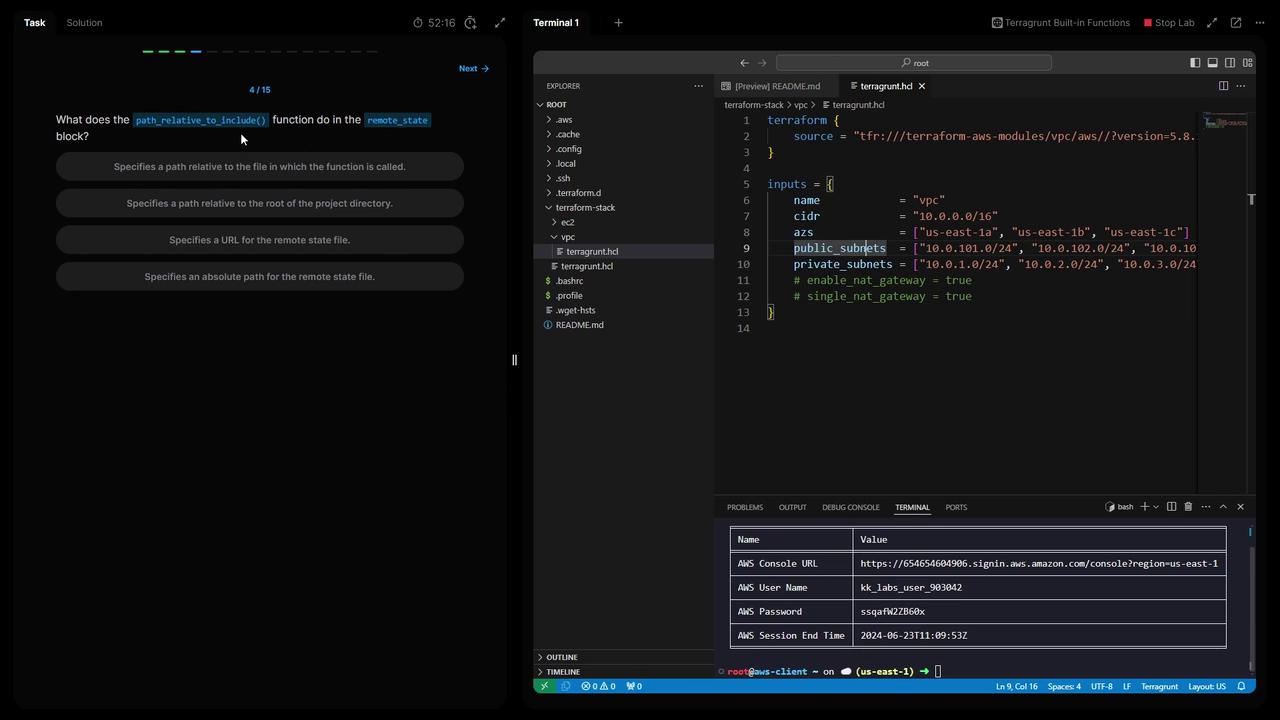
The
path_relative_to_include() function computes the relative path from the current terragrunt.hcl to the included parent. This ensures each module’s state key is unique in S3.Terraform stack/terragrunt.hcl, add:
- List your S3 buckets to find the Terraform state bucket:
- Reinitialize Terragrunt and confirm updating the backend:
3. Define Common Locals
To DRY out your configuration, define shared values at the root:4. Generate Provider and Terraform Version Files
Leverage Terragrunt’sgenerate blocks to auto-create providers.tf and a Terraform version override:
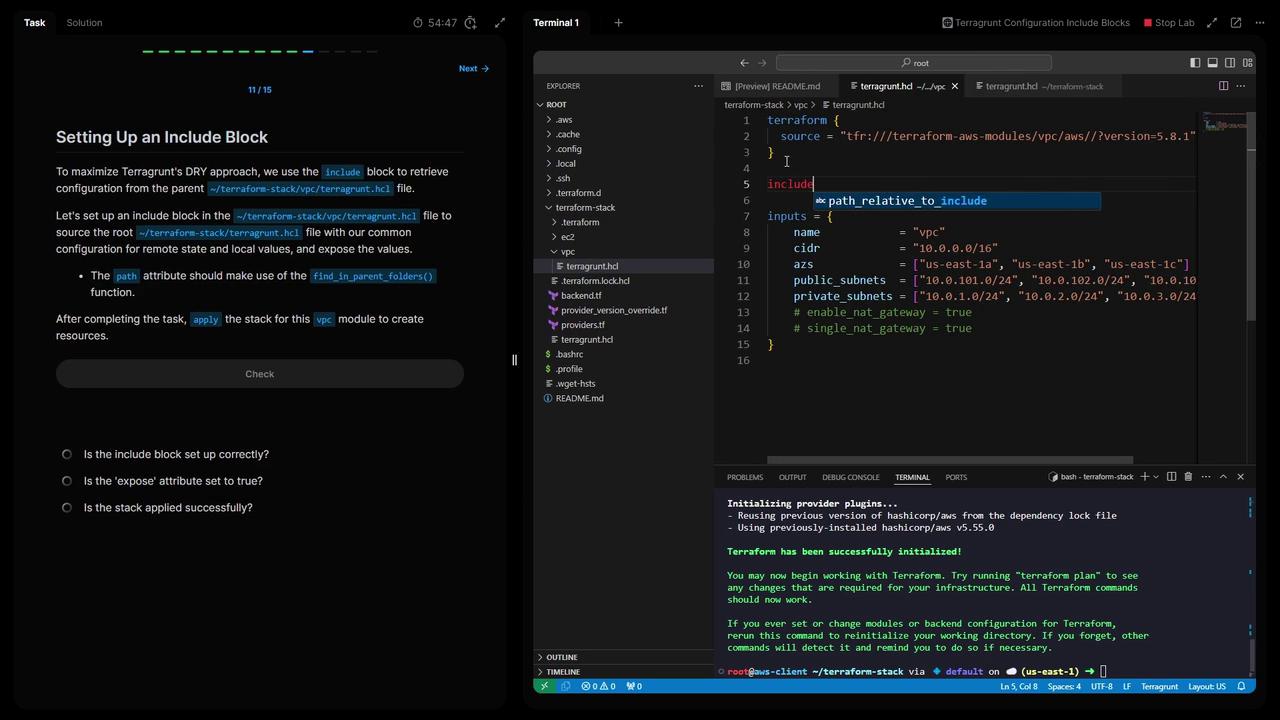
5. Include Root Configuration in the VPC Module
InTerraform stack/vpc/terragrunt.hcl, inherit root settings:
6. Deploy EC2 Web Module with VPC Dependency
CreateTerraform stack/ec2-web/terragrunt.hcl and reference the VPC outputs:
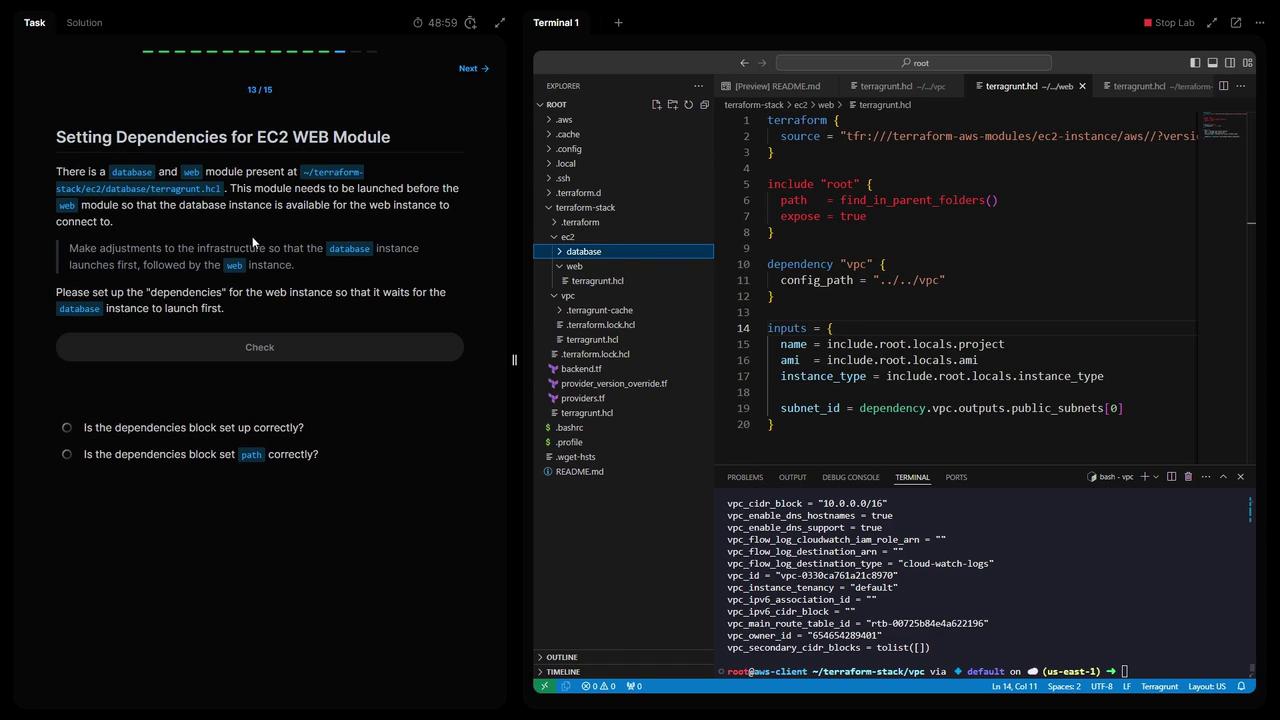
7. Add Database Dependency to the Web Module
If you have a database module underTerraform stack/ec2-database, ensure it deploys before the web server:
ec2-web:
8. Deploy All Modules Simultaneously
From the root ofTerraform stack, run:
9. Verify Remote State Files in S3
Check that each module has its own state file:10. Why Generate at the Root
By generating the backend, provider, and Terraform-version files at the project root, you:- Centralize configuration for consistency
- Avoid duplication in child modules
- Simplify maintenance as your infrastructure grows
Thank you for completing Lab Three! You now have a reusable Terragrunt setup for AWS VPC, EC2, and remote state management. See you in the next lab!