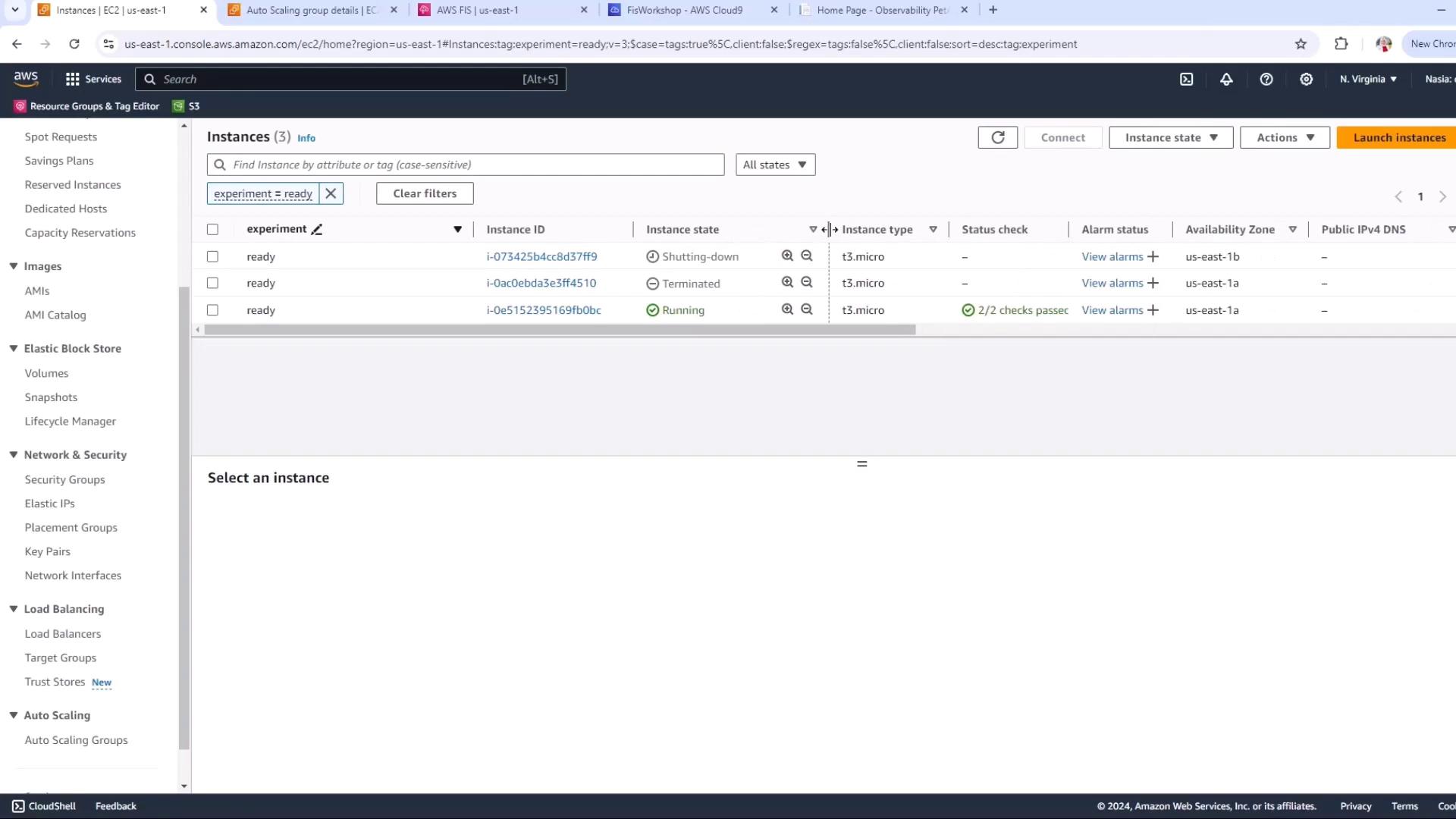
- Selecting an experiment template
- Verifying target EC2 instances
- Executing the experiment
- Troubleshooting and adjusting your Auto Scaling group
- Rerunning and monitoring the experiment
1. Select the FIS Experiment Template
- Open the AWS Resilience Hub console.
- Navigate to Experiment templates.
- Choose the template named Terminate 50% of instances in an Auto Scaling group.
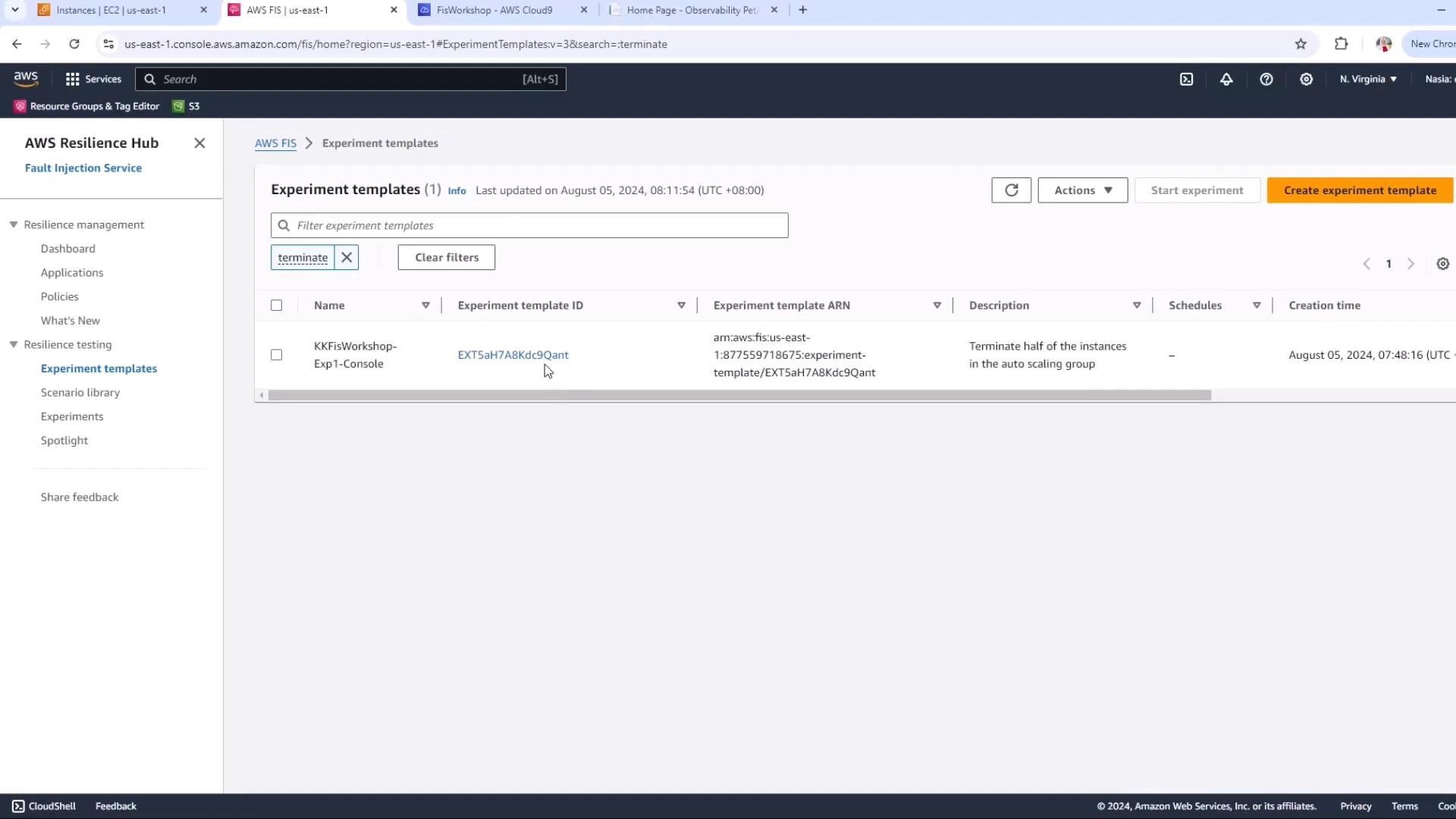
2. Confirm Affected Instances
Before you start, ensure your resource filters match the instances you want to target:- State:
running - Tag:
experiment-ready
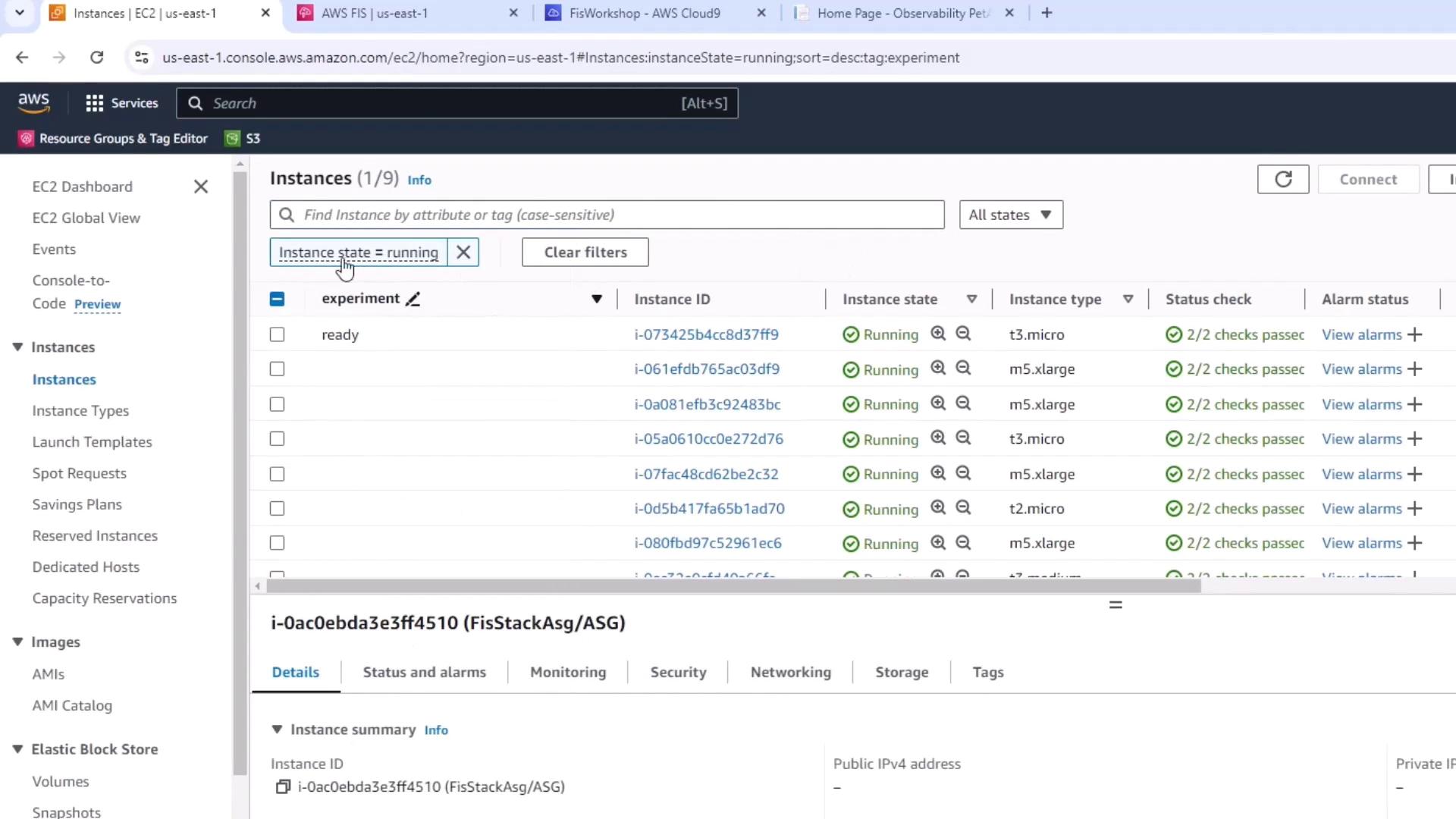
37FF9… matches both filters and is the only target.
3. Start the FIS Experiment
Back in the FIS console:- Select your experiment template.
- Click Start experiment.
- Confirm the prompt (this action is disruptive).
Starting a Chaos Engineering experiment will terminate live EC2 instances. Ensure this is performed in a non-production environment or during a maintenance window.
Initiating and then Pending. In our first run, the experiment failed immediately:
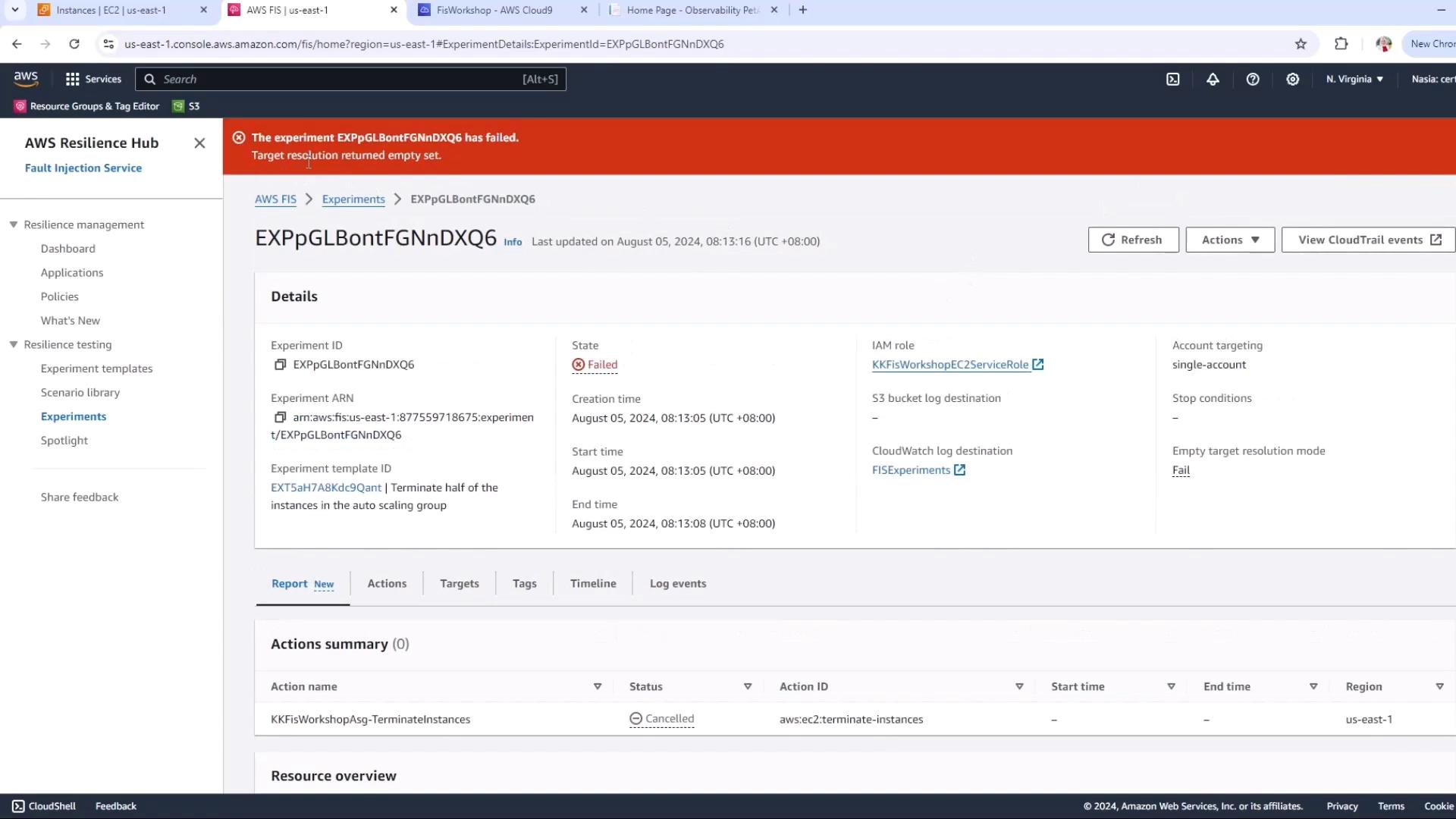
4. Inspect Experiment Logs
To diagnose the failure, open the Timeline or Log events in the FIS console and refresh:resolved_targets_count is 0 because with a single instance, terminating 50% rounds down to zero.
Chaos experiments require sufficient targets. If your Auto Scaling group has only one instance, 50% of one equals zero.
5. Identify & Fix the Root Cause
Inspect your Auto Scaling group in the EC2 console: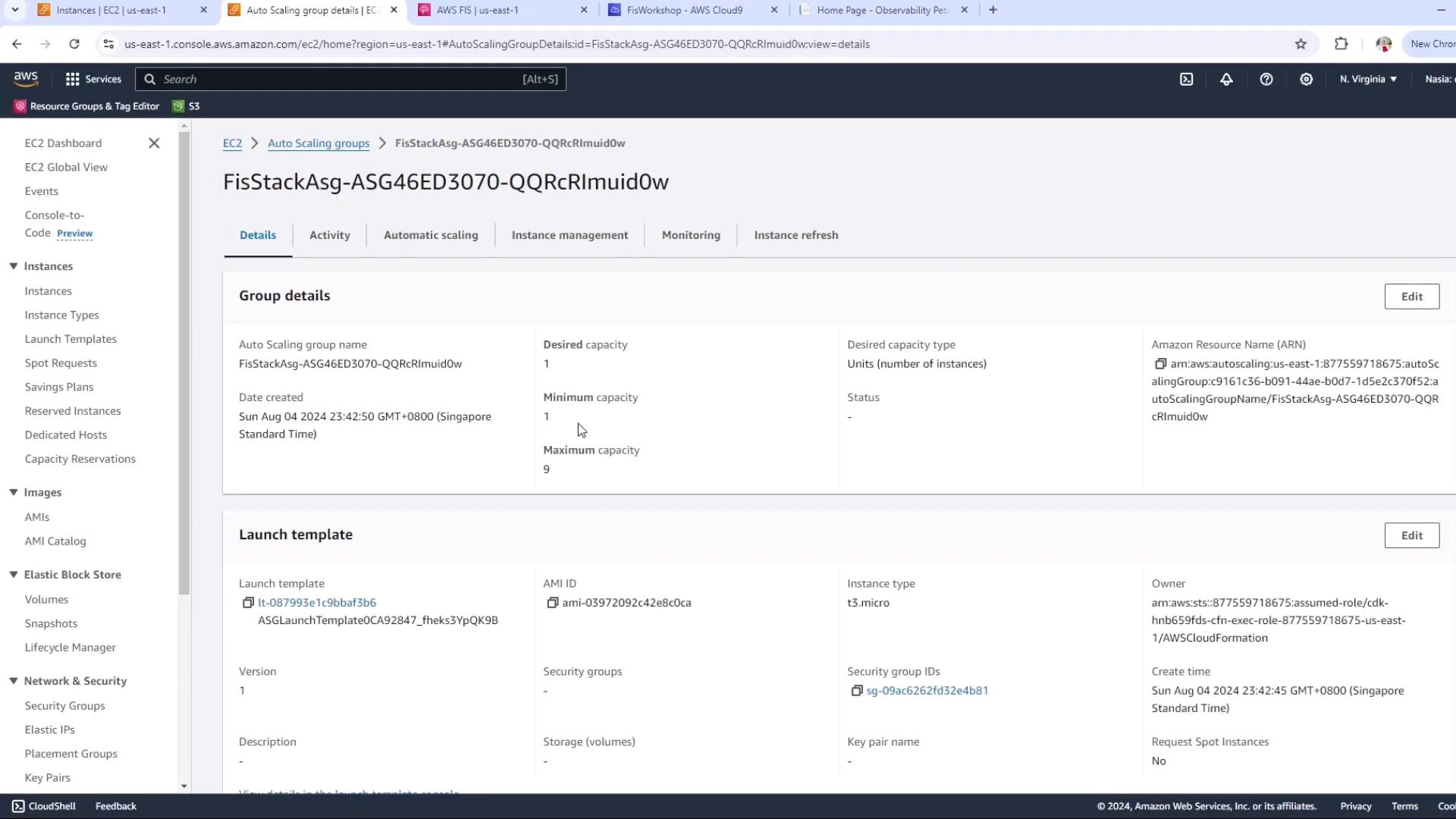
To guarantee at least one instance is terminated:
This ensures 50% of 2 = 1 instance will be terminated.
6. Preview Targets Before Rerunning
Wait for the second instance to launch, then in the FIS console:- Select your experiment template.
- Click Preview.
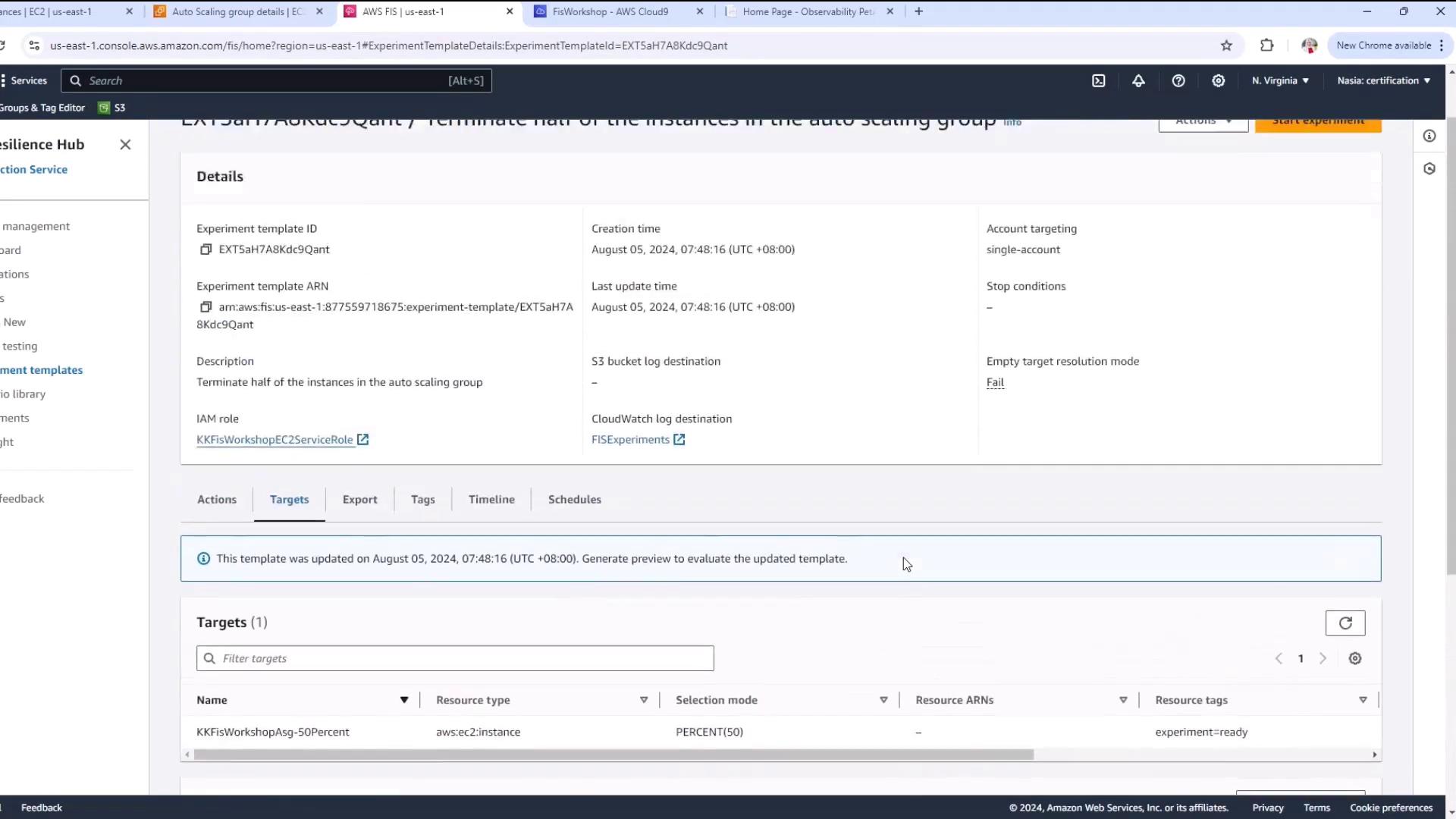
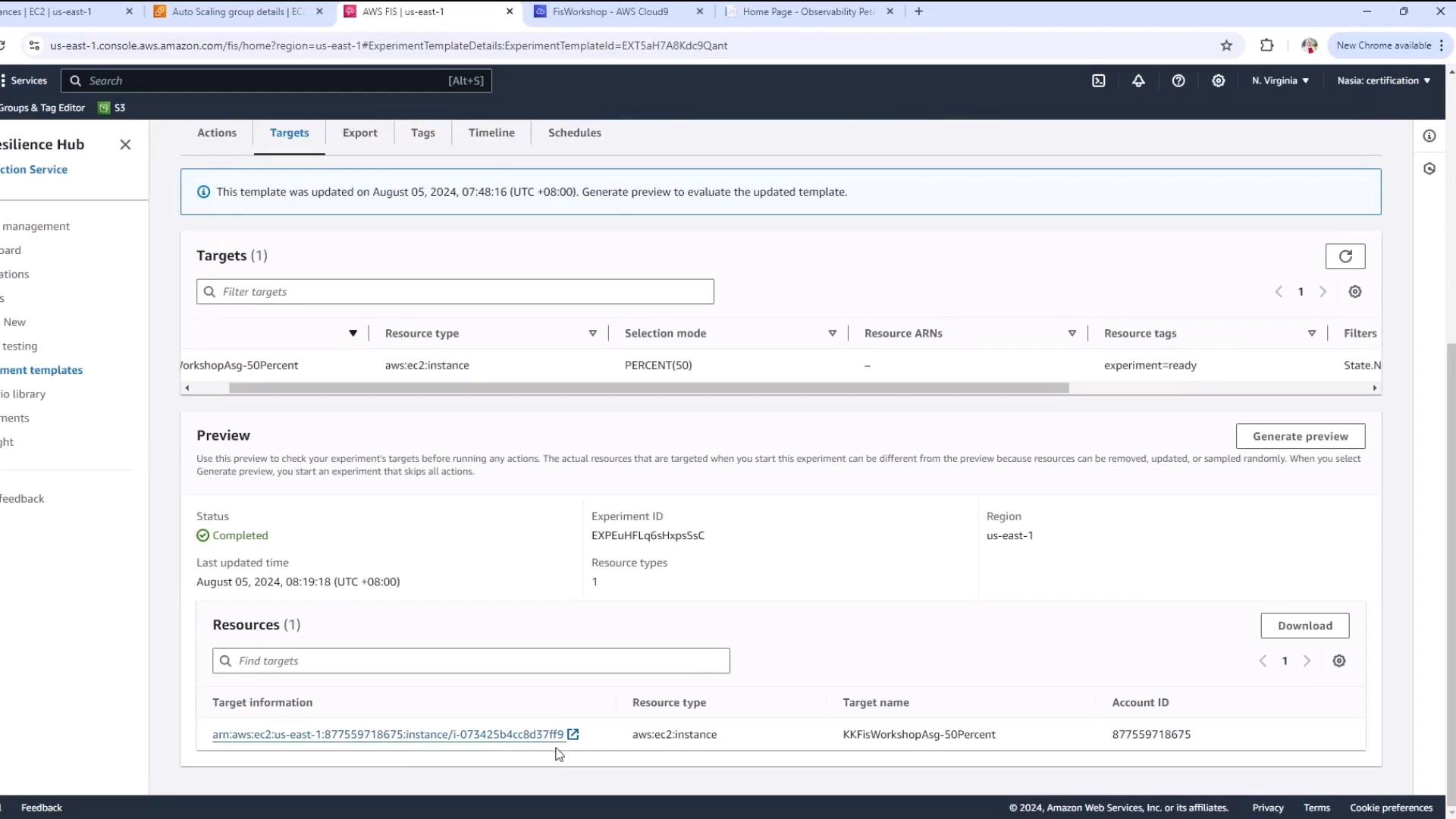
7. Rerun the Experiment
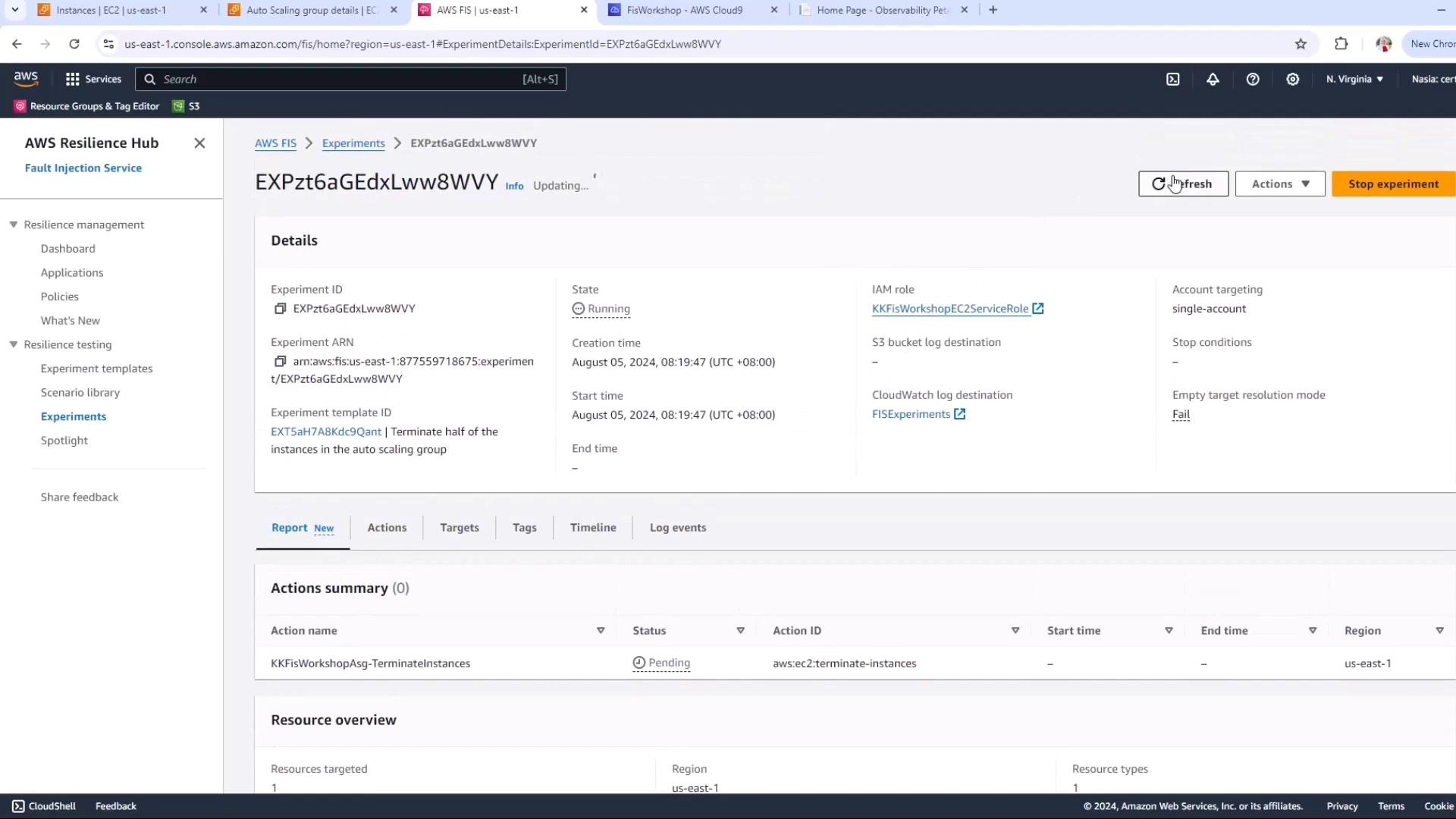
With your template preview confirming one target:- Click Start experiment again.
- Watch the state change to
Running.
8. Monitor the Impact
Switch to the EC2 console to view instance states. One instance will terminate, while the other continues running, ensuring high availability: