

- Selecting the built-in EKS pod-delete scenario
- Creating and configuring an experiment template
- Launching the experiment
- Monitoring pod replacement and service continuity
Prerequisites
Before you begin, ensure:- You have an existing Amazon EKS cluster named
pet-site. - The IAM role you’ll assign to FIS (e.g.,
EKS-FIS-Role) has permissions to delete pods and write logs. - CloudWatch Logs group (e.g.,
FISExperiments) is either created or will be created by FIS.
Make sure your IAM role trusts the
fis.amazonaws.com service principal. For more details, see AWS FIS IAM permissions.1. Navigate to Fault Injection Service
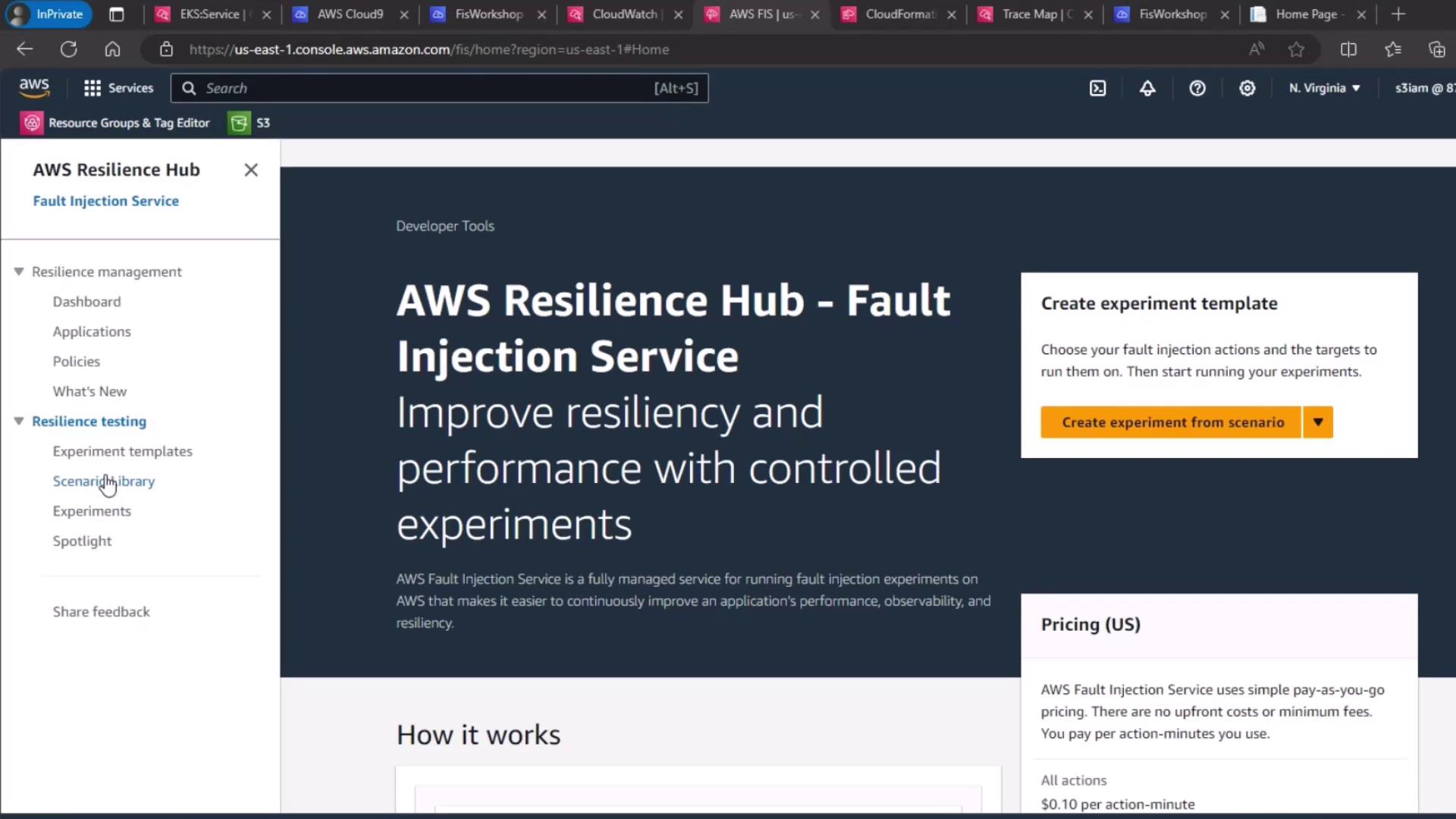
- Open the AWS Management Console.
- Go to AWS Resilience Hub → Fault Injection Service.
- Click Experiment templates in the sidebar.
2. Select the EKS Pod Delete Scenario
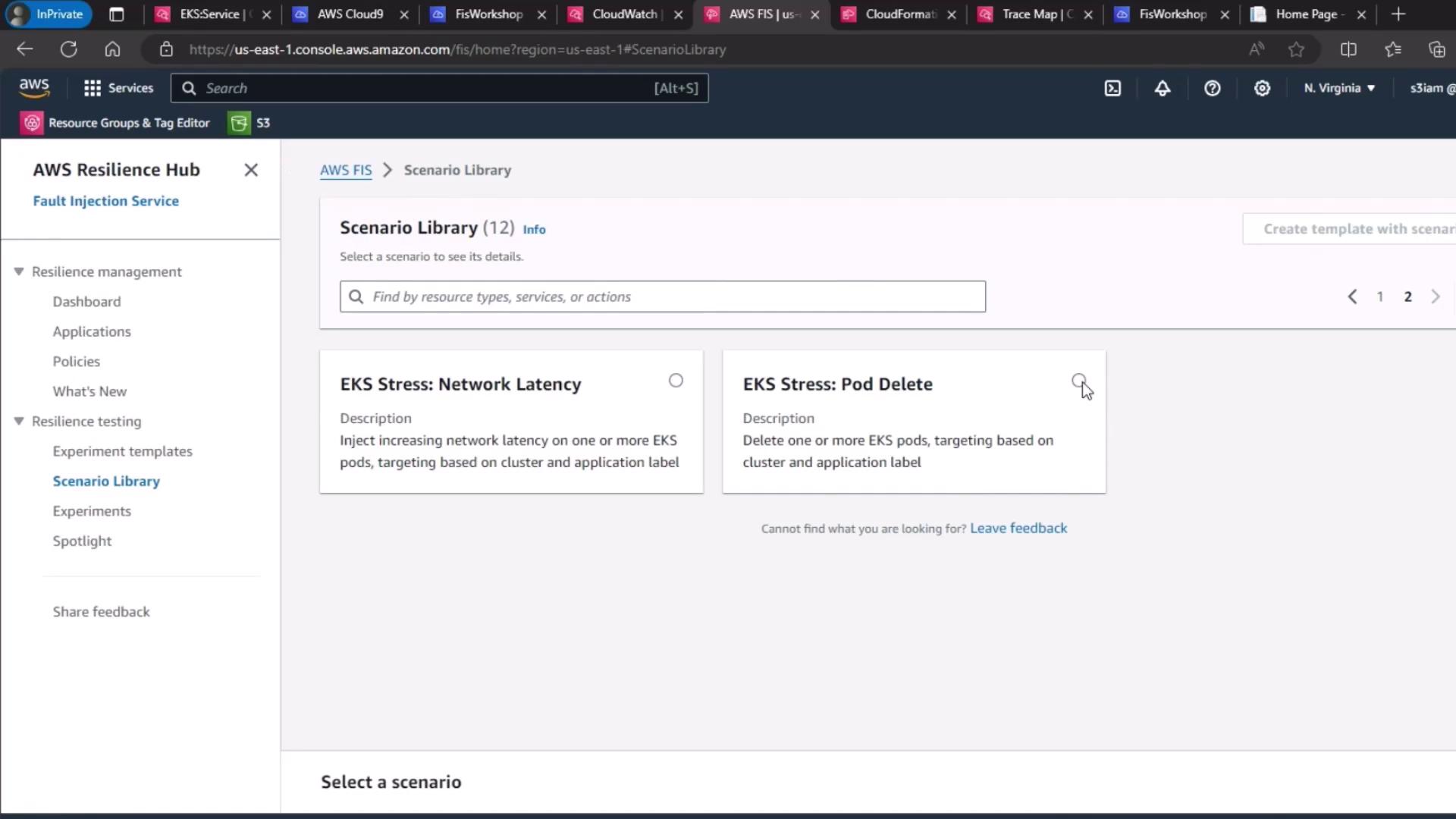
- Under Scenario library, search for EKS Stress: Pod Delete.
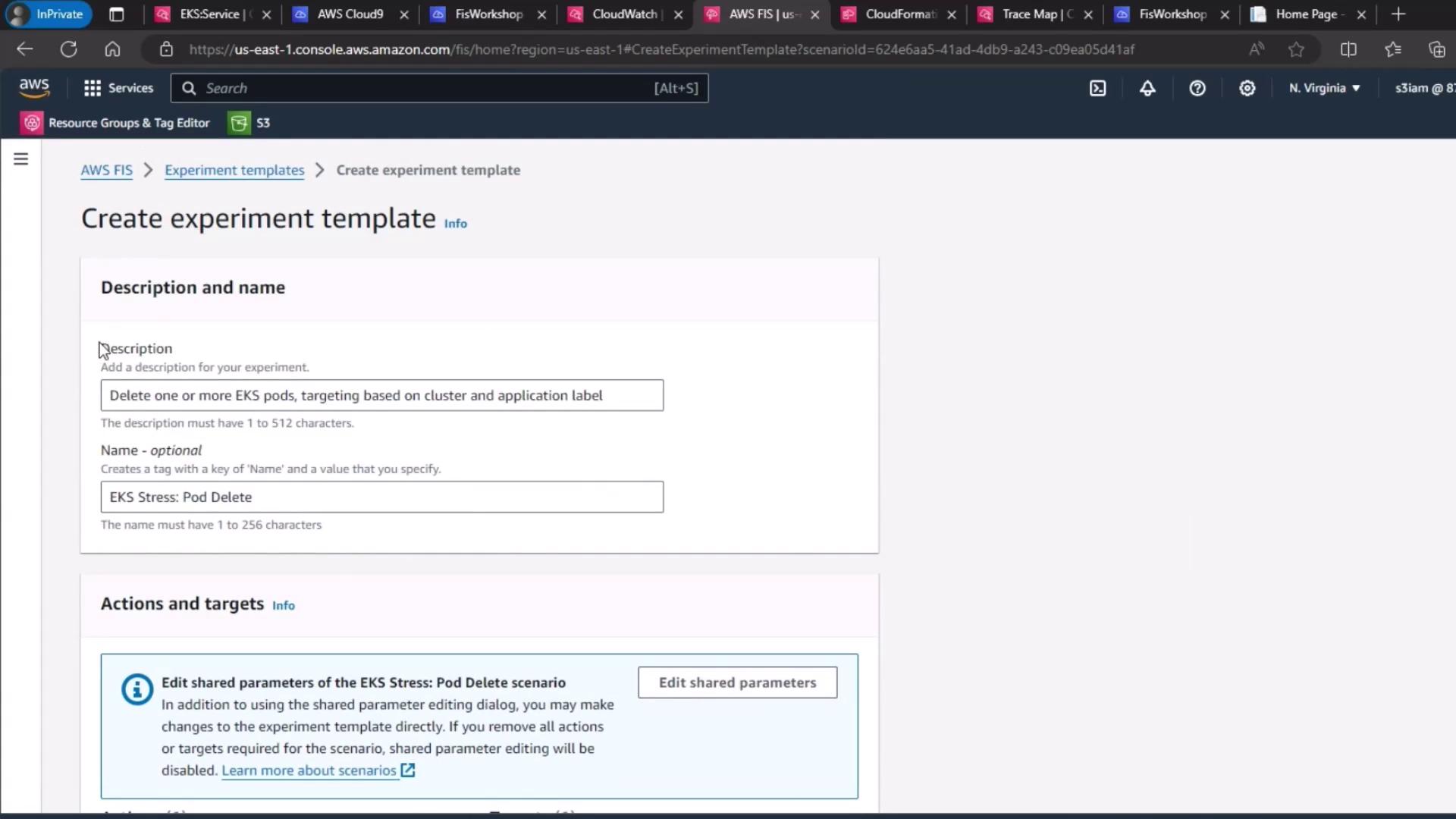
- Click Create experiment template.
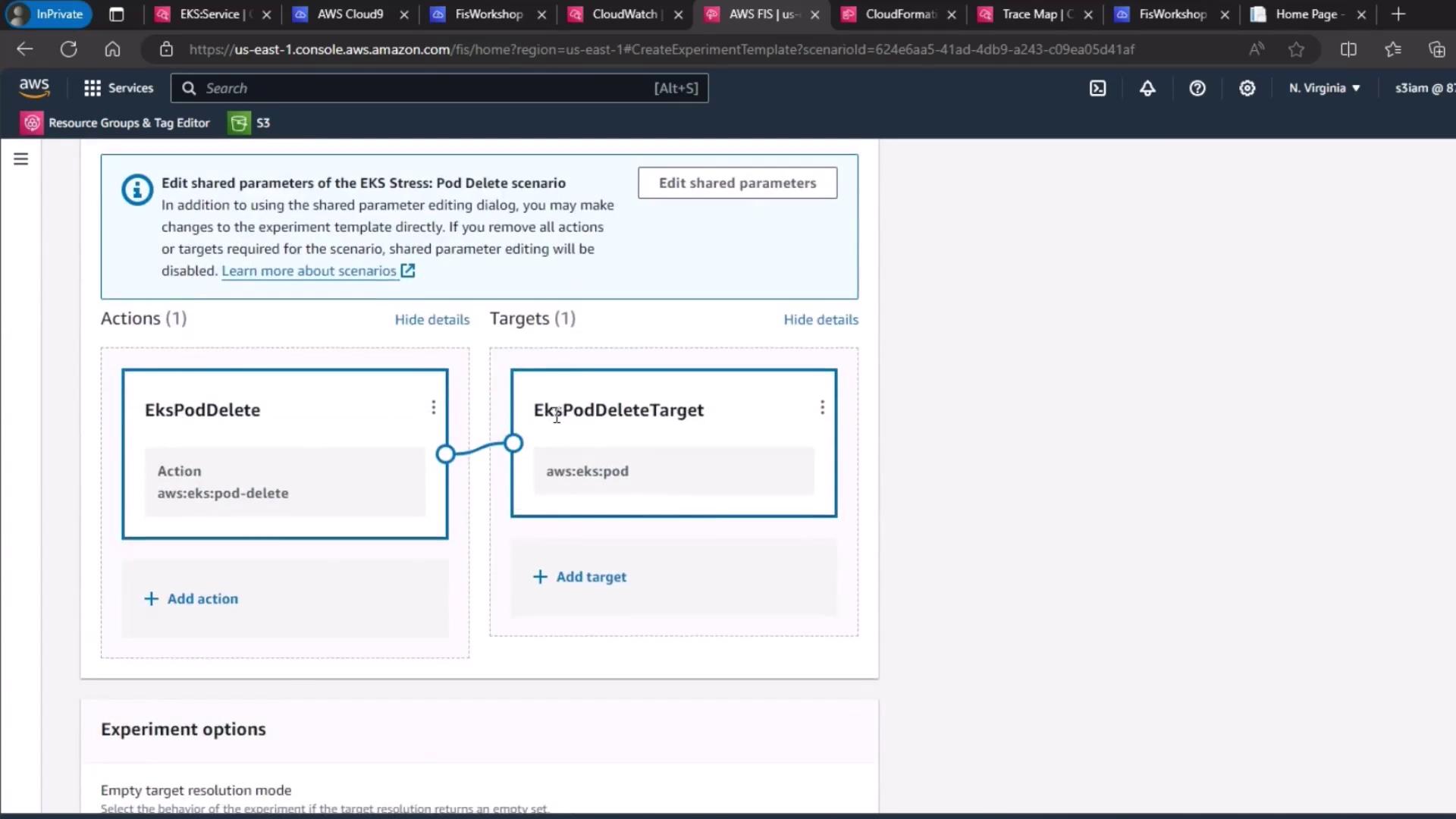
3. Configure the Target
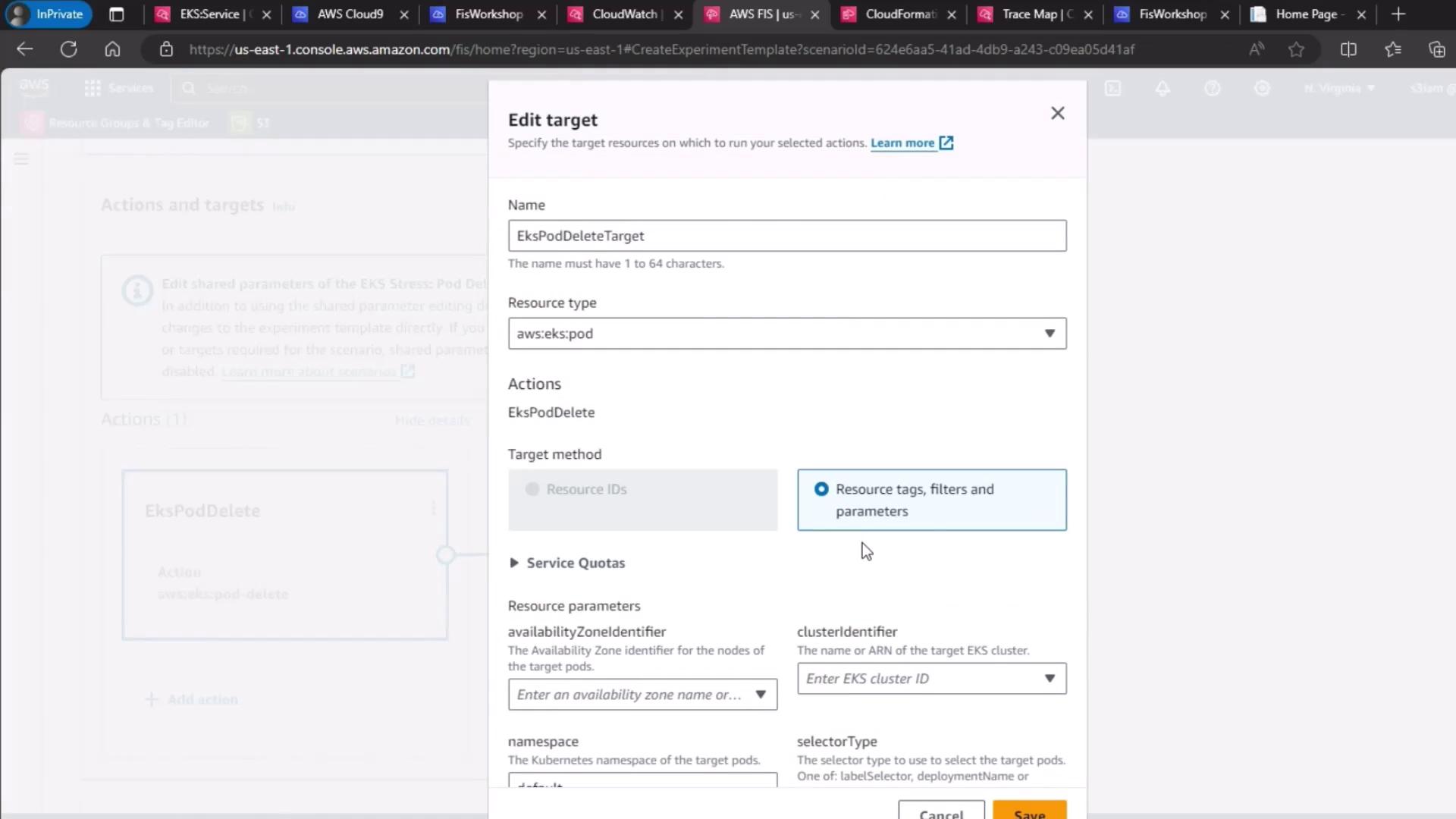
By default, the scenario target is set to delete pods in your cluster. Verify or update:- Resource type:
eks:pod - Cluster:
pet-site - Label selector:
app=pet-site
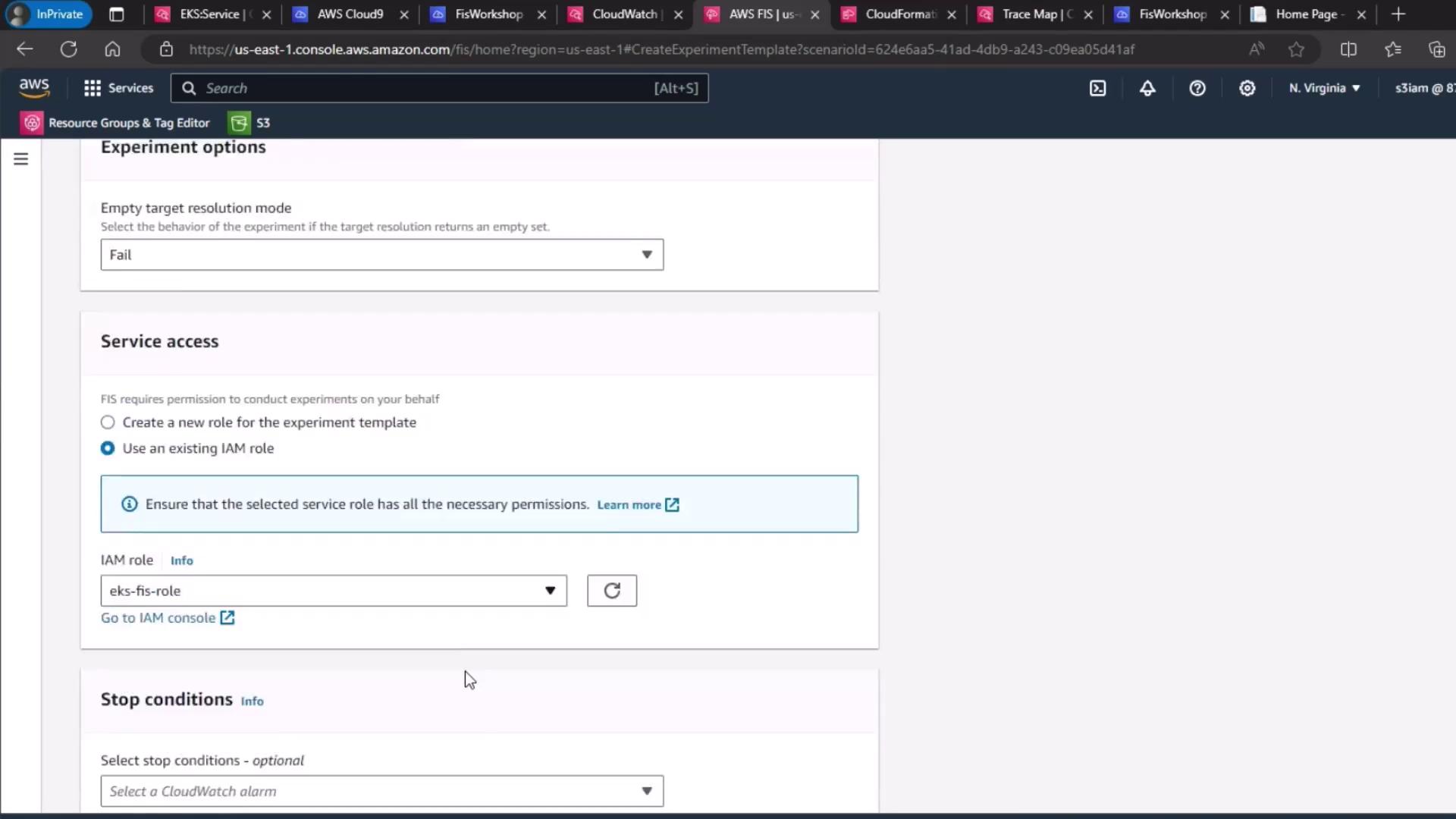
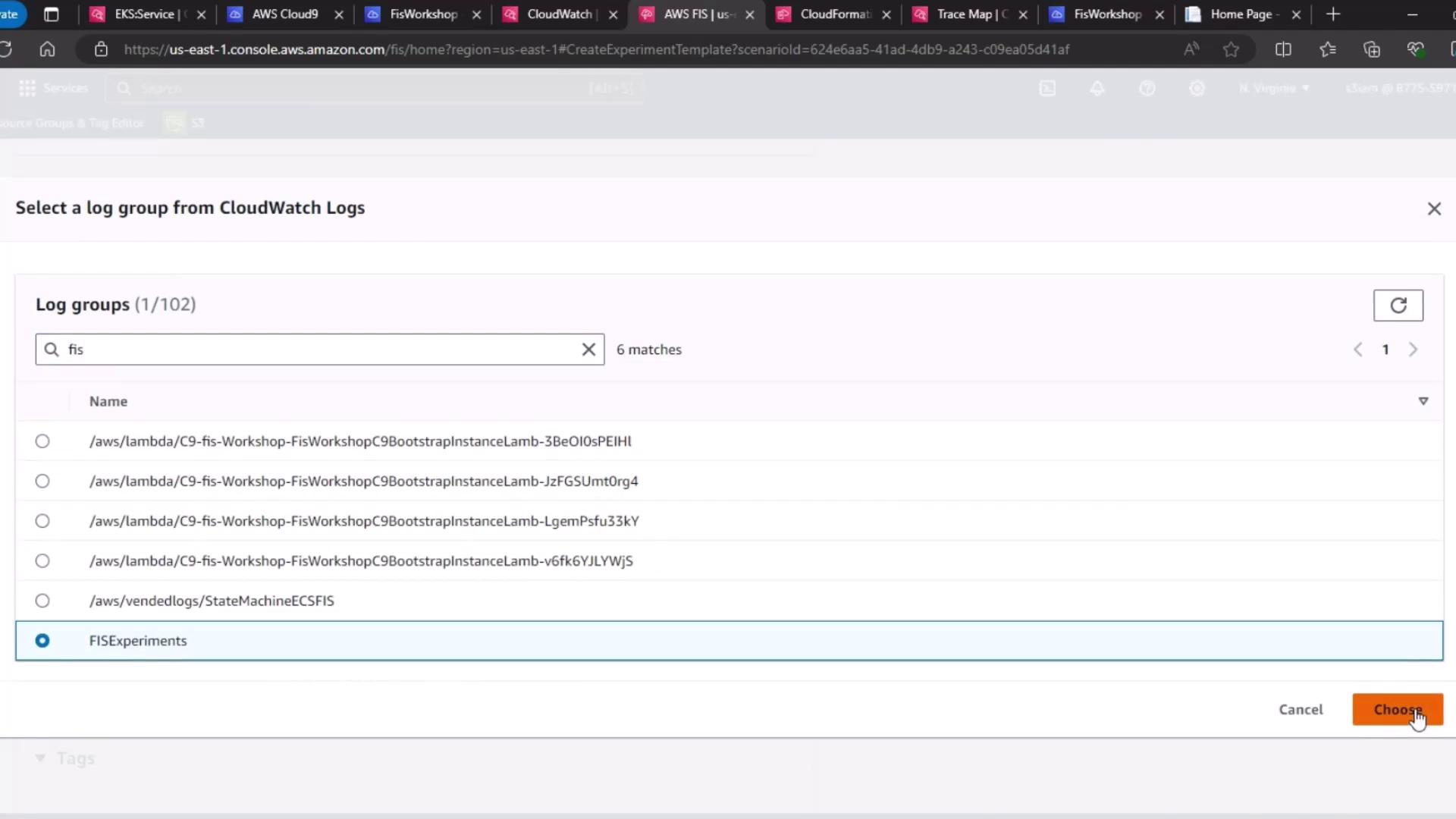
4. Select IAM Role and Logging
- Under Service role, choose your FIS execution role (
EKS-FIS-Role). - For Experiment logging, select the CloudWatch Logs group (
FISExperiments) or create one on the fly.
5. Define the Hypothesis
Hypothesis: When FIS deletes a pet-site pod, the Kubernetes control plane immediately spins up a replacement pod. Service latency and availability remain within SLAs.
Validate this by monitoring your Deployment or ReplicaSet’s desired vs. actual pod counts.
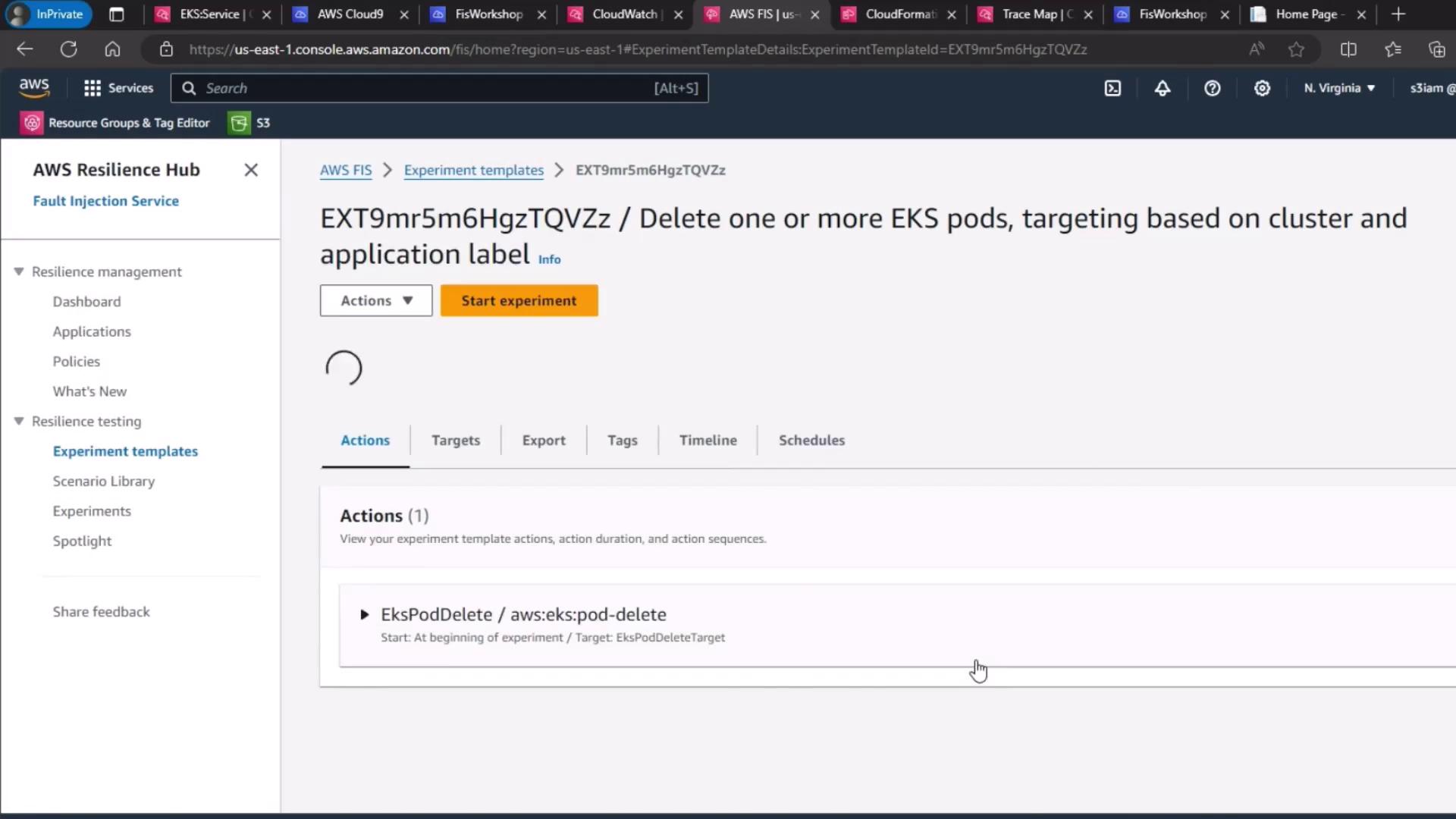
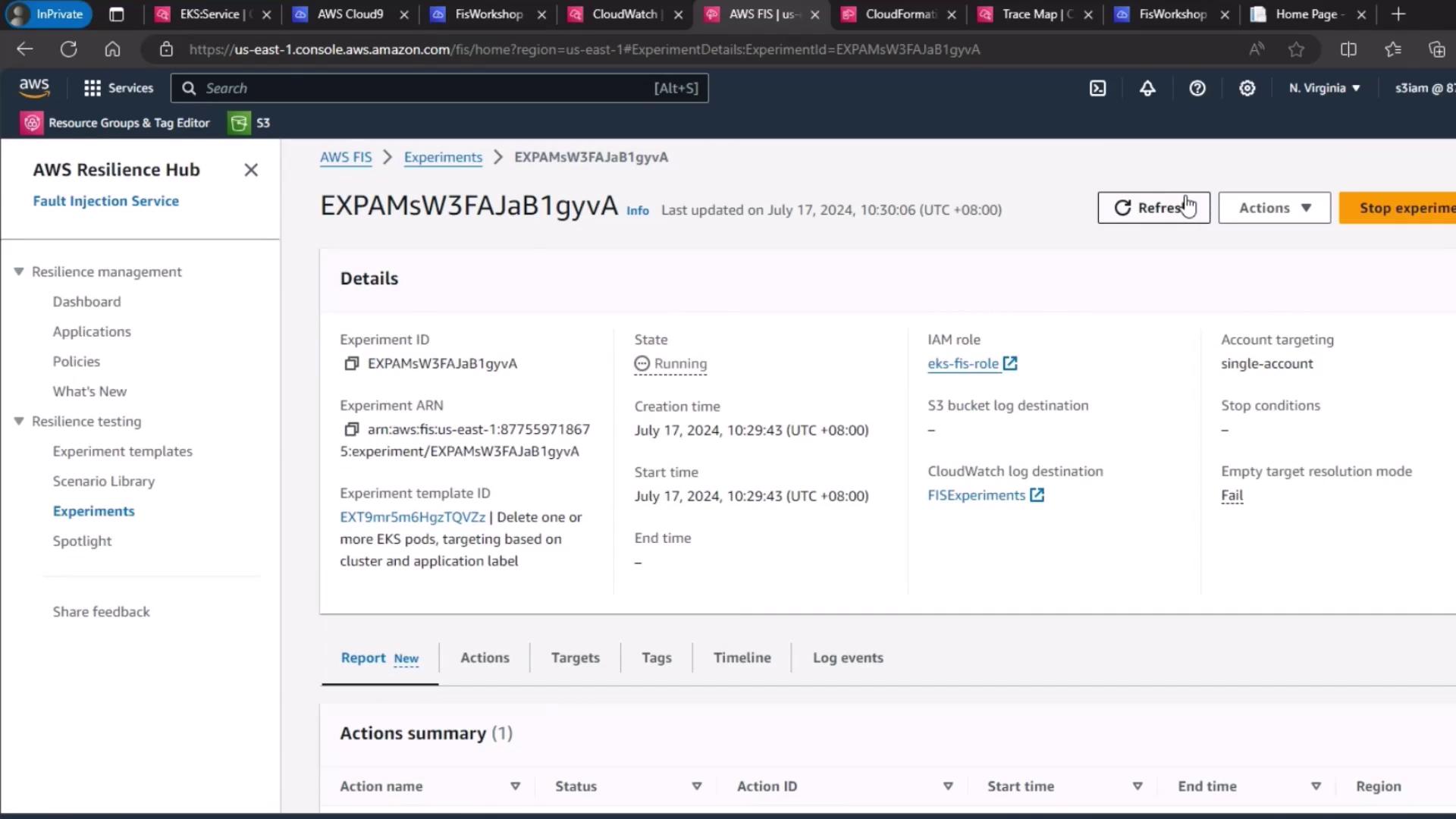
6. Start and Monitor the Experiment
- Click Start experiment.
- Watch the experiment lifecycle transition from Initiating → Running → Completed.
- Use the FIS dashboard and CloudWatch metrics (e.g.,
kube_deployment_status_replicas_available) to confirm a new pod appears within seconds.
Run FIS experiments only in non-production or controlled environments. Always validate on staging clusters before production.
AWS CLI Shortcut
After creating the template, you can start the experiment via CLI:Links and References
- AWS Fault Injection Simulator User Guide
- Amazon EKS Documentation
- Kubernetes ReplicaSet Concepts
- CloudWatch Logs Developer Guide