

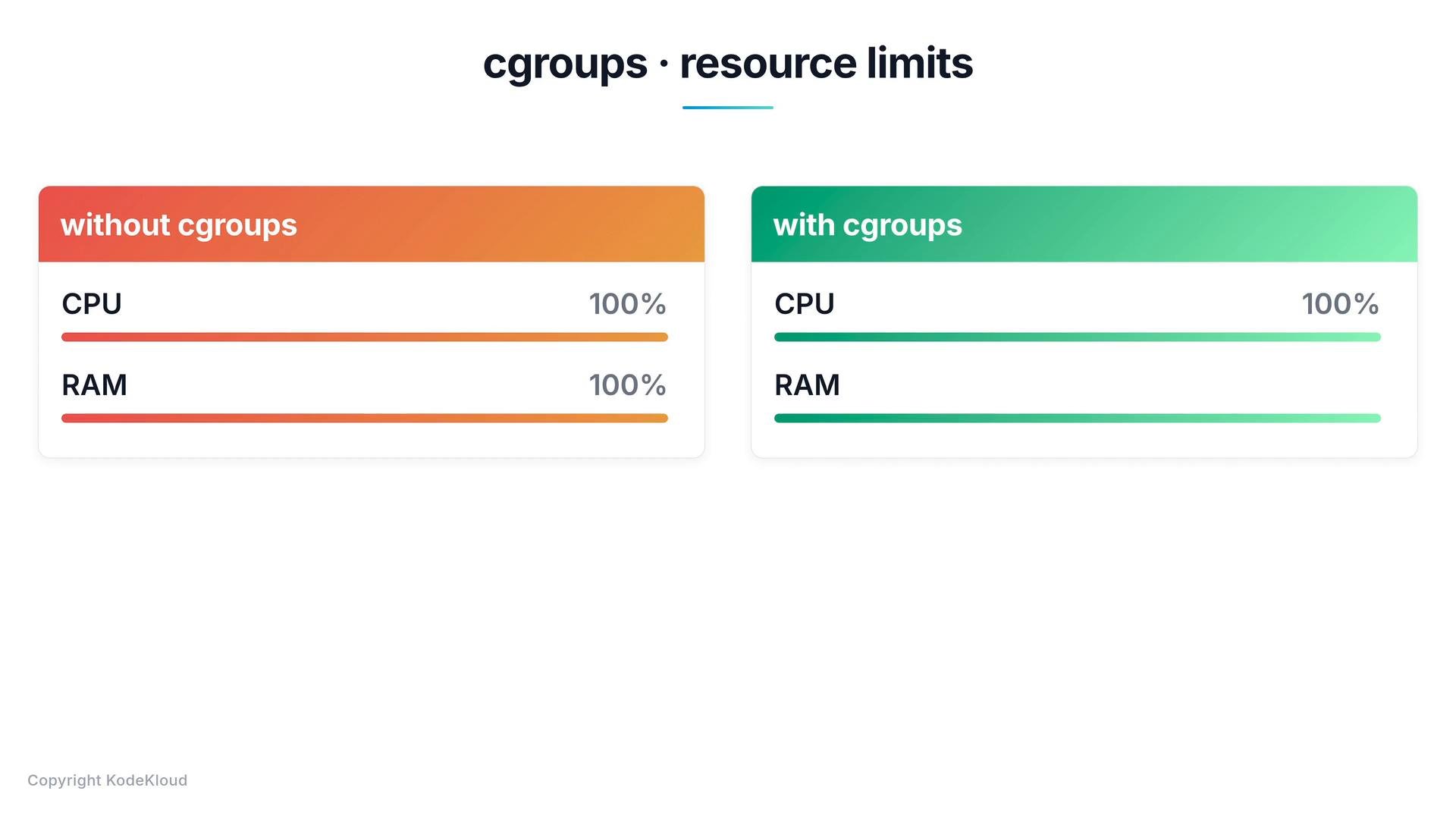
Common docker run flags that use cgroups
You set cgroup-backed limits when creating a container withdocker run. The most common flags control CPU and memory:
Use
--cpus and --memory for most common resource constraints. For advanced tuning (e.g., real-time workloads or strict core pinning), consider --cpuset-cpus, --cpu-quota/--cpu-period, and --memory-swap. Monitor usage with docker stats to validate limits in production.Examples
Limit CPU and memory when starting a container:If a container exceeds its memory limit, the kernel may kill processes inside the container (OOM). Always set sensible limits for your workload, test them under load, and monitor containers with
docker stats and your observability tools.Quick reference and resources
- Command to view live resource usage:
docker stats - Docker run reference: https://docs.docker.com/engine/reference/commandline/run/
- Kernel cgroups documentation: https://www.kernel.org/doc/html/latest/admin-guide/cgroup-v2.html