

CMD, ENTRYPOINT, and runtime arguments interact. Understanding these instructions helps you control container lifecycle, override defaults at runtime, and create predictable images.
Overview
- Containers are designed to run a single process. When that process exits, the container exits.
- Docker images can provide a default process using the Dockerfile instructions
CMDand/orENTRYPOINT. - You can override the image’s default command or its arguments at runtime with
docker runoptions.
Container lifecycle example
Run a plain Ubuntu image without an attached terminal:docker ps shows only running containers; use docker ps -a to see exited containers.
Why this happens
Containers are not full virtual machines meant to host an OS indefinitely. They are optimized to run a specific task or process — for example, a web server, database, or a one-off job. When that process completes (or crashes), the container stops.Which process runs inside a container?
Image authors commonly set the default process usingCMD and/or ENTRYPOINT in the Dockerfile.
Many official images use an entrypoint script to perform setup before launching a server. For example, the nginx image uses both an entrypoint script and a CMD that runs the server:
mysql image packages an entrypoint script and a server command:
Bash as the default command (Ubuntu example)
The official Ubuntu base image sets a defaultCMD of bash:
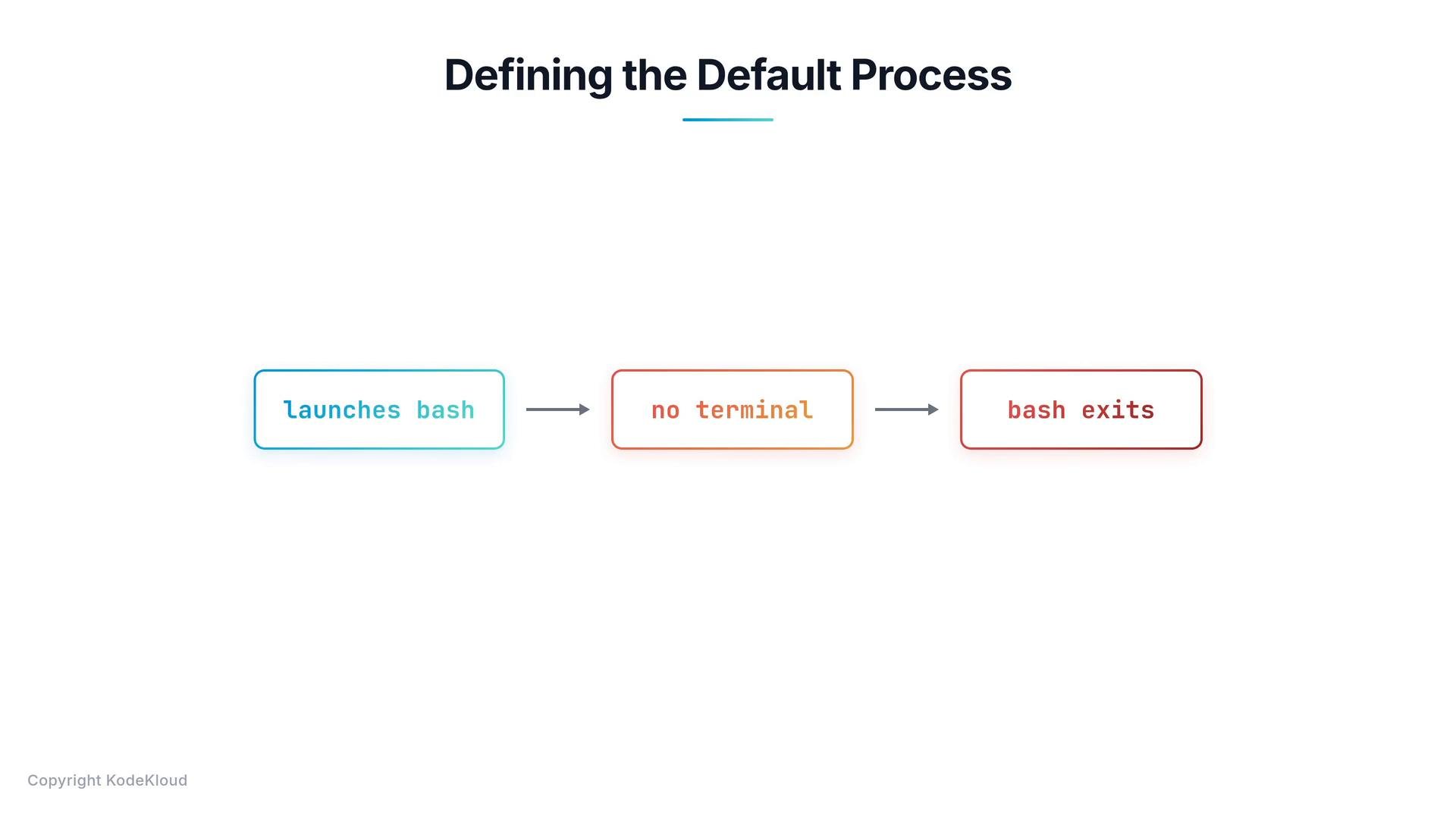
bash is an interactive shell and expects a terminal. If Docker starts the container without an attached terminal, bash will exit immediately due to lack of interactive input — and the container exits.
Overriding the default command at runtime
You can override the image’s default command by supplying a command and arguments afterdocker run. Example: run the Ubuntu image but start sleep 5 instead of bash:
sleep 5 inside the container, which waits 5 seconds and then exits.
Making the change permanent (image-level)
To make a different default permanent, build a new image and setCMD or ENTRYPOINT in the Dockerfile. Key differences:
CMD— sets a default command or default arguments forENTRYPOINT.ENTRYPOINT— sets a fixed executable that always runs;CMDcan supply default arguments.
Exec form vs shell form
Prefer the JSON/exec array form to avoid shell parsing differences. In the exec form, the first element is the executable and subsequent elements are its arguments. Correct (exec/JSON array form):/bin/sh -c), which changes how signals and quoting behave.
Always use the exec (JSON array) form for
CMD and ENTRYPOINT when you want predictable behavior, correct signal propagation, and to avoid unexpected shell parsing.ENTRYPOINT vs CMD — behavior summary
- If an image defines only
CMD ["program","arg"], then any trailing arguments todocker runreplace theCMDentirely. - If an image defines
ENTRYPOINT ["program"]andCMD ["arg"], then:docker run imagenamerunsprogram arg(CMD supplies a default arg).docker run imagename newargrunsprogram newarg(runtime args replace CMD).docker run --entrypoint other imagename args...replaces the entrypoint completely.
Example: ubuntu-sleeper
Dockerfile:Summary:
CMDprovides a default command or default arguments.ENTRYPOINTdefines the executable that will always run.- Use
ENTRYPOINT + CMDwhen you want a fixed executable with configurable default arguments. - Use the JSON array (exec) form to avoid unexpected shell parsing and to ensure proper signal handling.
Links and references
- Dockerfile reference — CMD
- Dockerfile reference — ENTRYPOINT
- nginx on Docker Hub
- mysql on Docker Hub
- Ubuntu base image on Docker Hub