

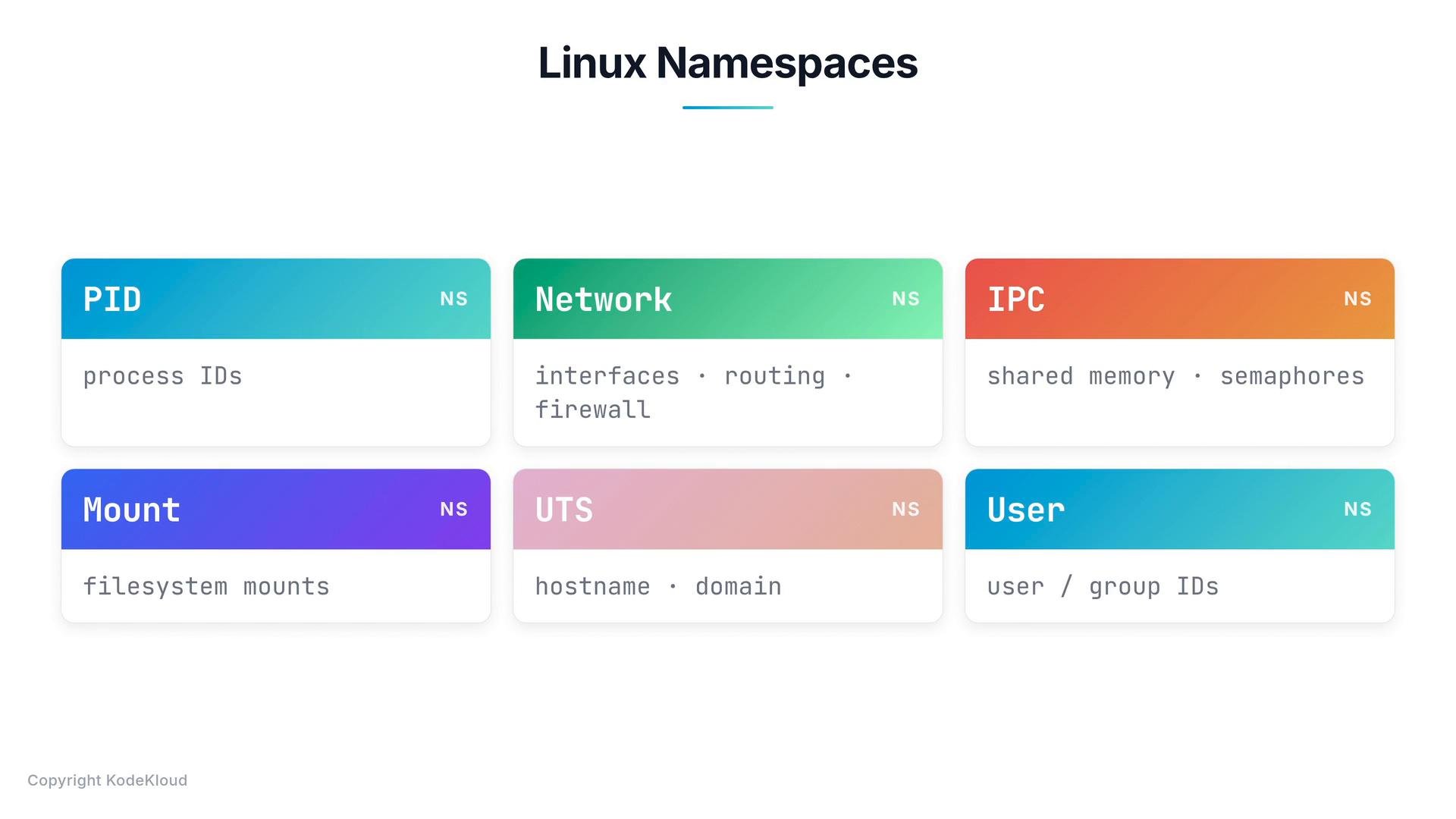
Focus: PID namespaces
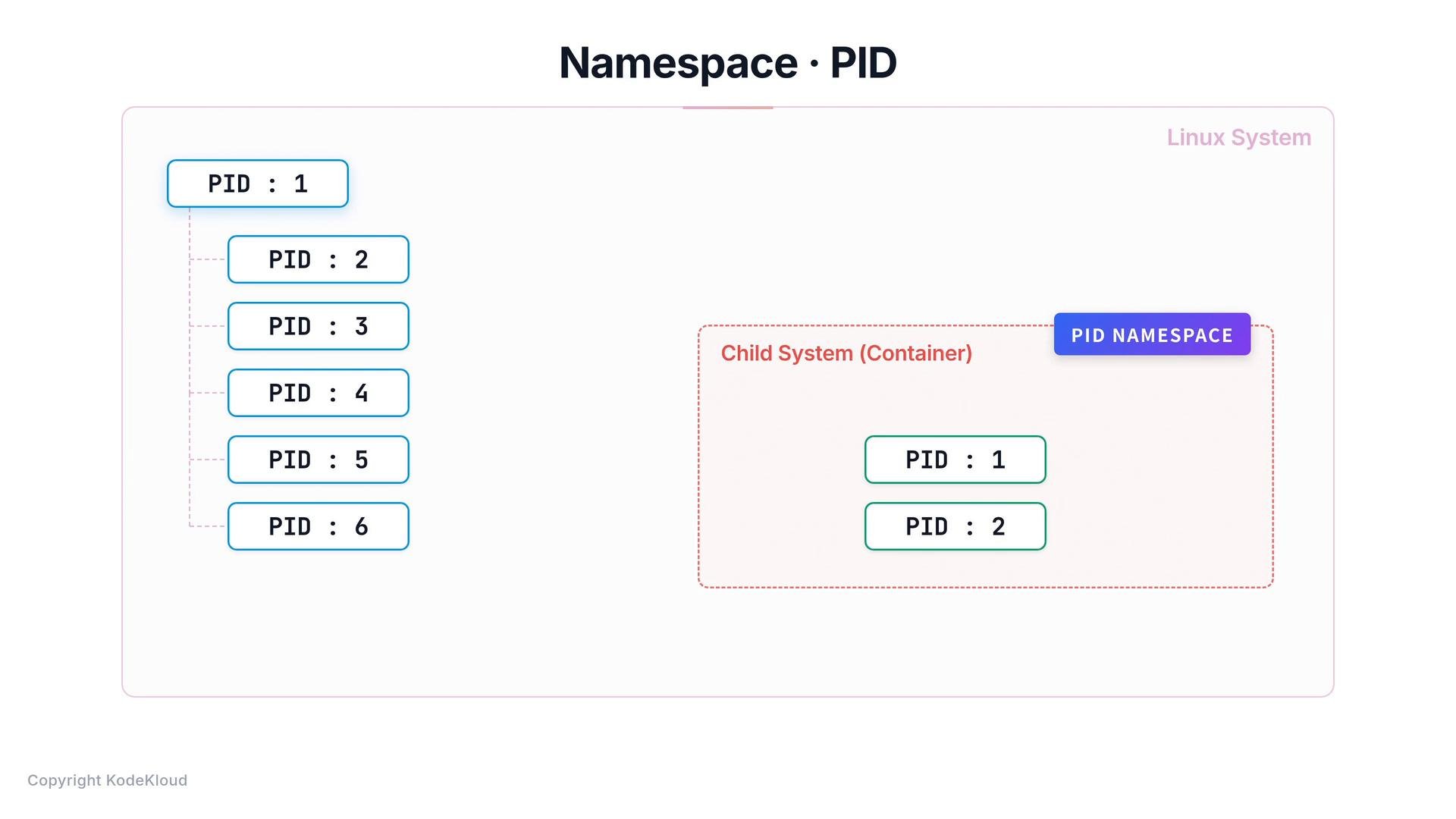
When Linux boots it creates a single initial process (PID 1) from which other processes spawn. PID namespaces let processes in a child namespace have a separate PID numbering that starts at 1. This is why a container appears to have its own init/service process (PID 1) and its own independent process tree even though those processes are actually running on the host kernel.
How PID namespaces behave in practice
- Inside the container: an init/service process appears as PID 1 and all container processes are numbered relative to that namespace.
- On the host: the same container processes exist as normal host processes and are assigned host PIDs from the host PID namespace.
- A single process can therefore have different numeric PIDs depending on which PID namespace view you use.
PID numbers are unique within a given PID namespace. A process may appear as PID 1 inside its container namespace while having a different PID on the host.
ps:
- Container processes are real host processes managed by the kernel.
- PID namespaces provide an isolated PID numbering and a container-local process tree (with PID 1 inside the container).
- View host processes:
ps auxorps -ef. - View processes inside a running container:
docker exec -it <container> ps aux(or usedocker top <container>). - See namespace details on the host:
lsns -t pidshows existing PID namespaces. - Run an interactive shell in a new PID namespace for testing:
sudo unshare --pid --fork --mount-proc bash(creates a new PID namespace where the new shell is PID 1).