

docker build, push to a registry. That basic flow works to get started, but when you use Docker for real projects you’ll encounter several practical limitations of the legacy builder.
This article walks through four concrete problems with traditional Docker builds and explains why they matter in CI/CD and production environments. Docker has introduced modern build improvements (BuildKit, docker buildx, build secrets, and multi-platform build support) to address these exact issues.
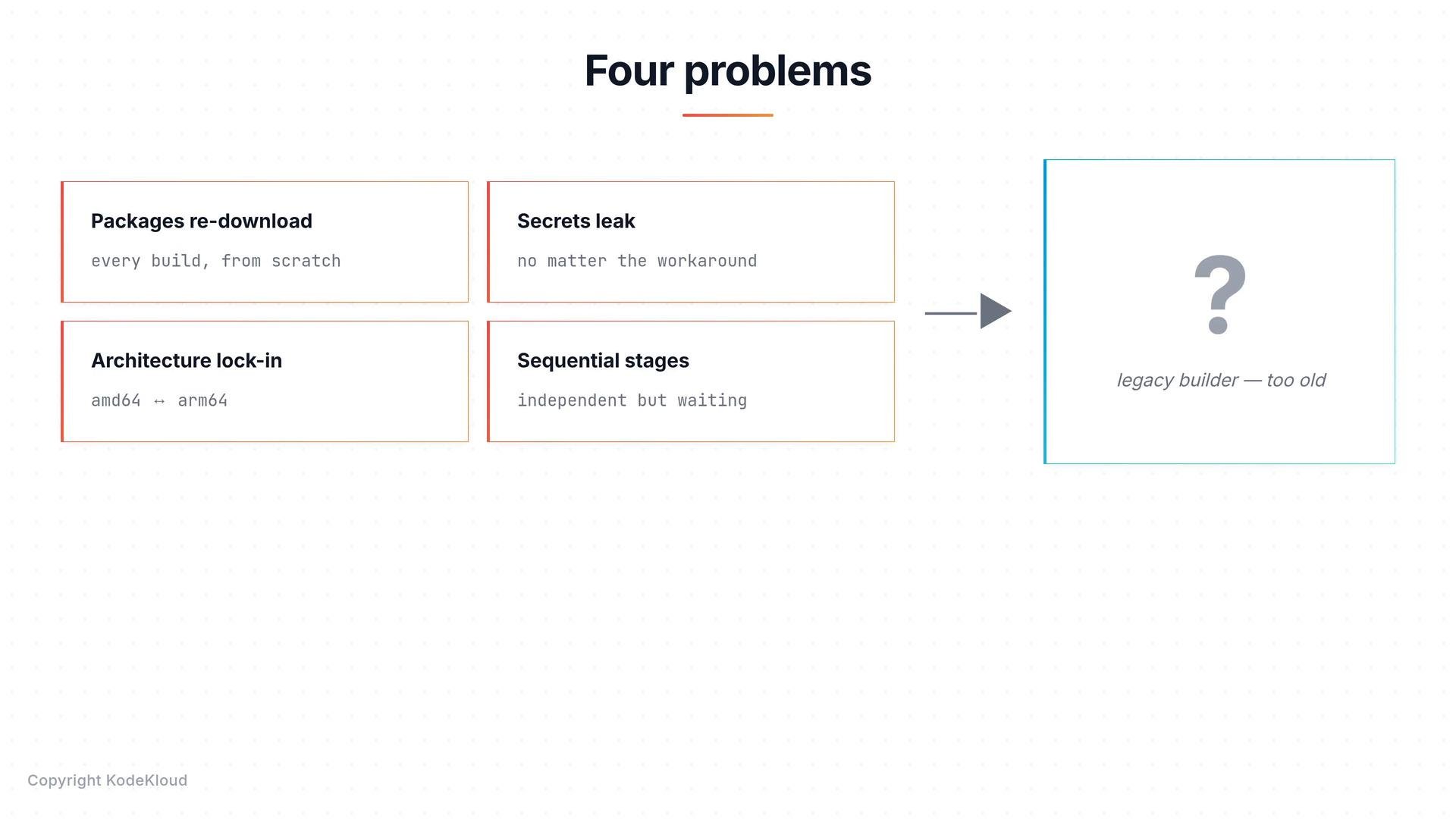
The four problems covered here:
- Packages are re-downloaded on every build.
- Secrets can leak into image metadata or layers.
- Architecture is locked to the builder machine.
- Independent stages run sequentially instead of in parallel.
Summary table
Packages download on every build
When aRUN step invokes a package manager (for example apt-get, pip install, npm ci), the downloader fetches packages over the network and installs them into the image layer. By default, the package manager cache is not preserved in a way that benefits subsequent builds, and Docker invalidates downstream layers when source files change.
The result: change a single line of code and you may re-run the dependency install step, re-downloading tens or hundreds of megabytes.
Example build-and-rebuild sequence:
- Use build cache mount features (BuildKit) to persist package caches across builds (
--mount=type=cache). - Pin dependency files (
requirements.txt,package-lock.json) early in the Dockerfile to maximize cache reuse. - Use dependency-only stages and only copy final artifacts into the runtime image.
Secrets leak into image metadata or layers
Secrets used during builds — API keys, tokens, SSH keys — require special care. Several common approaches are insecure with the legacy builder:- Build args (
ARG) — passing secrets with--build-argplaces values in image history and metadata. They can be recovered viadocker historyordocker inspect.
Do not pass secrets via
--build-arg. Build arguments and ENV values can end up embedded in image metadata or layers and are not a secure secret mechanism.ENV— anENVinstruction bakes the value into a layer and every container created from that image will see the variable.COPYthenrm— copying a secret file into the image and then deleting it in a later layer does not remove it from the earlier layer; the secret remains accessible in that layer’s contents. Example (insecure pattern):
- Multi-stage builds — better because you can keep the runtime image free of the secret, but if intermediate images are pushed to a registry for caching or retained locally, the secret can still be exposed.
--secret), SSH forwarding (--ssh), and better cache isolation.
Architecture lock-in
Legacy builds produce an image for the architecture of the build host. That can cause images to fail when run on a different CPU family. Examples:- Build on x86_64 (Intel/AMD) and run on arm64 (Apple Silicon, AWS Graviton, Raspberry Pi) — runtime error:
- Build on ARM and pull on x86_64 — the manifest may not include the required architecture:
- Use Docker Buildx / BuildKit to produce multi-platform images and manifest lists.
- Use QEMU emulation for cross-architecture builds when necessary (Buildx integrates QEMU).
- Use CI runners for each target architecture or a cross-compilation toolchain.
Sequential stages run when they could be parallel
A Dockerfile with multiple independent stages (for example building a frontend and a backend) is often executed sequentially by the legacy builder. When stages do not depend on one another, running them in parallel can reduce total build time significantly. Example:frontend and backend stages are independent and could be built concurrently, but older build engines run them one after the other. Modern build systems can schedule independent stages in parallel and better utilize available CPU and IO resources.
Recap
The four main problems with the traditional Docker builder are:- Re-downloading dependencies on every build (slow, wasteful).
- Secrets inadvertently embedded in image metadata or layers (security risk).
- Generated images tied to the builder’s CPU architecture (portability issues).
- Independent stages executed sequentially (inefficient builds).
docker buildx, which provide cache mounts, secure build-time secrets, multi-platform images, and parallel stage execution.
Links and references
- Docker BuildKit and build secrets: https://docs.docker.com/build/
- Buildx and multi-platform builds: https://docs.docker.com/buildx/overview/
- Dockerfile best practices: https://docs.docker.com/develop/develop-images/dockerfile_best-practices/