

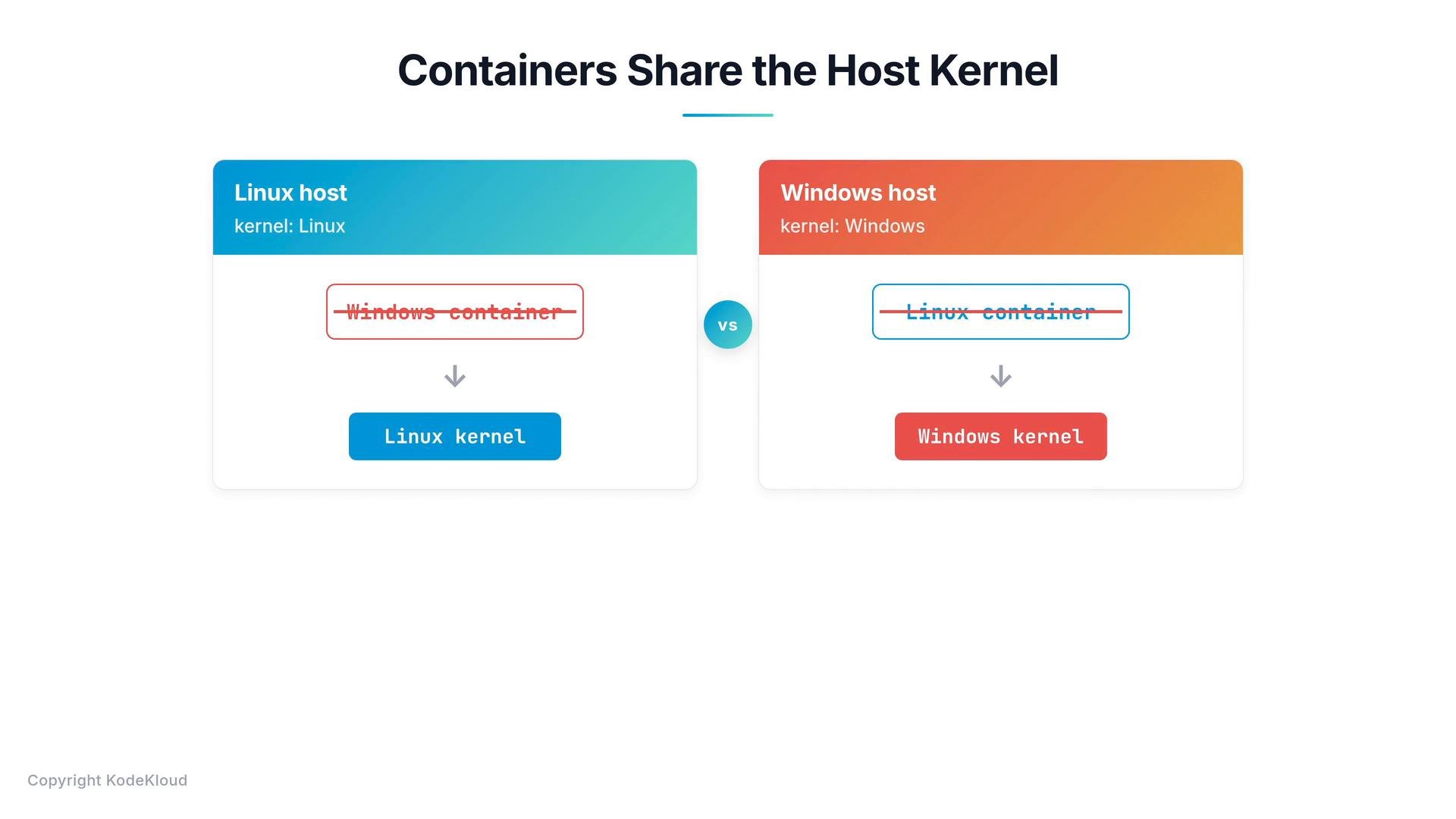
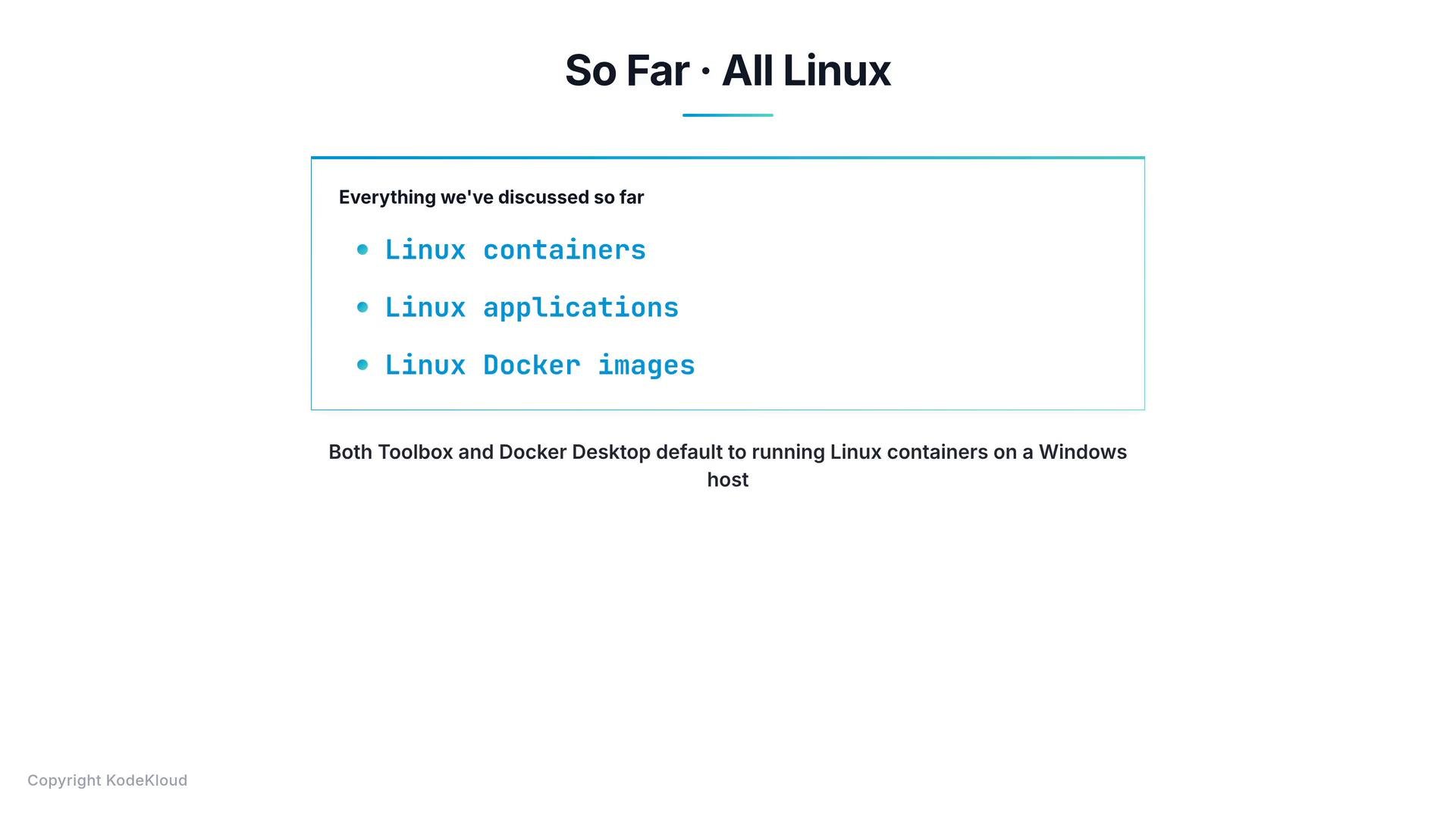
Containers reuse the host kernel — this is why a Windows host runs Windows containers and a Linux host runs Linux containers. When running Linux workloads on Windows, Docker provides a Linux kernel via a small VM or WSL2.
-
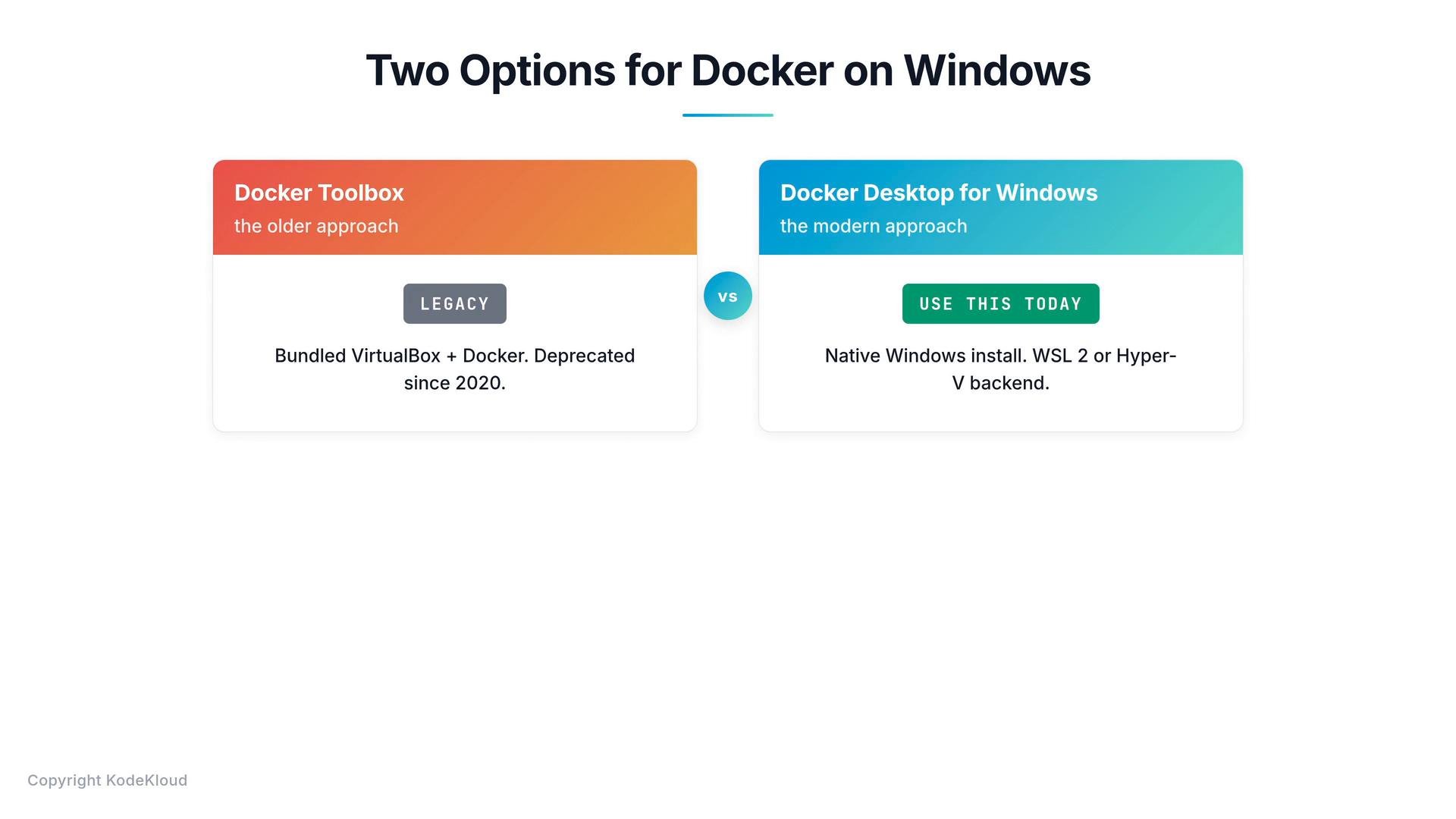
Docker Toolbox (legacy)
- Provided an all-in-one installer (VirtualBox, Docker Engine, Docker Machine, Docker Compose, Kitematic UI).
- Packed a tiny Linux VM (Boot2Docker) and ran Linux containers inside that VM on Windows hosts.
- Could not build or run Windows images — Toolbox only ran Linux containers.
- Deprecated (no longer maintained since 2020). If you’re on modern Windows (10/11), use Docker Desktop instead.
-
Docker Desktop (recommended)
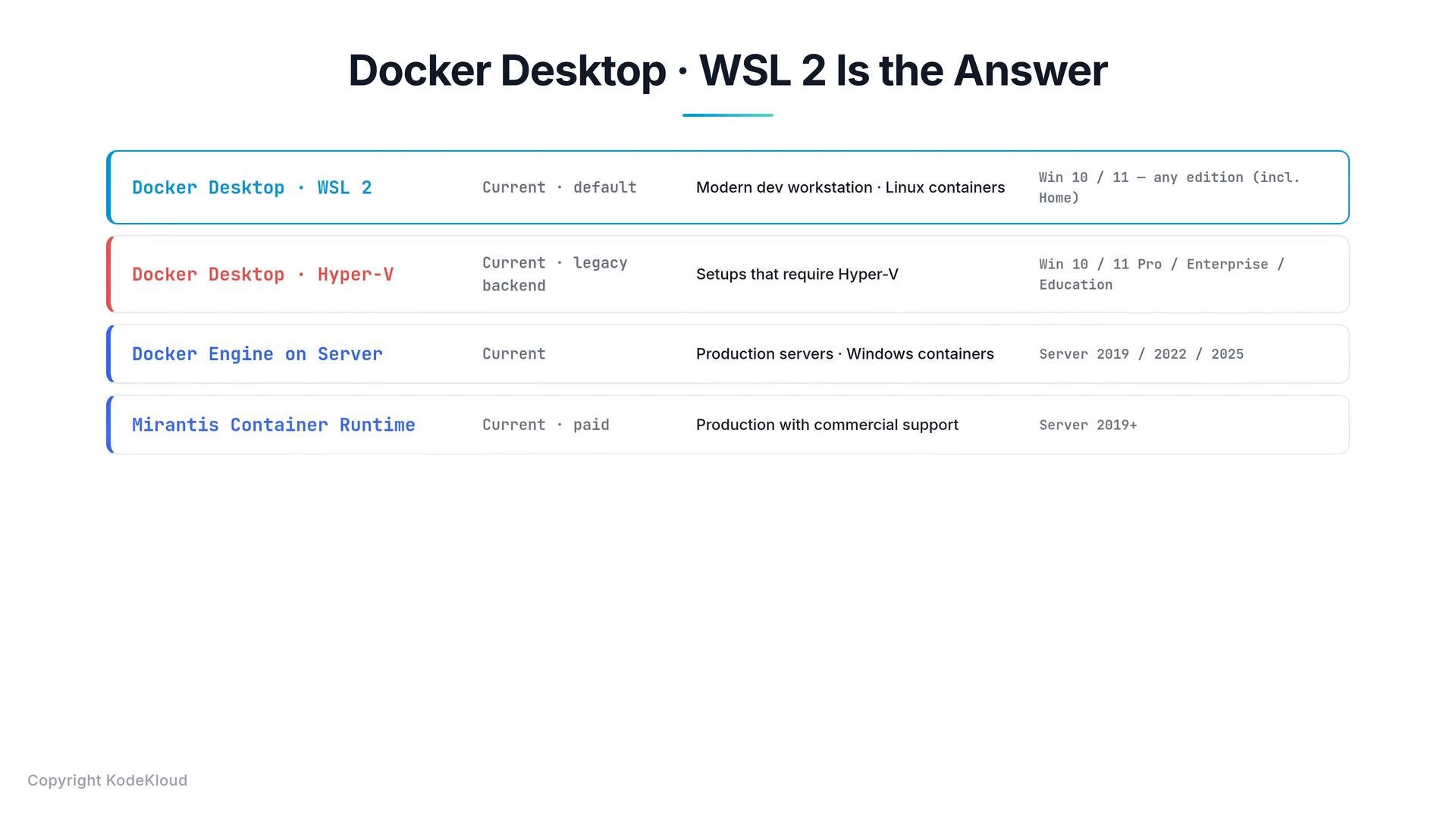
- The modern developer workstation product for Windows 10 and Windows 11 (all editions, including Home).
- Provides a small Linux runtime environment so Linux containers can run on a Windows host.
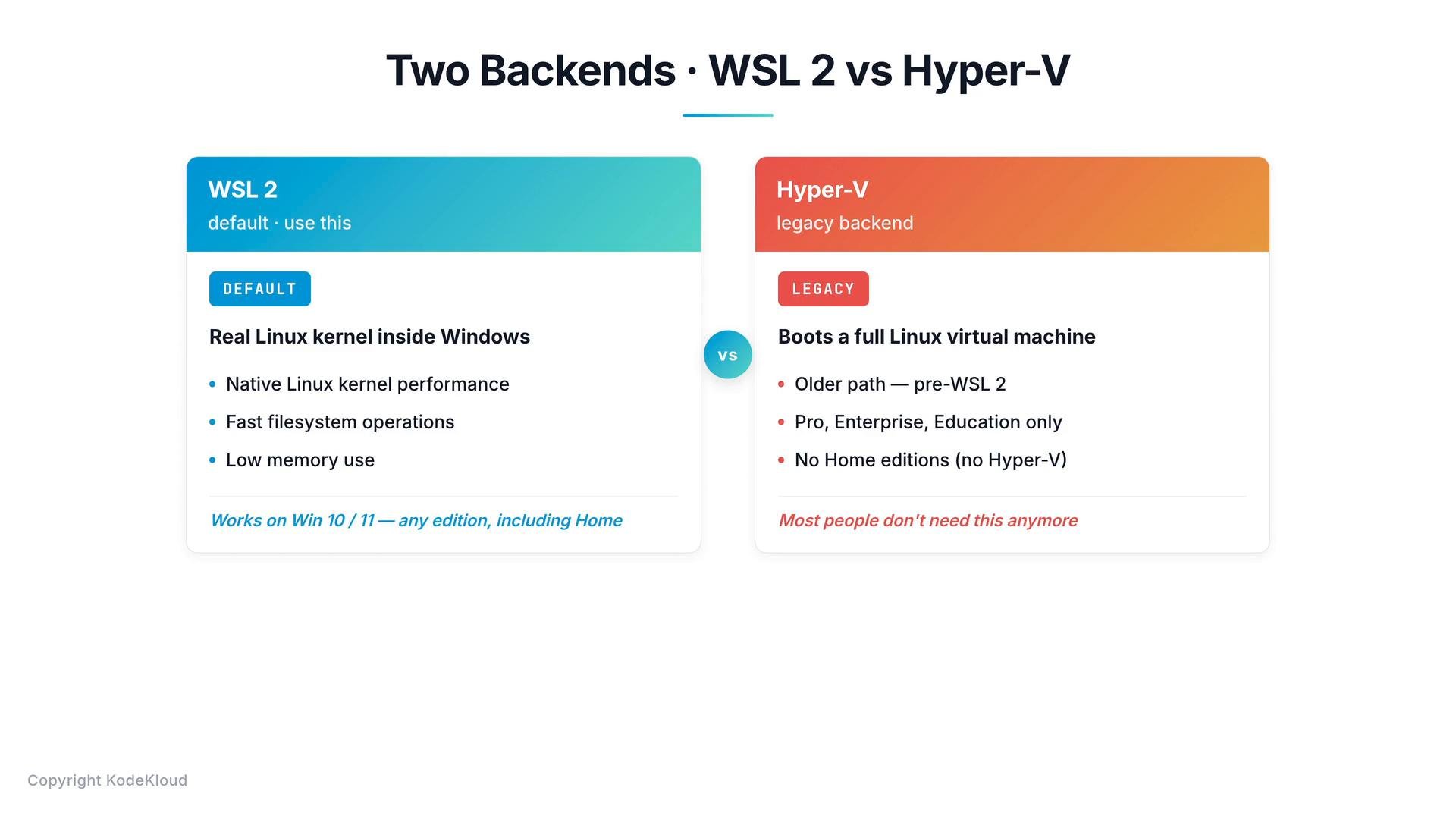
- Supports two backends for Linux containers: WSL2 (recommended) and Hyper‑V (legacy/alternate).
Key notes:
- WSL2 has been Docker Desktop’s default backend since March 2020 and does not require the full Hyper‑V role (it uses the Windows Hypervisor Platform/Virtual Machine Platform components).
- Hyper‑V requires the Hyper‑V role and is only available on Windows Pro, Enterprise, and Education editions. It boots a traditional VM and generally has higher overhead than WSL2.
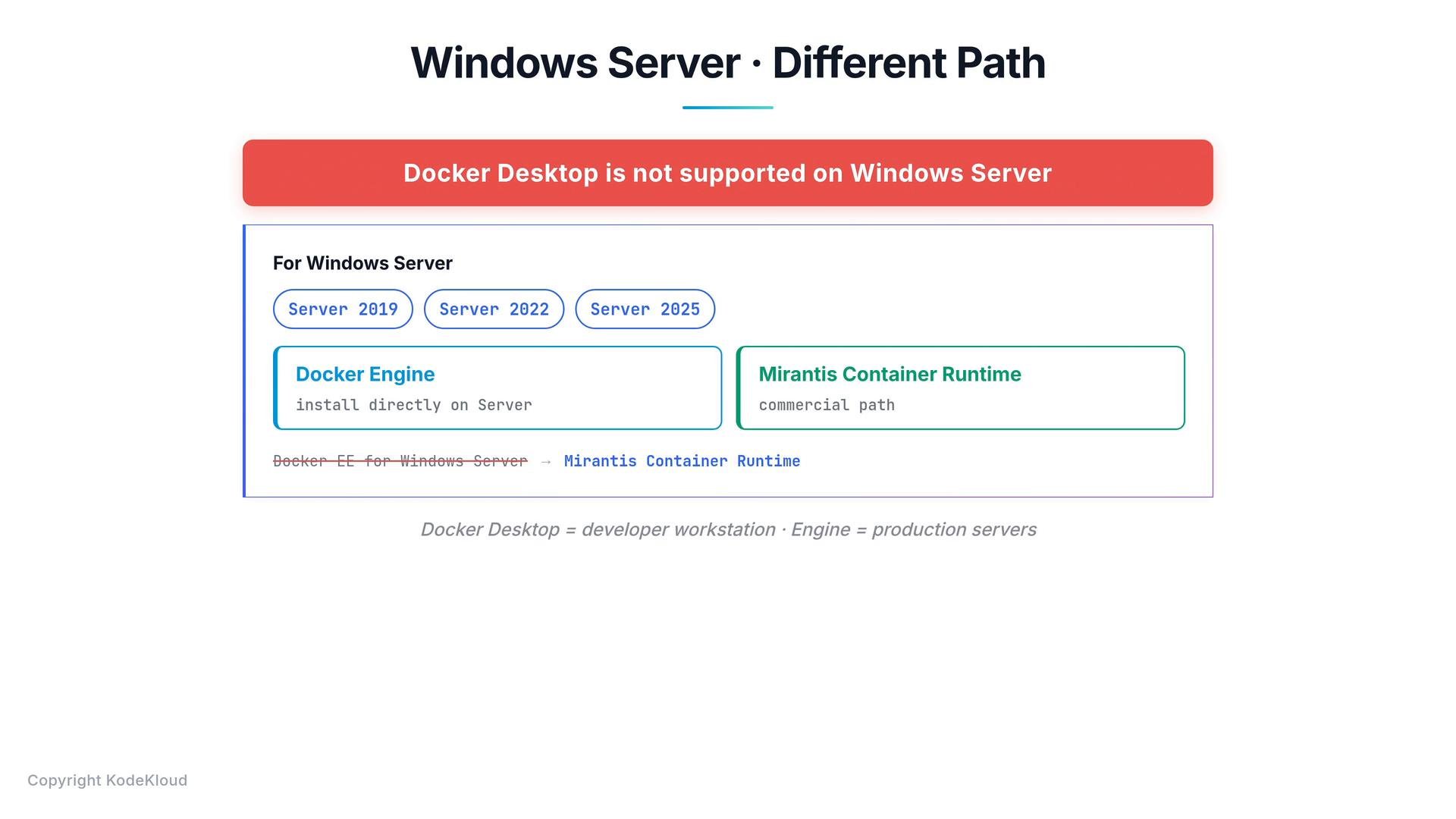
Docker Desktop is not supported on Windows Server. For Windows Server (2016/2019/2022+) install Docker Engine directly or use a supported commercial runtime such as Mirantis Container Runtime.
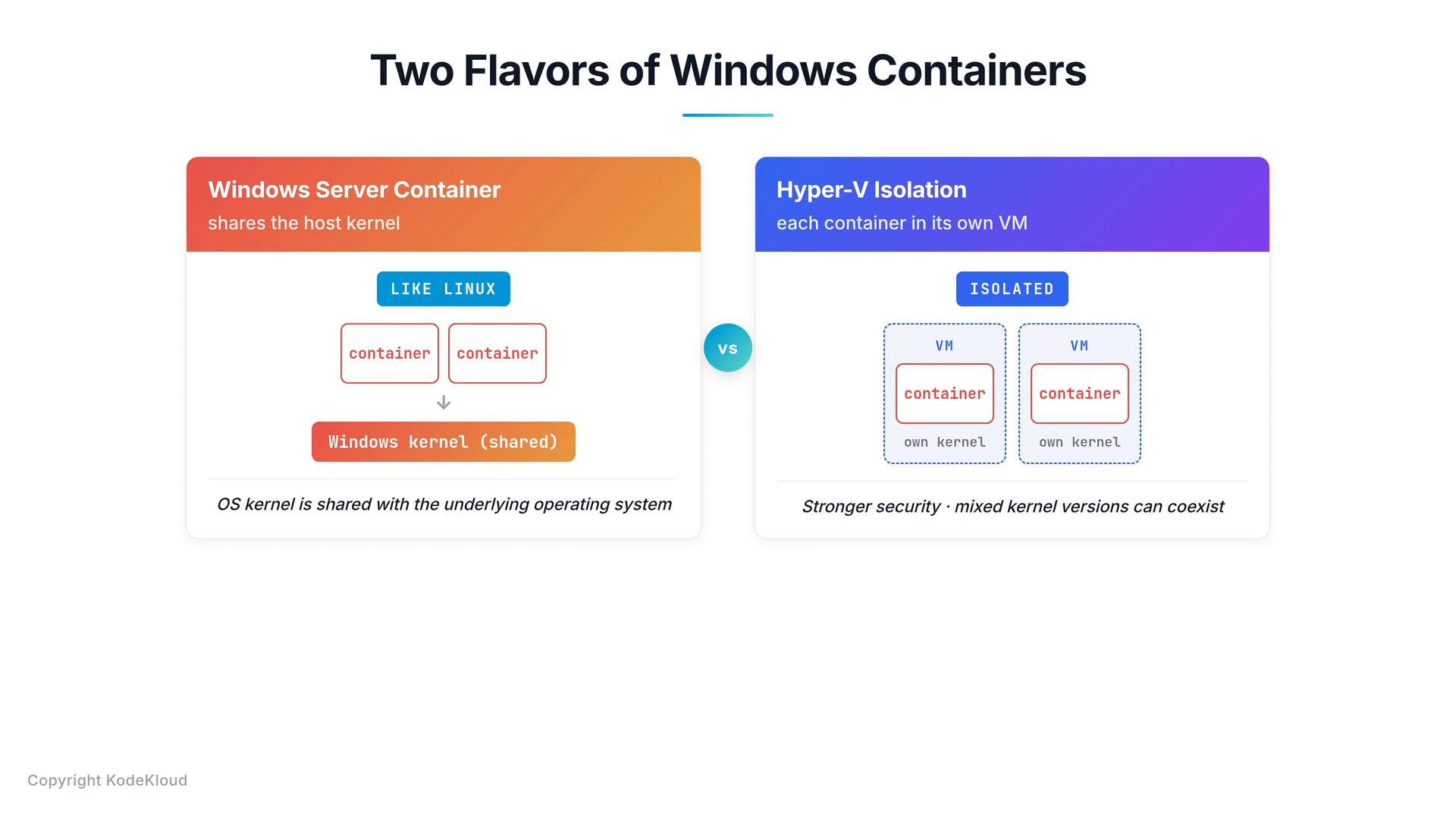
- Windows Server containers (process isolation): containers share the host Windows kernel — conceptually similar to Linux containers.
- Hyper‑V isolation: each container runs inside a lightweight VM with its own kernel for stronger isolation and to handle kernel version/configuration differences.
windows/servercore and windows/nanoserver. Nano Server is a small-footprint, headless base (similar in spirit to Alpine Linux), while Server Core provides a larger Windows API surface.
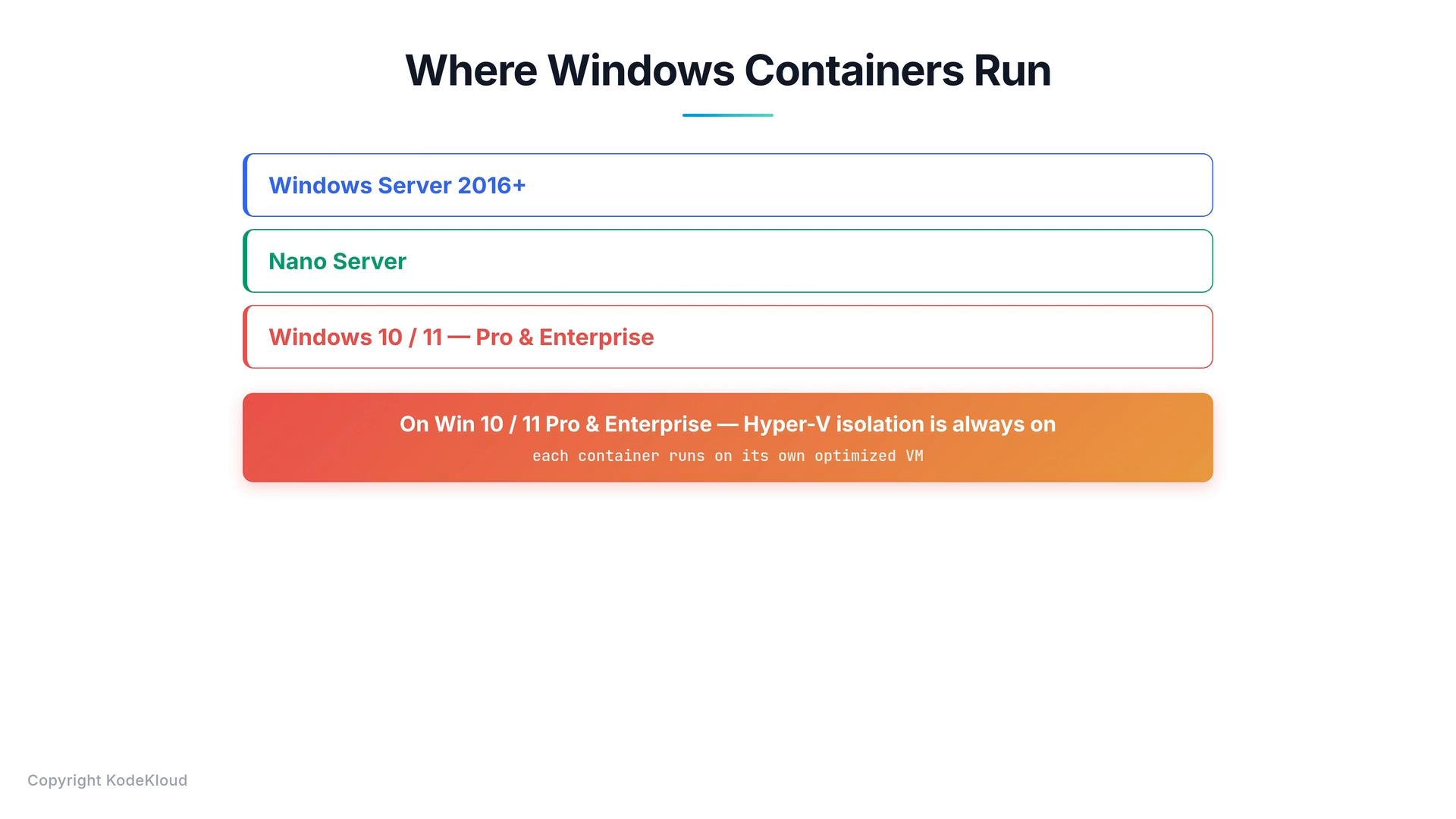
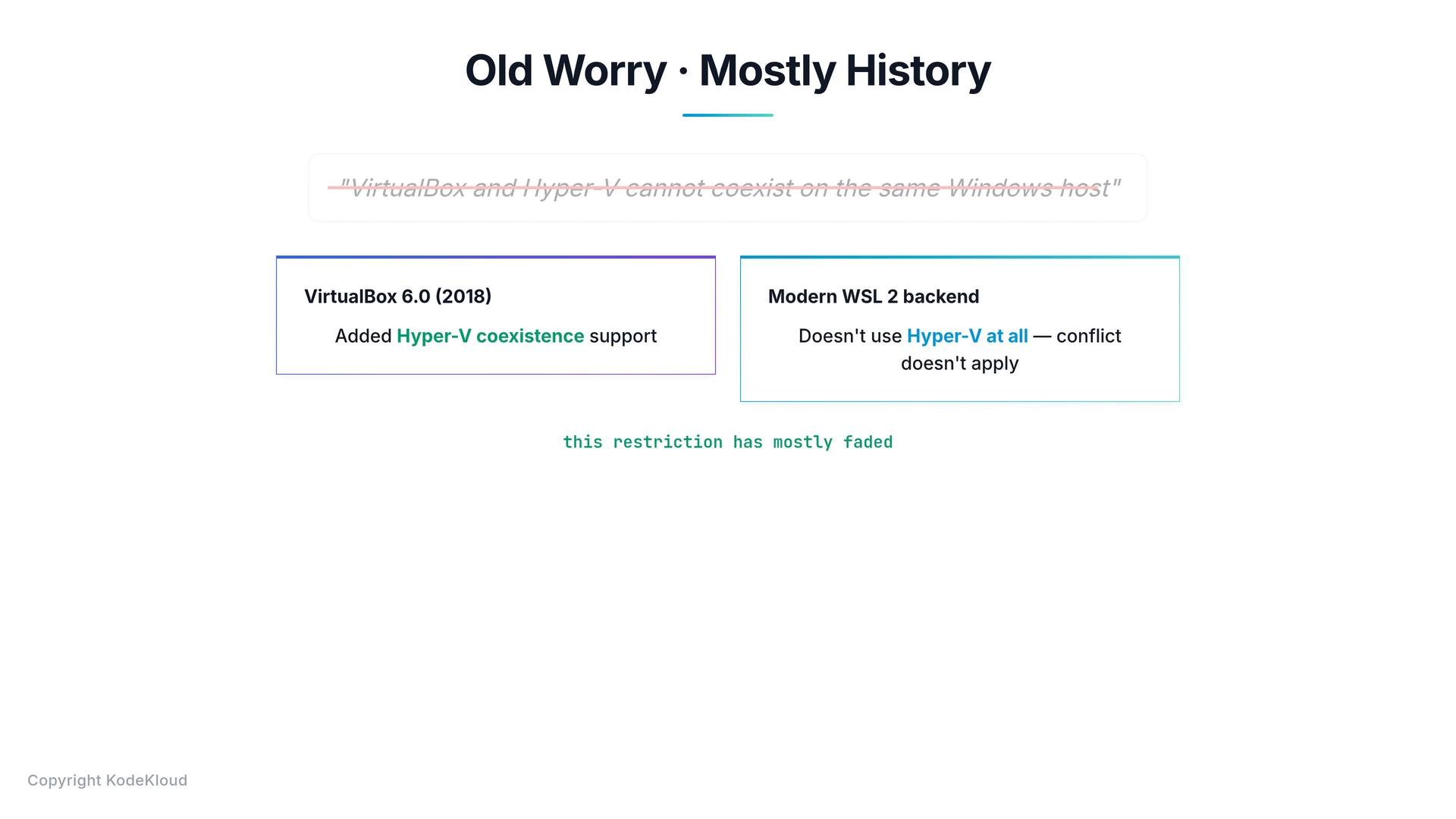
- For most developers on modern Windows (10/11, any edition), use Docker Desktop with the WSL2 backend — it provides the best performance and compatibility for Linux containers.
- Use Hyper‑V backend only when WSL2 cannot be enabled or you have a specific requirement.
- For Windows Server hosts, install Docker Engine directly or use a supported commercial runtime for production.
- If you need Windows containers, choose your base image carefully (
windows/nanoservervswindows/servercore) and pick the appropriate isolation mode (process vs Hyper‑V) based on compatibility and security needs.
- Docker Desktop for Windows: https://docs.docker.com/desktop/windows/
- WSL2 (Windows Subsystem for Linux): https://docs.microsoft.com/windows/wsl/
- Windows containers overview: https://docs.microsoft.com/virtualization/windowscontainers/
- Docker Engine on Windows Server: https://docs.docker.com/engine/install/Windows/