

- Linux namespaces — which isolate process IDs (PID), networking, mount points, inter-process communication (IPC), hostname/UTS, and user views.
- Control groups (cgroups) — which enforce resource accounting and limits (CPU, memory, block I/O, etc.).
Containers use kernel features (namespaces and cgroups) to achieve process- and resource-level isolation. Because containers share the host kernel, they are not full virtual machines.
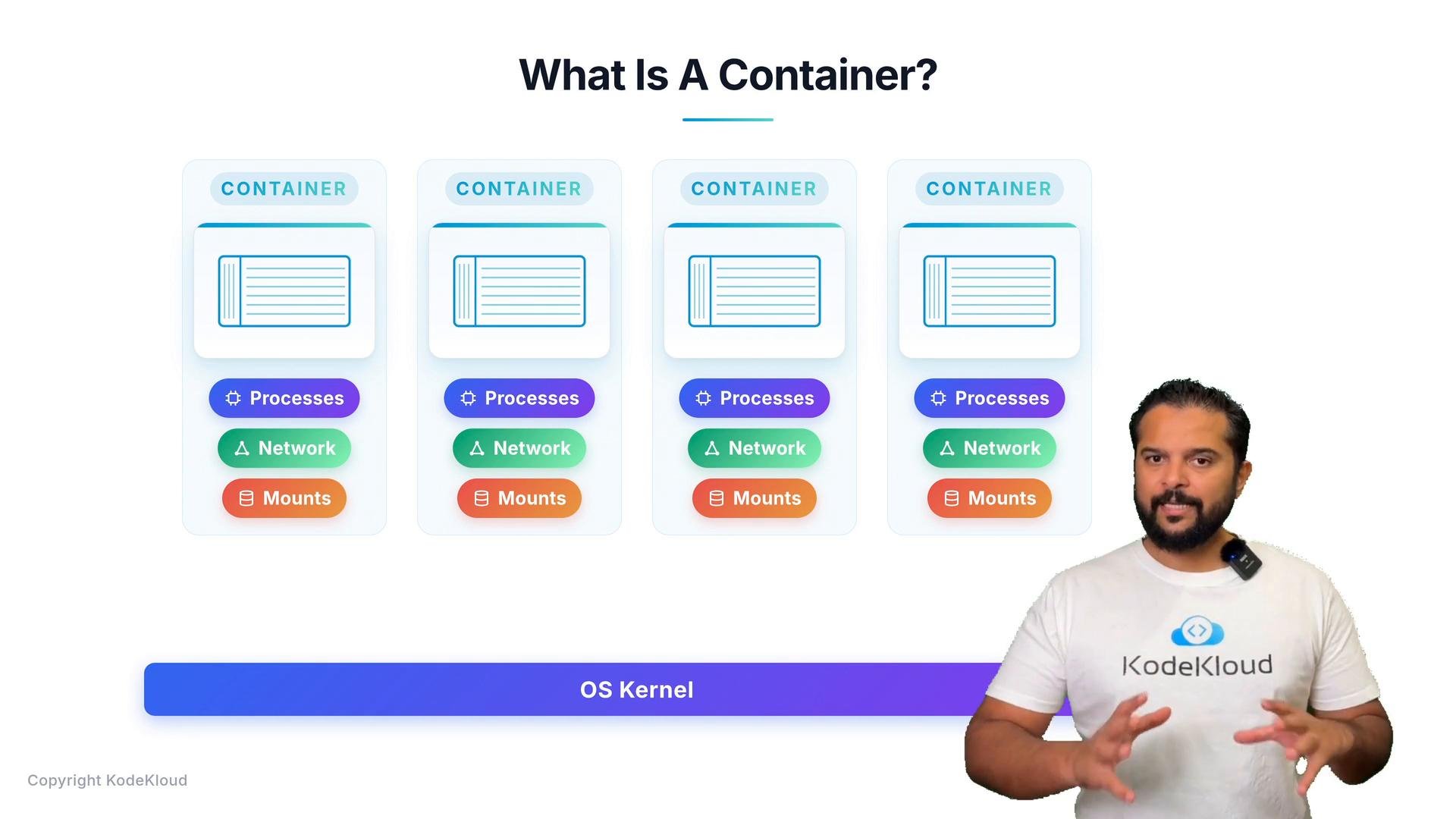
- No guest OS kernel: containers share the host kernel instead of booting a separate kernel per instance.
- Minimal overhead: runtime components focus on setting up namespaces and cgroups and starting user-space processes.
- Rapid start/stop: launching a container is typically milliseconds to seconds, compared to minutes for a VM.
- LXC/LXD — userspace tools to create and manage containers using kernel features.
- LXCFS — a userspace filesystem to improve container behavior.
- Docker (user-facing tool) interacts with containerd (a daemon).
- containerd manages image distribution and container lifecycle.
- containerd invokes runC (the OCI runtime) to create and run container processes.
Key terms and components
Why choose containers over VMs?
- Faster startup and lower memory/CPU overhead.
- Easier application packaging and reproducible environments.
- Better density — more containers can run on the same host compared to VMs.
- Simpler CI/CD and microservices workflows due to image immutability and portability.
- LXC — Linux Containers
- LXD — Container hypervisor
- LXCFS — FUSE filesystem for containers
- runC (OCI reference runtime)
- containerd
- Open Container Initiative (OCI)
- Docker course — KodeKloud
If you’re learning containers, focus first on namespaces and cgroups to understand how isolation and resource limits work. Then explore higher-level tooling such as Docker, containerd, and runC to see how those primitives are composed into a usable developer workflow.