

- Packages redownloaded from scratch on every build
- Secrets leaking into image metadata
- Architecture lock‑in to the builder machine
- Independent stages executed sequentially instead of concurrently
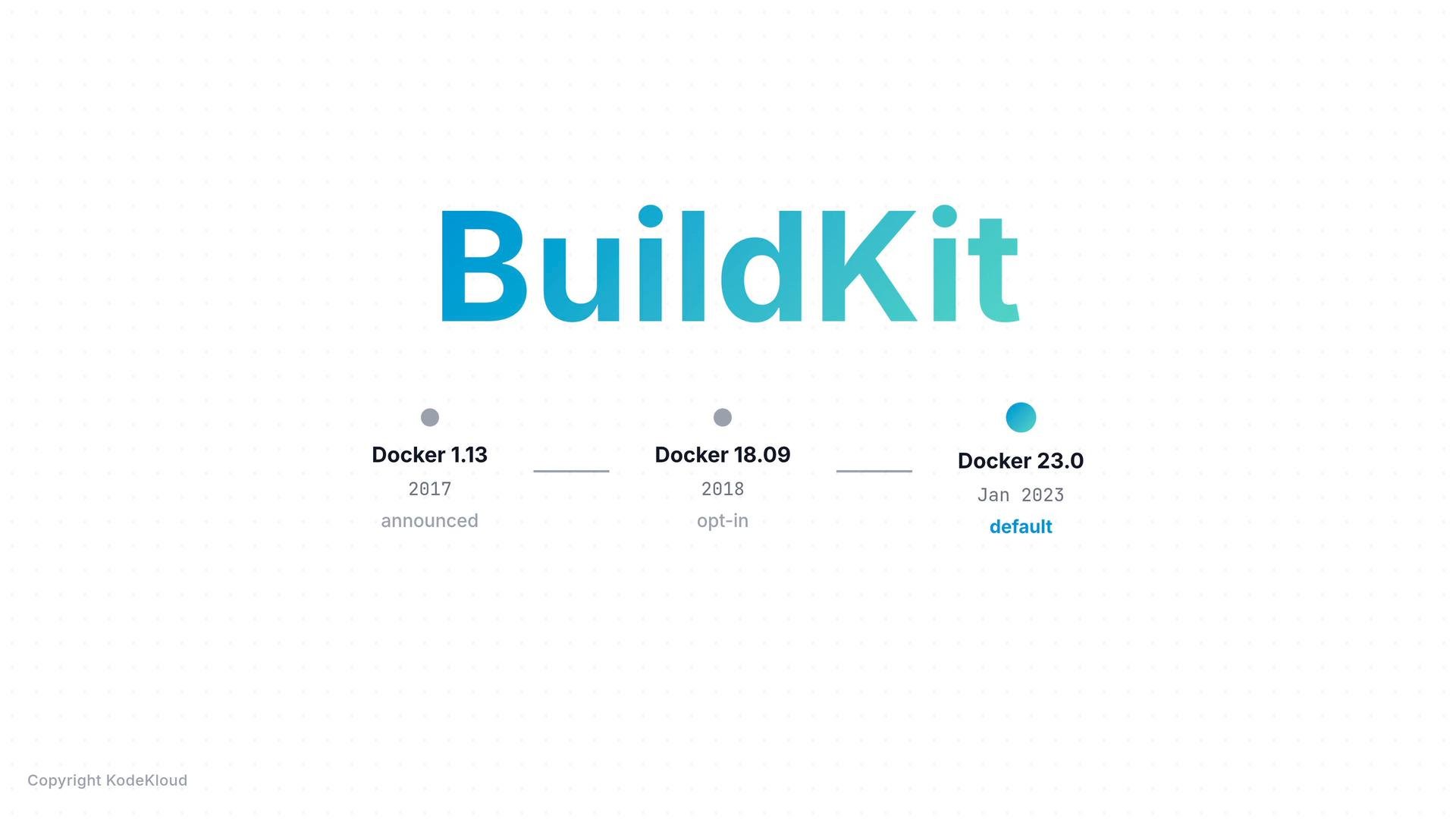
docker build routes through BuildKit/Buildx under the hood. When you need advanced BuildKit features you’ll use docker buildx build explicitly.
If you want to see whether the Buildx plugin is installed, check your package list. Buildx is typically included with modern Docker packages.
docker build is routed through BuildKit:
Below we walk through each feature with clear examples and expected output.
- Cache mounts — avoid re-downloading packages on every build
BuildKit cache mounts let a RUN step persist cache directories across builds. To use the
--mountsyntax you must include the modern Dockerfile frontend directive at the top of your Dockerfile:
# syntax=docker/dockerfile:1 directive enables frontend features such as --mount. On the first build packages are downloaded from the network; subsequent builds restore those downloads from the cache, dramatically reducing build time.
First build (slow):
- Secret mounts — use secrets safely during build BuildKit provides ephemeral secret mounts that exist only for the duration of a single RUN step. The secret is never added to any image layer or the image history, removing a major class of leakage risk.
- Multi-platform builds — build for multiple CPU architectures in one command BuildKit supports building and pushing multi-architecture images in a single command and publishes a manifest that points to per-architecture image variants. Consumers pulling the image automatically receive the variant matching their platform.
- Parallel stage execution — independent stages build simultaneously
If your Dockerfile contains independent multi-stage builds (for example separate
FROMstages for front-end and back-end that don’t depend on each other), the legacy builder would run them sequentially. BuildKit performs DAG analysis up front, determines independent stages, and runs them in parallel — reducing total build time with no Dockerfile changes required.
Final notes
Everything you already know about Docker images still applies: layers remain,
docker history still shows metadata, and standard Dockerfile instructions (FROM, RUN, COPY, ENTRYPOINT) behave the same. BuildKit is a faster, smarter build engine beneath the same Dockerfile syntax you already use — adopt its features (cache mounts, secret mounts, multi-platform builds, and parallel stage execution) incrementally to improve speed, security, and portability.
Links and references
- Docker Buildx (official): https://docs.docker.com/buildx/working-with-buildx/
- BuildKit (GitHub): https://github.com/moby/buildkit
- Dockerfile reference (syntax directive): https://docs.docker.com/engine/reference/builder/