

.txt documents (for example, Project Gutenberg books), chunks them, indexes chunks into ChromaDB, persists tokenized chunks for BM25, and executes hybrid queries that blend both retrieval signals to produce a final, source-attributed answer.
We use a local Ollama instance for both embeddings and the LLM so everything can run locally.
Highlights
- Chunk and index plain-text books for retrieval.
- Build a BM25 index for exact keyword matches.
- Build a vector index (ChromaDB) for semantic matches using Ollama embeddings.
- Fuse BM25 and vector rankings via RRF to improve robustness.
- Ask queries that return concise, source-grounded answers from an Ollama chat model.
- Read
.txtfiles from a folder. - Chunk the documents and store per-chunk metadata.
- Create a BM25 corpus (tokenized chunks, persisted as pickle files).
- Embed chunks with Ollama and upsert into a persistent Chroma collection.
- On query: run BM25 to get top keyword hits and run Chroma vector search for semantic hits. Merge lists with RRF, fetch fused chunks, construct context, and ask an Ollama chat model to produce a concise answer that cites sources.
Frankenstein.txt to the data folder (Project Gutenberg eBook).
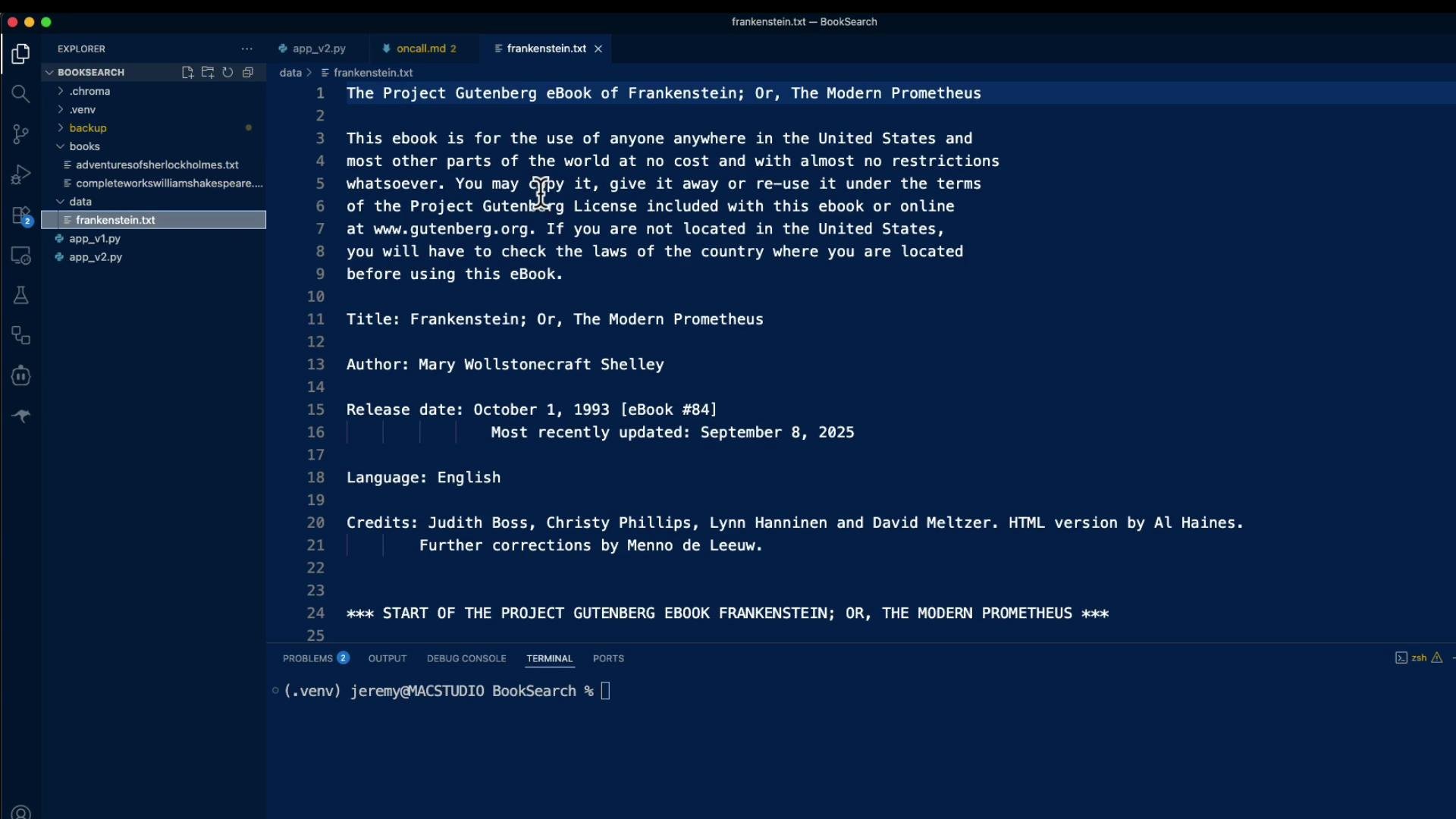
Before running the pipeline, install the required Python packages and ensure you have a running local Ollama instance and the Ollama models you plan to use.
Ollama models must be installed locally and served by an Ollama daemon. This demo assumes Ollama is reachable on the default local socket. If Ollama is not running or models are missing, embedding and LLM calls will fail.
- Python 3.8+.
- Local Ollama installed and running with:
- an embedding model (e.g.,
nomic-embed-text) - an LLM (e.g.,
llama:3.3:latest)
- an embedding model (e.g.,
- Chroma will store a local persistent collection in
.chroma/.
hybrid_rag.py— single script demonstrating the full pipeline.data/frankenstein.txt— example corpus (Project Gutenberg).
Below is the
hybrid_rag.py script presented in logical chunks: imports & constants, embedding helpers, utilities, RRF fusion, ingest, BM25 loader, ask function, and CLI.
Note: keep each code block intact when assembling the full file.
Imports and constants
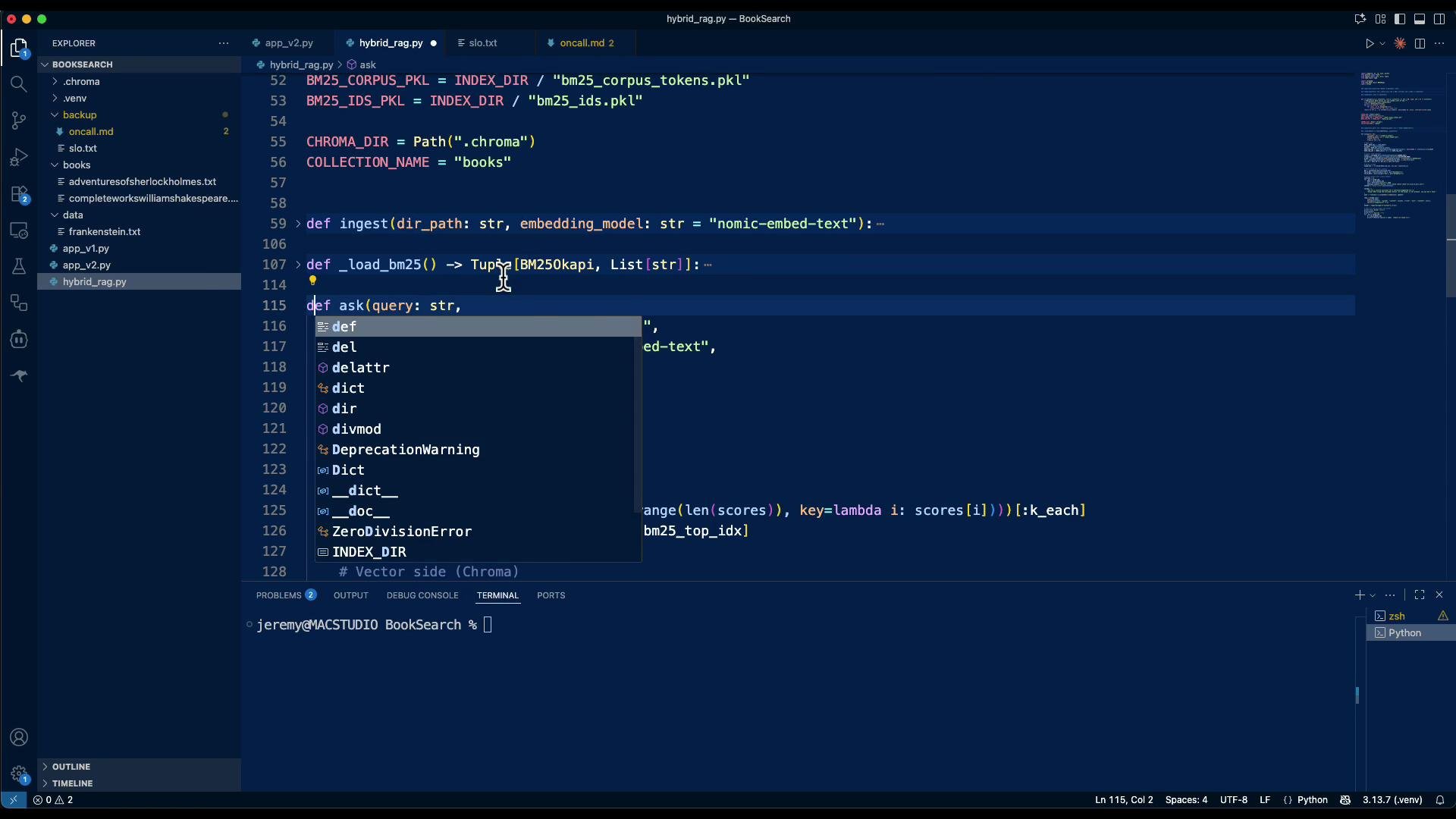
ingest and ask
- Ingest a folder (e.g., the
datafolder withfrankenstein.txt):
- Ask a question:
- Why hybrid retrieval? BM25 excels at precise keyword matching (high precision for exact terms). Embedding-based retrieval (semantic search) excels at recall for conceptually related content. Blending both often yields more robust retrieval in realistic applications.
- RRF is a simple, effective fusion strategy to combine two ranked lists into a single ordered result set.
- The prompt instructs the LLM to “Answer ONLY using the provided context” to reduce hallucinations. In practice, fine-tune prompts, retrieval sizes (
k_eachandfinal_k), and chunk sizes to balance precision and recall. - Chunk size and overlap are tunable knobs. For a local demo, a chunk size of ~800 characters with a 150-character overlap worked well; adjust based on your documents and the model context window.
- Try open-ended queries, e.g., “When does Victor animate the creature?” — the system will either find a grounded answer in the retrieved chunks or reply “I don’t know” when the context lacks a definitive answer.
- Add more books (e.g., Sherlock Holmes) to the
data/directory and re-runingestto build a multi-document corpus. Hybrid retrieval will return relevant chunks across documents.
- Local embeddings via Ollama,
- Persistent semantic store via ChromaDB,
- Keyword retrieval via BM25,
- Fusion via RRF,
- Final response generation via an Ollama chat model instructed to use only the retrieved context.
- Ollama — Local LLMs & Embeddings
- ChromaDB — Vector Database
- Okapi BM25 (Wikipedia)
- Project Gutenberg
hybrid_rag.py script and example data/ files so you can run it locally and extend it for your own document corpora.