

Keyword search vs. semantic search
Traditional keyword search is like a digital Control-F: it finds literal text matches but ignores meaning. A search for “car” misses “automobile” or “vehicle”; “physician” may miss content that uses “doctor”. Because keyword search ignores intent and context, users often must guess the precise phrasing to get relevant results.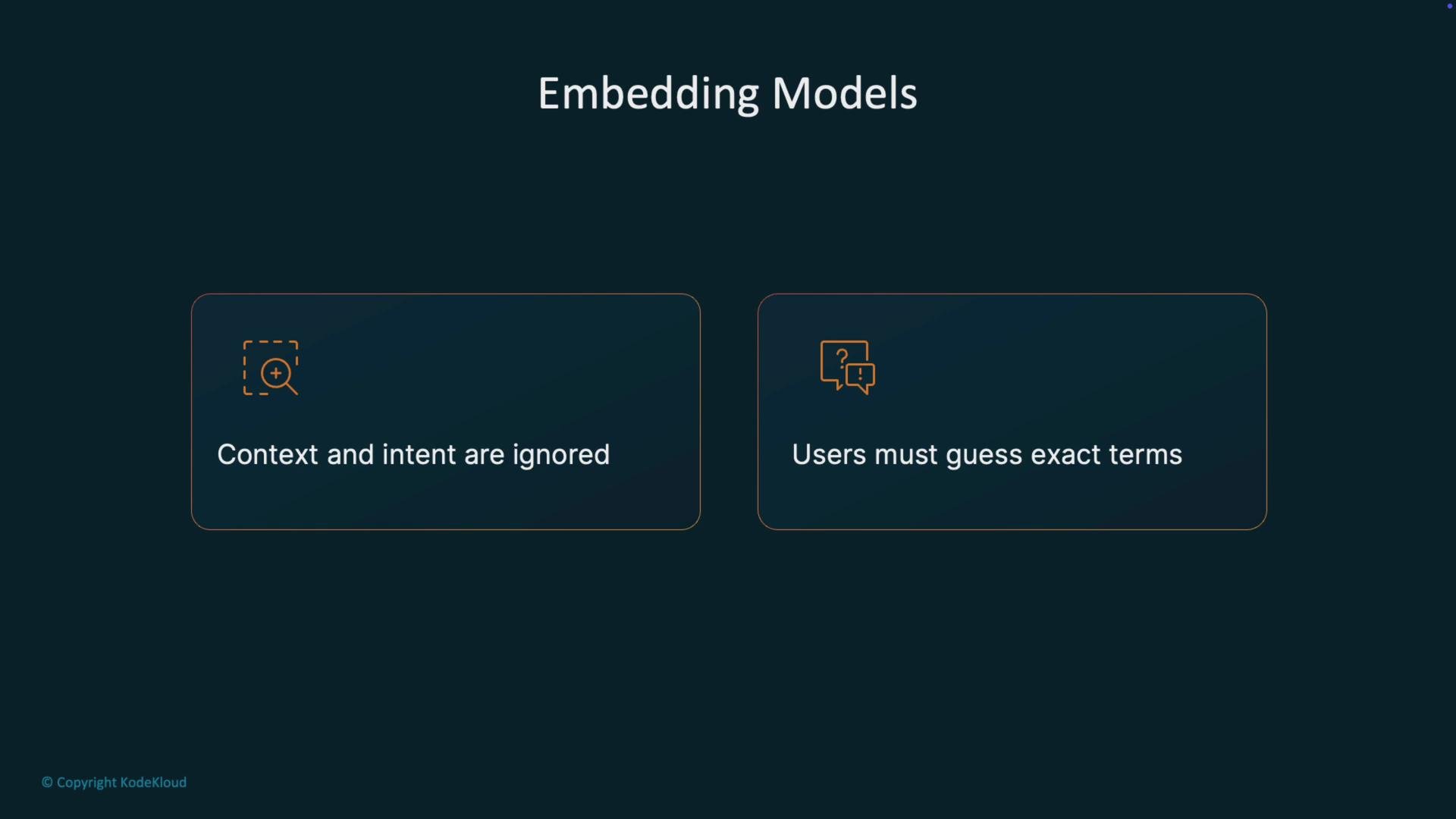
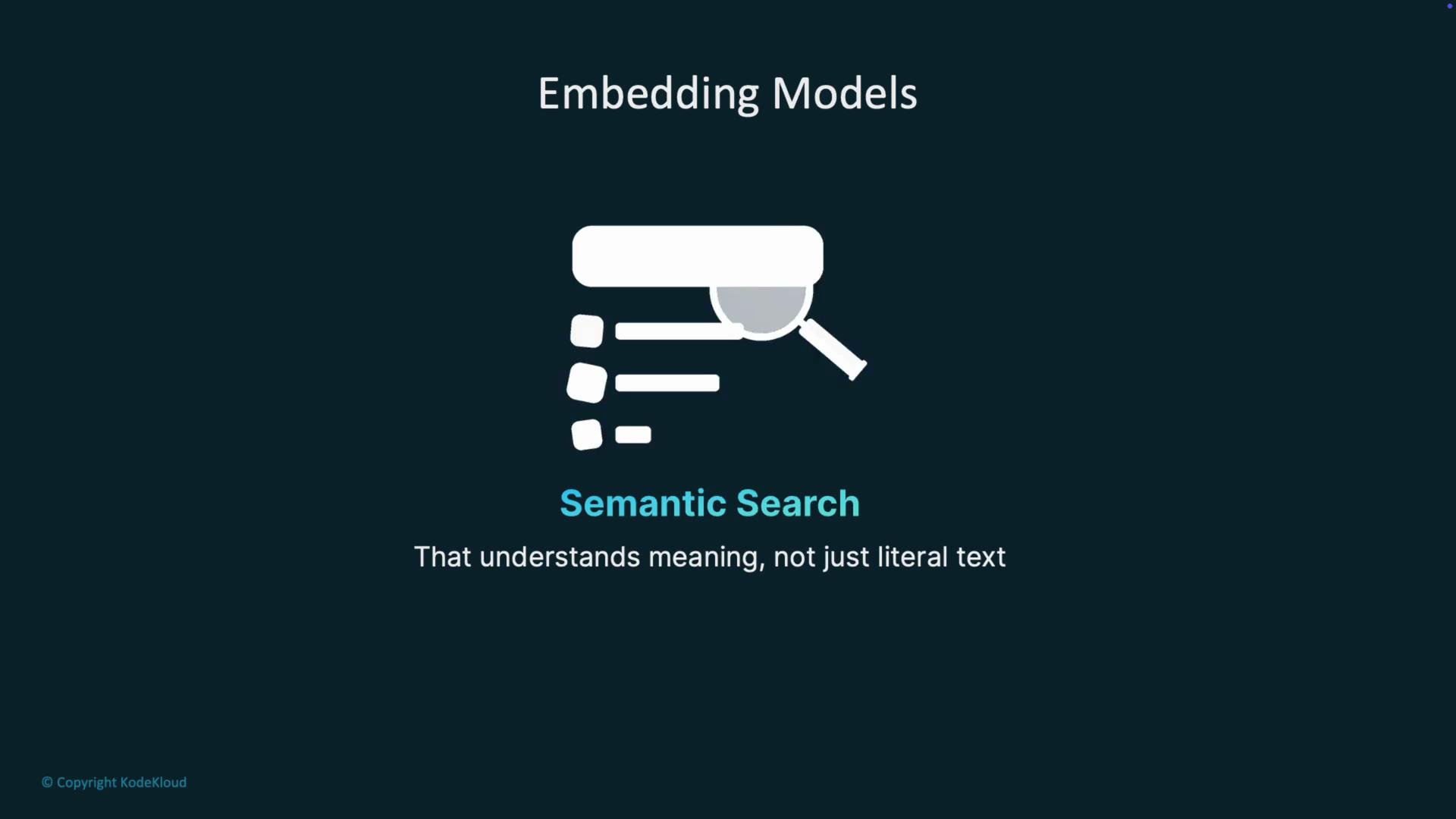
What is an embedding?
An embedding is a numerical vector representation of text: an array of floating-point numbers (often hundreds or thousands of dimensions) that encodes semantic meaning. In this high-dimensional vector space, similar concepts cluster together: for example, “dog” and “cat” are close, while “dog” and “car” are farther apart. This arrangement enables efficient similarity comparisons between text items.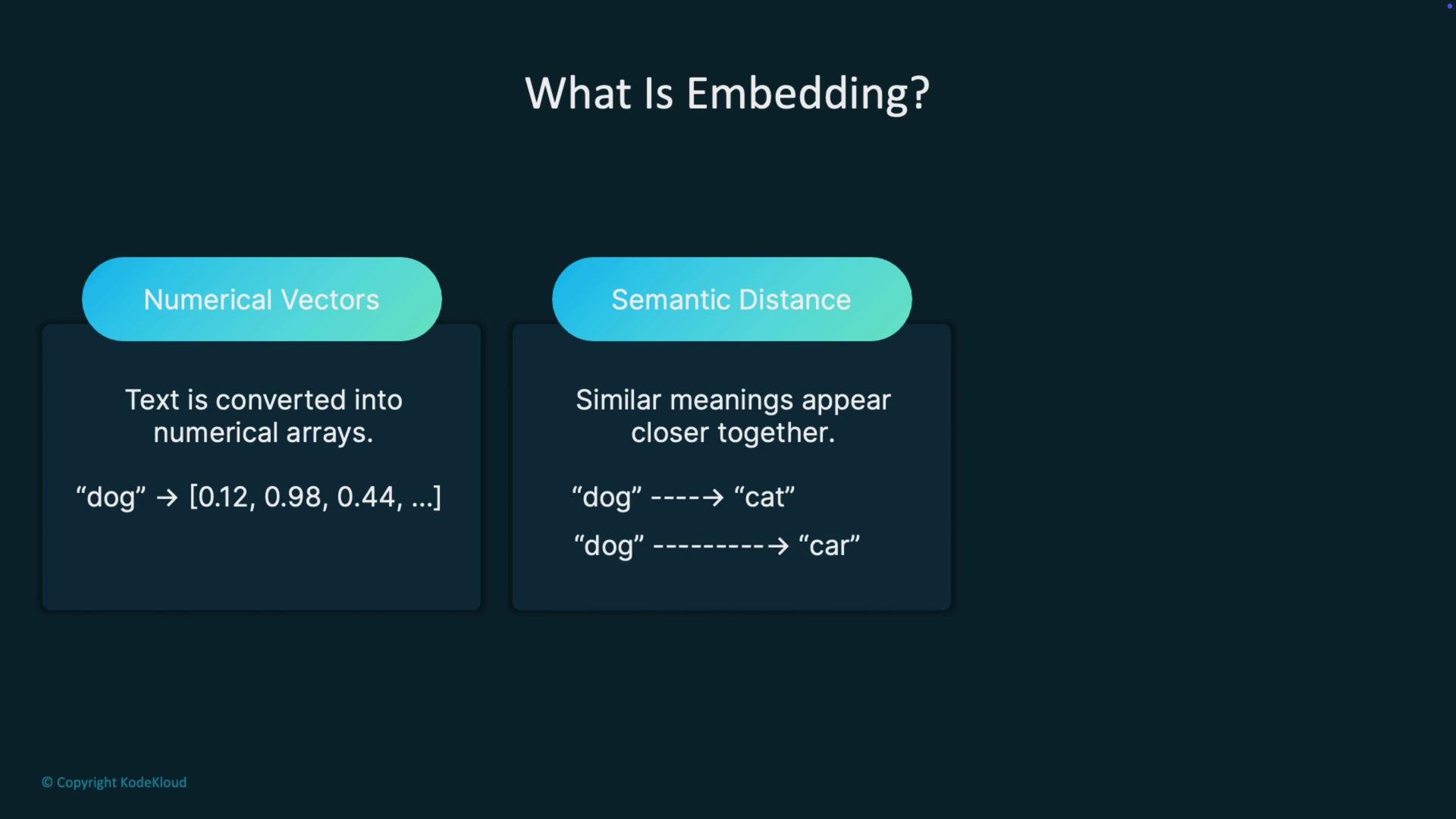
- Cosine similarity: dot product of normalized vectors, often used to measure angle (semantic closeness) between vectors.
- Dot product: raw inner product useful for some models/indexes.
How are embeddings created?
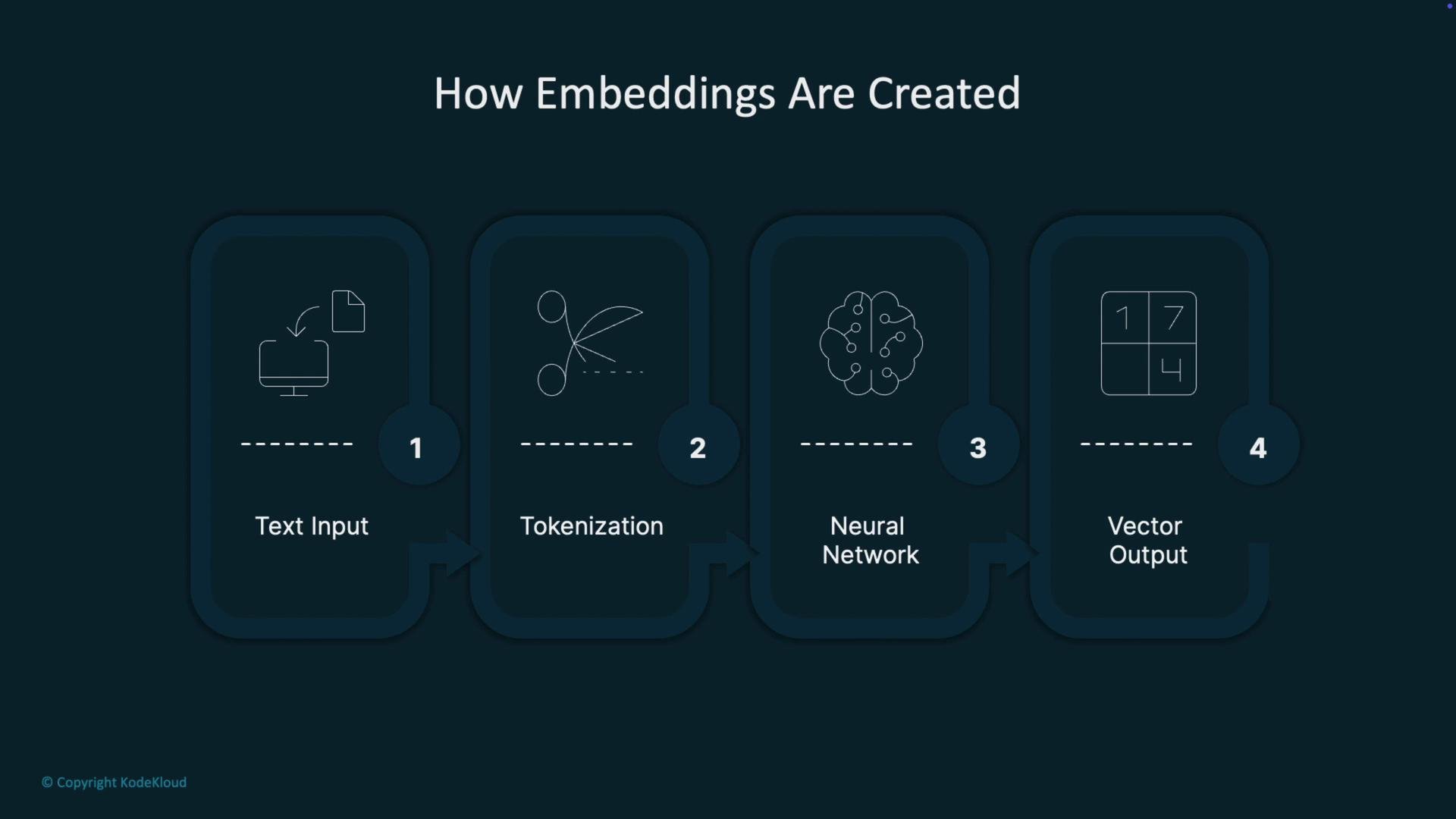
Typical production flow for generating embeddings:- Tokenize raw text into subword units.
- Feed tokens into a neural network trained on large corpora.
- Produce a dense vector that captures semantic relationships across tokens and context.
Storage and retrieval: vector databases
Embeddings are most useful when stored in vector databases designed for similarity search at scale. These systems use specialized indexes (including approximate nearest neighbor algorithms) to find the closest vectors quickly, even across millions or billions of items. Common steps when preparing documents for a RAG system:- Convert each document (or document chunk) into an embedding using a chosen model.
- Store embeddings and metadata (document IDs, text, source, timestamps) in a vector database.
- At query time, embed the user query with the same model and search the vector DB for nearest neighbors.
- Use the top retrieved documents as grounding context for an LLM to generate factual, relevant responses.
Always embed both your documents and user queries with the same embedding model — mixing models will produce inconsistent vector spaces and degrade similarity results.
Why embeddings power RAG systems
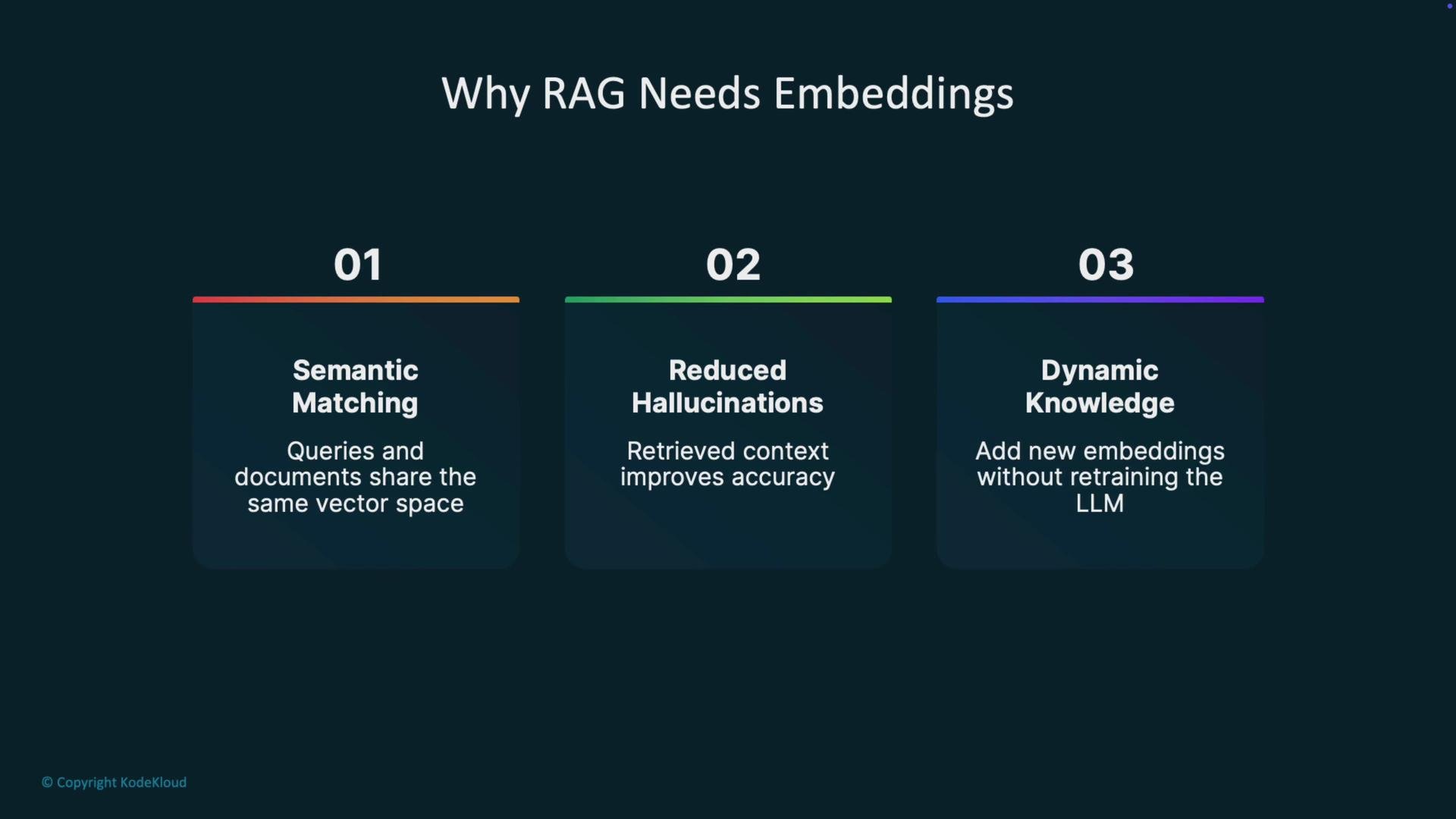
Embeddings enable RAG systems to:- Perform semantic matching by placing queries and documents in the same vector space.
- Reduce hallucinations by grounding LLM outputs in retrieved, relevant documents.
- Support dynamic knowledge: add or update embeddings as information changes without retraining the LLM.
Choosing an embedding model: trade-offs
Model selection is a balance of accuracy, speed, and cost:
For enterprise-grade systems where accuracy is critical, invest in higher-quality embeddings and thorough evaluation. For prototypes or cost-sensitive deployments, smaller models can provide acceptable performance with lower cost and latency.
Key takeaways
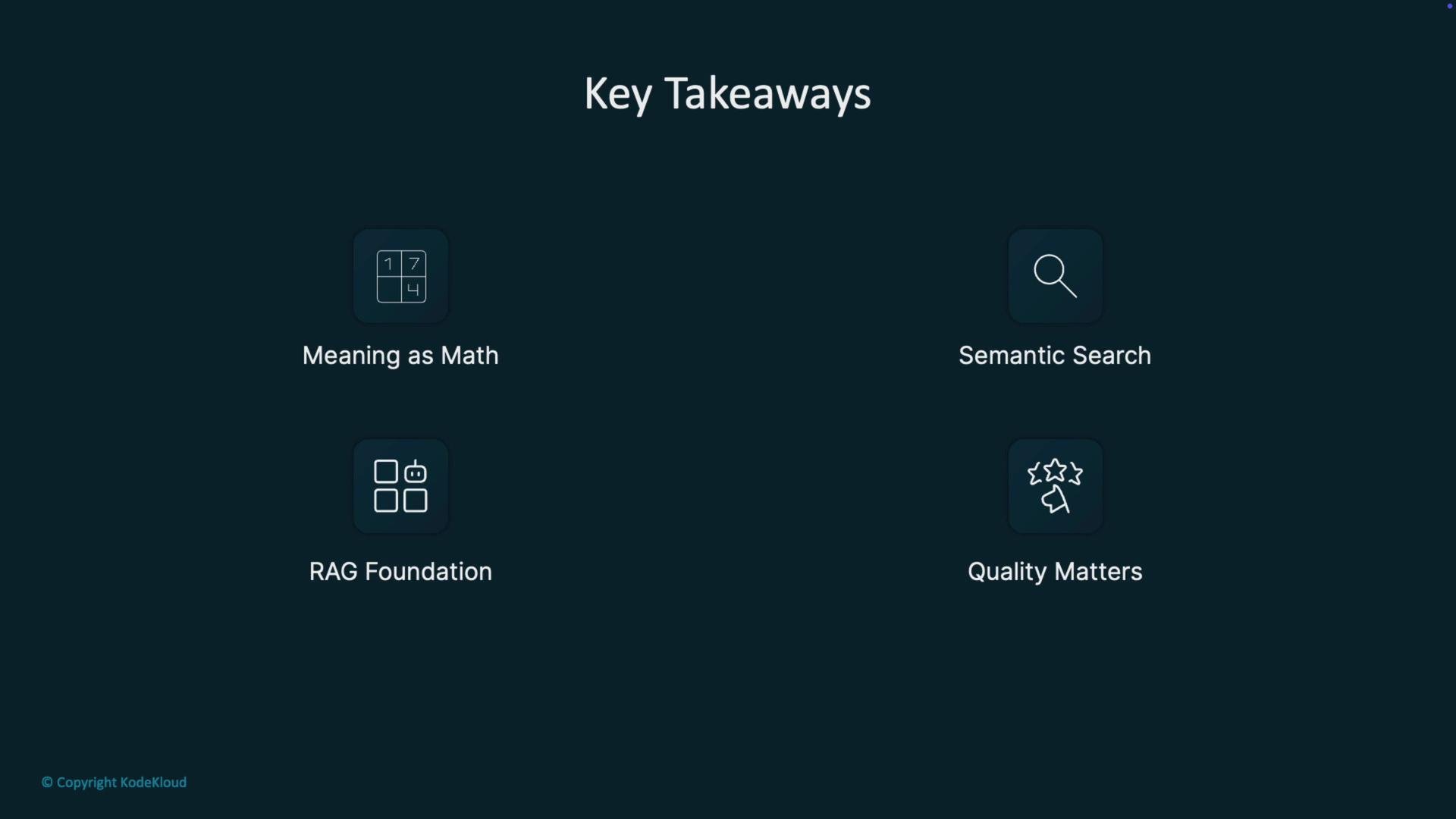
- Meaning as math: embeddings convert words and sentences into numerical vectors that capture semantic relationships.
- Semantic search: embeddings enable retrieval by meaning rather than exact text matches.
- RAG foundation: embeddings allow LLMs to draw on relevant, retrieved context for grounded responses.
- Quality matters: better embeddings yield more accurate, reliable, and performant retrieval-based systems.
Links and references
- Kubernetes Documentation (general infrastructure reference)
- Pinecone
- FAISS
- Chroma
- Weaviate