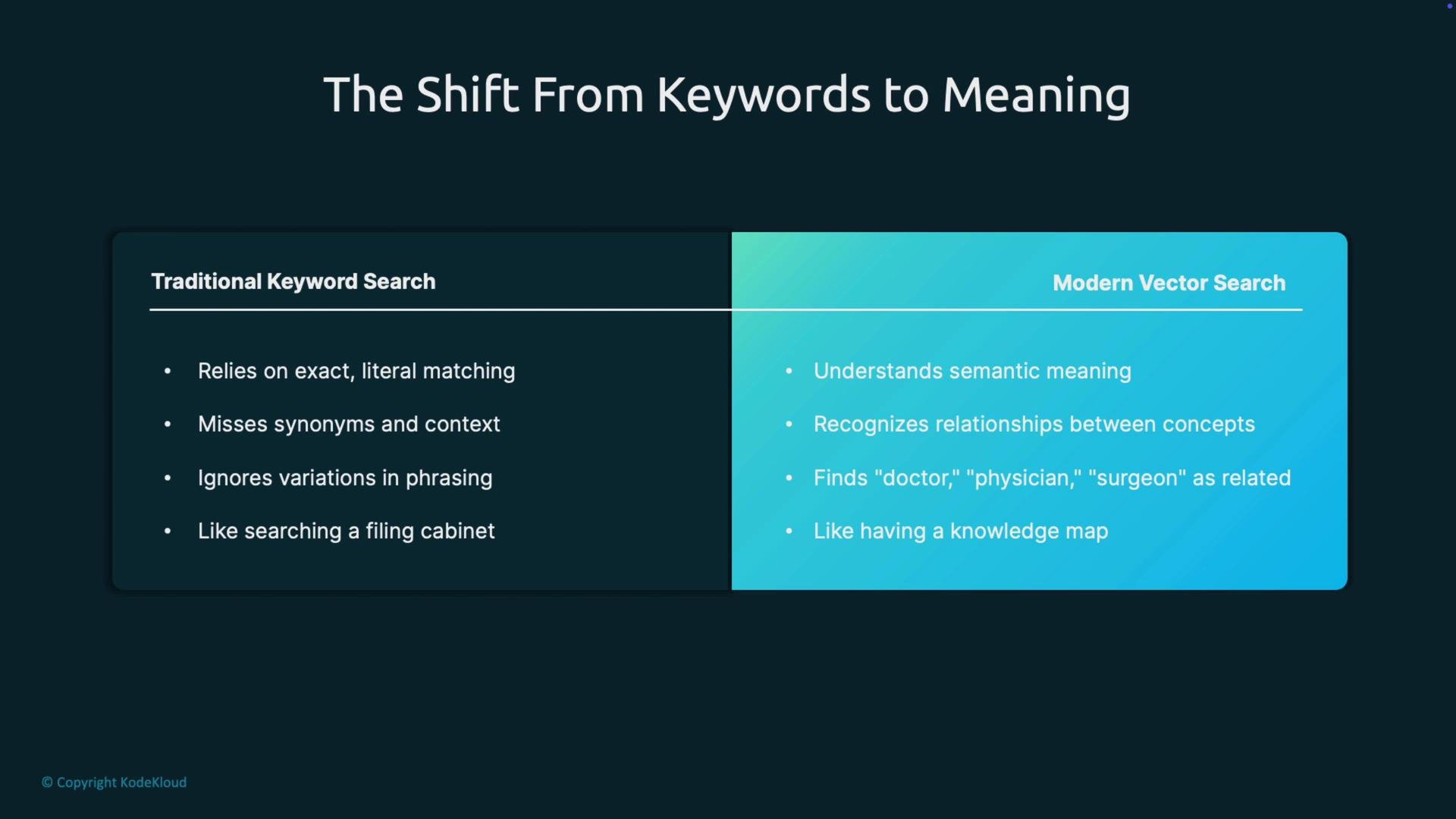
Welcome to this lesson on vector databases. Below we explain why vector databases exist, when to use them, and how they enable semantic search and Retrieval-Augmented Generation (RAG). This article covers the motivation, core concepts, and practical guidance for building production-grade semantic search systems. We’ll begin with a quick comparison of keyword-based search versus semantic (vector) search. Traditional keyword search relies on exact literal matching. It often misses synonyms, context, and variations in phrasing — think of searching a filing cabinet for an exact word or phrase. By contrast, modern vector search captures semantic meaning and relationships: it can treat doctor, physician, and surgeon as related concepts and return contextually relevant results rather than exact string matches.
The image compares traditional keyword search with modern vector search, highlighting differences such as literal matching versus semantic understanding and context recognition.
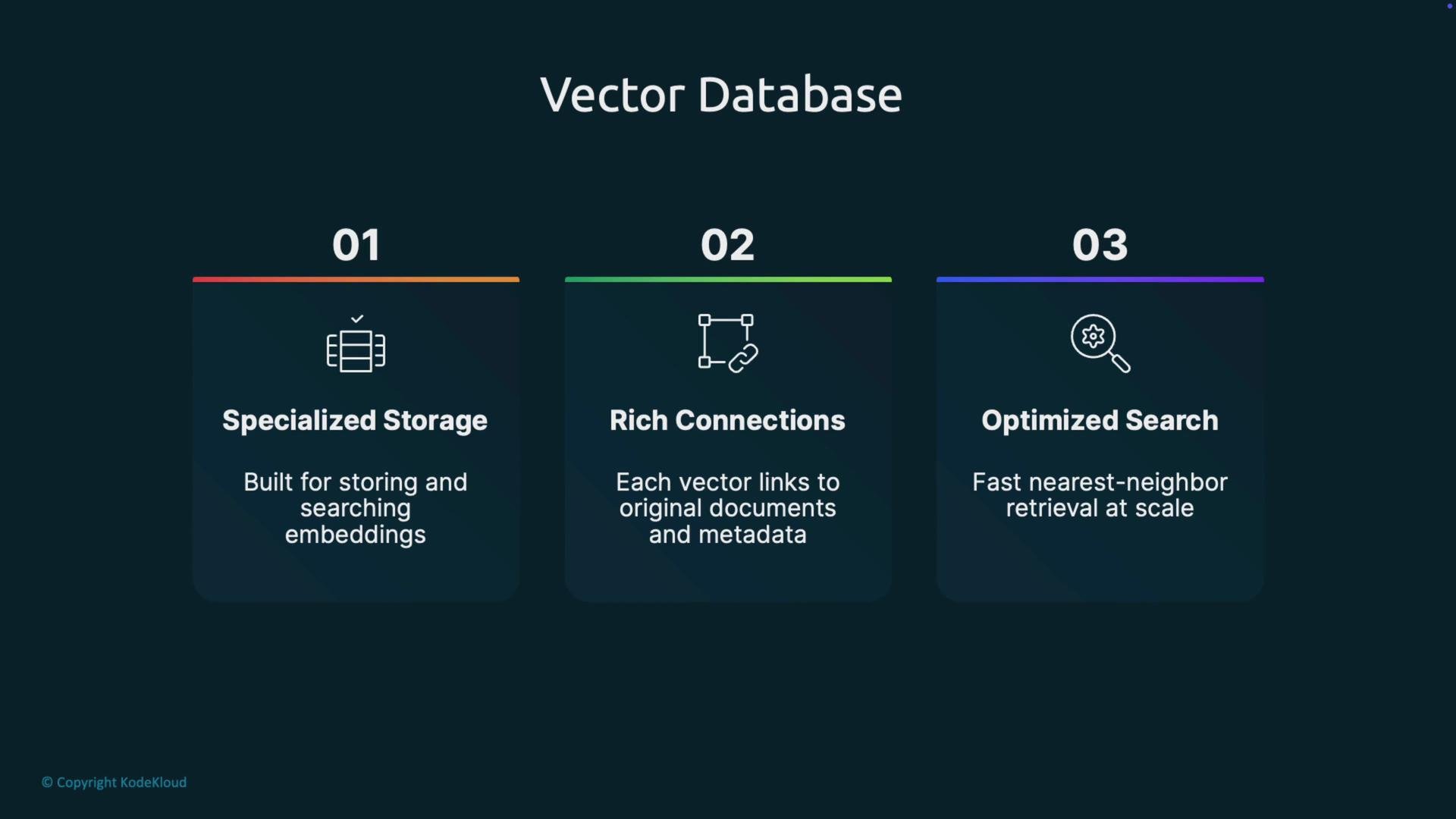
What is a vector database? A vector database is specialized storage built to store and search embeddings — dense numerical vectors that capture semantic meaning. Text, images, audio, and other content are encoded into vectors (embeddings) using an embedding model. Those vectors represent semantic relationships and can be compared by distance or similarity measures. Key features:
  • Specialized storage for embeddings and vector indexes.
  • Rich connections: each vector links to the original document or content and includes searchable metadata.
  • Optimized search: engineered for efficient nearest-neighbor retrieval at scale.
These capabilities unlock use cases that are impractical with standard SQL or keyword-only search systems.
The image is an infographic about a Vector Database, highlighting three features: specialized storage, rich connections, and optimized search.
Vector database workflow (high level)
  1. Corpus: collect your raw data — documents, images, video, audio, log snippets, etc.
  2. Encoding: transform each item into an embedding vector using an embedding model or encoder.
  3. Storage: store embeddings alongside metadata (document IDs, timestamps, authors) in the vector database.
  4. Query: encode a user’s textual query into a query vector.
  5. Similarity search: compare the query vector to stored vectors (typically cosine similarity or Euclidean distance) and retrieve the top-k most relevant items.
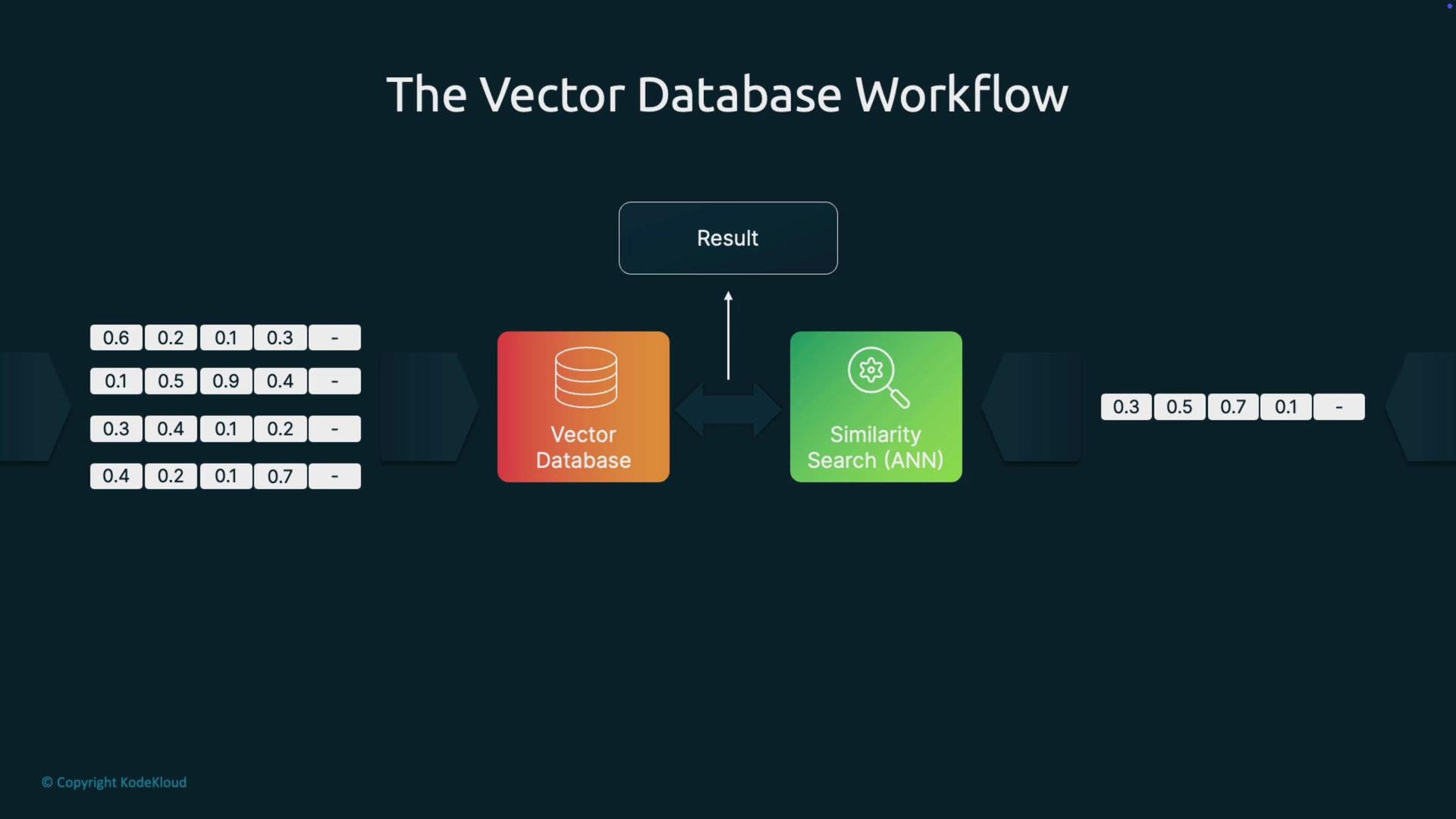
At scale, similarity search uses Approximate Nearest Neighbor (ANN) algorithms to deliver fast results.
The image illustrates a vector database workflow involving a vector database and similarity search (ANN) with input and output vectors.
Fast search at scale (ANN algorithms) Exact nearest-neighbor search — comparing a query to every vector — becomes infeasible at millions of vectors. ANN (Approximate Nearest Neighbor) algorithms create index structures that dramatically reduce search time by trading a small fraction of accuracy for large performance gains. Common ANN techniques:
AlgorithmTypical use caseStrengths
HNSW (Hierarchical Navigable Small World)High-recall, low-latency retrievalGraph-based index with excellent recall and fast queries
IVF (Inverted File)Large collections partitioned into clustersPartitions vectors into clusters to limit comparisons
PQ (Product Quantization)Memory-efficient storage and scalingCompresses vectors for lower memory and faster approximate distances
These indexes provide “shortcuts” through vector space so searches are practical at scale.
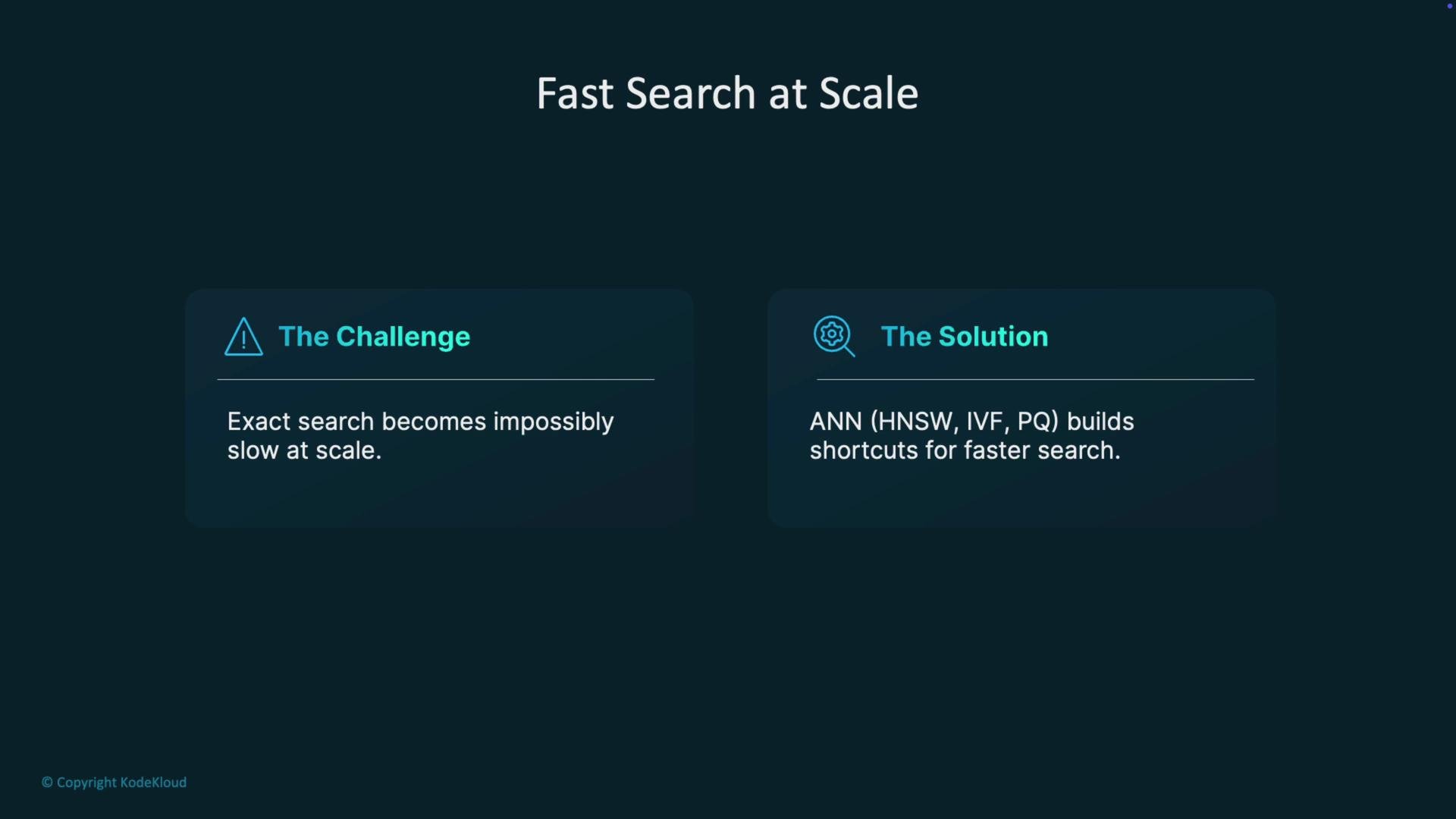
The image outlines a challenge and solution for fast search at scale, highlighting that exact search becomes slow at large scales, and suggests ANN methods like HNSW, IVF, and PQ for building shortcuts to expedite searches.
Engineering trade-offs When designing a vector search system you balance three core resources:
  • Speed (query latency)
  • Recall / accuracy (how complete the returned results are)
  • Memory (storage and operational cost)
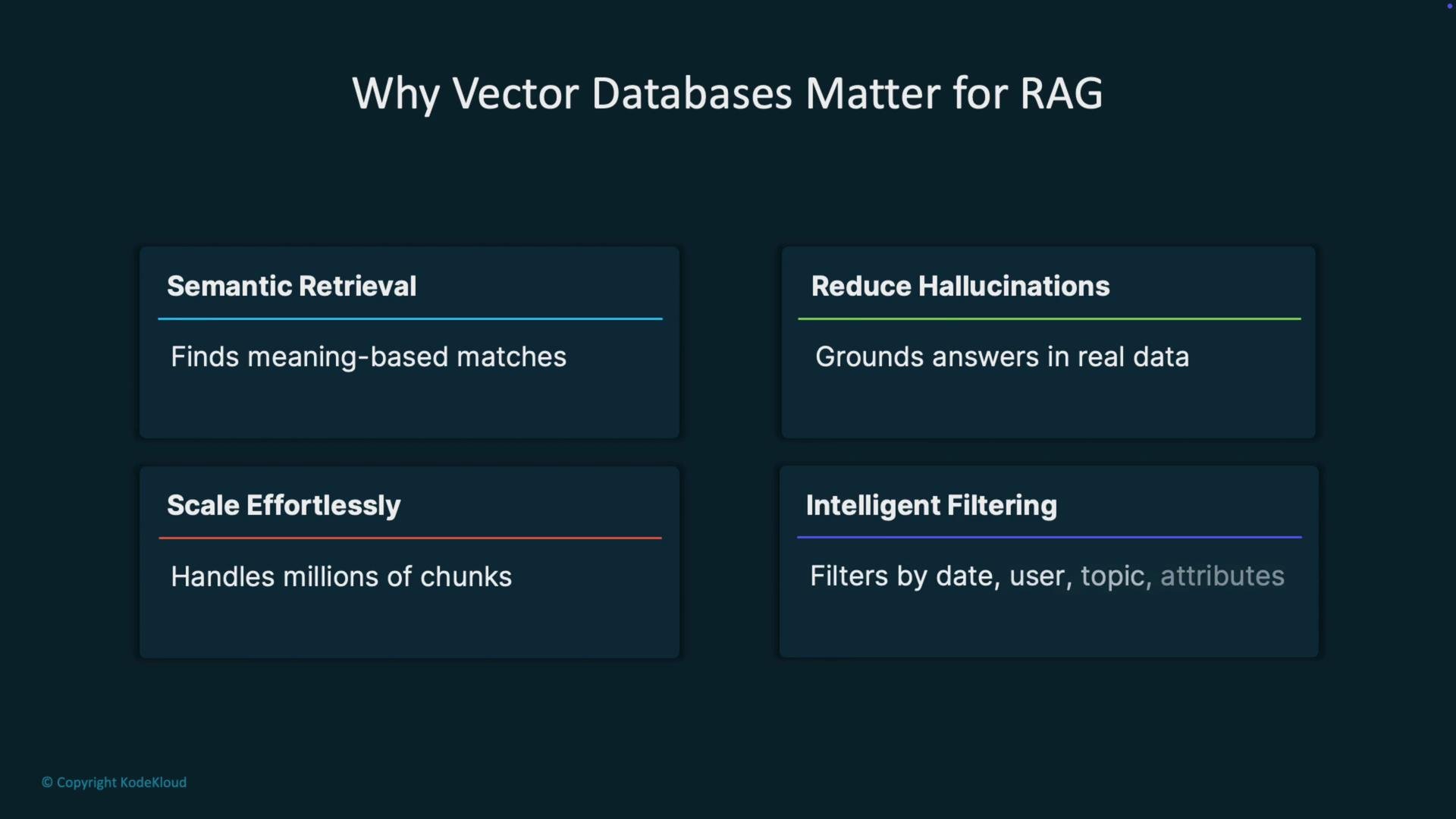
In practice, you often choose ANN indexes and parameters that sacrifice a tiny amount of recall to achieve orders-of-magnitude improvements in latency and memory usage. Tune index type, number of probes, graph connectivity, or quantization parameters based on your application’s tolerance for recall versus required latency and budget. Why vector databases matter for RAG Retrieval-Augmented Generation (RAG) depends on high-quality retrieval to ground large language models and reduce hallucinations. Vector databases provide:
  • Semantic retrieval: find contextually relevant passages based on meaning rather than keyword overlap.
  • Hallucination reduction: grounding LLM outputs in retrieved source documents reduces false or invented statements.
  • Effortless scaling: support millions of document chunks with low-latency retrieval.
  • Intelligent filtering: combine vector similarity with metadata filters (date ranges, user IDs, topics) to constrain results to the most relevant slices of your corpus.
Better retrieval produces smarter, more accurate LLM answers.
The image presents reasons why vector databases are important for RAG, highlighting semantic retrieval, hallucination reduction, effortless scaling, and intelligent filtering.
Best practices for building vector search and RAG systems
  • Optimize chunk size: aim for roughly 200–400 tokens per chunk, with 10–20% overlap between adjacent chunks when context continuity is important. Too small loses context; too large dilutes semantic focus.
  • Choose domain-tuned embeddings: prefer embedding models trained or fine-tuned on domain-relevant data (medical, legal, technical) to capture domain-specific semantics.
  • Leverage metadata filters: store searchable attributes (dates, authors, categories, document type) and apply them before or after vector search to narrow candidates.
  • Refresh embeddings: re-embed documents when their content changes — stale embeddings degrade retrieval relevance and can mislead downstream LLMs.
  • Monitor and iterate: track retrieval metrics (precision@k, recall@k) and user feedback to refine chunking, indexing, and retriever settings.
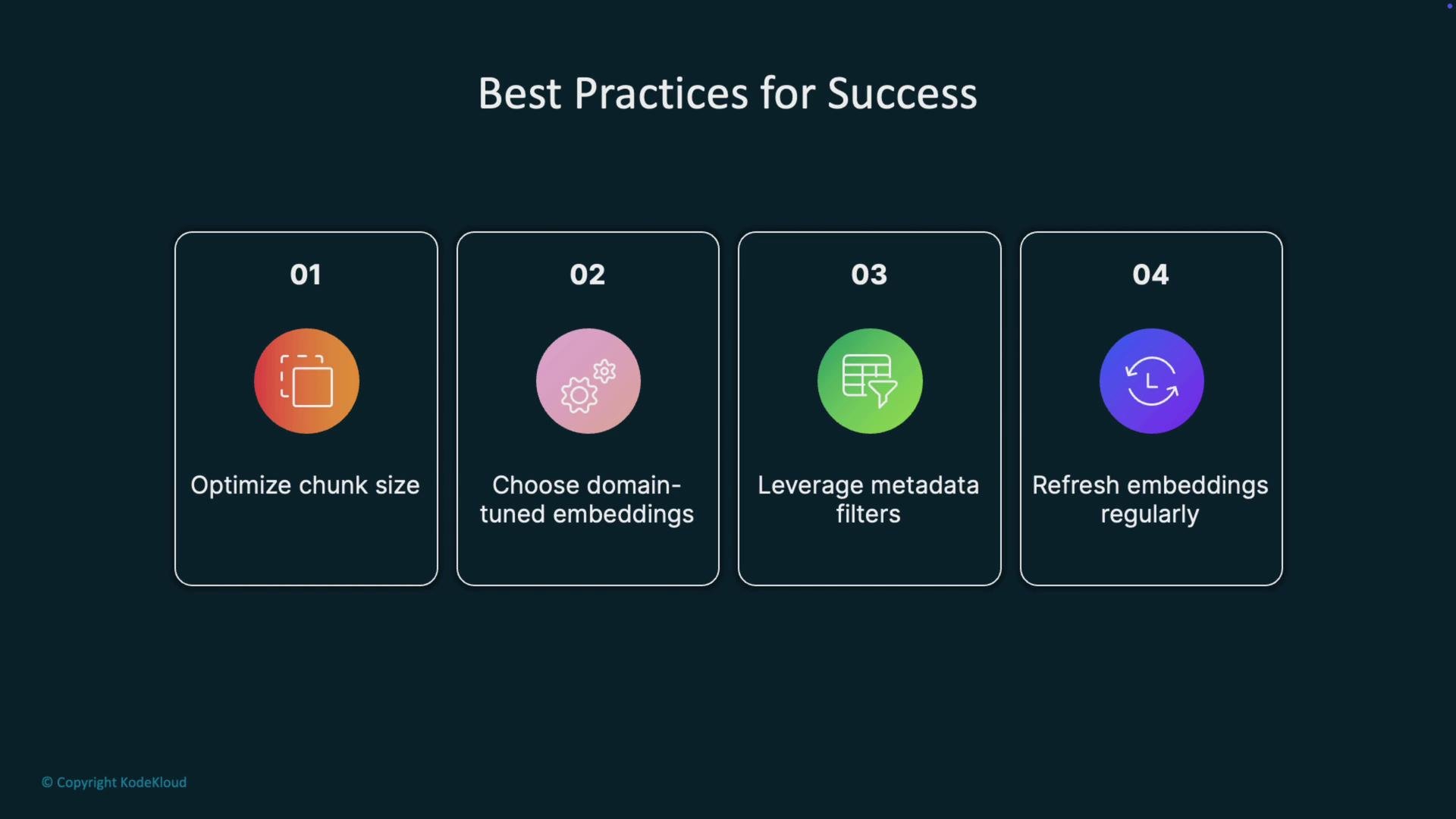
The image displays four best practices for success: optimizing chunk size, choosing domain-tuned embeddings, leveraging metadata filters, and refreshing embeddings regularly.
When to use — and when not to use — vector databases Use vector databases when:
  • You have large, unstructured corpora (documents, transcripts, images, video) and need semantic search.
  • You require nuanced, meaning-based retrieval across millions of items.
  • You are building RAG or AI-powered search where retrieval quality materially affects LLM outputs.
Avoid vector databases when:
  • Your dataset is small and static — simple keyword indices or SQL may be sufficient and less complex.
  • Exact keyword matching is a strict correctness requirement.
  • Budget, operational complexity, or latency requirements make additional infrastructure impractical.
  • Full-text indexing already provides acceptable utility for the application.
Comparison: when to choose vectors vs. keyword indices
ScenarioRecommended approach
Small, static website searchKeyword index / full-text search
Legal or medical document retrieval requiring nuanceVector database + domain-tuned embeddings
Real-time transactional queries requiring exact matchesSQL / structured search
Large-scale semantic search powering LLMs (RAG)Vector database with ANN indexing
Choose vector databases when semantic retrieval and scale justify the added complexity and cost. For small or strictly keyword-driven systems, stick with simpler search solutions.
Links and references Further reading: review vendor docs and academic papers for any chosen ANN algorithm and embedding model to tune performance and recall for your specific dataset.

Watch Video