

When evaluating vector stores, focus on measurable goals: latency targets (ms), recall/QPS, dataset size (vectors), and operational constraints (team skills, budget). Benchmarks against a realistic workload quickly expose practical trade-offs.
Key considerations
- Latency versus recall: Small latency improvements can be critical in production; sometimes sacrificing a fraction of recall yields orders-of-magnitude gains in response time.
- Hybrid search: Combine vector similarity, keyword matching, and metadata filters to improve retrieval relevance in real-world applications.
- Scale: From millions to billions of vectors, indexing time, memory, and cluster architecture requirements change substantially.
- Operations model: Decide between self-hosting (control, predictable costs) and managed services (lower ops overhead, higher ongoing cost).
- Ecosystem fit: Evaluate SDKs, client libraries, integrations, monitoring, and community/support resources.
ChromaDB (local-first)
ChromaDB is a local-first vector store that embeds directly in your application process. It’s ideal for quick prototyping, small POCs, and developer workflows because it provides RAG-friendly defaults and metadata filtering out of the box. As needs grow you’ll need to plan scaling and high-availability strategies beyond a single machine.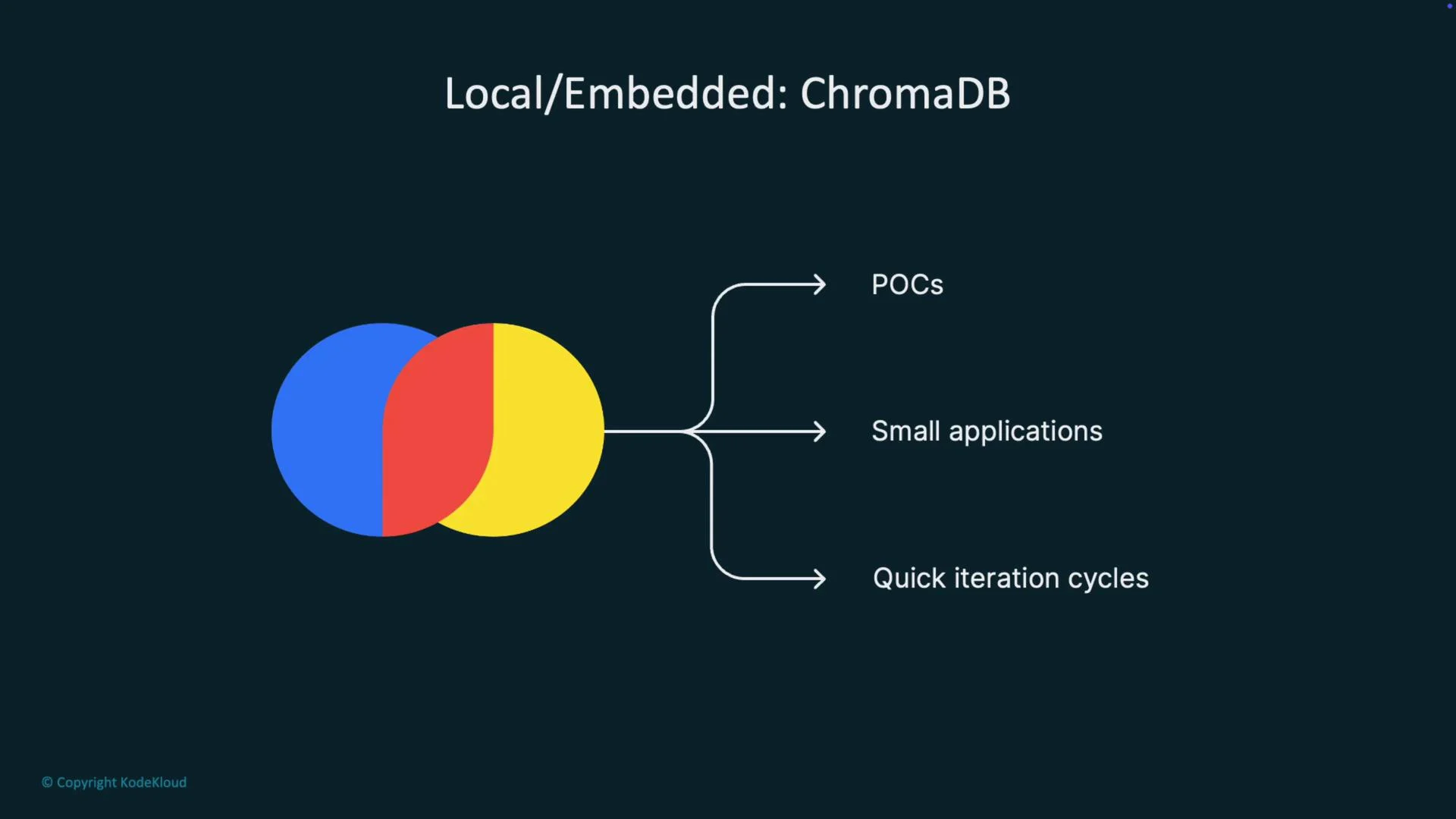
Local / embedded alternatives
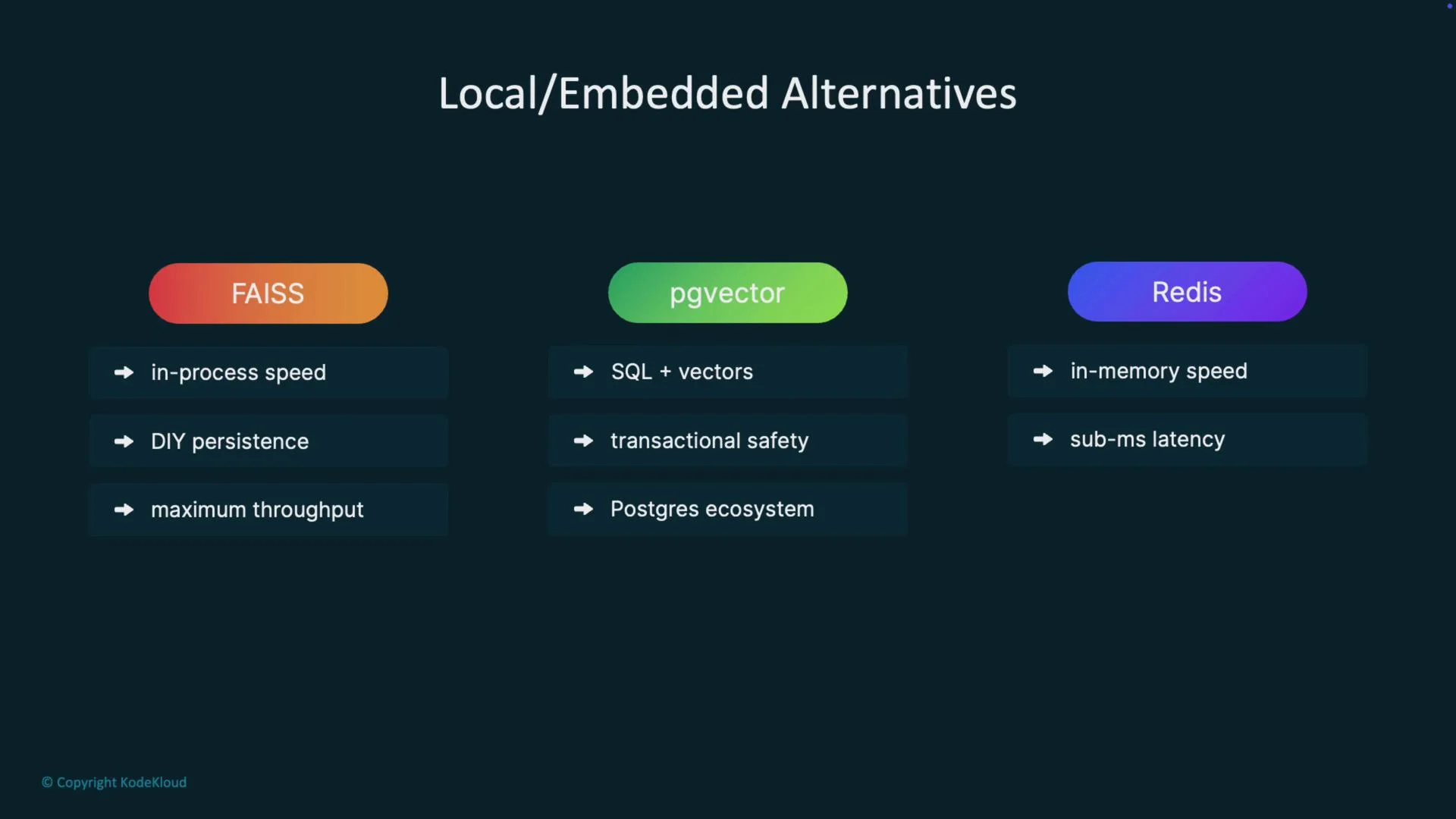
- FAISS: Extremely fast library-level nearest neighbor search with in-process performance. You must provide persistence, sharding, and state management for durability and distribution.
- pgvector: Adds vector support to Postgres. Ideal when your application already uses Postgres — benefits include ACID semantics and familiar tooling.
- Redis (with RedisSearch/RedisVector): In-memory vectors can achieve sub-millisecond latency for small working sets. Expect higher RAM costs; a common pattern is Redis as a hot cache plus a cold vector store.
Self-hosted solutions
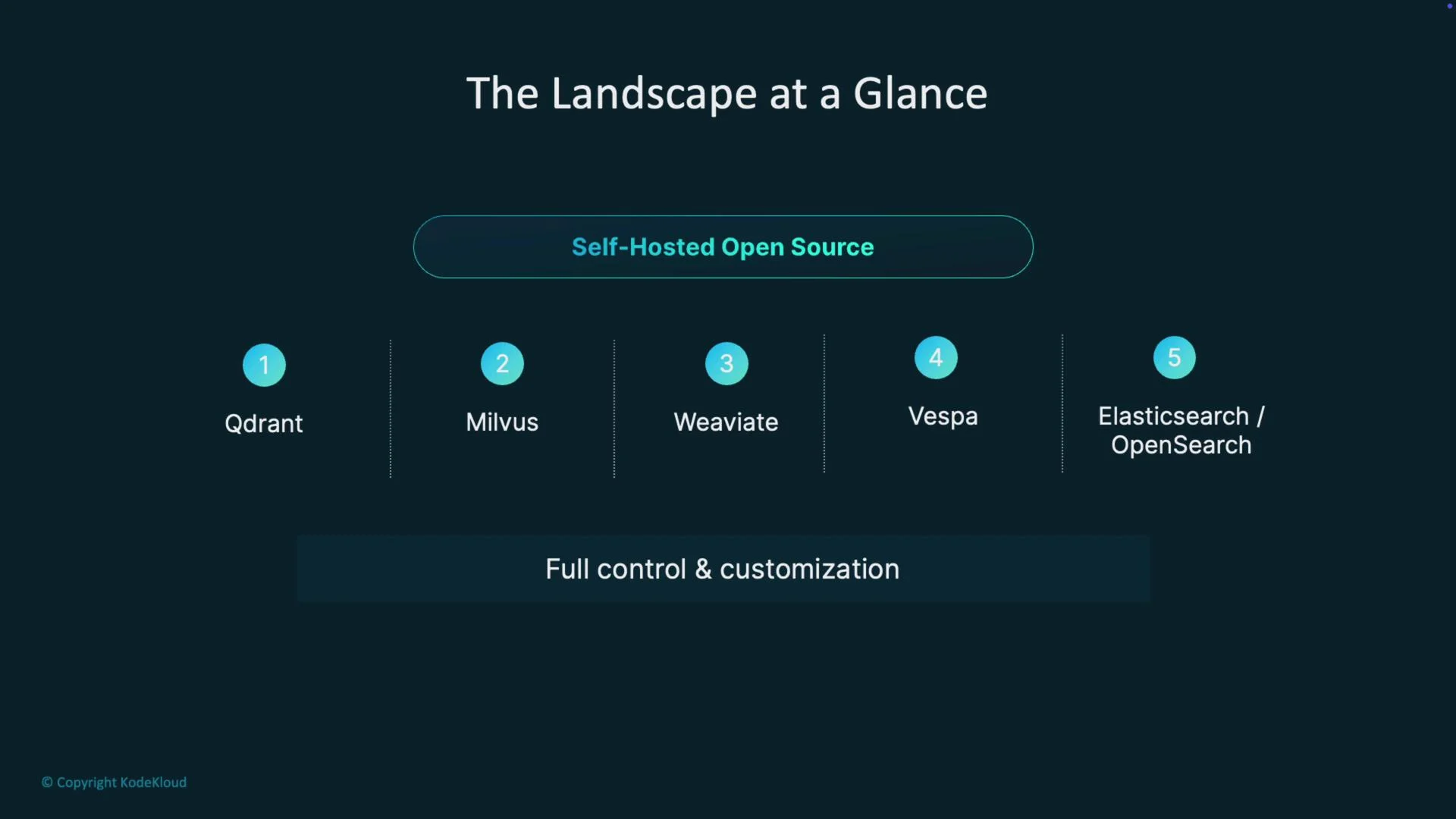
- Qdrant: Rust-based, memory-efficient, HNSW indexing, strong payload/metadata filtering, and developer-friendly APIs. Flexible deployment — self-host or use their hosted offering.
- Milvus: Built for large distributed clusters and billion-scale datasets. Choose Milvus when you truly require massive scale; expect significant operational work.
- Hybrid systems (Weaviate, Vespa, Elasticsearch/OpenSearch): Provide native hybrid search combining vector and keyword relevance, schema management, aggregations, and advanced filtering. Powerful for enterprise search but more complex to operate.
Managed services
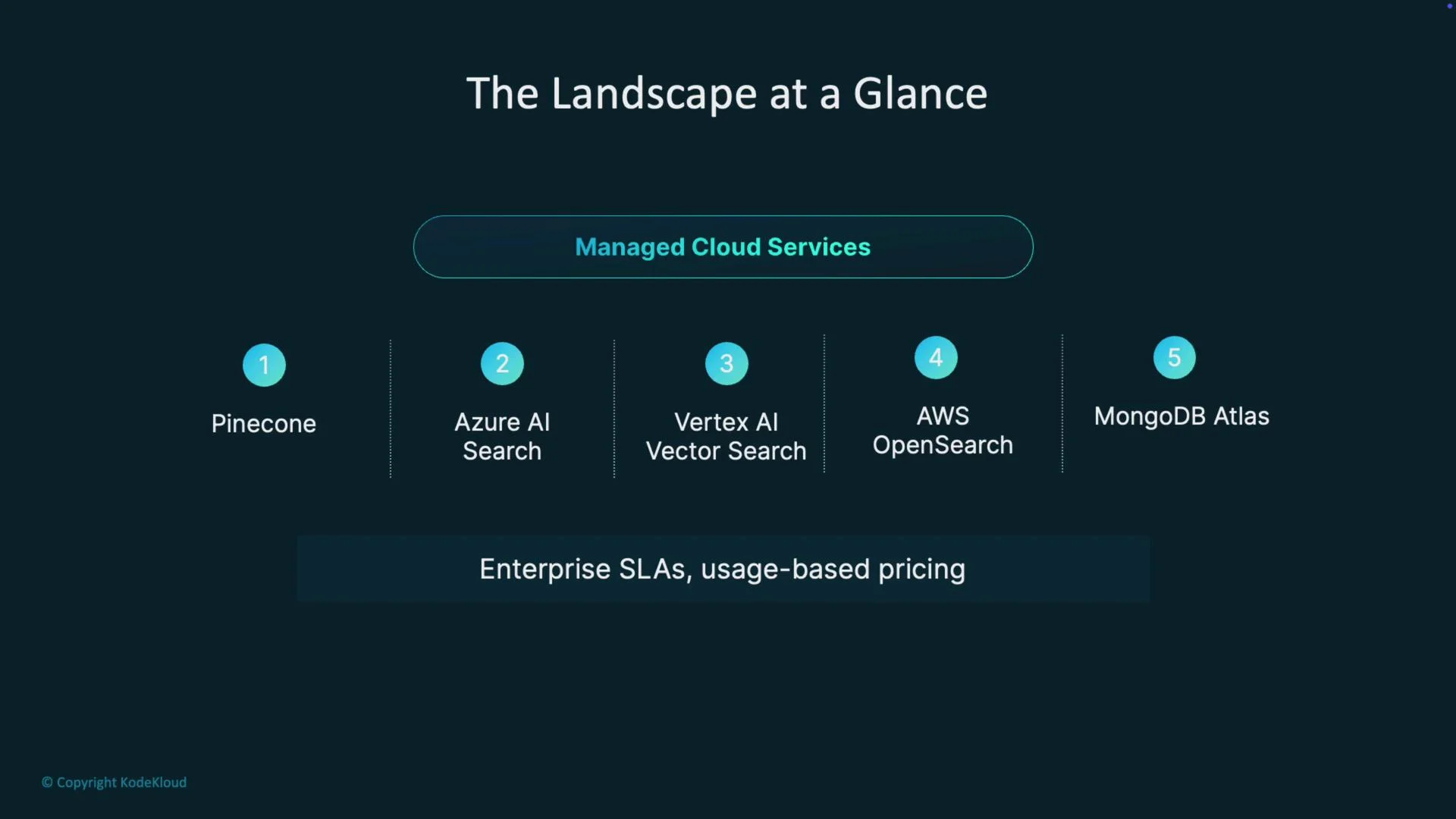
Managed vector databases (e.g., Pinecone) provide the fastest path to production: simple APIs, elastic scaling, built-in observability, and enterprise SLAs. Trade-offs include usage-based pricing, potential vendor lock-in, and egress or query costs.
Cloud-provider-managed options
- Azure AI Search: Tight integration with the Azure ecosystem; a strong choice for Microsoft/.NET stacks and Azure-hosted workloads.
- Vertex AI Vector Search: Google Cloud’s managed vector search offering designed for massive-scale deployments, often leveraging ANN libraries like ScaNN for efficient billion-vector operations.
- AWS OpenSearch and MongoDB Atlas: Offer integrated vector search alongside traditional text search and database features. Use them when you need hybrid retrieval patterns and are already committed to the provider.
Decision guide
Map specific product requirements to the right technology track: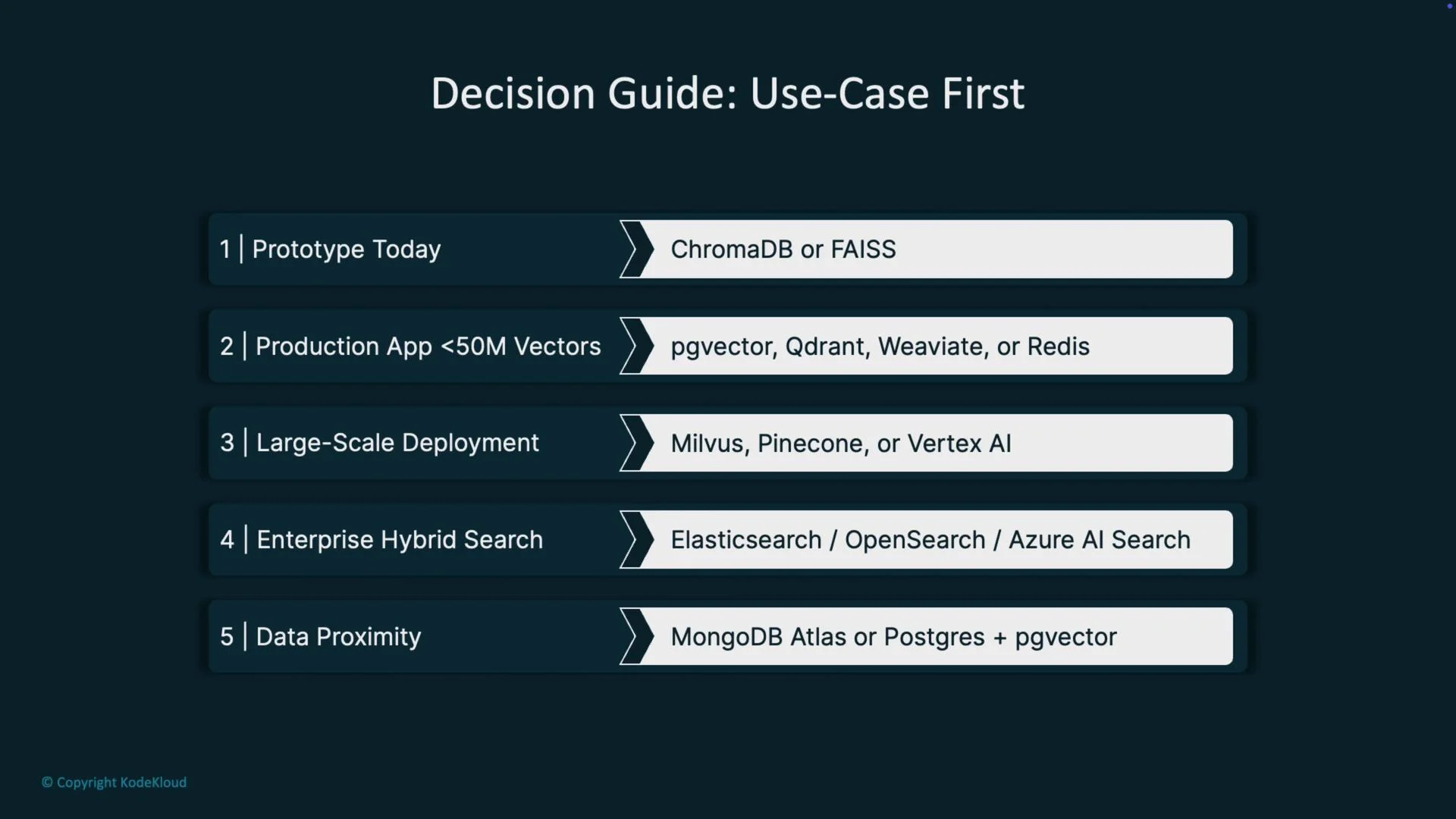
Pros and cons — quick summary
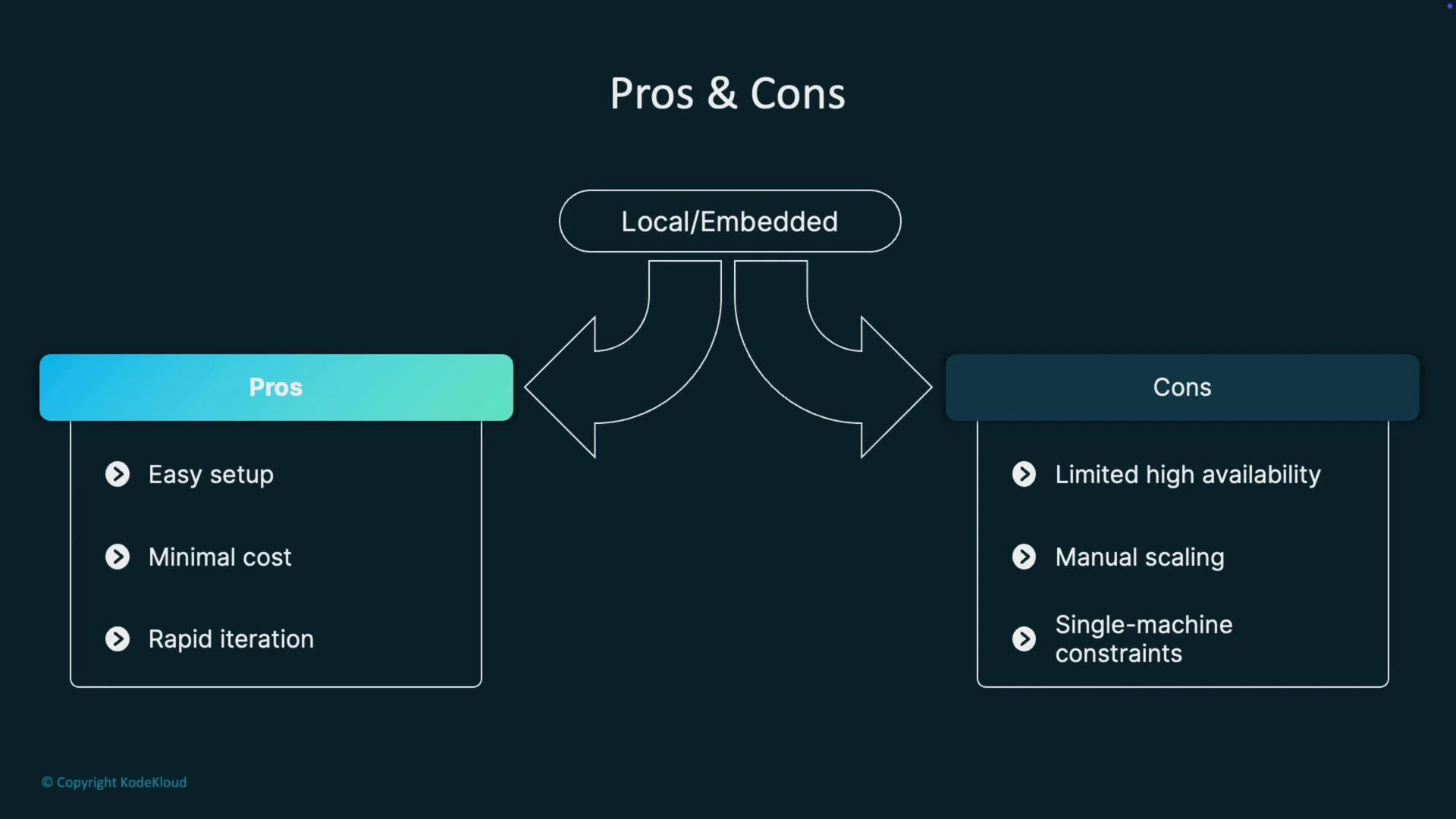
Local / Embedded- Pros: Easy to set up, minimal cost, rapid iteration.
- Cons: Limited HA, manual scaling, single-machine constraints.
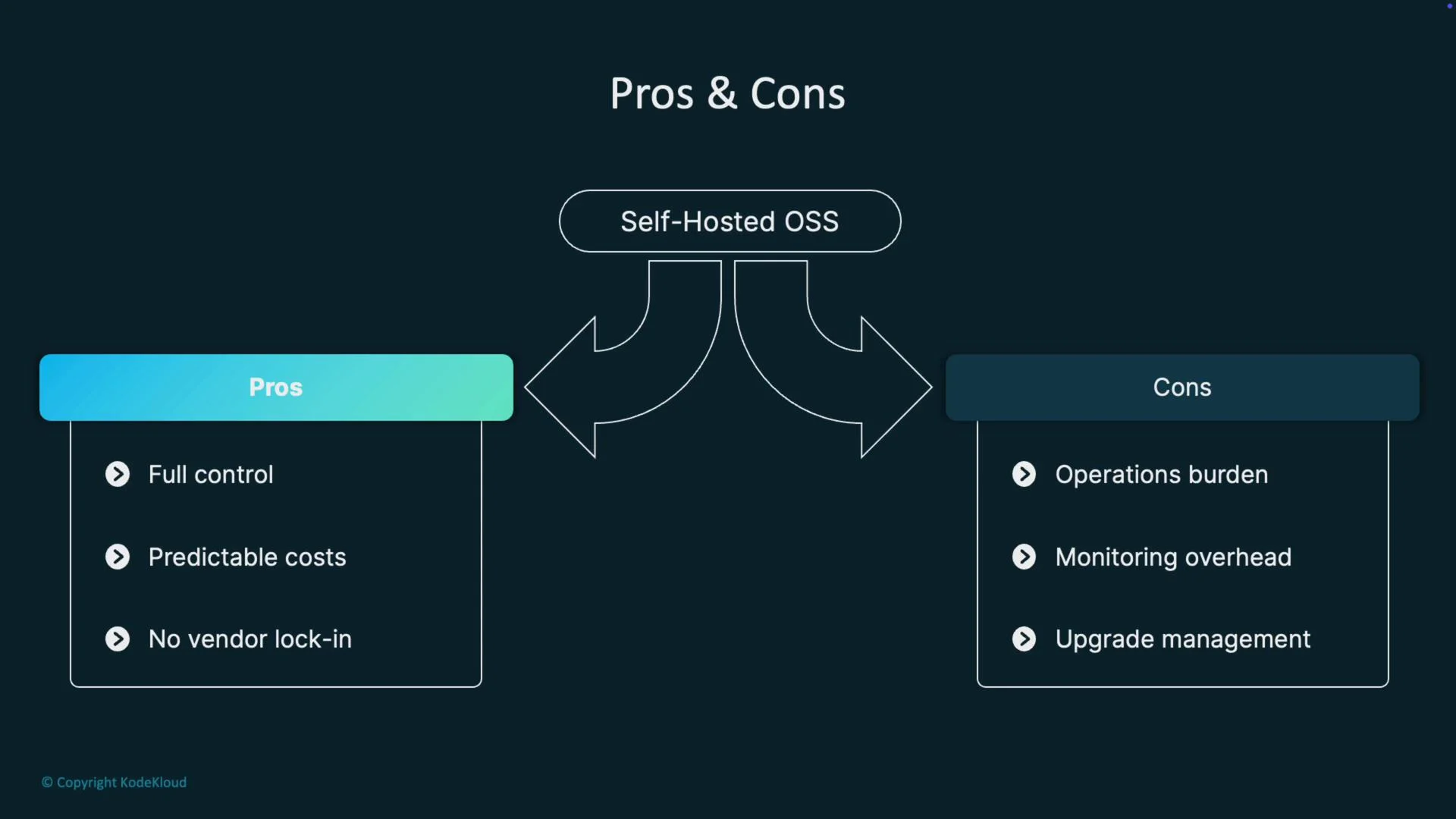
- Pros: Full control, predictable costs, no vendor lock-in.
- Cons: Operational burden, monitoring and upgrade overhead.
- Pros: Fast deployment, enterprise SLAs, elastic scaling.
- Cons: Ongoing usage costs, potential vendor lock-in, less infrastructure control.
- Best for ranking quality and rich filtering at scale. Expect additional complexity and a steeper learning curve.
Cost and scaling gotchas
- Index build memory and time: Initial indexing can require 2–3× steady-state memory. Plan capacity and expect long build times on very large datasets.
- Recall vs latency tuning: Parameters such as
efConstruction,efSearch(HNSW), andnprobe(IVF) affect accuracy and latency. Budget time for parameter sweeps and A/B testing. - Hybrid query pricing: Managed services may bill hybrid or multi-stage queries per request — query costs can add up quickly.
- Backup & recovery, schema changes, model updates: Re-indexing is often required after schema or model changes; include re-ingestion costs in your plan.
- Ingestion and experimentation costs: Embedding generation, storage, and query tuning require compute and experimentation budgets.
Re-indexing and embedding drift are real operational costs. If you retrain or update embeddings frequently, estimate the time and cost to re-ingest and validate results before committing to a solution.
Recommendations (practical)
- Rapid POC: Start with ChromaDB and a small embedding model to validate the concept quickly.
- Fast route to production: Choose Pinecone, Azure AI Search, or Vertex AI to reduce operational overhead and speed delivery.
- OSS production: Pick Qdrant for balanced simplicity; use Milvus for genuine billion-scale workloads.
- All-SQL approach: Use Postgres +
pgvectorto keep vectors close to relational data. - Cache-speed pattern: Use Redis for hot data plus a cold, cost-efficient vector store for bulk storage.
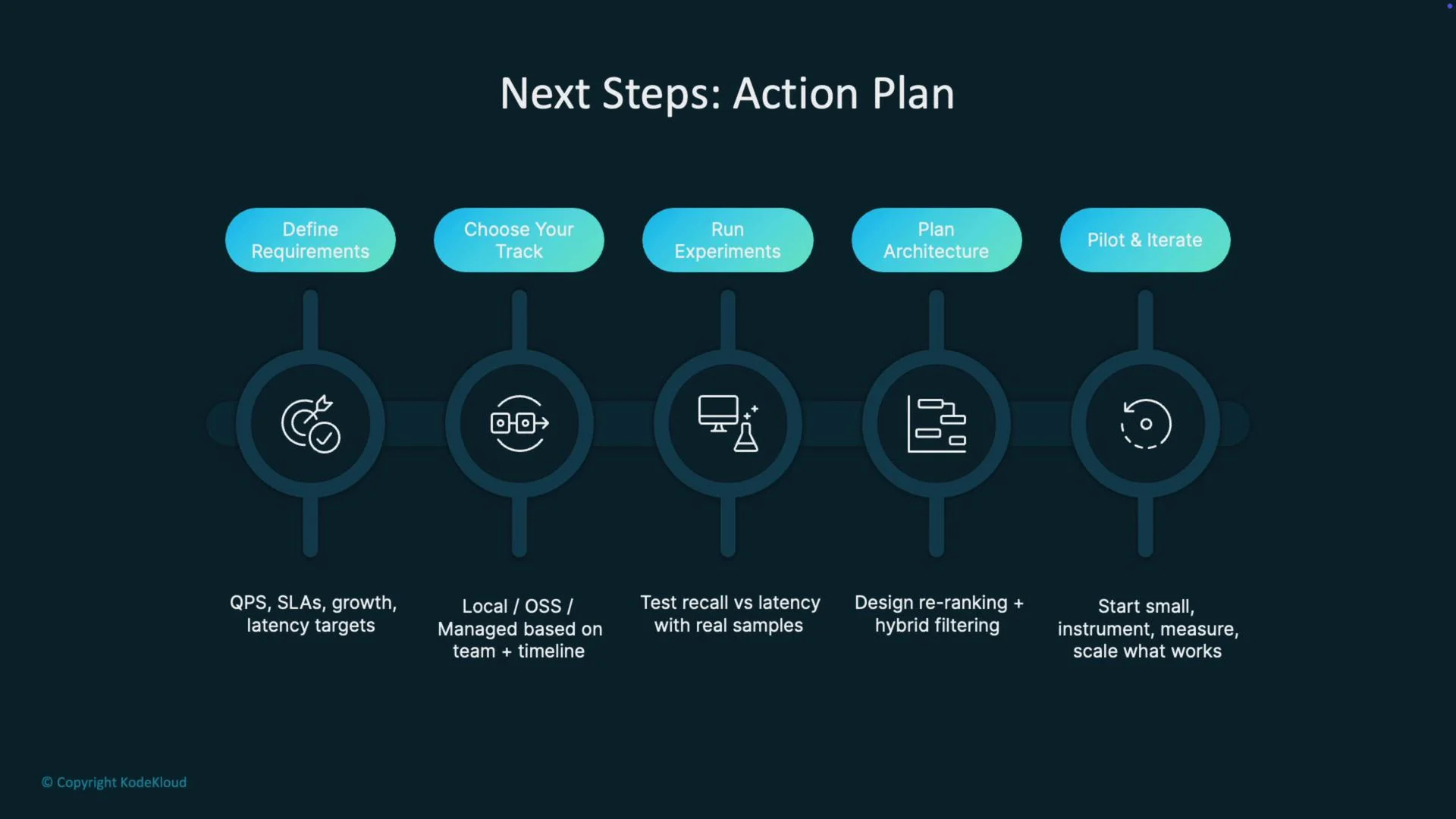
Action plan (practical next steps)
- Define requirements: latency targets (ms), recall goals, dataset size, cost constraints, and team skills.
- Choose a track: local/embedded, self-hosted OSS, or managed service based on priorities.
- Run experiments: benchmark recall vs. latency, tune search parameters, and measure costs.
- Plan architecture: include re-ranking, hybrid filters, monitoring, backups, and disaster recovery.
- Pilot & iterate: deploy a focused pilot with instrumentation and use observed metrics to guide the next steps.
Links and references
- Kubernetes Documentation — for self-hosted orchestration patterns.
- Pinecone — managed vector DB.
- Qdrant, Milvus, Weaviate — popular open-source vector stores.
- pgvector — Postgres extension for vectors.
- Redis — RedisSearch and vector capabilities.