

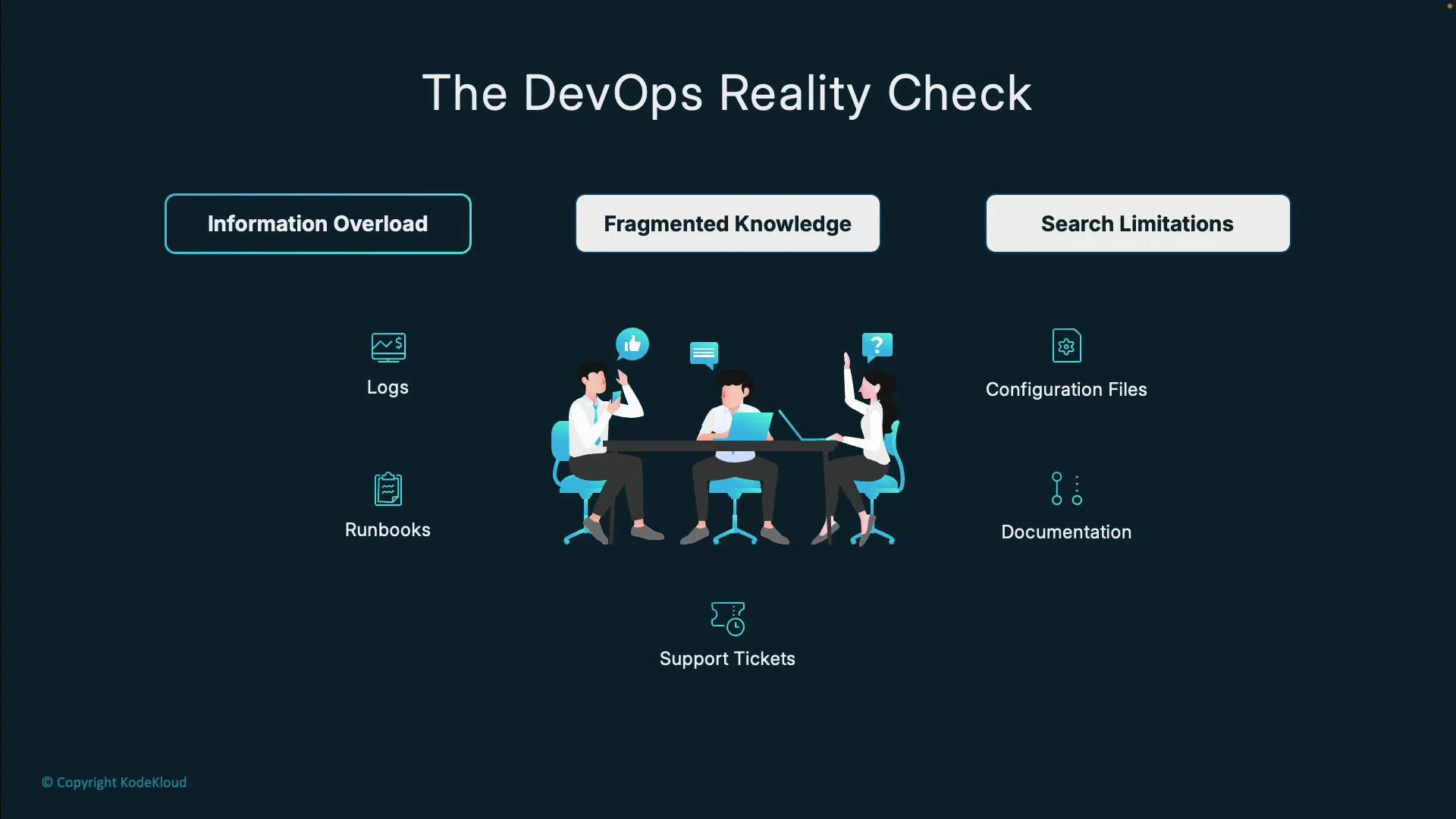
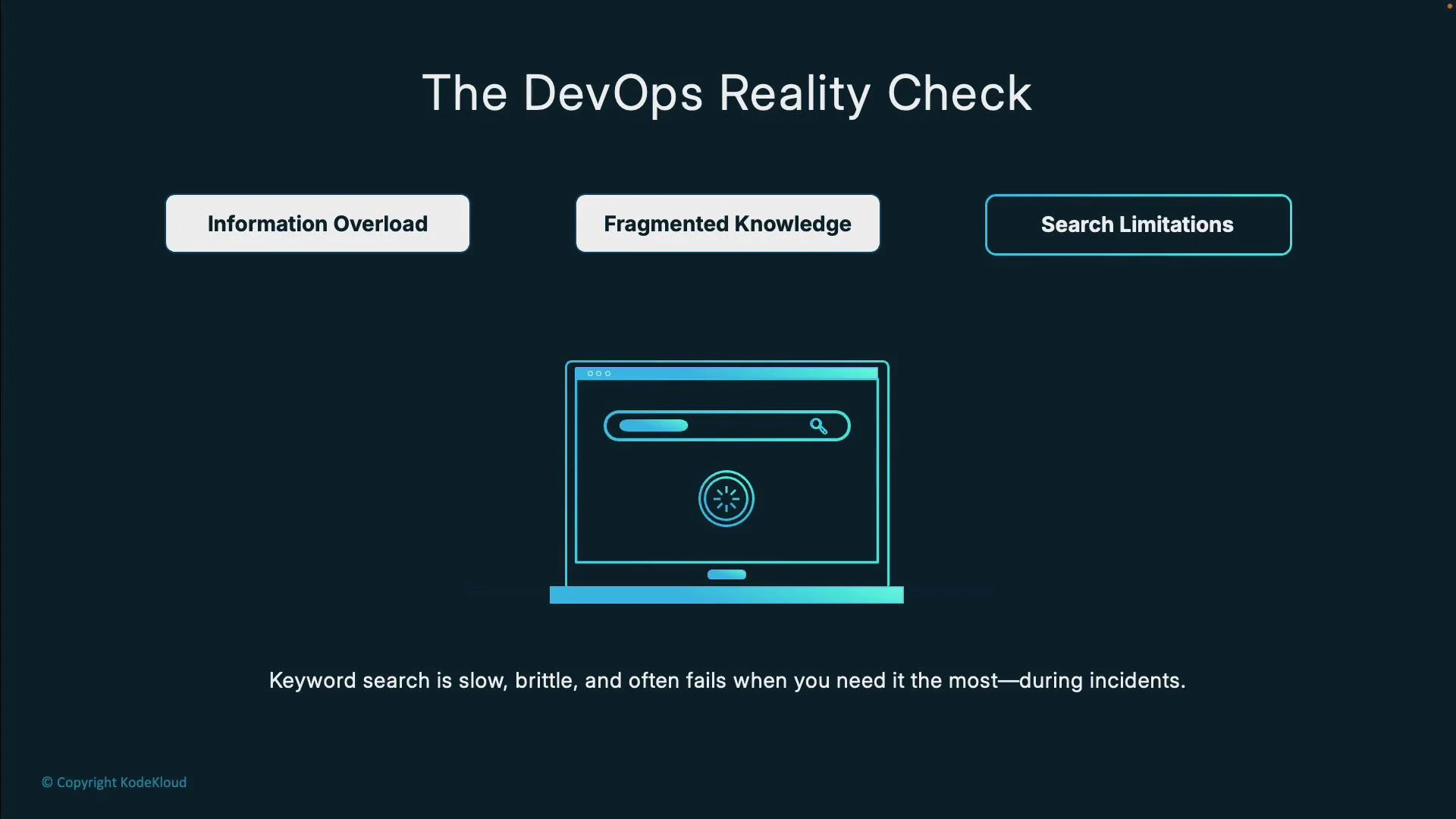
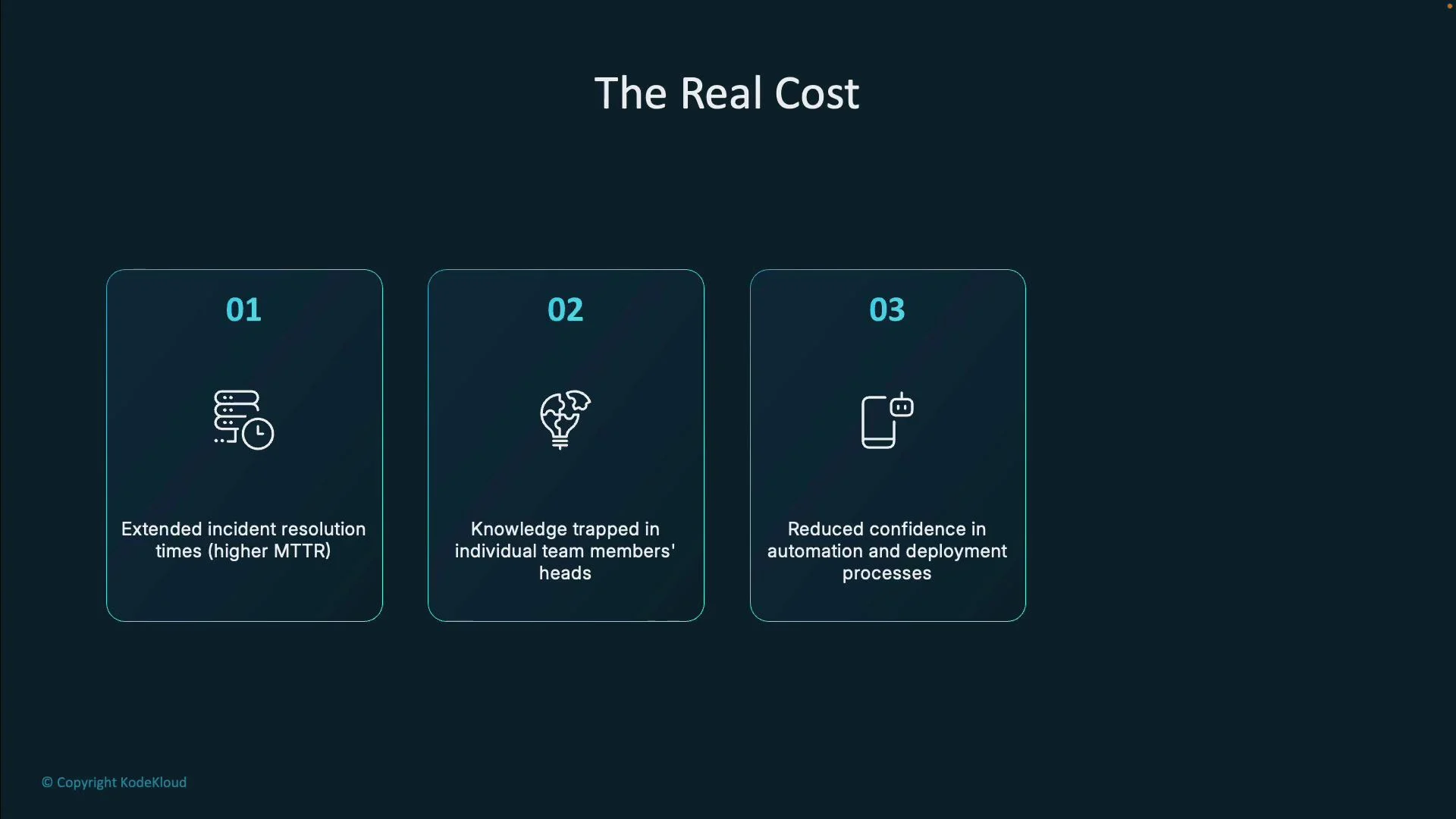
MTTR), knowledge silos (tribal knowledge), lower confidence in automation, and engineer burnout from manual information gathering during high‑pressure moments.
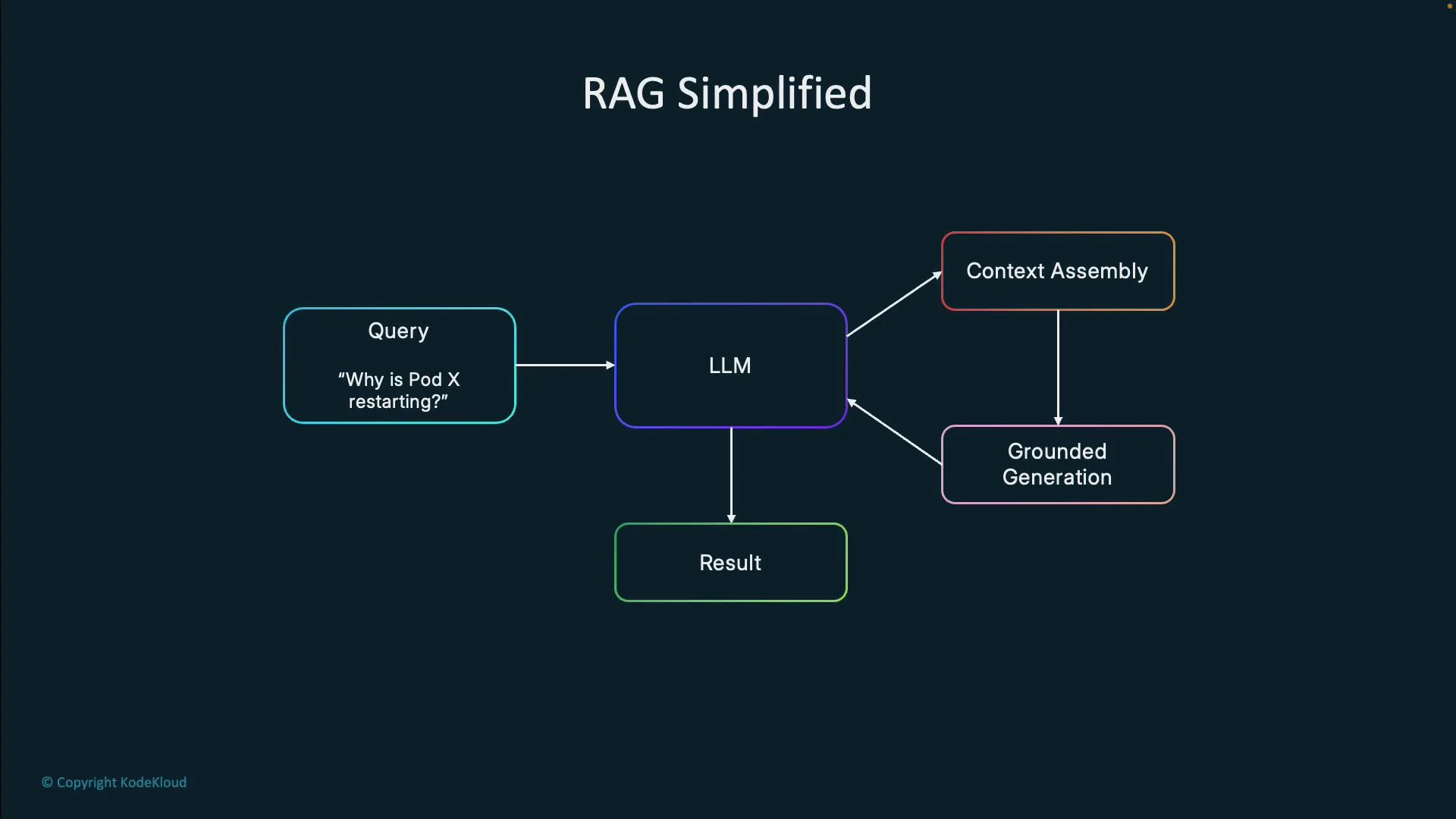
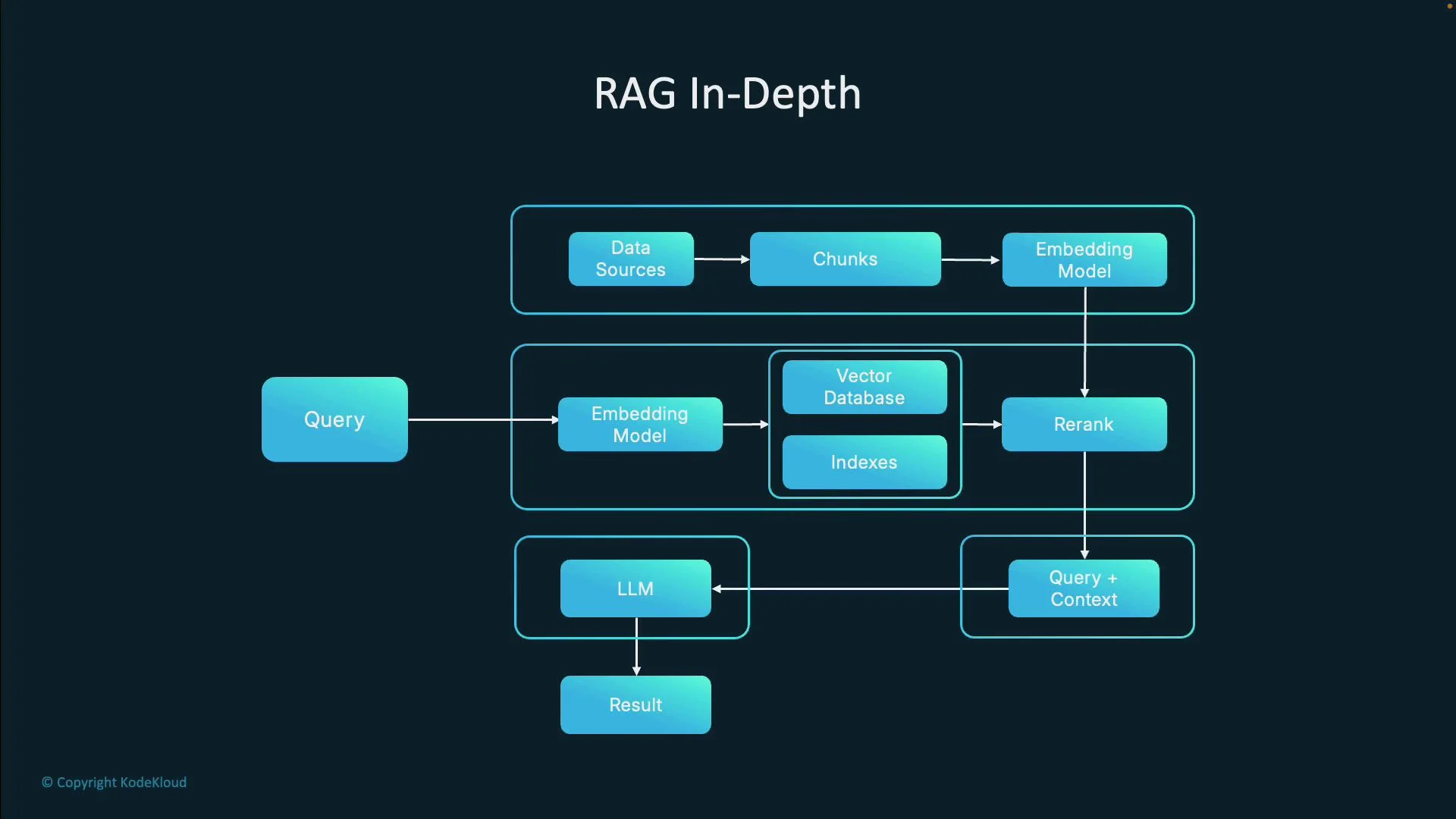
- A user asks a natural language question, e.g.,
Why is Pod X restarting? - The system retrieves relevant documents and logs for the target resource.
- Retrieved context is combined with the query and sent to the LLM.
- The LLM generates a grounded response that cites relevant data instead of generic guesses.
Why DevOps teams adopt RAG
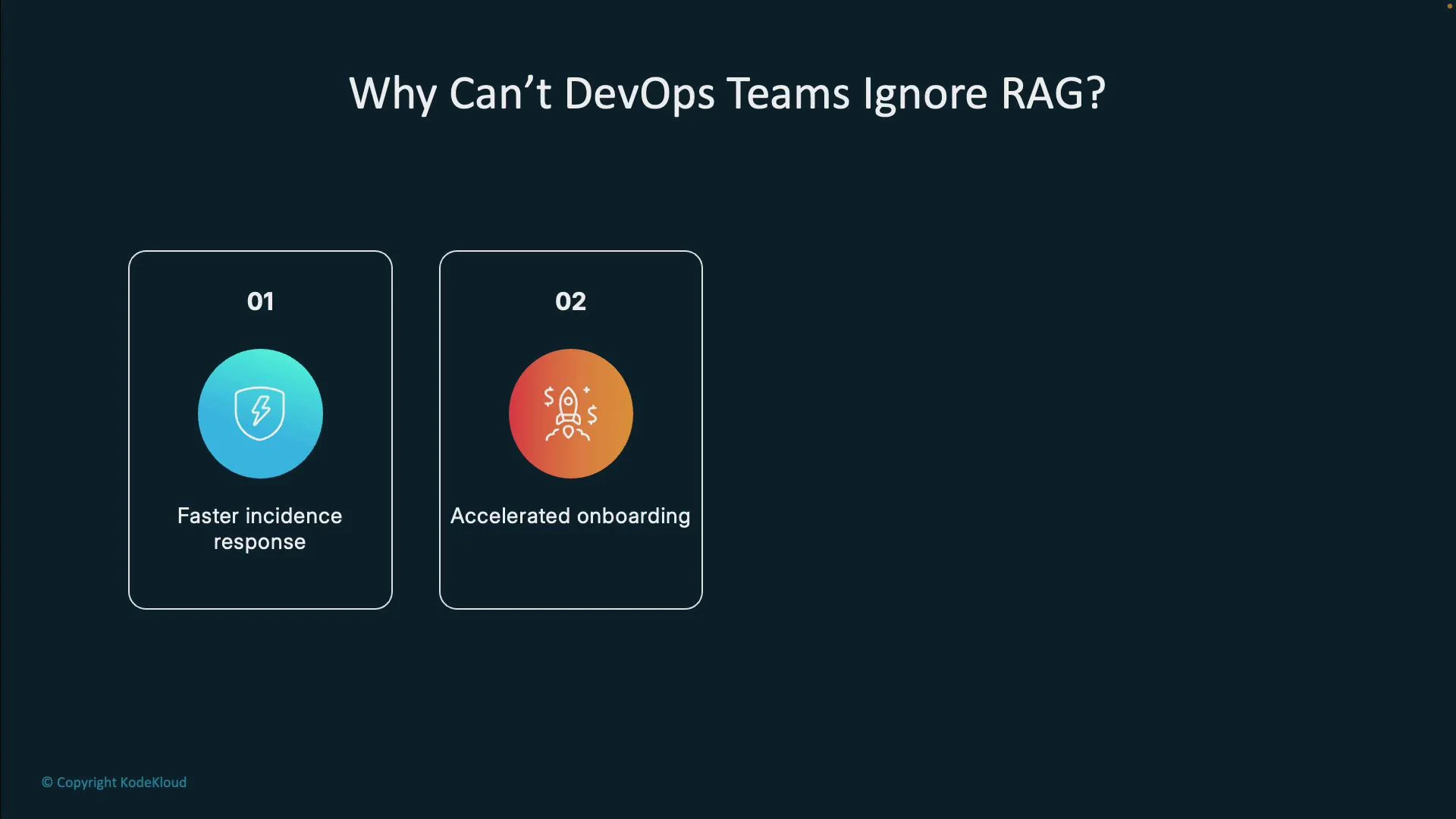
- Faster incident response: Ask plain‑English questions (e.g.,
Why is this failing?) and get answers backed by your logs, diffs, and runbooks instead of manual grep sessions at 03:00. - Accelerated onboarding: Junior engineers can query the system for internal procedures rather than interrupting colleagues.
- Context‑aware answers: Responses are grounded in your documentation and operational artifacts, not generic web advice.
- Cross‑environment support: Works across microservices, multi‑cloud, hybrid setups, and diverse toolchains to provide a single operational knowledge interface.
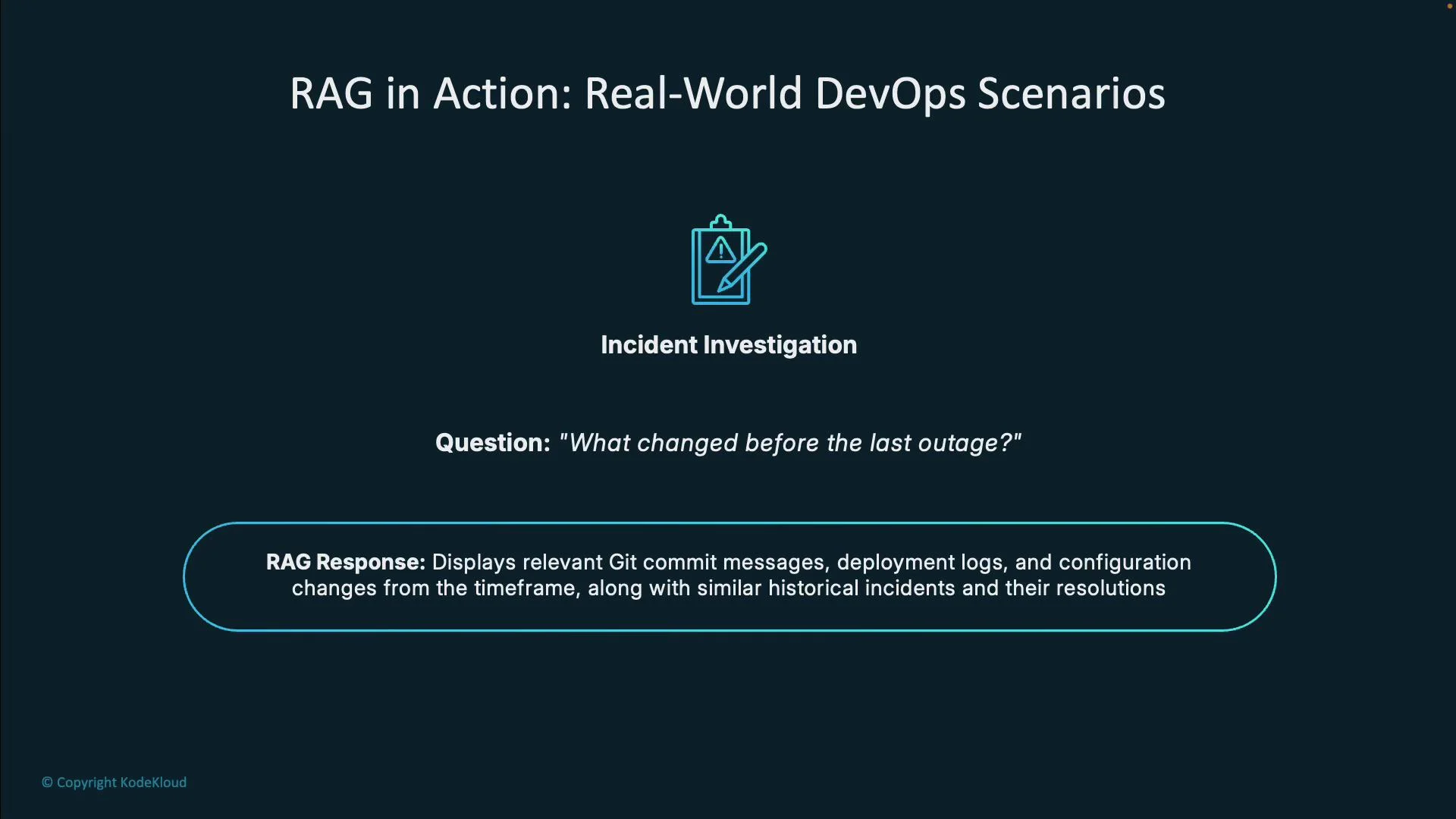
How do we rotate secrets in our Kubernetes clusters?), including automation snippets and rollback guidance pulled directly from your docs and runbooks.
What RAG is not
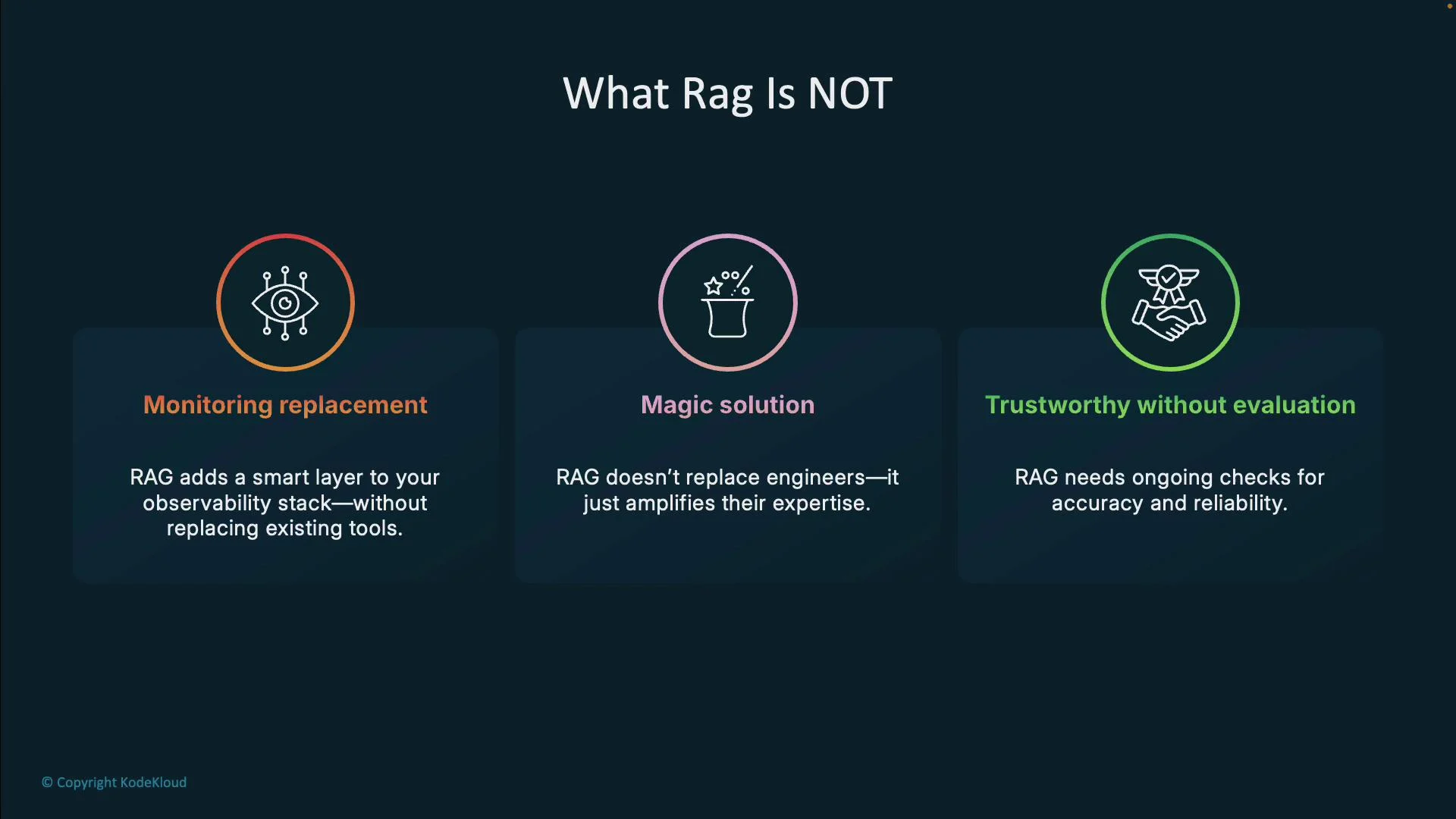
- RAG does not replace monitoring and observability. It augments them by making data easier to query and reason about — but you still need reliable metrics, traces, and alerts.
- RAG does not replace engineers. Treat it as a decision‑support tool that amplifies human expertise.
- RAG is not inherently infallible. Like any AI system, it requires continuous validation for faithfulness, context recall, and correctness.
RAG is most effective when used to augment human decision‑making. Always validate AI‑generated recommendations against live telemetry and your runbooks before taking disruptive actions.
- Identify and catalog knowledge sources: logs, infra docs, runbooks, postmortems, config repos, team wikis. Start with the most critical sources.
- Choose a vector store: evaluate options such as Chroma, FAISS, or hosted services like Pinecone. Consider data size, query latency, and scalability.
- Build the pipeline: implement ingestion, chunking, embeddings, indexing, re‑ranking, and query orchestration. Frameworks like LlamaIndex and LangChain provide reusable components; implementing by hand (e.g., in Python) deepens understanding.
- Start with a single use case: focus on one team or workflow (incident response, runbook access). Iterate based on feedback.
- Measure and validate: track precision, recall, latency, and user satisfaction. Set up human review for critical outputs and continuous evaluation of model behavior.
Before rolling out RAG broadly, implement access controls, data filters, and logging. RAG systems can expose sensitive information if not properly scoped and secured.
- Retrieval‑Augmented Generation overview: https://arxiv.org/abs/2005.11401
- Chroma: https://www.trychroma.com/
- FAISS: https://github.com/facebookresearch/faiss
- Pinecone: https://www.pinecone.io/
- LlamaIndex: https://www.llamaindex.ai/
- LangChain: https://langchain.com/
- Kubernetes docs (for incident examples): https://kubernetes.io/docs/