

Unified memory on Apple Silicon
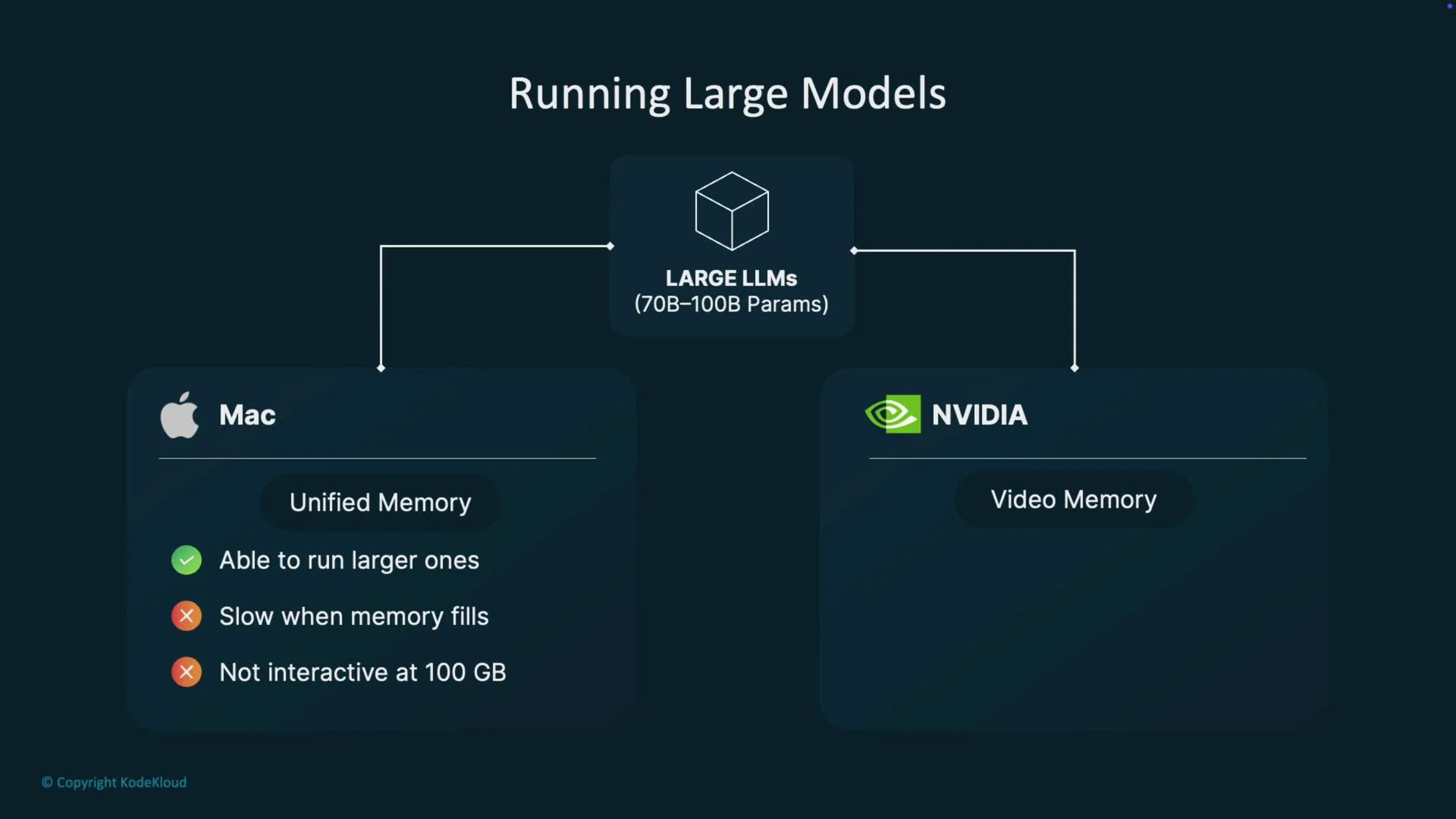
Apple’s M-series chips (M1 — M4) use a unified memory architecture: CPU, GPU, and other accelerators share the same physical memory pool. This allows model runtimes to memory-map model files from disk into the single address space and bring pages into RAM on demand, which can make it possible to run larger models than would fit entirely in a discrete GPU’s VRAM.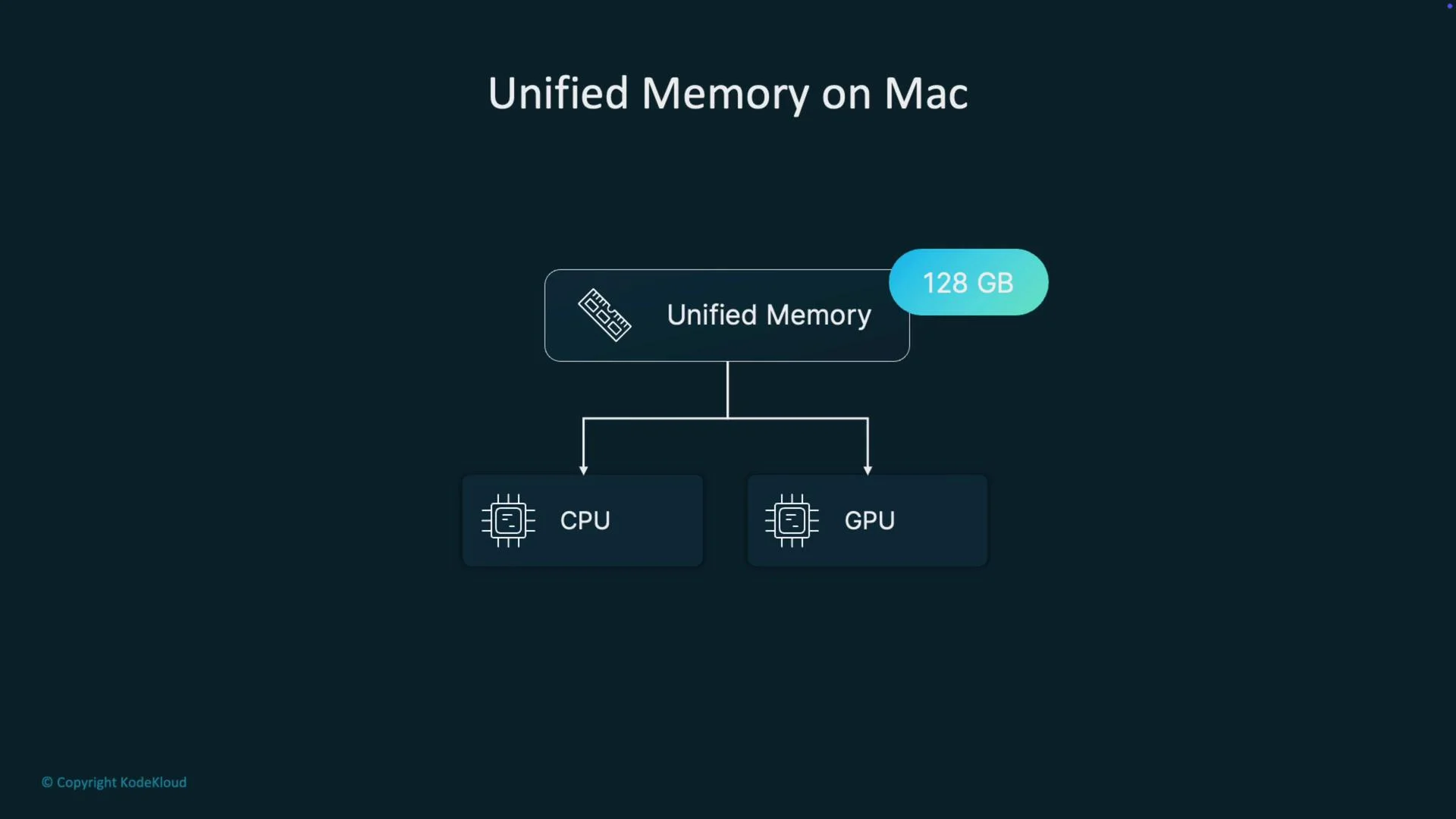
How Ollama and memory-mapping work
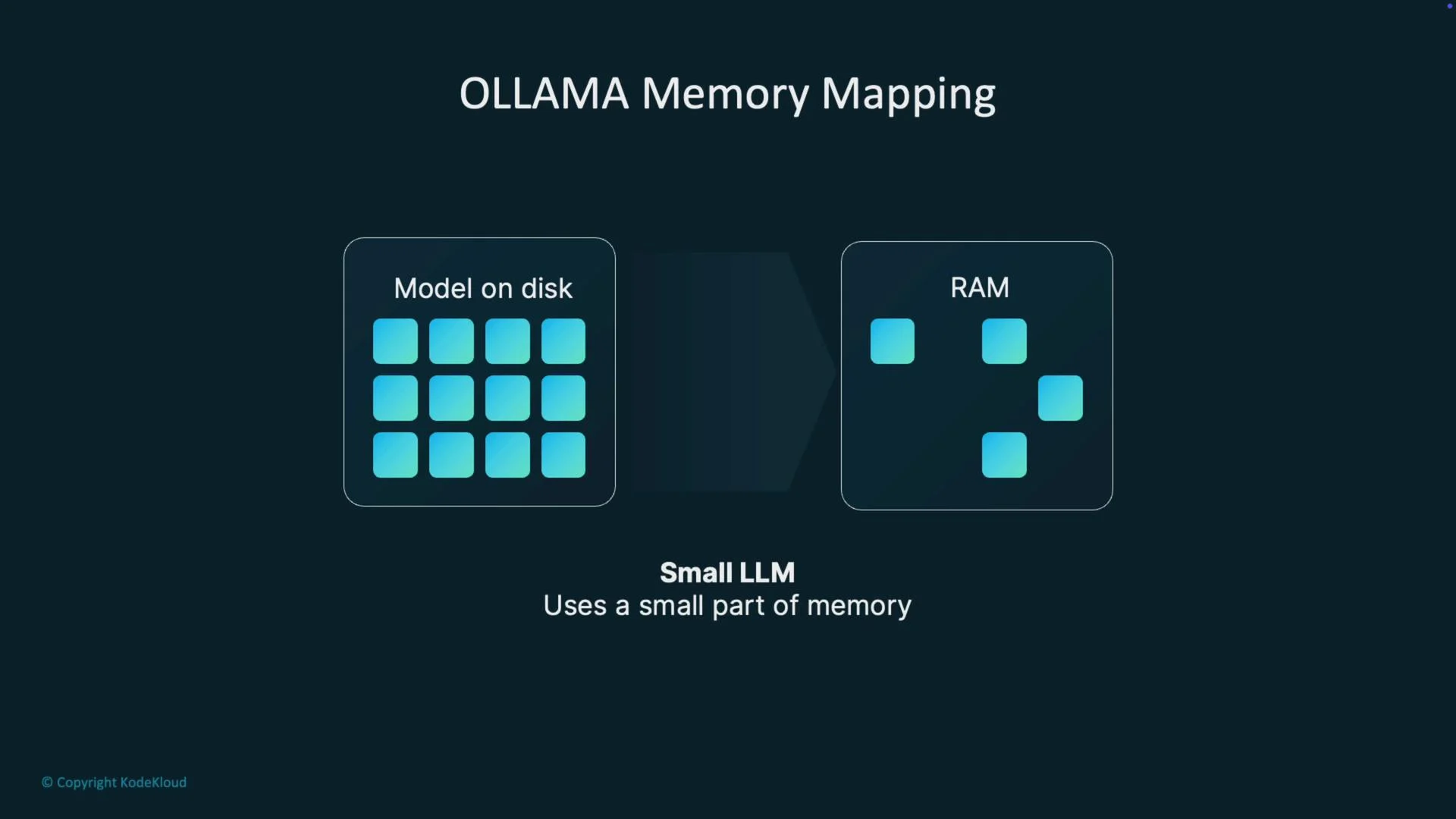
Runtimes like Ollama often use memory-mapped files (mmap) to access model weights on disk. Instead of loading the entire model into VRAM up front, the runtime maps the model file into the process address space and the OS pulls pages into unified memory only as they are needed. This reduces upfront RAM pressure and lets the system host models larger than available GPU VRAM—at the cost of potential page faults and higher latency when accessing unmapped pages.
- Small models: most pages are touched quickly and performance is good for interactive use.
- Large models: more pages are touched, increasing page faults and potential pauses as the OS reads from disk.
Why Macs can run some larger models than a single GPU
A discrete GPU (for example an NVIDIA 4090) has a fixed VRAM size (e.g., 24 GB). If a model’s working set exceeds that VRAM, you need model parallelism, offloading, or external memory techniques. On an M-series Mac with, say, 128 GB of unified memory, the OS can map many more pages into the process address space. That makes it possible to run models locally that would otherwise not fit entirely on a single GPU.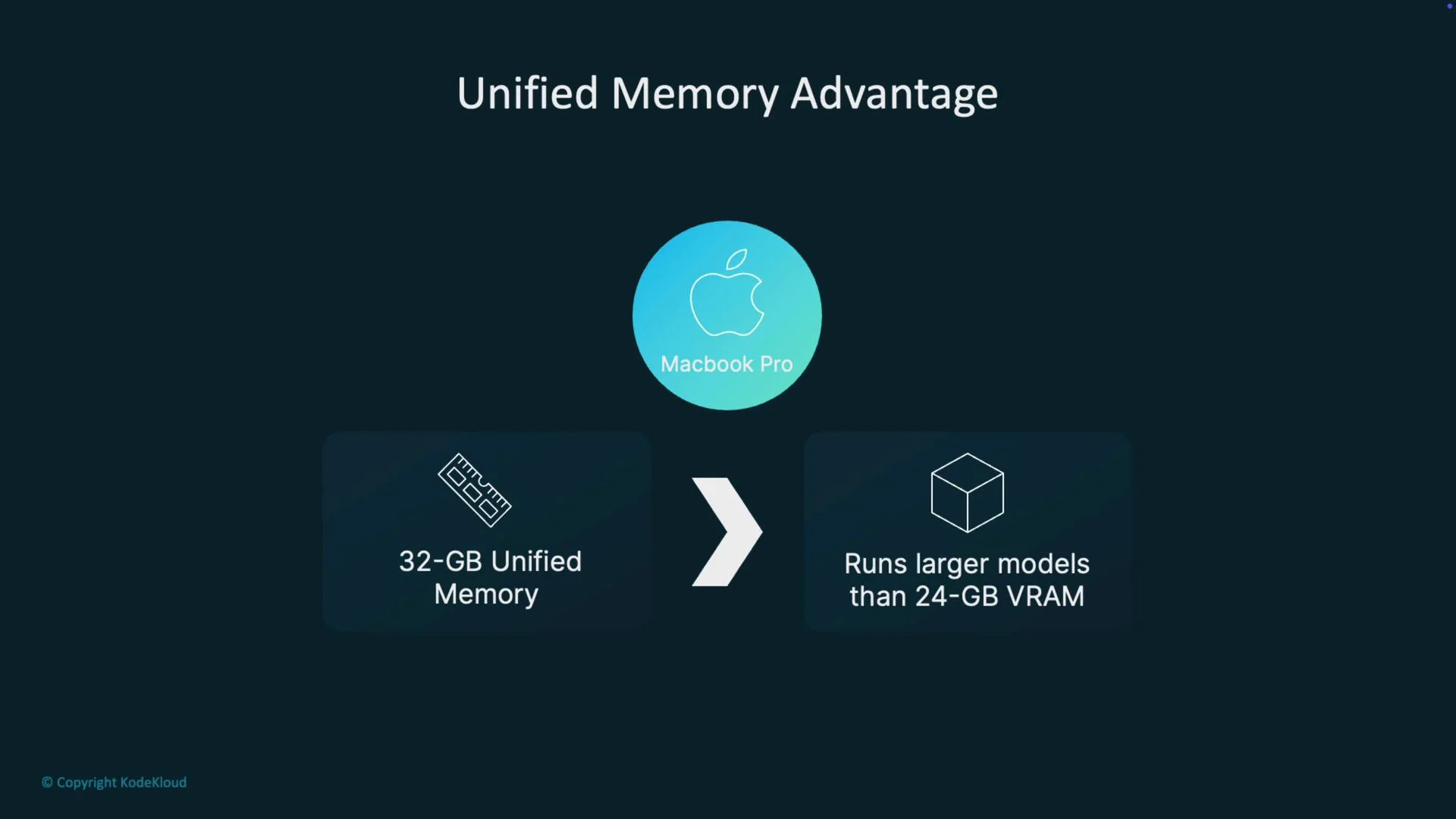
Performance trade-offs: latency, bandwidth, and compute
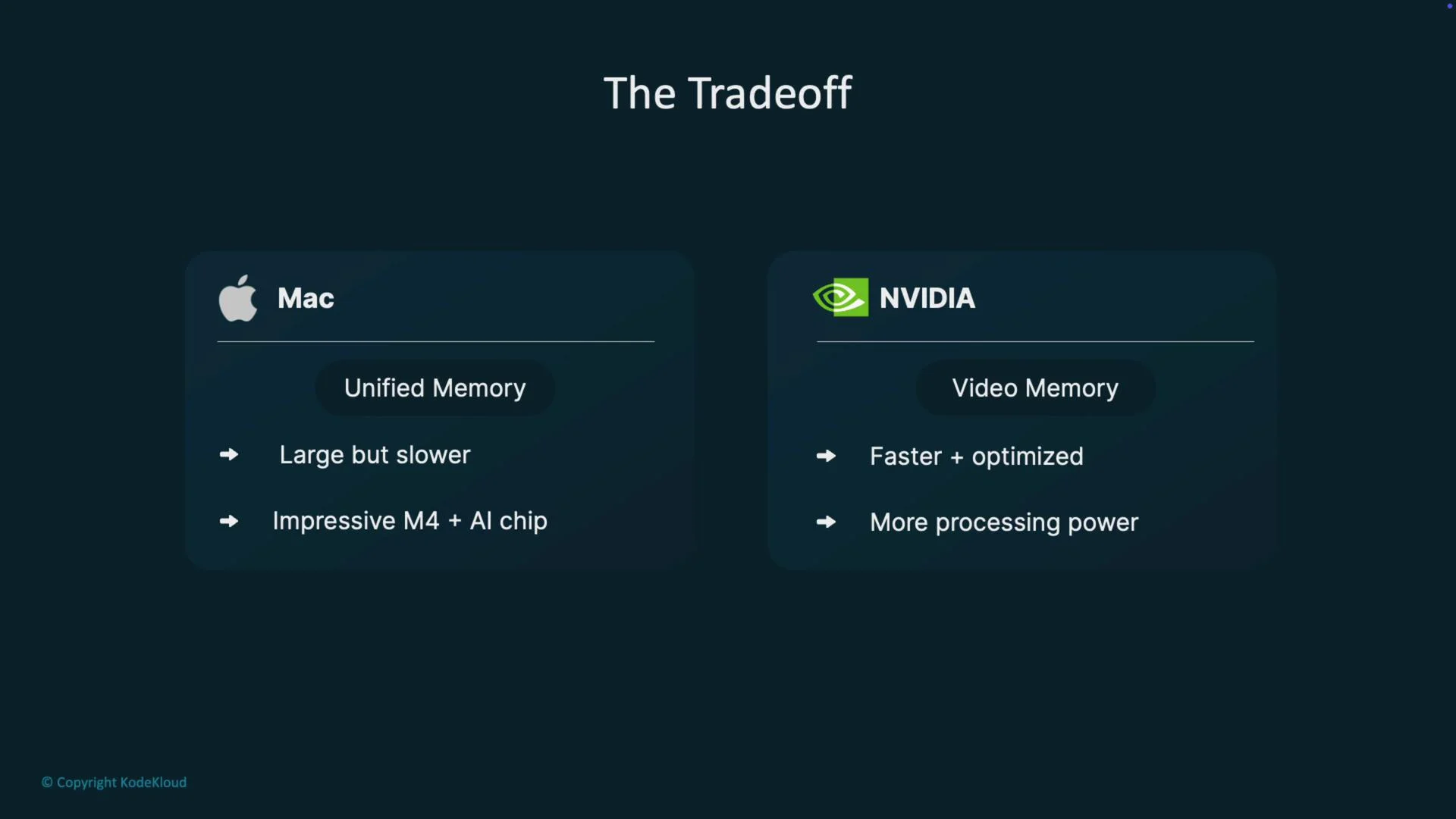
Unified memory capacity is a practical advantage, but there are important trade-offs that affect latency and throughput:- Memory capacity: Macs can provide a much larger addressable RAM pool than a single GPU’s VRAM.
- Bandwidth & latency: Dedicated GPU memory (GDDR/HBM) typically offers higher bandwidth and lower latency for GPU-bound workloads.
- Compute and software: NVIDIA GPUs benefit from CUDA-optimized libraries and high GPU FLOPs. Apple Silicon has strong CPU cores, GPUs, and ML accelerators (Neural Engine and M-series improvements), but raw GPU throughput and CUDA ecosystem advantages often favor NVIDIA for high-throughput GPU workloads.
Practical implications
- Large models (tens to hundreds of billions of parameters): On a Mac with abundant unified memory you may be able to run models that can’t fit on a single GPU VRAM. Expect slower performance and possible unresponsiveness when the OS must page heavily.
- Interactive workloads: Smaller models and well-optimized M-series runtimes often deliver excellent interactive performance on Macs.
- Production/high-throughput: For the lowest latency and best throughput for GPU-heavy inference, multi-GPU NVIDIA servers or cloud GPU instances are typically superior.
Tool availability and compatibility
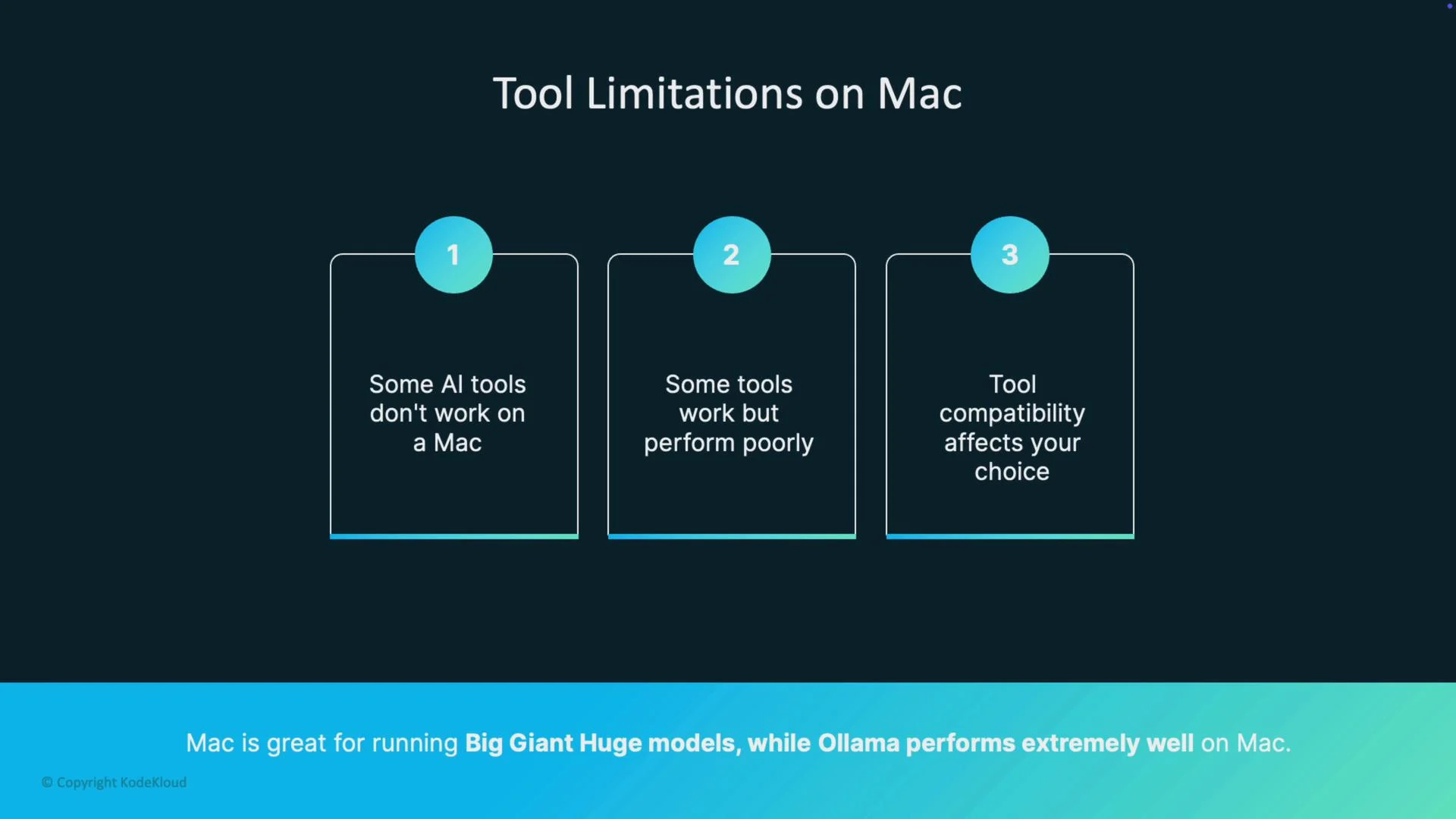
Support and performance vary across tools and frameworks:- CUDA-only optimizations target NVIDIA hardware and won’t run on macOS without alternative backends.
- Some frameworks provide Metal/MPS backends or Apple Silicon builds (for example certain PyTorch MPS builds).
- Ollama and other optimized runtimes may offer native Apple Silicon performance benefits; always check the runtime docs and community reports for platform-specific instructions and limitations.
- Verify that your chosen model and runtime support Metal/MPS or have Apple Silicon optimizations.
- Test early on your target hardware—some models or operators may fall back to slower implementations on macOS.
Monitoring and diagnostics
Use system monitoring tools to measure memory, CPU, GPU, and I/O while running models:- macOS Activity Monitor (GUI)
- Command-line:
htop,vm_stat,top, andsudo dtrace-style utilities - Ollama or runtime logs for model load times and page faults
Monitor memory and CPU/GPU usage while testing a model. Large models mapped from disk may look feasible but can become unresponsive if the working set causes extensive paging or swapping.
If you see sustained high paging activity or the app becomes unresponsive, stop the run and test with a smaller model or increase available memory. Paging can severely degrade interactivity.
Summary
- Apple Silicon’s unified memory lets you memory-map model files and run models that might not fit into a single GPU’s VRAM.
- This increases the addressable memory available for models but introduces trade-offs in bandwidth, latency, and overall GPU compute performance.
- Choose your platform based on the model sizes, runtimes, and latency/throughput needs: Macs are excellent for certain local workloads and convenience; NVIDIA multi-GPU setups are often better for raw GPU throughput.