Ollama is a local wrapper that makes running and interacting with large language models (LLMs) easy and secure on your machine. You can use Ollama in three primary ways:
  • GUI (Windows and macOS) — a simple chat window similar to ChatGPT, Claude, or Gemini.
  • CLI — a terminal-based chat interface for quick interactions and scripting.
  • REST API — a programmatic HTTP interface for building applications that generate text or conduct multi-turn chats.
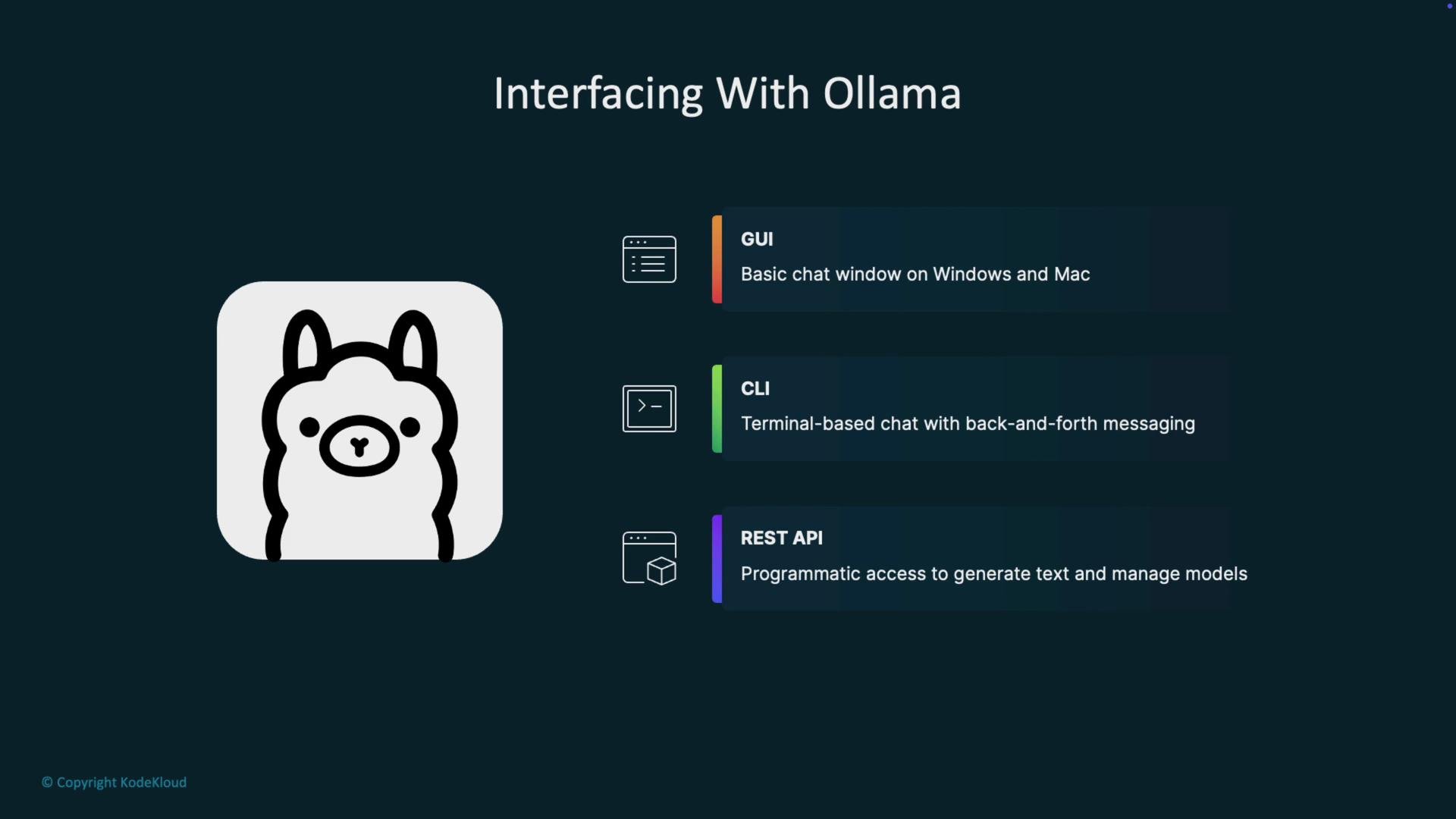
The image is about interfacing with Ollama, featuring a cartoon llama icon and descriptions of GUI, CLI, and REST API interfaces for chat and API access.
Quick overview (why choose each):
InterfaceUse caseExample
GUIUser-friendly chat, explorationDesktop app for one-off conversations
CLIFast prototyping, automationollama serve, ollama list
REST APIEmbed LLMs into apps and servicesPOST http://localhost:11434/api/generate
Ollama exposes a local REST endpoint at http://localhost:11434. Make sure the Ollama server is running before making API requests.
Below are the basic steps to call Ollama’s local REST API and handle both streaming and non-streaming responses.

1) Ensure the Ollama server is running

Start (or check) the server from your terminal:
jeremy@LEGION:~$ ollama serve
If Ollama is already running (for example, started automatically on boot), you may see an address-in-use error:
jeremy@LEGION:~$ ollama serve
Error: listen tcp 127.0.0.1:11434: bind: address already in use
jeremy@LEGION:~$
To see which models are available locally:
jeremy@LEGION:~$ ollama list
NAME           ID             SIZE     MODIFIED
gemma3:latest  a2af6cc3eb7f  3.3 GB   3 hours ago

2) Test the REST API with curl (streaming)

Ollama’s generate endpoint is http://localhost:11434/api/generate. By default the API streams partial tokens as newline-delimited JSON events. This is ideal for low-latency UIs that render tokens as they arrive. Example curl request (default behavior: streaming):
curl -s \
  -H "Content-Type: application/json" \
  http://localhost:11434/api/generate \
  -d '{ "model": "gemma3:latest", "prompt": "tell me a funny joke about Python" }'
Sample streaming output (newline-delimited JSON events):
{"model":"gemma3:latest","created_at":"2025-10-02T03:39:36.770815196Z","response":":","done":false}
{"model":"gemma3:latest","created_at":"2025-10-02T03:39:36.809626775Z","response":"Why","done":false}
{"model":"gemma3:latest","created_at":"2025-10-02T03:39:36.851247104Z","response":" did","done":false}
{"model":"gemma3:latest","created_at":"2025-10-02T03:39:36.876347122Z","response":" the","done":false}
{"model":"gemma3:latest","created_at":"2025-10-02T03:39:36.900150154Z","response":" Python","done":false}
{"model":"gemma3:latest","created_at":"2025-10-02T03:39:36.927253135Z","response":" cross","done":false}
{"model":"gemma3:latest","created_at":"2025-10-02T03:39:36.96719651Z","response":" the","done":false}
{"model":"gemma3:latest","created_at":"2025-10-02T03:39:37.012772357Z","response":" playground","done":false}
{"model":"gemma3:latest","created_at":"2025-10-02T03:39:37.029380517Z","response":"?","done":false}
{"model":"gemma3:latest","created_at":"2025-10-02T03:39:37.294845625Z","response":" To","done":false}
{"model":"gemma3:latest","created_at":"2025-10-02T03:39:37.72117902Z","response":" get","done":false}
{"model":"gemma3:latest","created_at":"2025-10-02T03:39:37.74550912Z","response":" to the other side","done":false}
Each line is a partial event; a client can stream these and assemble the final output progressively.
Streaming is useful for low-latency UIs. If you prefer a single complete result (for easier parsing or logging), disable streaming in the request body by setting "stream": false.

3) Receive the full response in a single JSON object (non-streaming)

To get one complete response instead of token-by-token events, include "stream": false in the request body. Request body (example for curl or Postman):
{
  "model": "gemma3:latest",
  "prompt": "tell me a funny joke about Python.",
  "stream": false
}
Example curl with non-streaming:
curl -s \
  -H "Content-Type: application/json" \
  http://localhost:11434/api/generate \
  -d '{ "model": "gemma3:latest", "prompt": "tell me a funny joke about Python.", "stream": false }'
Sample non-streamed JSON response:
{
  "model": "gemma3:latest",
  "created_at": "2025-10-02T03:46:03.869913624Z",
  "response": "Why did the Python break up with the Java? \n\n... Because it said, \"You're just too object-oriented!\" 😄\n\n---\nWould you like to hear another joke?",
  "done": true,
  "done_reason": "stop",
  "context": [105, 2364, 207, 824, 786, 12974, 1003, 17856]
}

4) Using Postman (or other HTTP clients)

You can replicate the same POST request from Postman, Insomnia, or any HTTP client:
  • Method: POST
  • URL: http://localhost:11434/api/generate
  • Body: raw JSON (example below)
{
  "model": "gemma3:latest",
  "prompt": "tell me a funny joke about Python.",
  "stream": false
}
Postman will format the returned JSON and make it easier to inspect the full response.

Why this matters

Using the Ollama REST API lets you integrate locally hosted LLMs into web servers, desktop apps, and backend services using any language that can make HTTP requests (Python, JavaScript, C#, Java, etc.). Running models locally improves privacy, reduces latency, and allows offline capabilities where appropriate. If you’re new to this, try the following next steps:
  • Experiment with both streaming and non-streaming modes to see which fits your UI/UX.
  • Build a simple backend client in your preferred language to handle token streaming.
  • Use ollama list to manage and choose models for different tasks (summarization, code generation, chat).
If anything here is unclear, or you want example client code (Python, Node.js) to consume the streaming API and assemble tokens into text, ask and I’ll provide step-by-step examples.

Watch Video