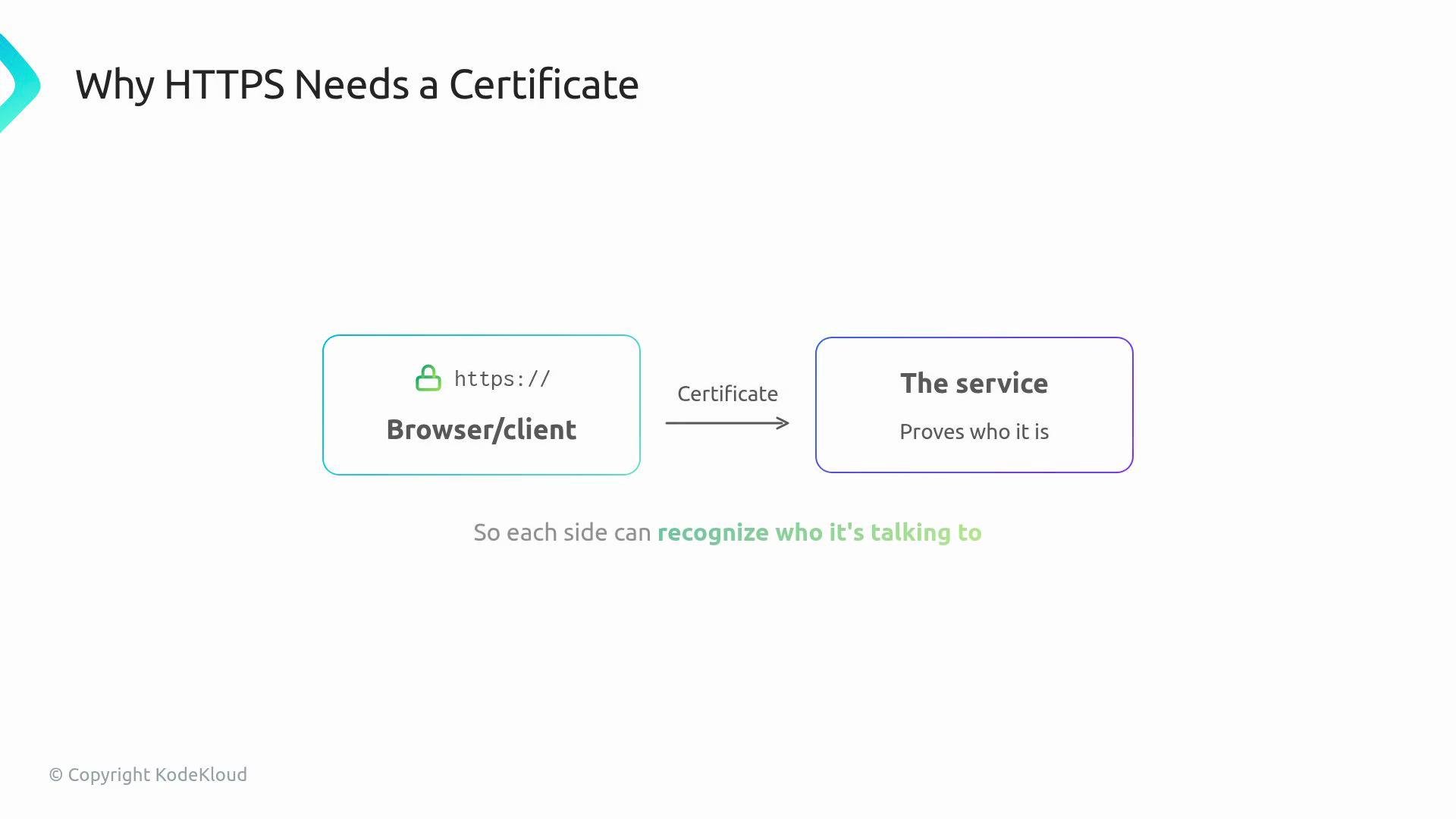
When an application uses HTTPS, a certificate proves the identity of the endpoint to browsers, clients, and other services. Certificates ensure encrypted traffic and trust between parties.
The image illustrates why HTTPS needs a certificate, showing a connection between a browser/client and a service to verify identity.
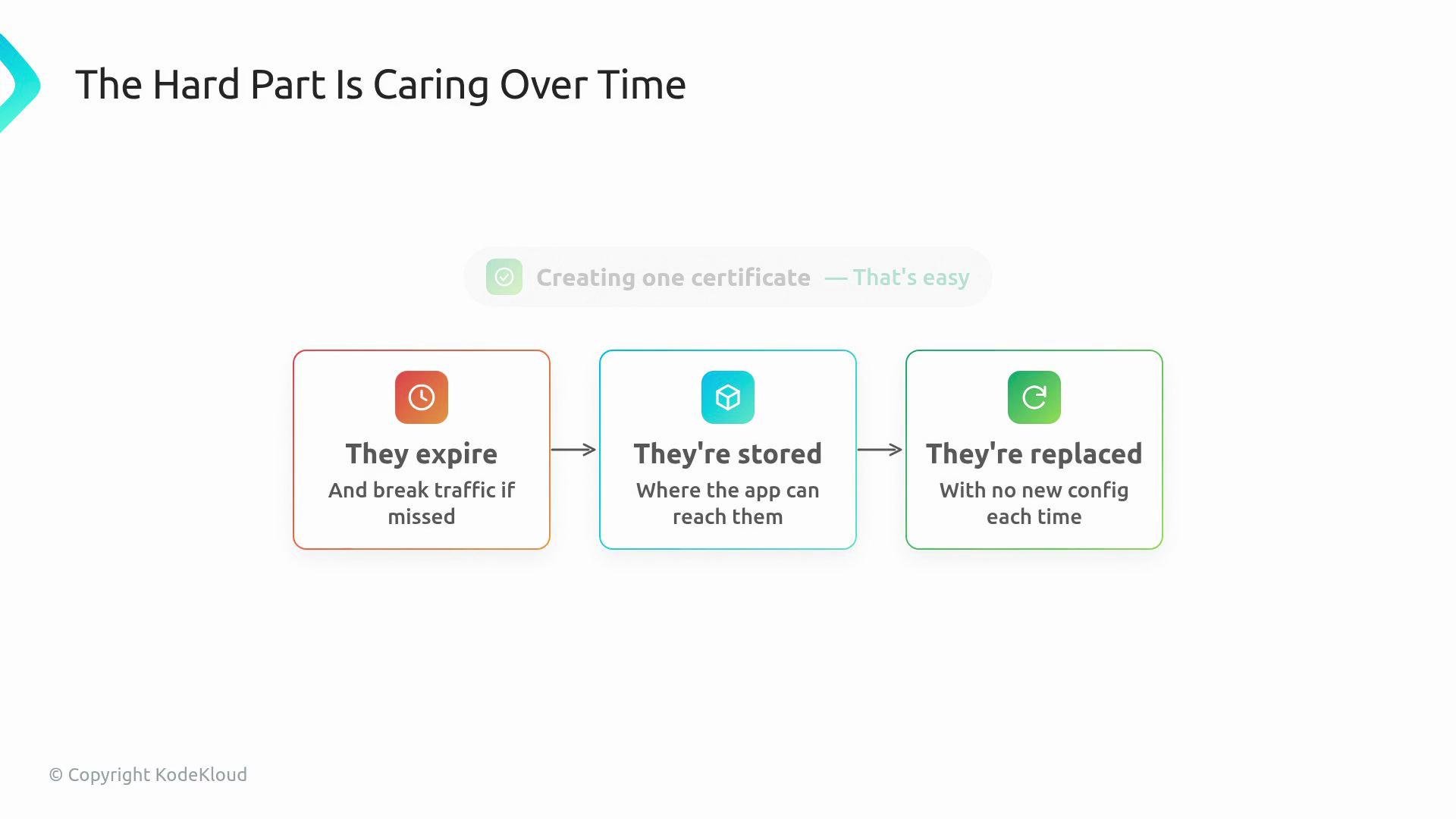
Managing a single certificate by hand is straightforward. The real challenge is lifecycle management: certificates expire, they must be stored where applications can access them, and replacements should not require changing application configuration.
The image is a flowchart titled "The Hard Part Is Caring Over Time," explaining the challenges of certificate management: expiration, storage accessibility, and replacement processes.
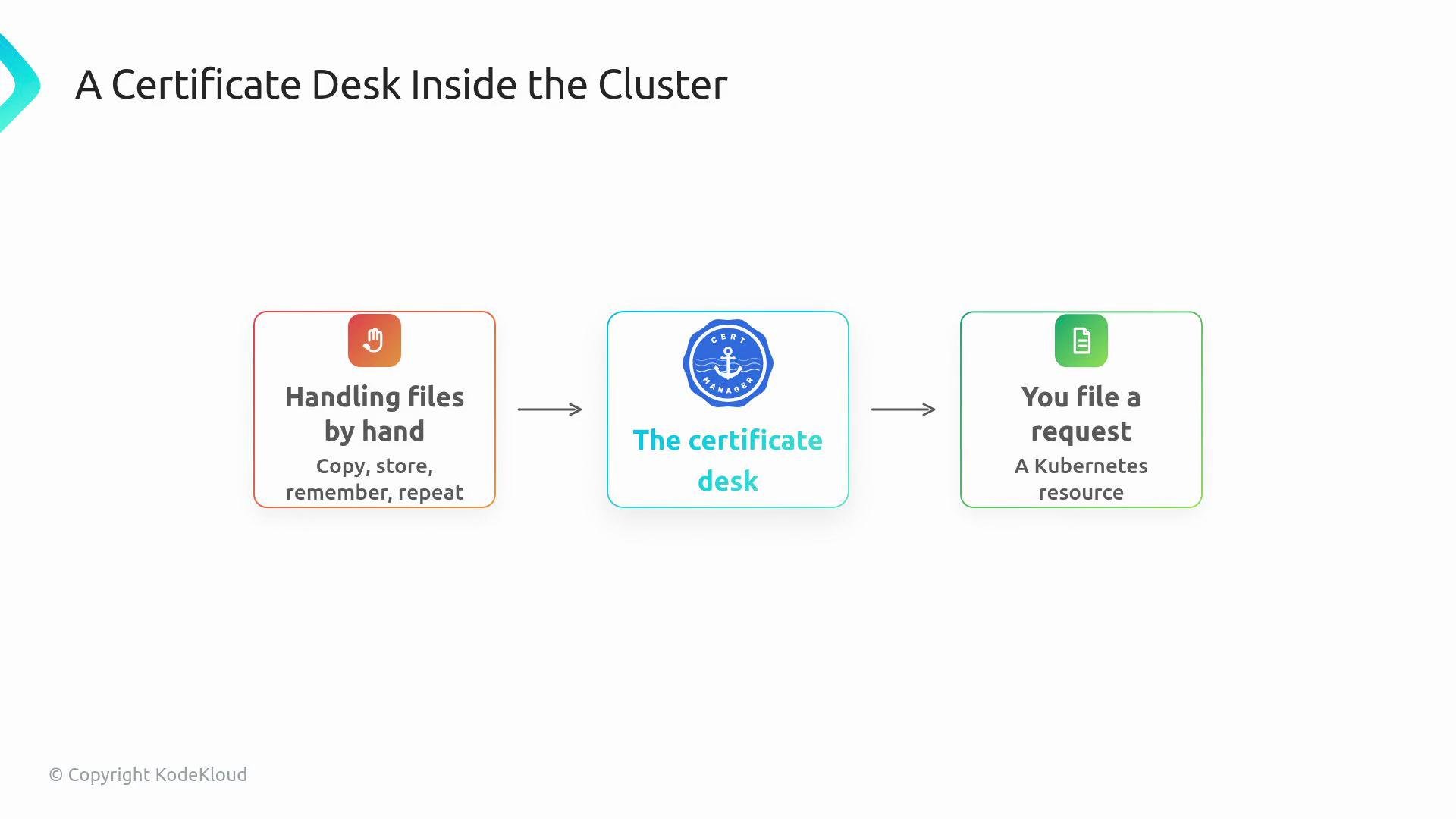
cert-manager implements that lifecycle as a Kubernetes operator. You declare the certificate you want as a Kubernetes resource, cert-manager watches that resource, and it creates or updates a Kubernetes Secret containing the certificate and key. Think of cert-manager as a certificate desk inside the cluster: instead of managing files manually, developers file a Kubernetes request and let the operator reconcile the result.
The image illustrates a workflow for "A Certificate Desk Inside the Cluster," showing the process from handling files by hand to a certificate desk, followed by filing a request as a Kubernetes resource.
Key objects in cert-manager
  • Certificate resource: a request that declares the DNS names (subject / SANs), the Issuer to use, and the target Secret name.
  • Issuer / ClusterIssuer: the authority that fulfills the request by obtaining or issuing the certificate.
  • Secret: where the resulting TLS material is stored (commonly kubernetes.io/tls with tls.crt and tls.key).
A typical Certificate request includes:
  • DNS name(s) the certificate should cover.
  • Which Issuer or ClusterIssuer should obtain the certificate.
  • Which Kubernetes Secret should hold the TLS data.
Below is an example Certificate resource (minimal):
And a minimal ClusterIssuer that uses Let’s Encrypt (ACME):
Cert-manager writes the resulting certificate and private key into the target Secret. For TLS-type Secrets, the Secret contains the keys tls.crt and tls.key:
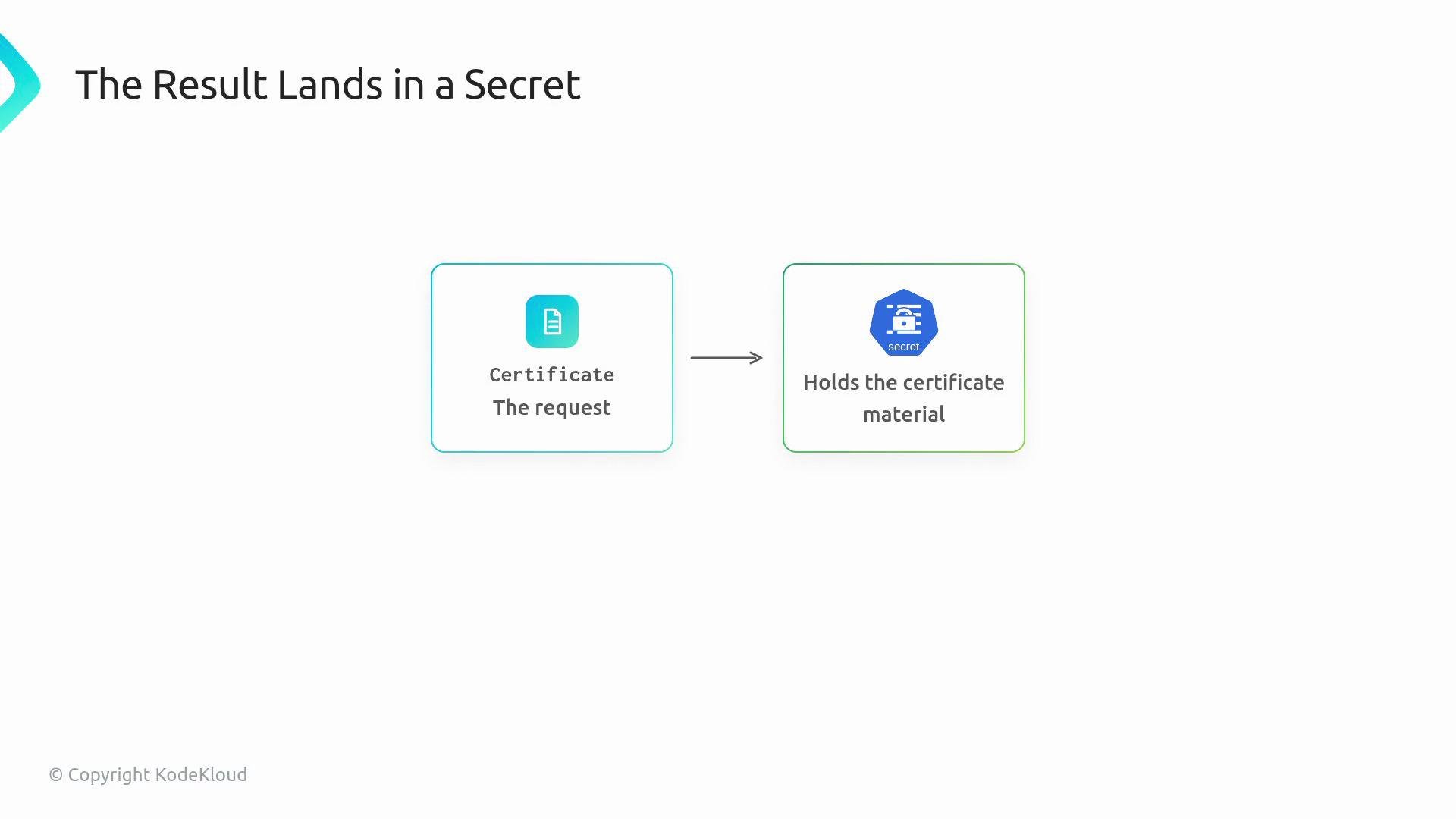
Keep this mental model:
The image is a diagram showing a process where a certificate request leads to holding the certificate material in a secret.
Certificate resource = request.
Secret = output (contains tls.crt and tls.key).
Issuer vs ClusterIssuer
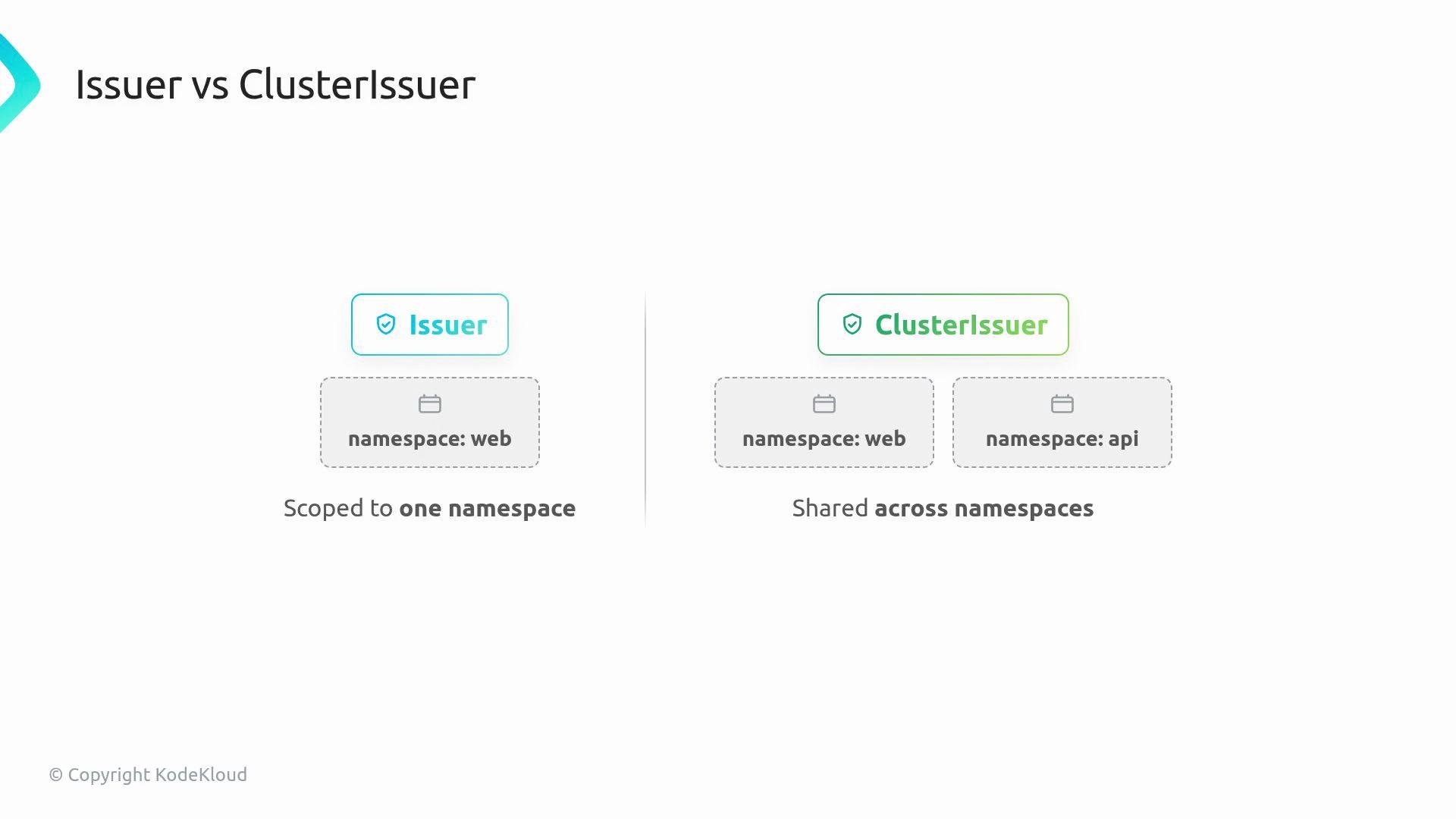
The image compares an Issuer, which is scoped to one namespace, with a ClusterIssuer, which is shared across multiple namespaces.
Renewal automation Renewal is where cert-manager provides the greatest value. Certificates expire; cert-manager continuously monitors Certificate resources and requests replacements before expiry. Crucially, cert-manager updates the same Secret name in-place, so applications can keep referencing a stable Secret while its contents are rotated. When cert-manager is installed you’ll typically see these components:
  • Controller(s) that reconcile Certificate, Issuer, and other cert-manager CRs.
  • Validating webhook that validates cert-manager resources against the API.
  • CA injector (cainjector) which injects CA bundles where needed (for example, into webhook configurations).
Operational tips
  • Verify the Certificate status: kubectl describe certificate example-com-tls -n default
  • Confirm the Secret exists and includes tls.crt and tls.key: kubectl get secret example-com-tls-secret -n default -o yaml
  • Troubleshoot with CertificateRequest objects and cert-manager controller logs when issuance fails.
cert-manager stores TLS material in a Secret of type kubernetes.io/tls with keys tls.crt (certificate chain) and tls.key (private key). Applications should reference the Secret name so cert-manager can update the data in-place during renewal. See cert-manager documentation and Kubernetes TLS Secret docs: https://kubernetes.io/docs/concepts/configuration/secret/#tls-secrets.
Next steps Install cert-manager in a lab cluster, create an Issuer or ClusterIssuer and a Certificate resource, and then confirm cert-manager issues the certificate and writes the TLS Secret for your workload. For production, integrate a trusted ACME CA (e.g., Let’s Encrypt) or your organization’s internal CA, and ensure DNS or HTTP challenge solvers are configured correctly. Links and references

Watch Video