

- Inspect the Dockerfile build path and verify the binary ends up in the runtime image.
- Connect the image tag you produce to the Deployment used by the operator manager.
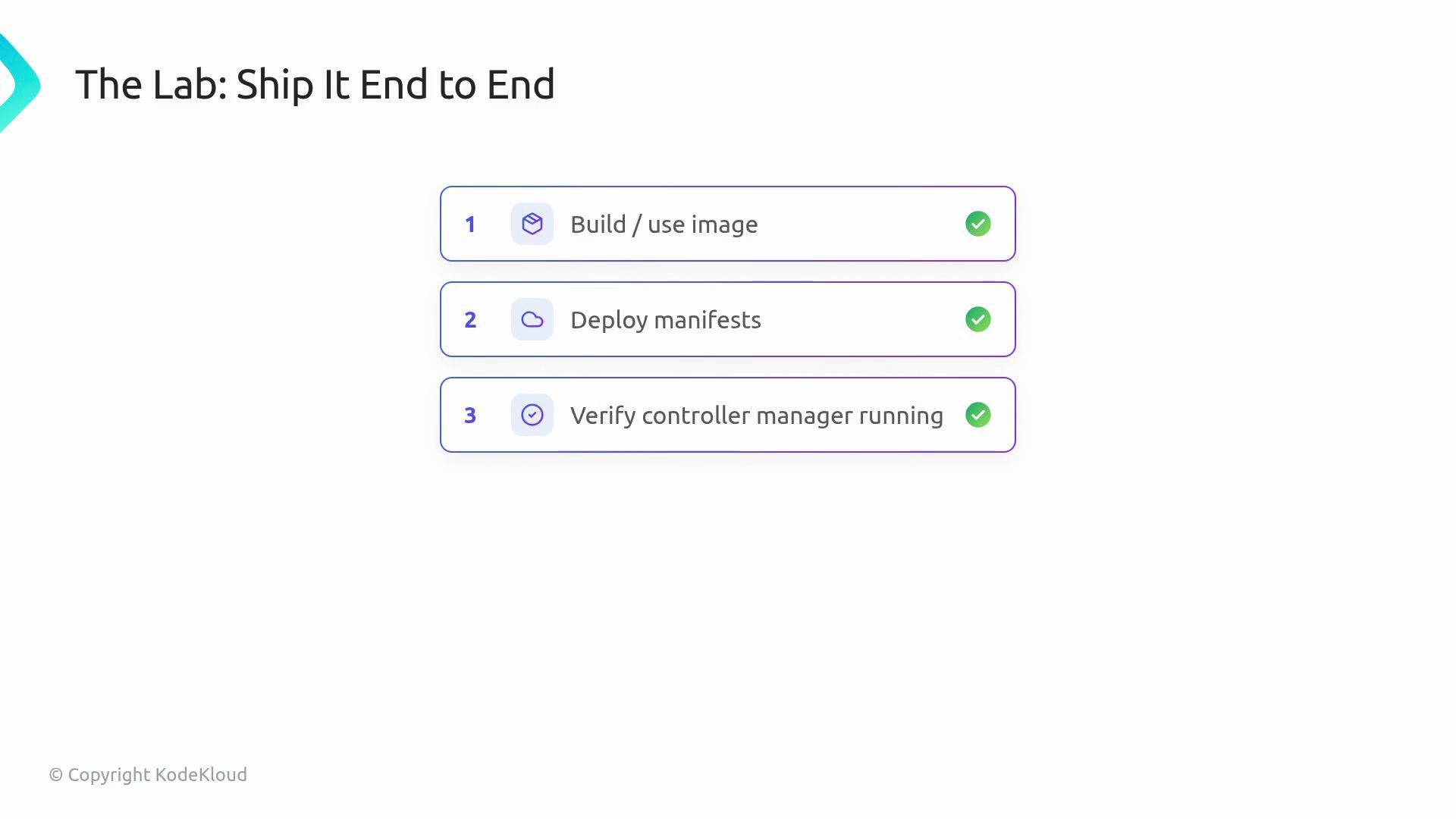
- Use the provided Makefile targets (scaffolded by Kubebuilder) to build, push, and deploy the operator.
Example workflow (end-to-end):
IMG the cluster may pull the wrong image or the controller may fail to start.
After deploying, verify the controller manager is running and is using the image you pushed:
When using the Makefile targets, always set
IMG to the exact image reference you intend to deploy (including registry and tag). The deployed manifests will reference that value, so an incorrect IMG will cause the cluster to pull a different image or fail to start the controller.Ensure you have credentials and write access to the target registry before running
make docker-push. Also confirm the cluster can pull from that registry (private registries may require imagePullSecrets).References
- Kubebuilder: https://book.kubebuilder.io/
- Kustomize: https://kustomize.io/
- Operator Lifecycle Manager (OLM): https://olm.operatorframework.io/