

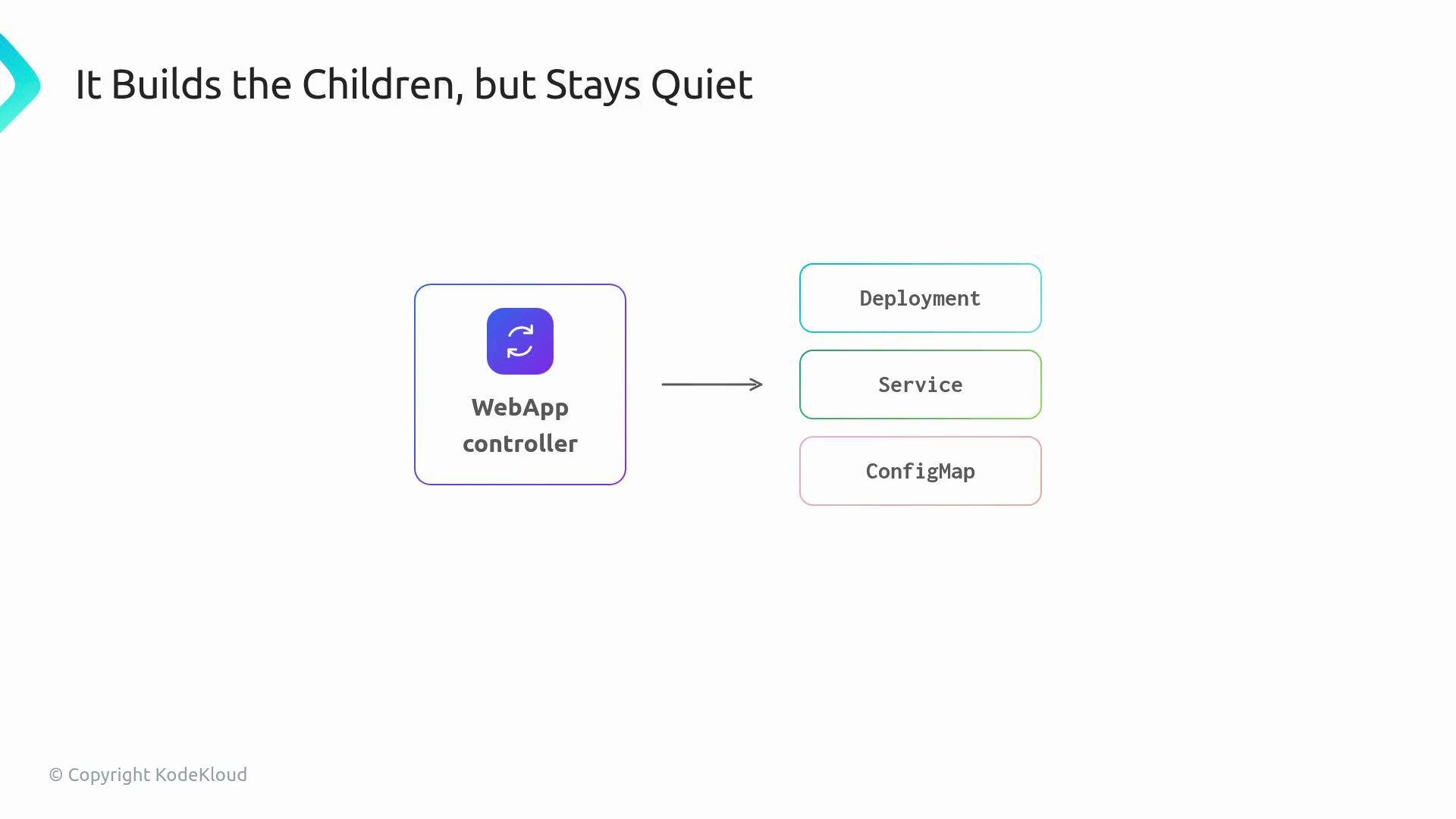
specholds the user’s desired intent.statusrecords observed facts.conditionssummarize readiness and progress in a structured, machine-readable way.eventsprovide a concise timeline of important actions.
kubectl describe on a Deployment shows both intent and observed state:
status with facts it observes from the cluster — for example, how many pods are ready behind the Deployment — and will also publish conditions and events so users get immediate, actionable feedback.
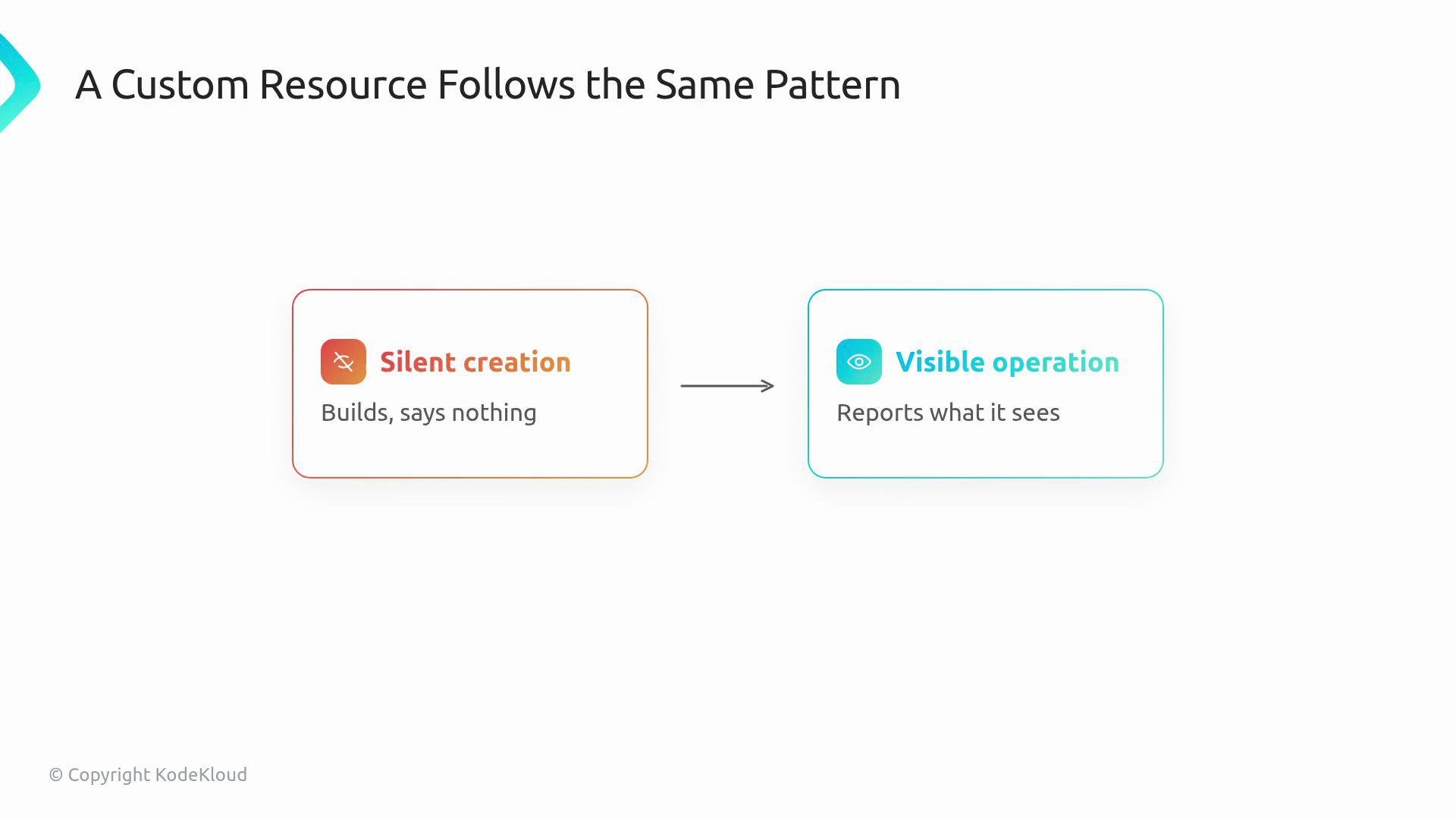
Treat
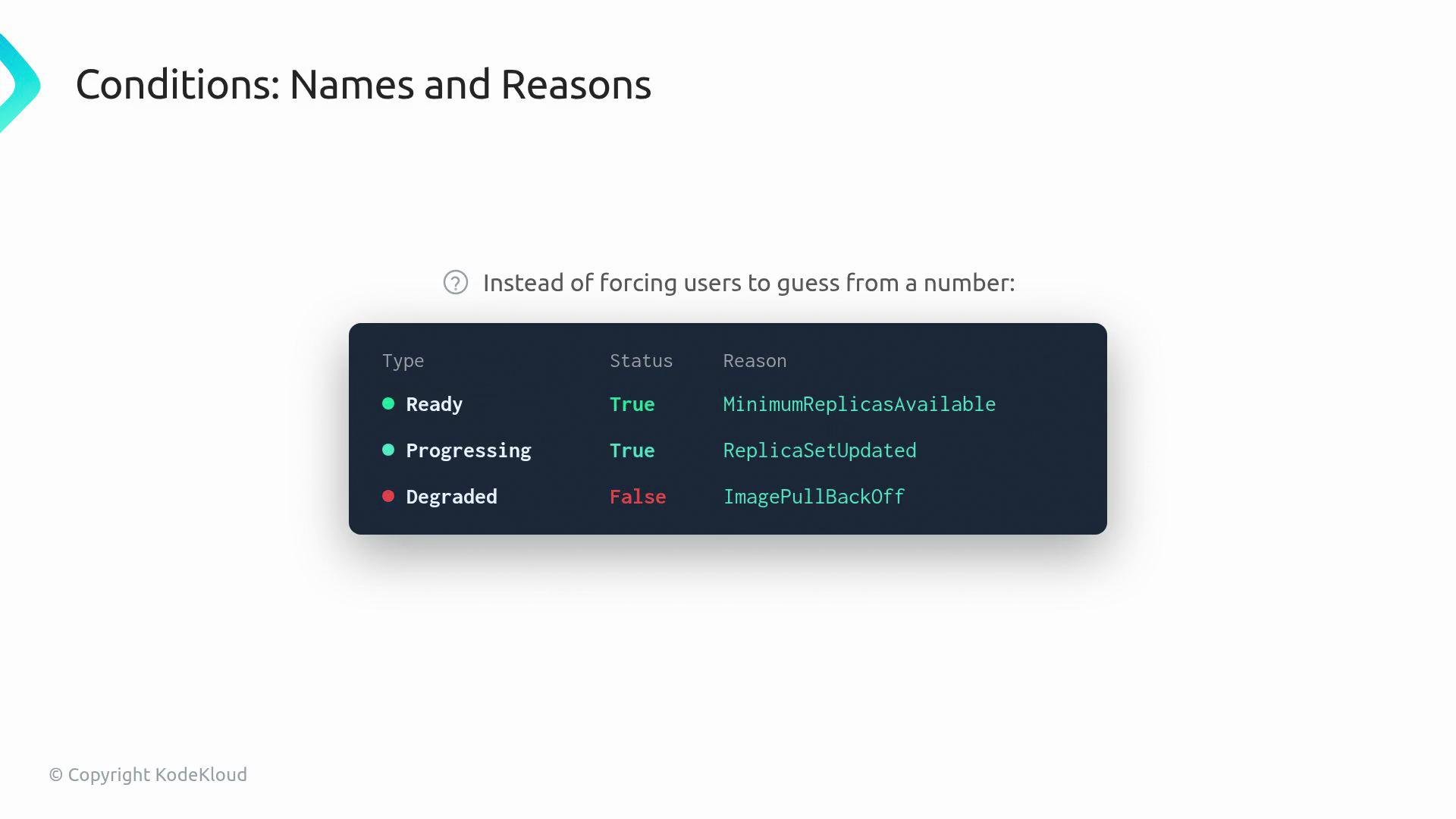
spec as the desired state (user intent) and status as the controller’s observed facts. Conditions are a concise, machine-readable summary of that observed state.True/False statuses and machine-friendly reason and message fields. That creates a compact health report other tools can read without scraping logs.
kubectl describe. Logs remain essential for deep debugging, but Events surface the most relevant actions to resource owners.
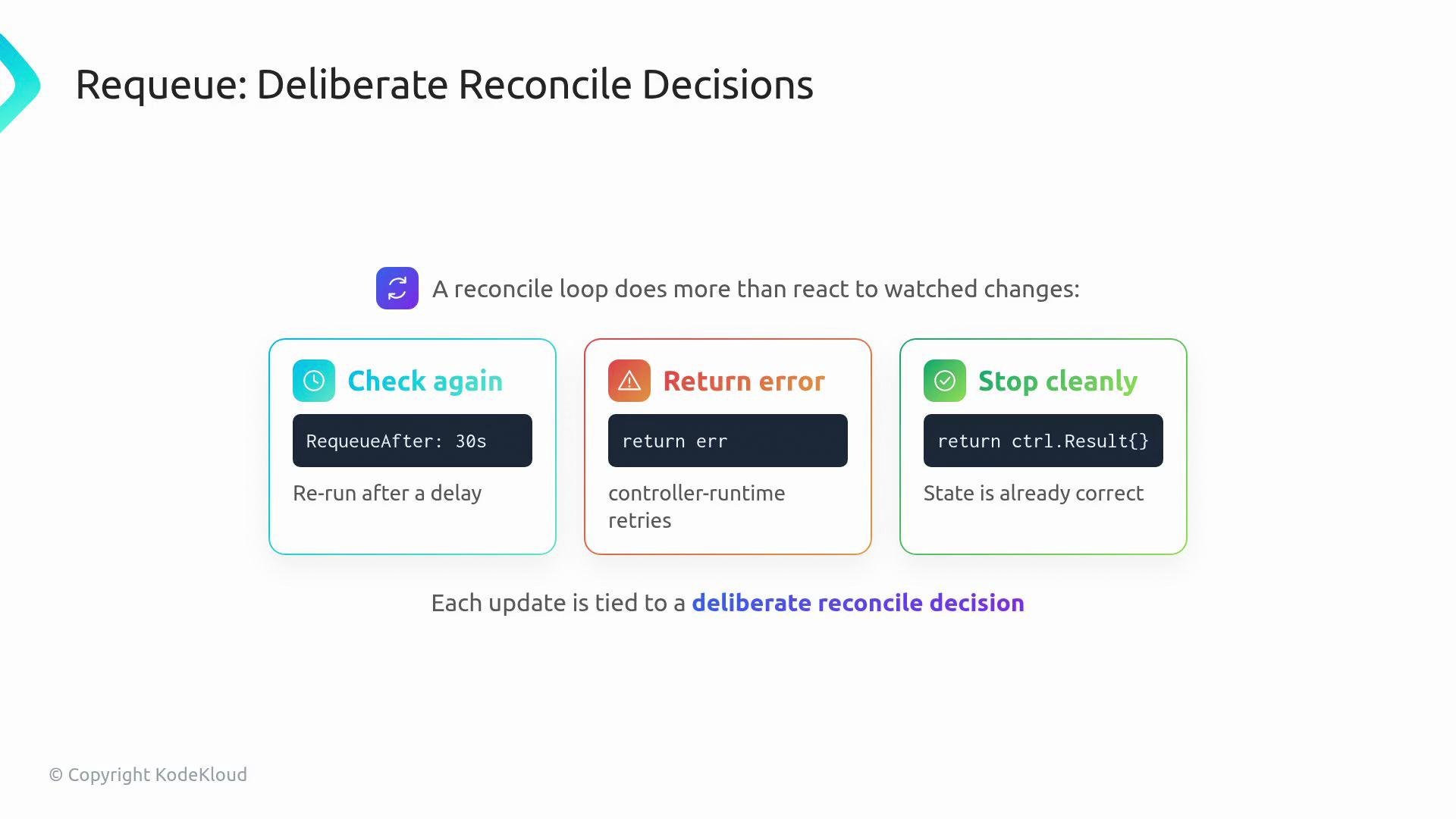
Requeue behavior completes the observable story: the reconcile loop should make explicit decisions about whether to
- check again after a delay,
- return an error (so controller-runtime retries), or
- stop cleanly because the current state already matches the desired state.
By the end of this section, the WebApp controller will still create and manage child resources, but it will also explain what it sees and why it made particular reconcile decisions — directly where users look for that information.
![The image contains text describing how a web application will eventually explain itself, with listed items like "status.readyReplicas" and "conditions[]". There's also a button labeled "Now it explains what it sees."](https://mintcdn.com/kodekloud-c4ac6d9a/_cG0RWHUHqfjYKx0/images/Kubernetes-Operators/Status-Conditions-Events/Section-Overview/web-application-explanation-status-button.jpg?fit=max&auto=format&n=_cG0RWHUHqfjYKx0&q=85&s=ab90e755e3da2222cd648c2aa0e9a9d0)
- Kubernetes API conventions for
statusandconditions: https://github.com/kubernetes/community/blob/master/contributors/devel/sig-architecture/api-conventions.md#typical-status-properties - Best practices for kubectl and resource visibility: https://kubernetes.io/docs/reference/kubectl/overview/