

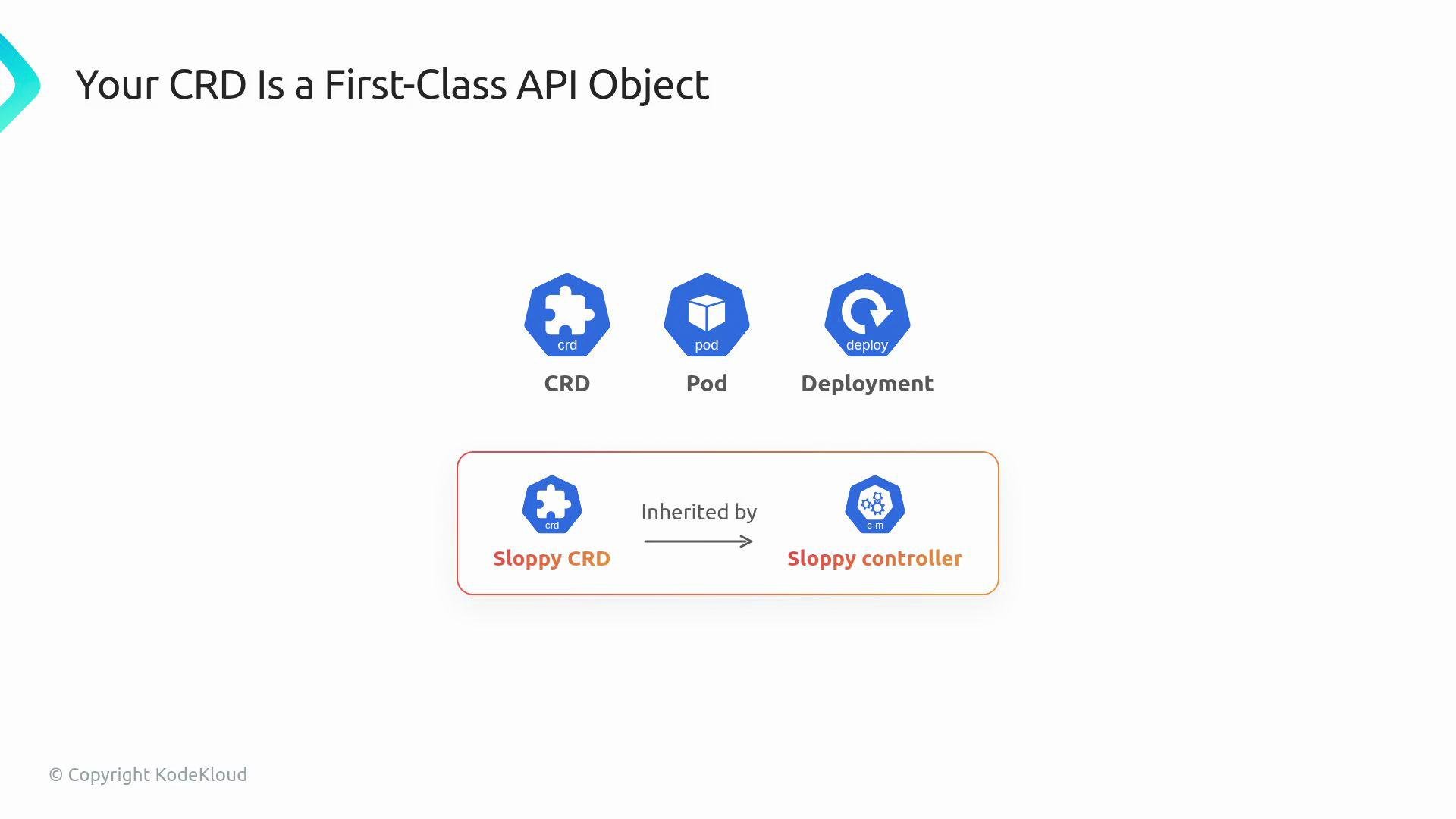
Treat a CRD as a stable API contract, not a temporary convenience. Design the schema intentionally: names, required fields, allowed values, and update strategy matter.
Reproducing the problem
- Dev cluster: permissive CRD allowed the invalid object.
- Staging cluster: CRD is stricter (or the same stricter server-side checks), so the same object is rejected.
- Result: you must perform a CRD version bump, migrate objects, and explain a breaking change to stakeholders.
Versioning a CRD and migrating existing resources can be a breaking change. Plan migration strategies (conversion webhooks, storage versioning) before changing schemas in production.
Why permissive schemas fail
Permissive OpenAPI schemas let invalid or malformed objects be stored somewhere; when another cluster has more accurate validations (or the API server enforces additional checks such as CEL validations), those same objects will be blocked. The root cause is treating the CRD as an afterthought rather than as the authoritative API contract.Designing a robust CRD
When authoring a CRD, explicitly design:- Structural schema: use
type: objectandpropertiesto make the shape explicit. - Required fields: prevent runtime panics and make controllers simpler.
- Defaults: populate sane defaults so clients don’t need to supply every field.
- Enums and format checks: restrict values to known-good options.
- CEL validations: express rules OpenAPI cannot, enforced at admission time.
- Operational subresources and UX enhancements (status, scale, printer columns, shortNames).
Operational extras — improve usability
Small CRD additions greatly improve day-to-day usability for users and operators. The following table summarizes commonly-used operational settings and why they matter:
Examples of expected operational interactions:
Practical next steps in this lesson
- Manually author a CRD (no KubeBuilder scaffolding) to expose the fields you need, the
versionsblock, and the OpenAPI v3 schema. - Add required fields, defaults, enums, and CEL validations to ensure the API rejects bad input at apply time.
- Add
statusandscalesubresources and printer columns for operational ergonomics. - Learn version bumping and migration patterns so schema evolution is safe in production.