Owner references are the Kubernetes-native way to ensure child objects are removed when their parent is deleted. For example, if a WebApp custom resource owns a Deployment, a Service, and a ConfigMap via ownerReferences, Kubernetes will automatically garbage-collect those child objects when the WebApp is deleted.
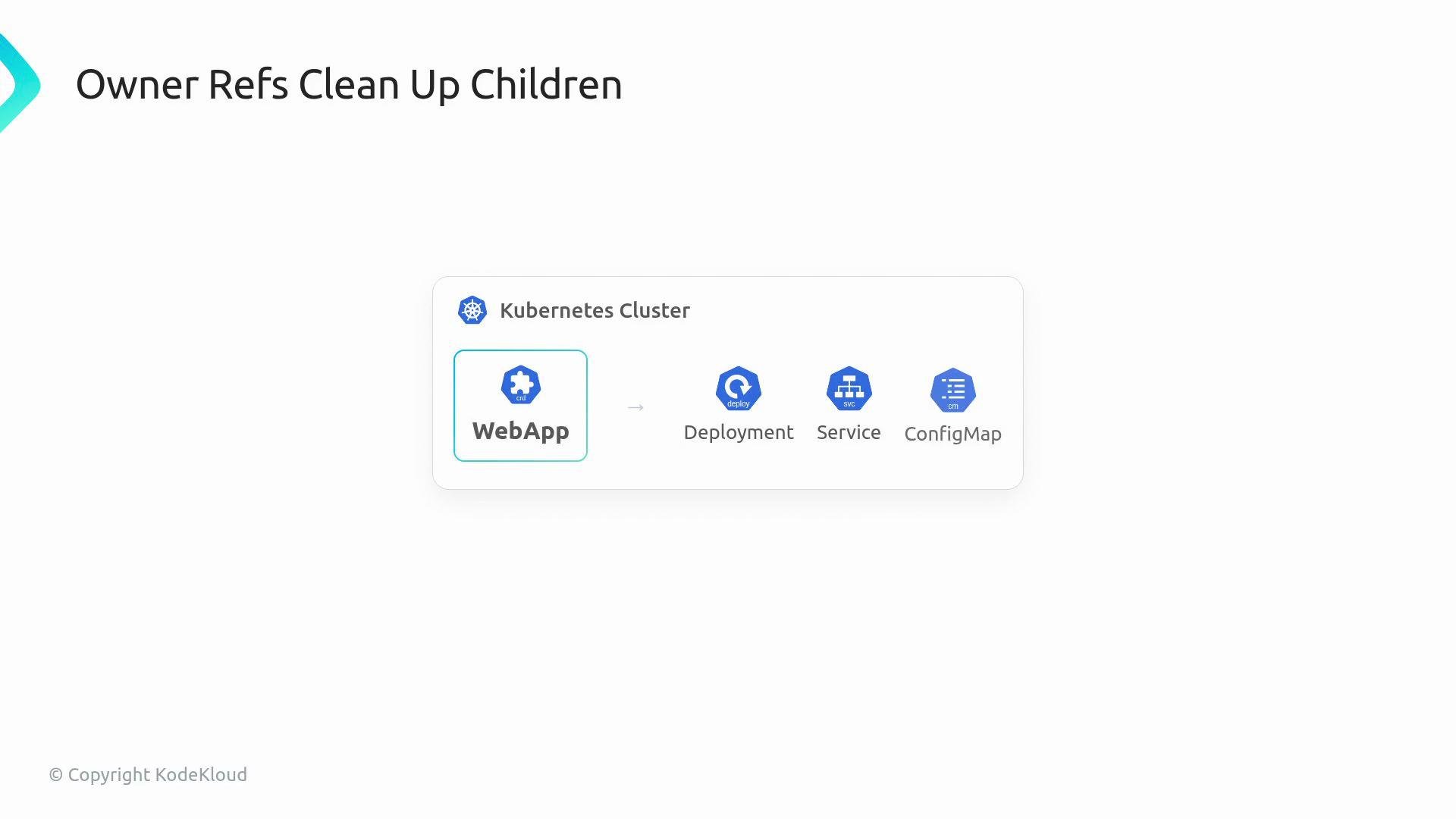
The image illustrates a diagram related to Kubernetes, showing the relationship between a WebApp and its components: Deployment, Service, and ConfigMap. It highlights the concept of "Owner Refs Clean Up Children."
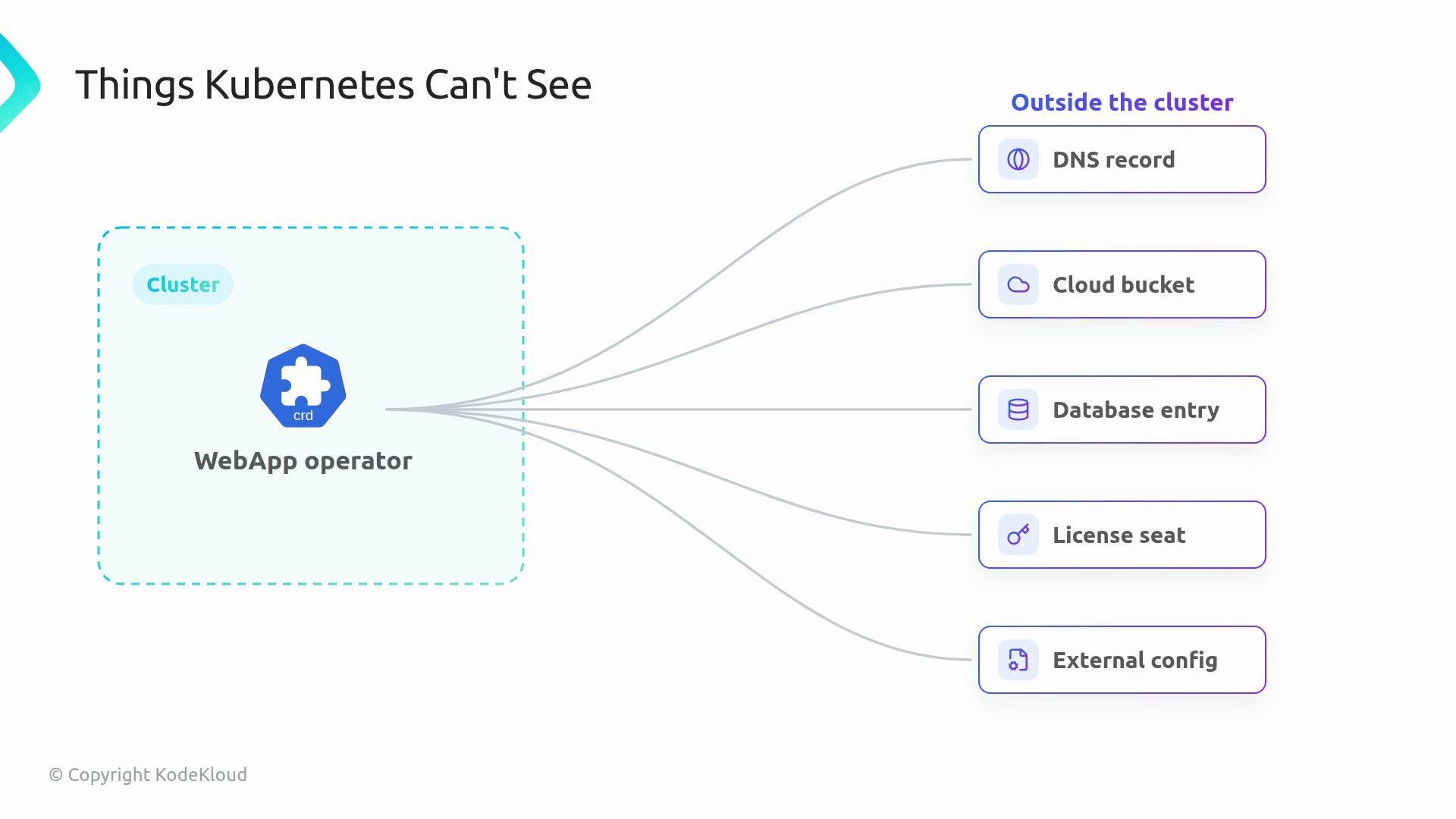
Owner references only work for objects managed by the Kubernetes API server. Many operators, however, must manage external resources that Kubernetes doesn’t know about—DNS records, cloud storage buckets, database rows, license seats, or external configuration systems. Finalizers bridge that gap: they let a controller perform required cleanup for external resources before the API server permanently removes the custom resource.
The image illustrates items that Kubernetes cannot see, including DNS records, cloud buckets, database entries, license seats, and external configurations, all outside the cluster.
A finalizer is a single string recorded in the resource metadata, but it changes deletion semantics:
When a user deletes this object, Kubernetes does not remove it immediately. Instead, the API server sets a deletionTimestamp on the object and keeps it visible so the controller can detect the deletion and run cleanup logic. Only after the controller removes the finalizer will the API server finish the deletion.
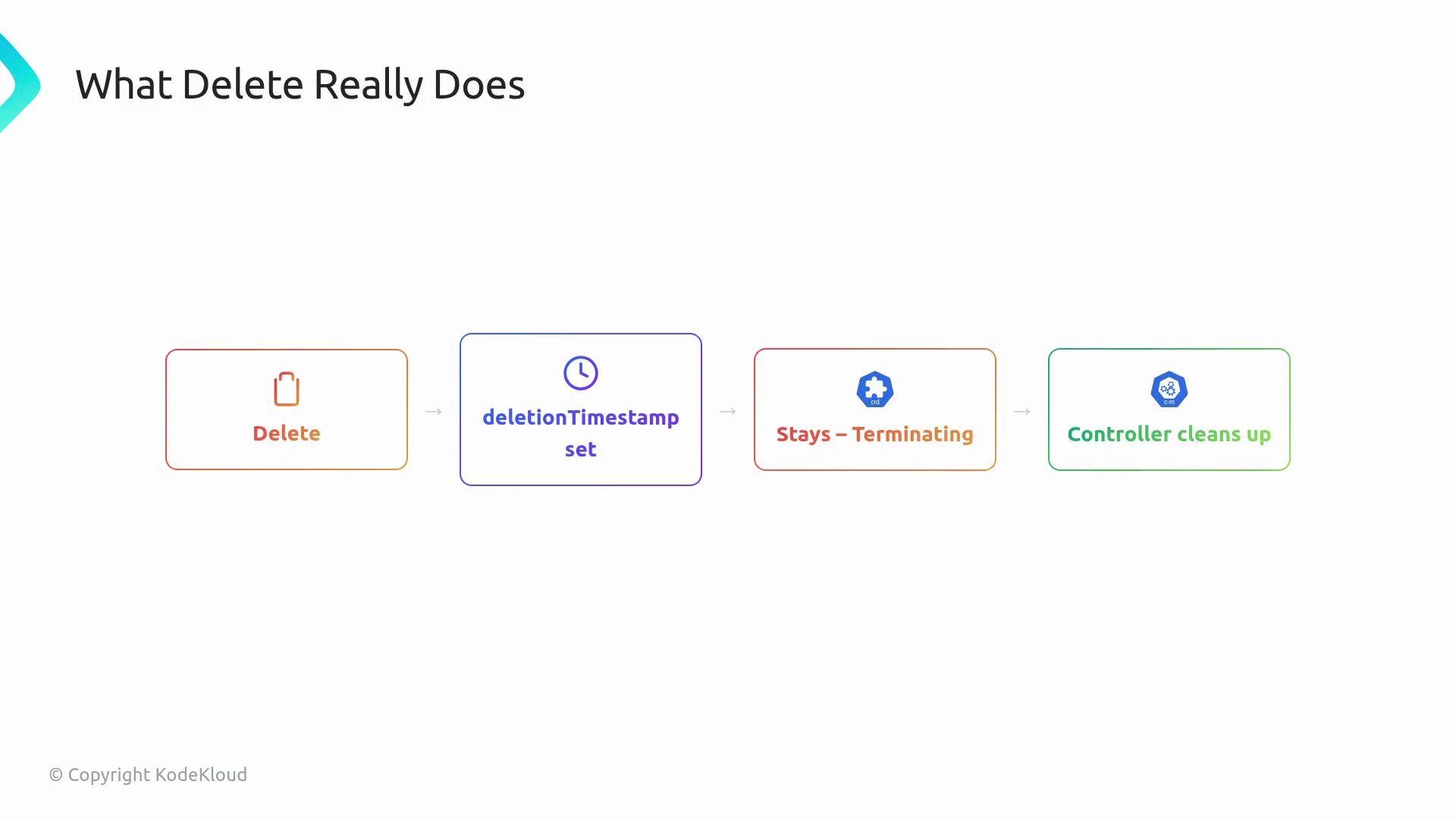
The image illustrates the process of deletion in a system: initiating with "Delete," setting a "deletionTimestamp," entering a "Stays - Terminating" state, and concluding with "Controller cleans up."
Best practice: split the reconcile logic into two distinct paths so cleanup is deterministic and safe:
  • Normal reconcile
    • Ensure the finalizer is present on the resource.
    • Create or update child Kubernetes resources (Deployments, Services, ConfigMaps).
  • Deleting reconcile
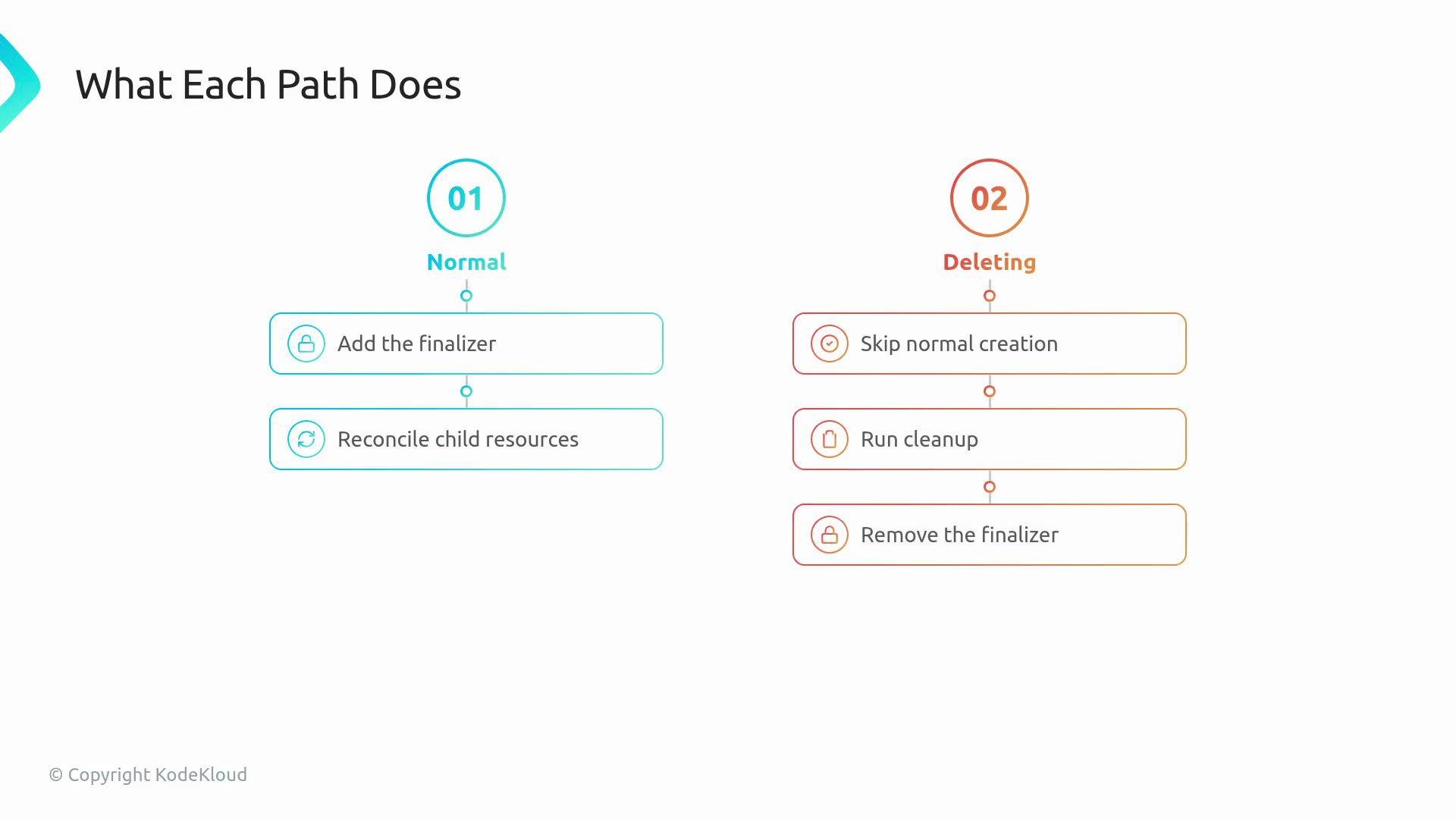
    • Detect deletionTimestamp and skip normal creation/reconciliation.
    • Perform cleanup of external resources (DNS records, cloud objects, etc.).
    • Remove the finalizer to allow the API server to complete deletion.
The image is a flowchart comparing two processes: "Normal" and "Deleting." The "Normal" process involves adding a finalizer and reconciling child resources, while the "Deleting" process includes skipping normal creation, running cleanup, and removing the finalizer.
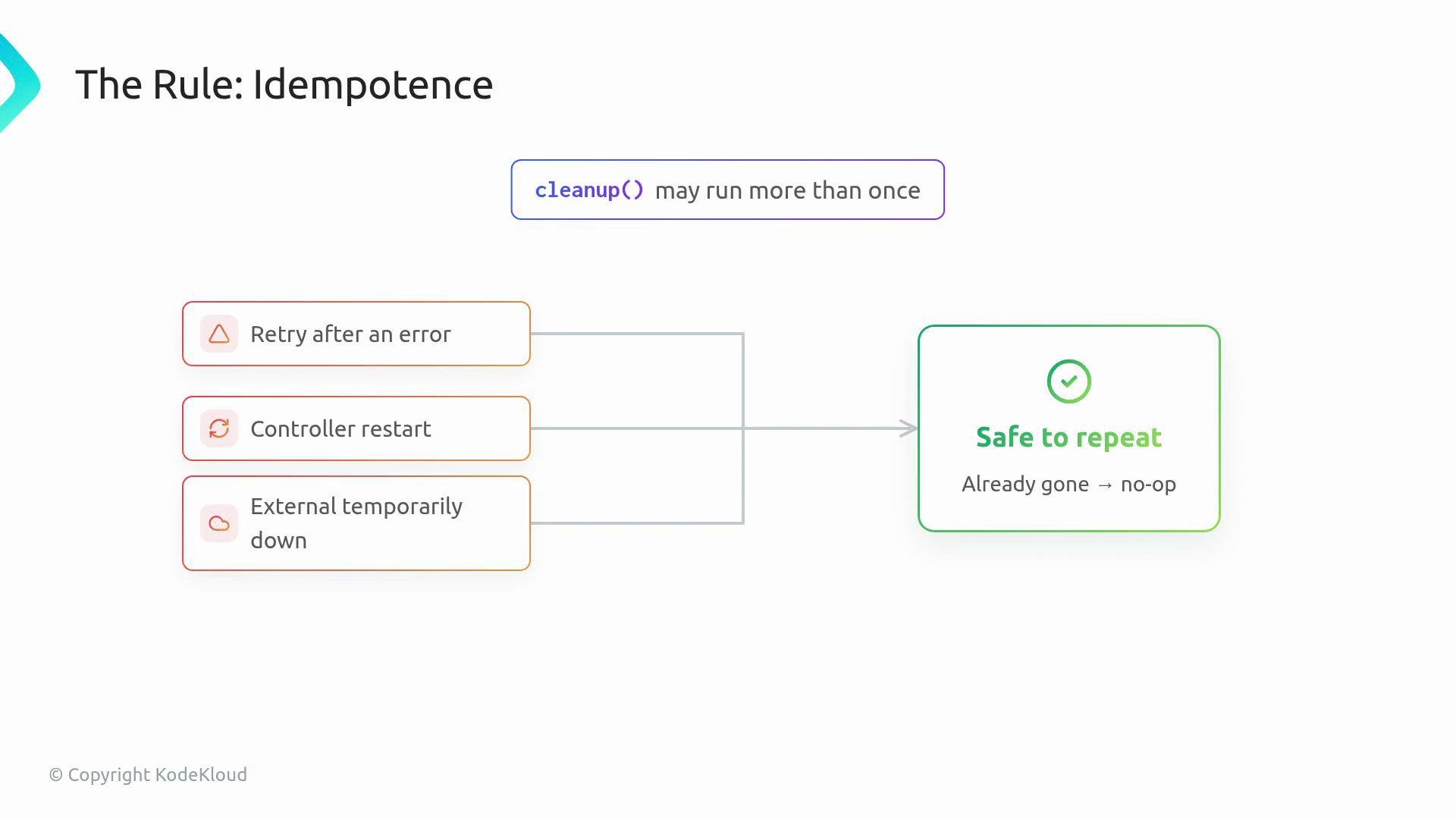
Idempotence is critical for cleanup routines. Reconciles can run multiple times (retries after transient errors, controller restarts, or network blips). Your cleanup logic must be safe to repeat: treat the external resource as already cleaned if it no longer exists, and only return retriable errors when retrying would make progress.
The image illustrates a rule of idempotence in computing, showing scenarios like retry after an error, controller restart, and external temporary downtime, leading to a state where operations are "safe to repeat."
Design cleanup operations so they are idempotent and fast. For example, check for the existence of an external resource and treat “not found” as success rather than an error. This prevents controllers from getting stuck on permanent failures.
If a finalizer is never removed (for example, due to a bug or permanent external failure), the object will remain in the Terminating state indefinitely. That situation is confusing in development environments and dangerous in production because users may assume deletion completed when it has not.
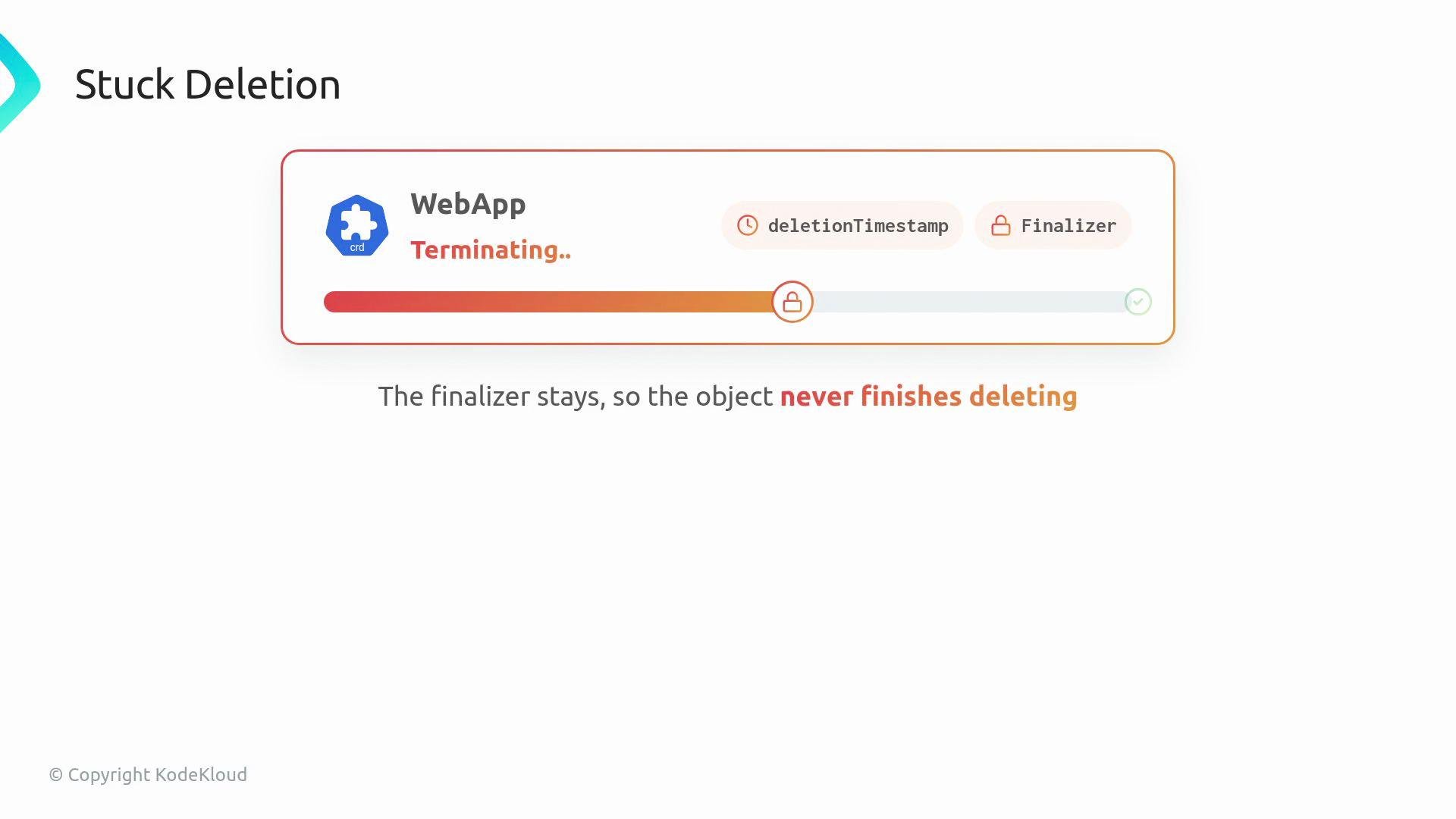
The image illustrates a "stuck deleting" process for a web application, where the presence of a finalizer prevents the object from completing deletion.
Always ensure your cleanup path can complete (or safely determine that there is nothing left to clean) and that the finalizer is removed. Otherwise resources will remain stuck in a Terminating state.
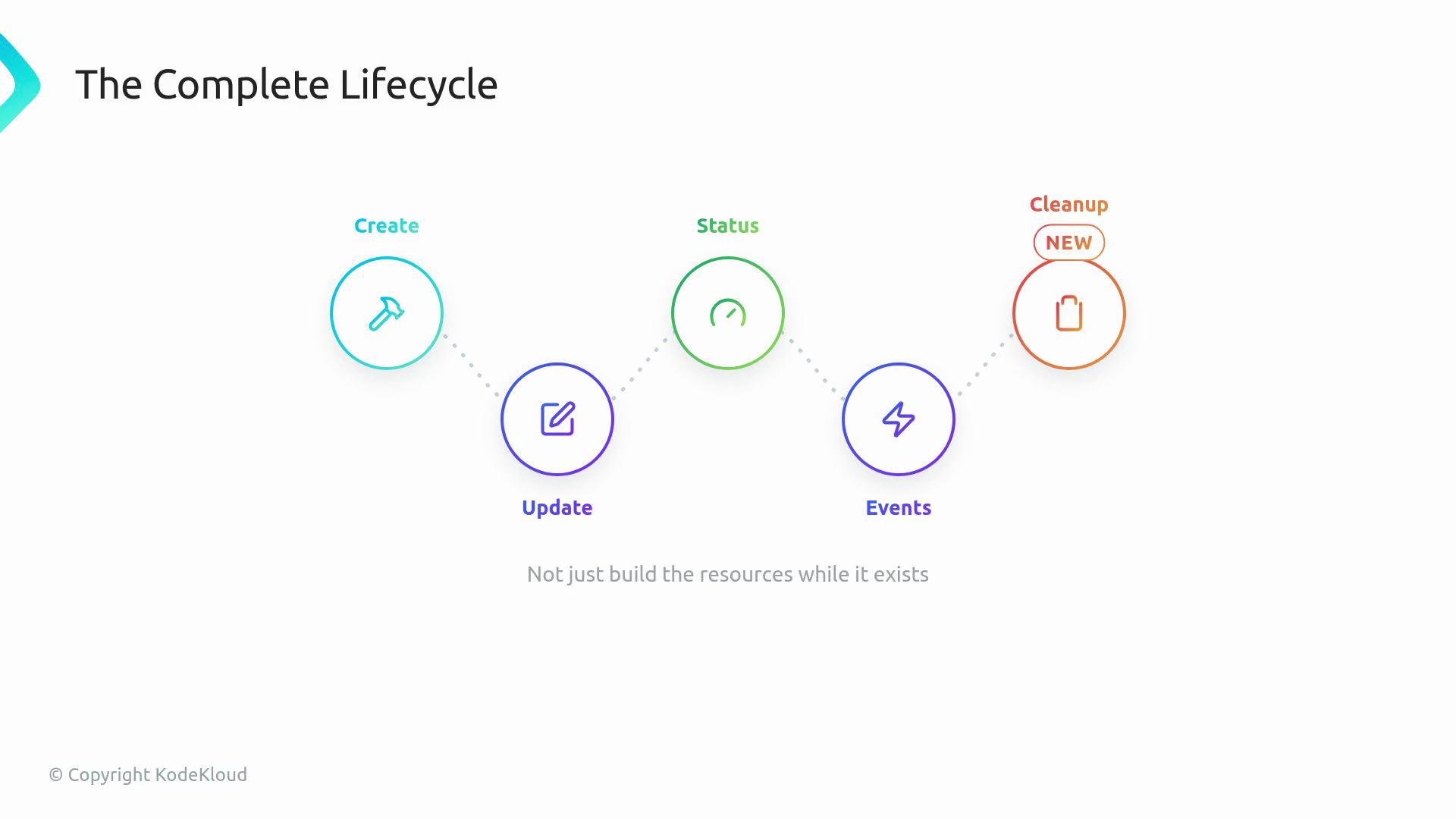
By the end of this lesson, the WebApp operator lifecycle will include create, update, observed status, events, and deletion cleanup. The operator will not only create and maintain in-cluster resources while the WebApp exists, but will also reliably clean up any external artifacts when the WebApp is deleted.
The image illustrates a lifecycle process with stages labeled as Create, Update, Status, Events, and Cleanup, arranged in a sequence with icons.
Summary tables
  • Reconcile paths at a glance:
  • WebApp operator lifecycle stages:
Links and references

Watch Video