

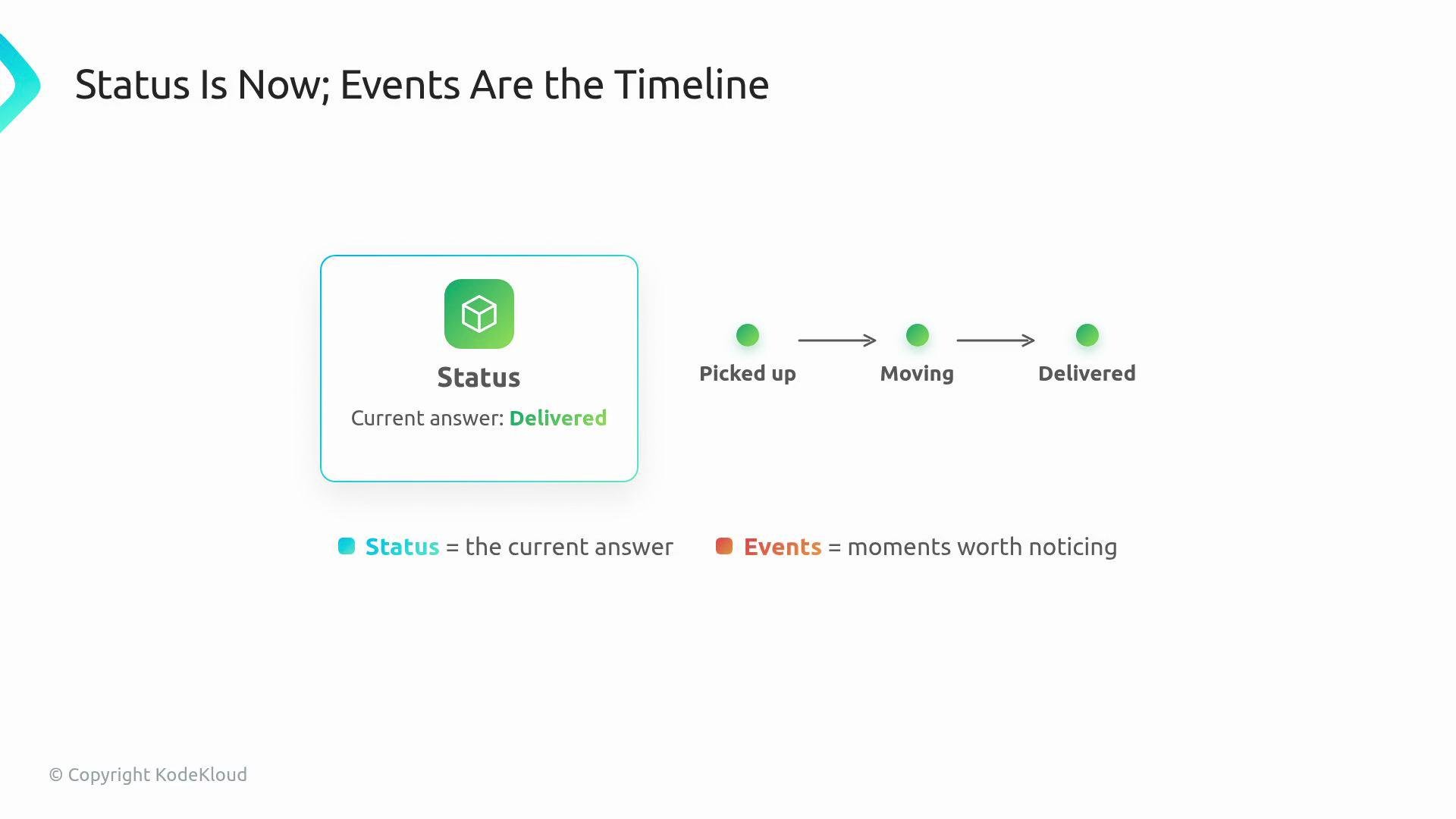
Status answers a different question: “What does the web app look like right now?” Events provide a short receipt trail on the resource so users arriving after a controller has acted can quickly understand recent actions without digging through controller logs. Think of it like tracking a package: status shows “Delivered,” while events show pickup, transit, and delivery timestamps.
- Users typically run
kubectl describe <resource>to get a concise story about a resource. - Controller logs are verbose and intended for platform authors and debuggers. Events are for resource owners: short, human-readable notes attached to the object itself.
- Events follow the resource, making them easier to find than searching controller logs across pods and clusters.
kubectl describe:
These rows are meant to be scanned quickly: the Type (usually
Normal or Warning), a short Reason label, and a human-friendly Message.
Recording events from your controller
Use an event recorder so the event attaches to the resource the user inspects. The manager typically provides a recorder, which you obtain in setup and use during reconcile.
Minimal Go example:
- Type:
Normalfor regular progress,Warningfor things the user should notice. - Reason: short identifier like
DeploymentCreatedorHighReplicaCount. - Message: a single, readable sentence with the important details.
- Record events for transitions or decisions: when something is created, changed, or when the controller notices an unusual condition.
- Avoid writing the same event on every reconcile pass. Reconcile runs frequently; repeated, identical events clutter
kubectl describeand obscure useful history.
- Mark changes (resource created, updated).
- Record noteworthy observations (threshold crossed, external failure).
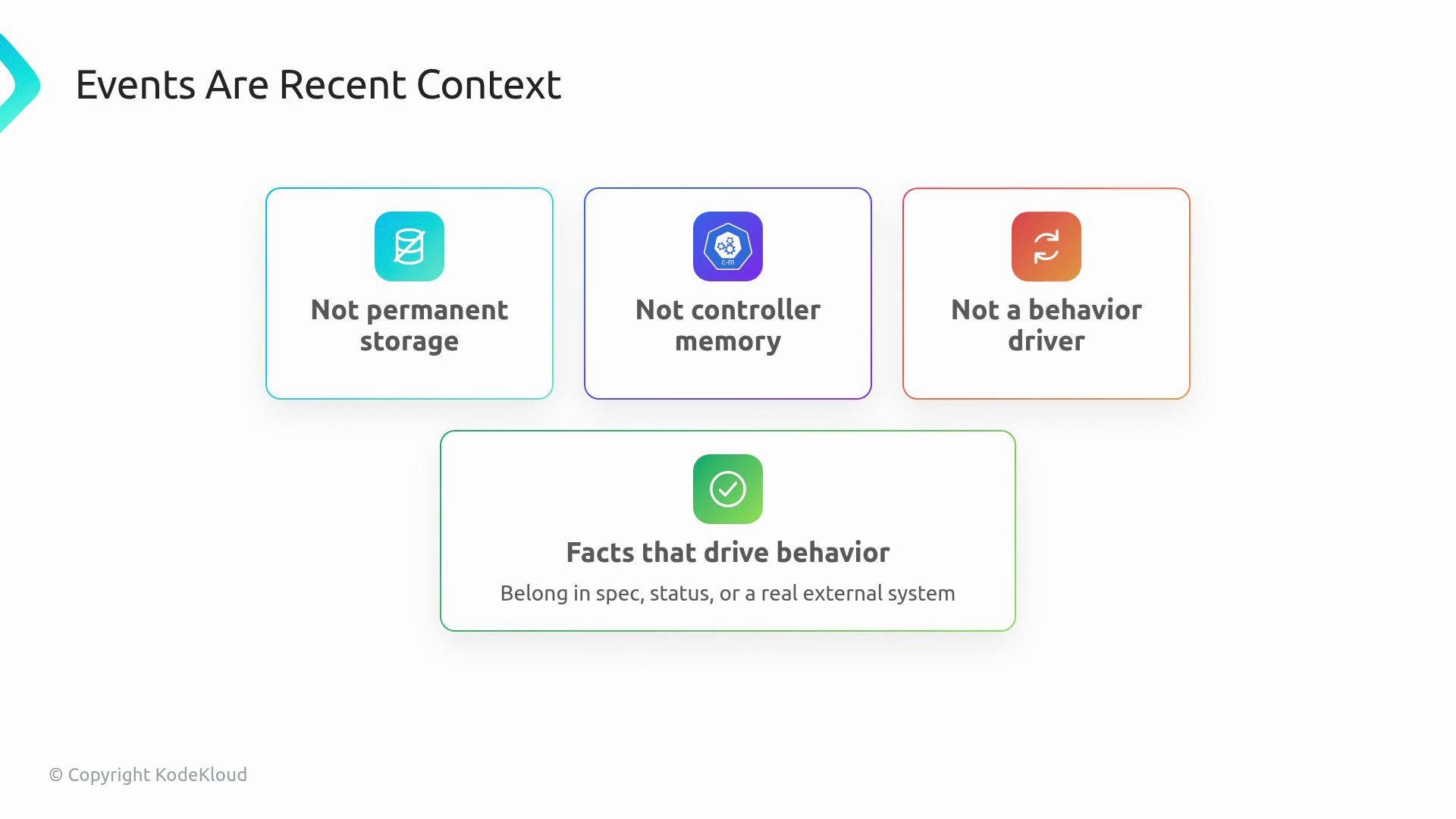
- Do not rely on events as persistent state or as input to reconciliation logic.
Events are recent context, not permanent storage. If a fact must drive controller behavior, put it in
spec, status, or an external system — do not rely on events to decide what reconcile should do next time.- Status = the current snapshot of the resource.
- Conditions = structured health flags (useful for programmatic checks).
- Events = recent receipt trail explaining how the current state was reached.
kubectl describe webapp site: the resource shows current status plus a short, human-readable timeline of recent controller actions.