

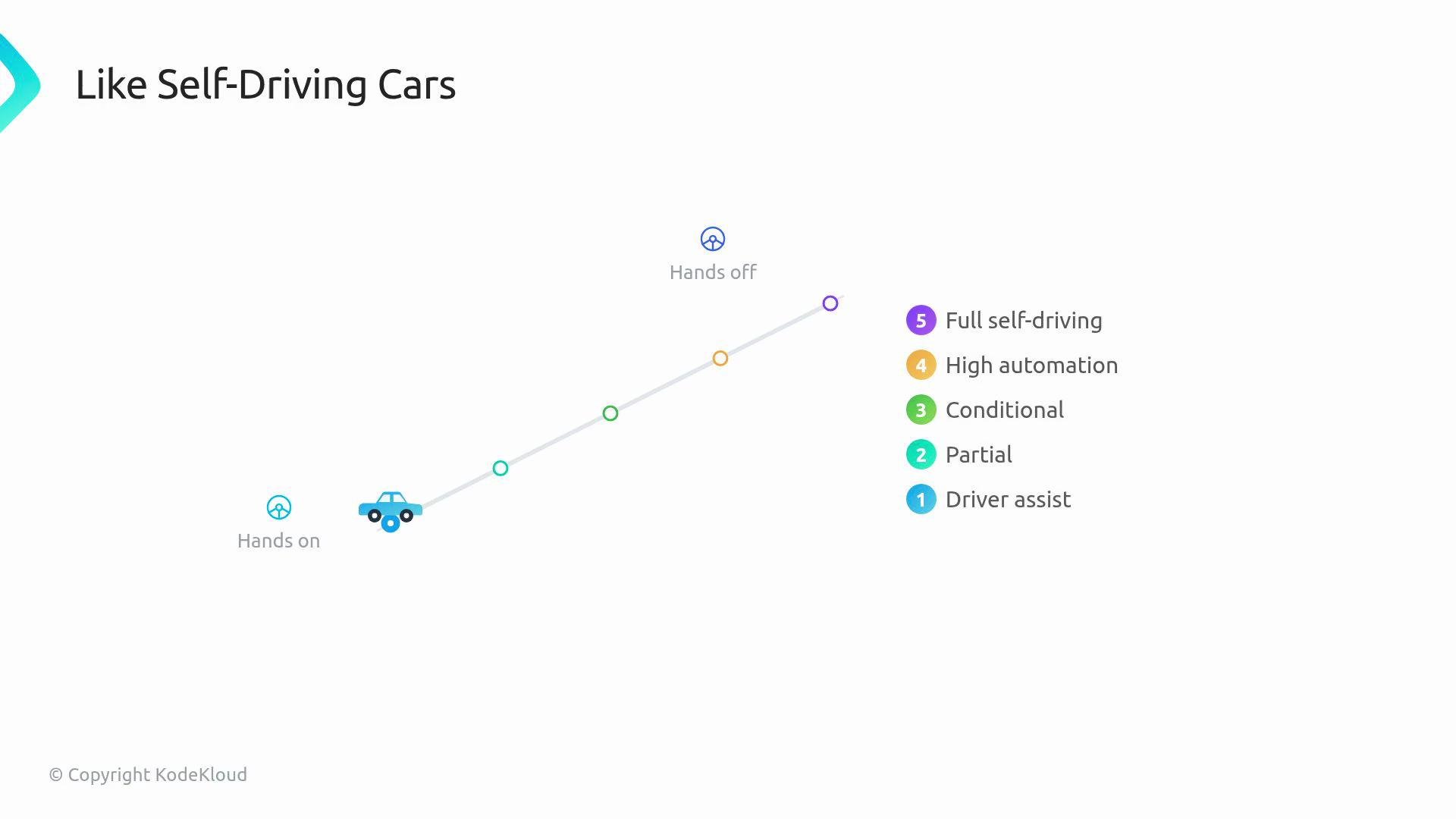
Level details
Level 1 — Basic install
- The operator installs and configures the workload from a Custom Resource (CR).
- It watches CRs, applies manifests, and ensures pods come up with the spec honored.
- Many simple web-app or CRUD-style operators implemented in a single reconcile loop live here.
- The operator upgrades itself and the operand across versions without losing state.
- New CRD versions are served via CRD conversion (conversion webhooks or the CRD conversion API) so older CRs remain readable.
- Users typically install a newer operator bundle (for example via the
Operator Lifecycle Manager (OLM)or by applying manifests withkubectl) and the operator performs any required migration.
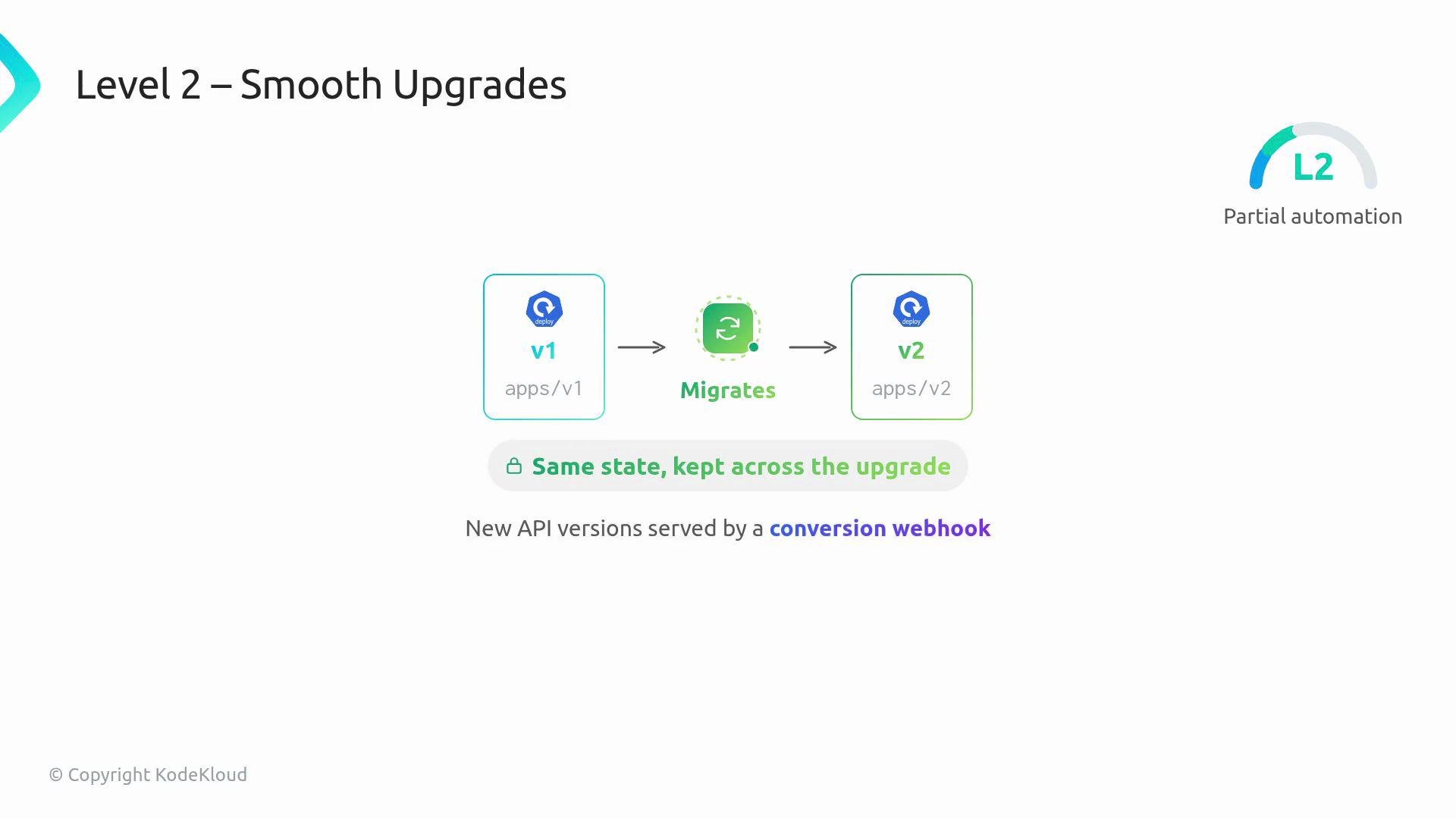
OLM (see https://olm.operatorframework.io/) are common tools to implement Level 2 behavior.
Level 3 — Full lifecycle
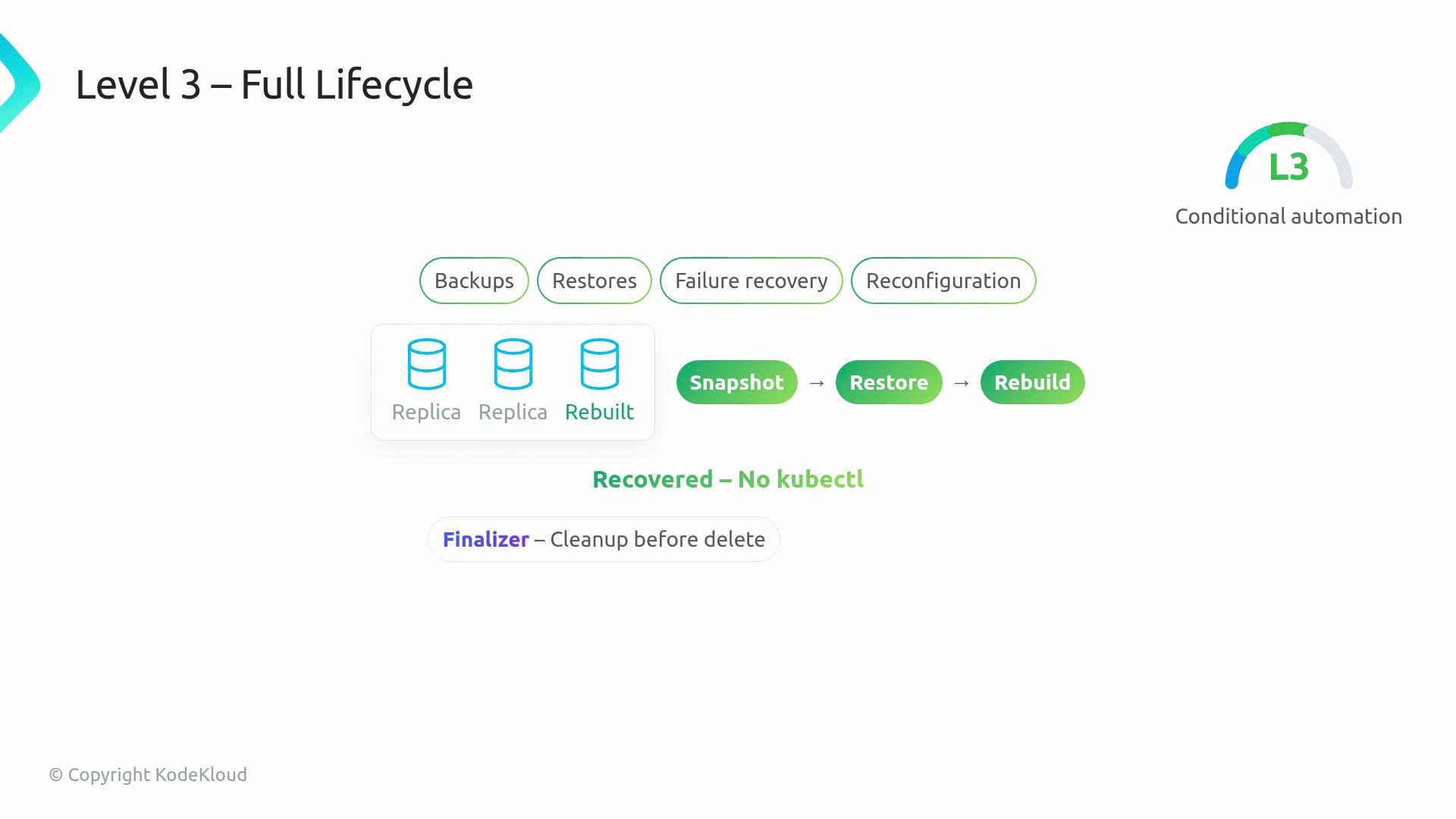
- The operator owns backups, restores, failure recovery, and complex reconfiguration.
- It can snapshot, restore, and rebuild failed replicas without manual
kubectlintervention. - Finalizers (cleanup logic before resource deletion), leader election, and careful status reporting are essential at this level.
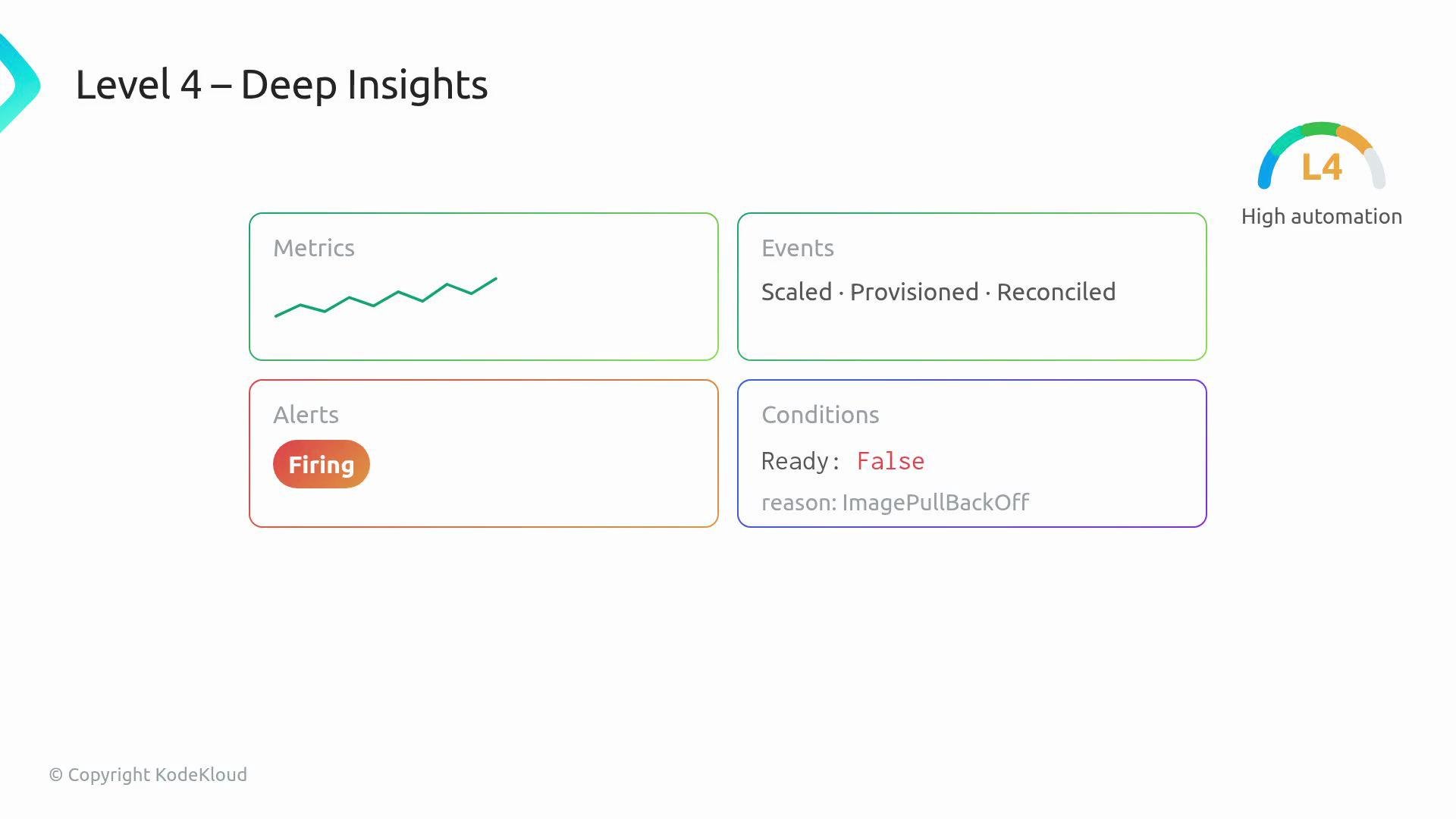
- The operator emits Prometheus metrics, structured Kubernetes events, alerts, and clear status conditions.
- It explains why a reconcile failed (not just that it failed), enabling SREs to trust it in production.
- Many operators use
controller-runtimefor the reconcile loop and its instrumentation helpers; the metrics endpoint is commonly scraped for observability.
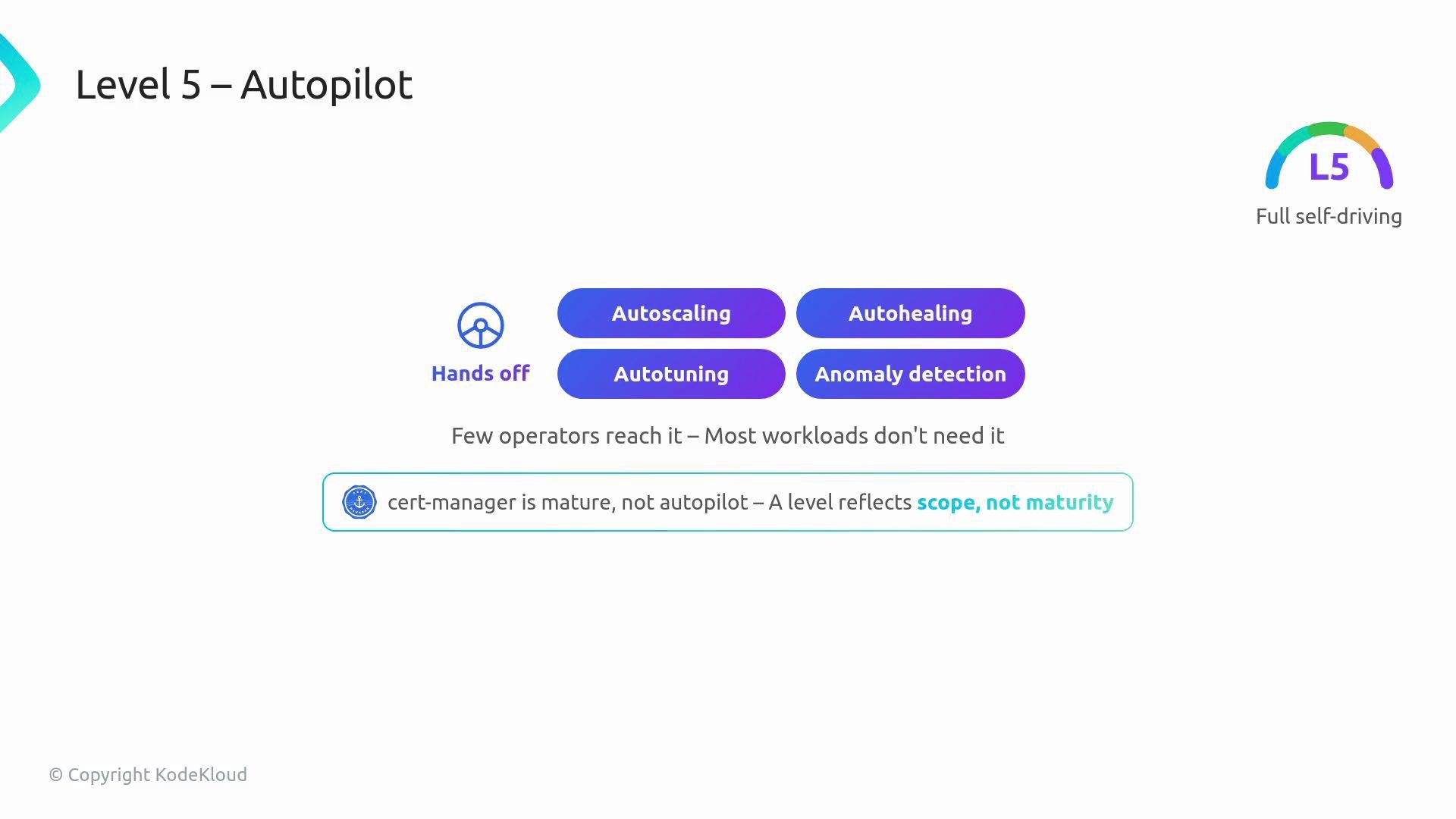
- Auto-scaling, auto-healing, auto-tuning, and anomaly detection are hallmarks of Autopilot.
- Few operators reach Level 5, and most workloads don’t require that degree of automation.
cert-manager(https://cert-manager.io/) is an example of a mature operator that is production-ready without being a Level 5 Autopilot database operator — showing that a higher level is not always necessary.
- The declared capability level reflects scope and responsibilities (what the operator does), not necessarily project maturity, community size, or stability.
- A low-level operator can be useful and appropriate; a high-level operator can introduce risk if it overreaches for your use case.
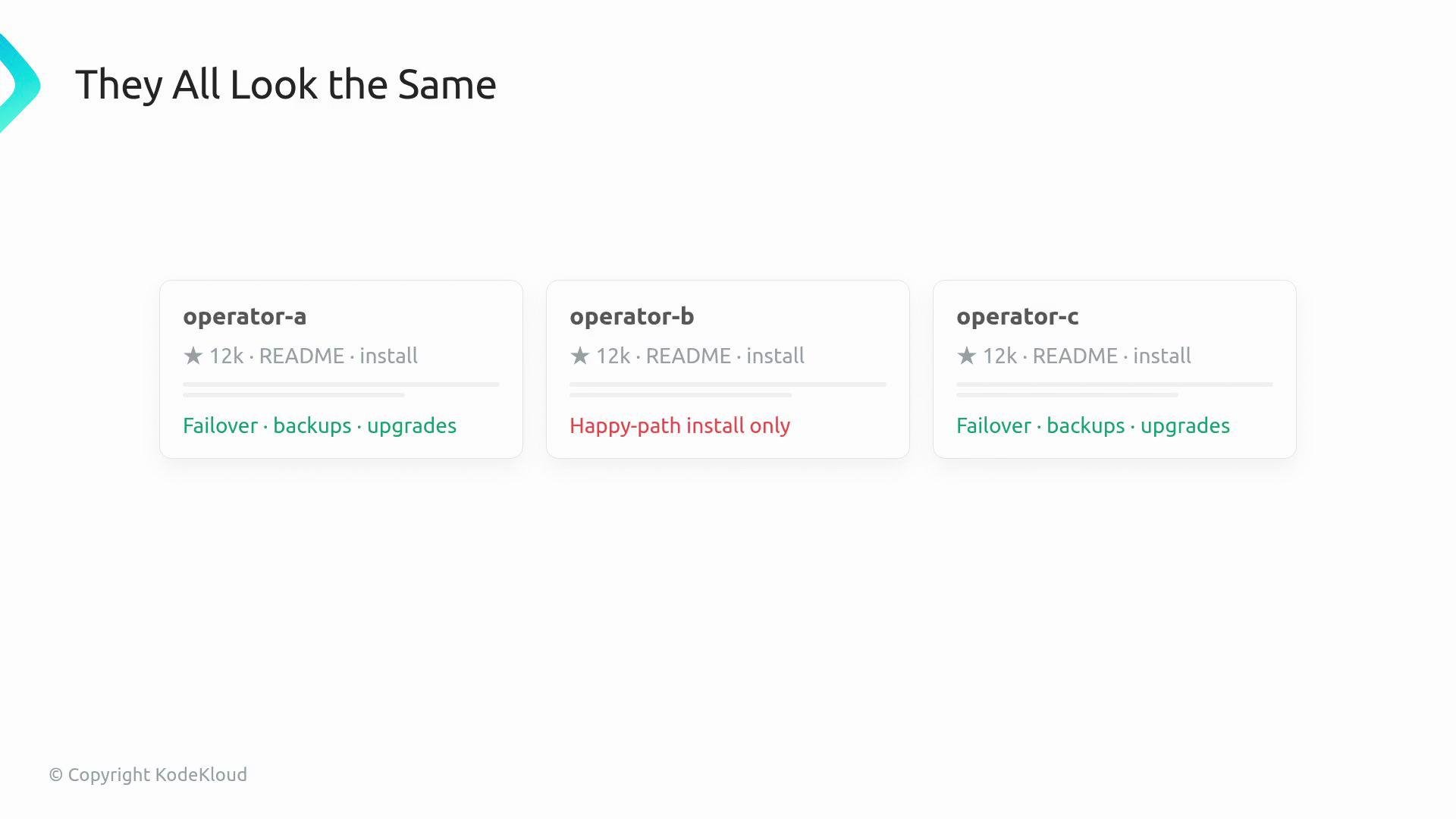
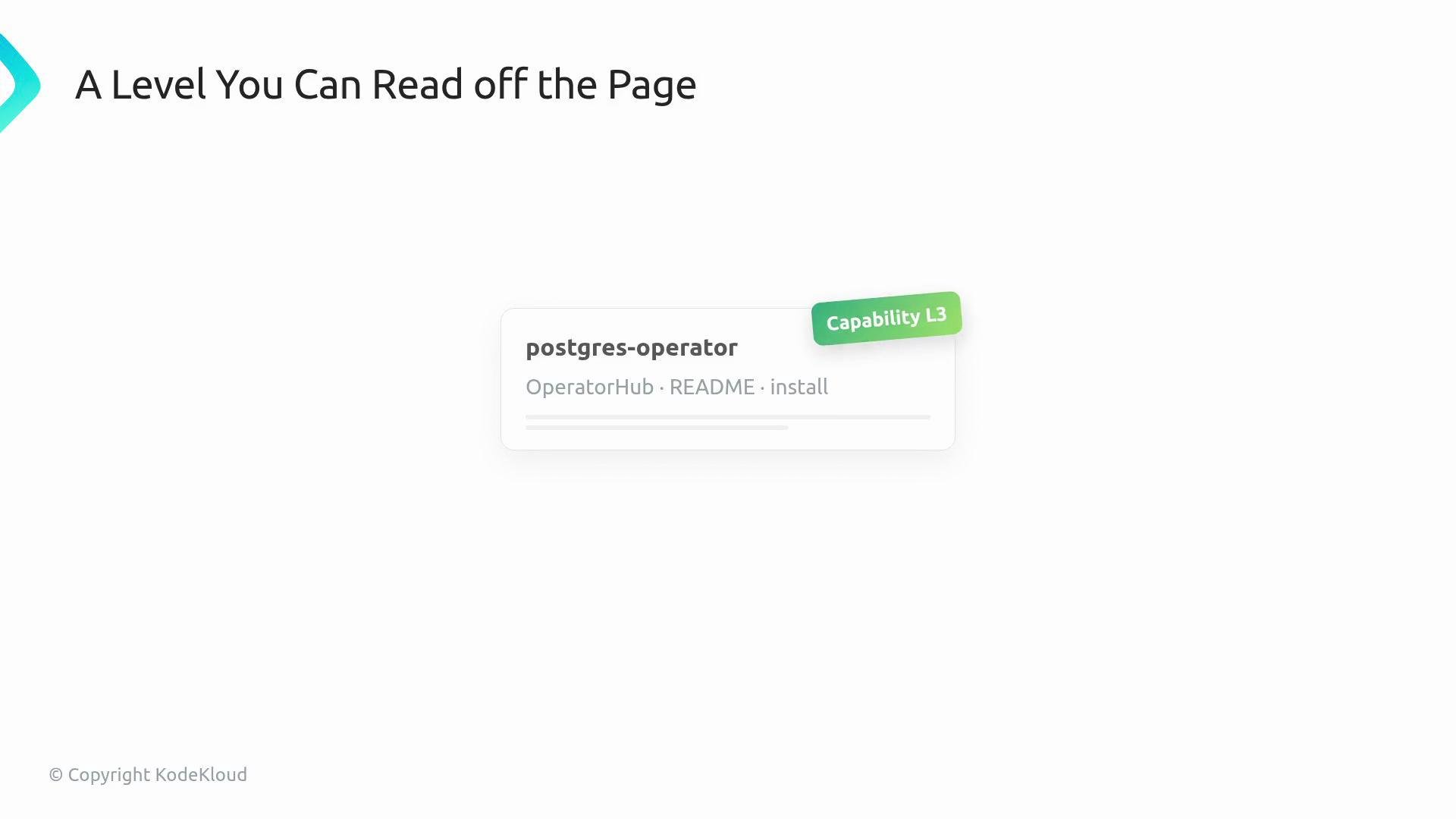
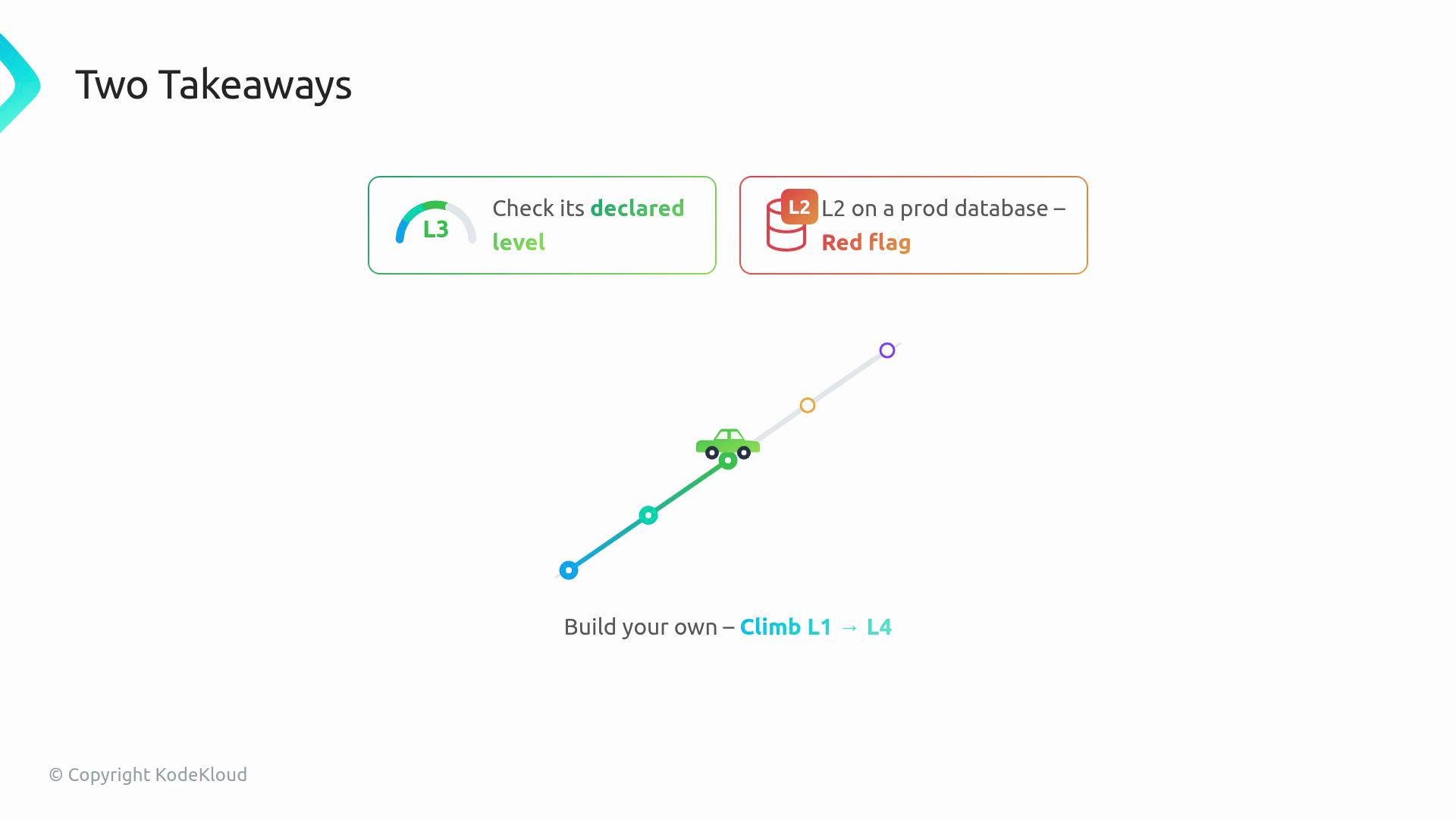
- When evaluating an operator outside your team, check its declared capability level on
OperatorHub. A Level 2 operator managing your production database is often a red flag — you probably want Level 3 or higher for stateful systems. - When building your own operator, start at Level 1 and add capabilities incrementally. Evolve through the levels as operational requirements (backup, restore, observability, automation) justify the added complexity.
If your workload stores critical data, prefer operators declared as Level 3+ for production use. Level 2 is about upgrade behavior, not full lifecycle management — it may not provide automated recovery or backups.
Build iteratively: implement reliable installs first (Level 1), add upgrade/migration support (Level 2), then introduce backups and recovery (Level 3). Use metrics and events later to reach Level 4.
cert-manager.
Links and references
OperatorHub— https://operatorhub.io/Operator Lifecycle Manager (OLM)— https://olm.operatorframework.io/cert-manager— https://cert-manager.io/controller-runtime— https://pkg.go.dev/sigs.k8s.io/controller-runtime