By the end of this section you will have a working operator project on disk: scaffolded, compiled, and ready to grow into the WebApp operator we build throughout this course. The scaffold provides a clear layout for your Go module, CRD types, controller logic, manifests, and packaging.
Kubebuilder provides a repeatable scaffolding workflow that organizes every artifact in a predictable place: project metadata, API types, controller code, generated manifests, a Dockerfile for packaging, and Makefile targets for common tasks. This section shows how to use Kubebuilder to create that scaffold so subsequent lessons can focus on operator logic instead of project plumbing.
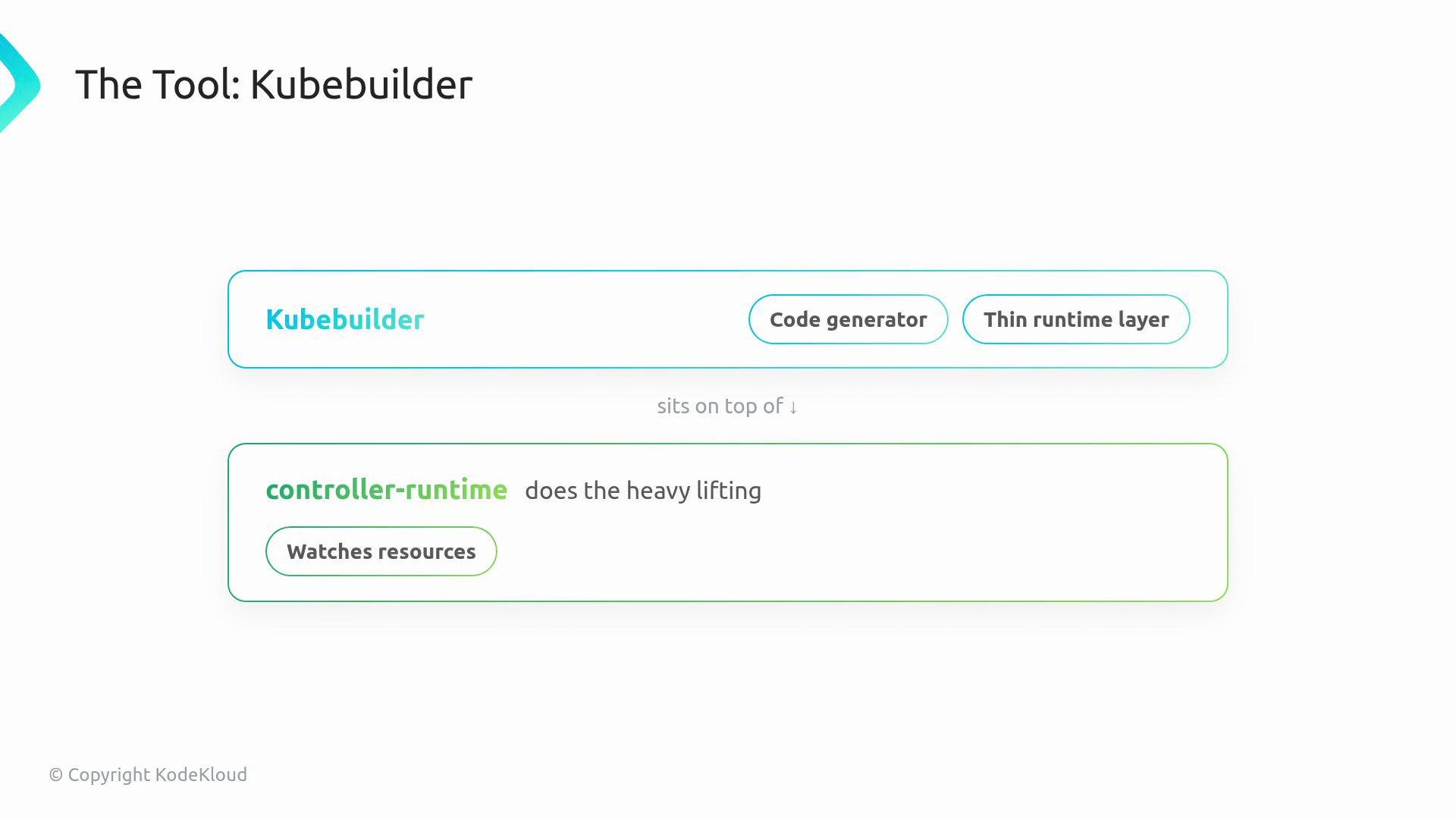
The image illustrates Kubebuilder, highlighting its function as a code generator and thin runtime layer, built on top of the controller-runtime which handles resource watching.
Why use Kubebuilder? If you want to build a Kubernetes operatorβ€”software that watches custom resources and reconciles cluster stateβ€”you usually start with an empty directory and many structural decisions. Kubebuilder automates that: it bootstraps the manager, wires the controller to the manager, generates CRD manifests from Go types, and emits RBAC rules from annotations. Kubebuilder is a generator and thin runtime layer built on top of controller-runtime, which is the library that actually watches resources, keeps caches, and runs reconciliation loops.
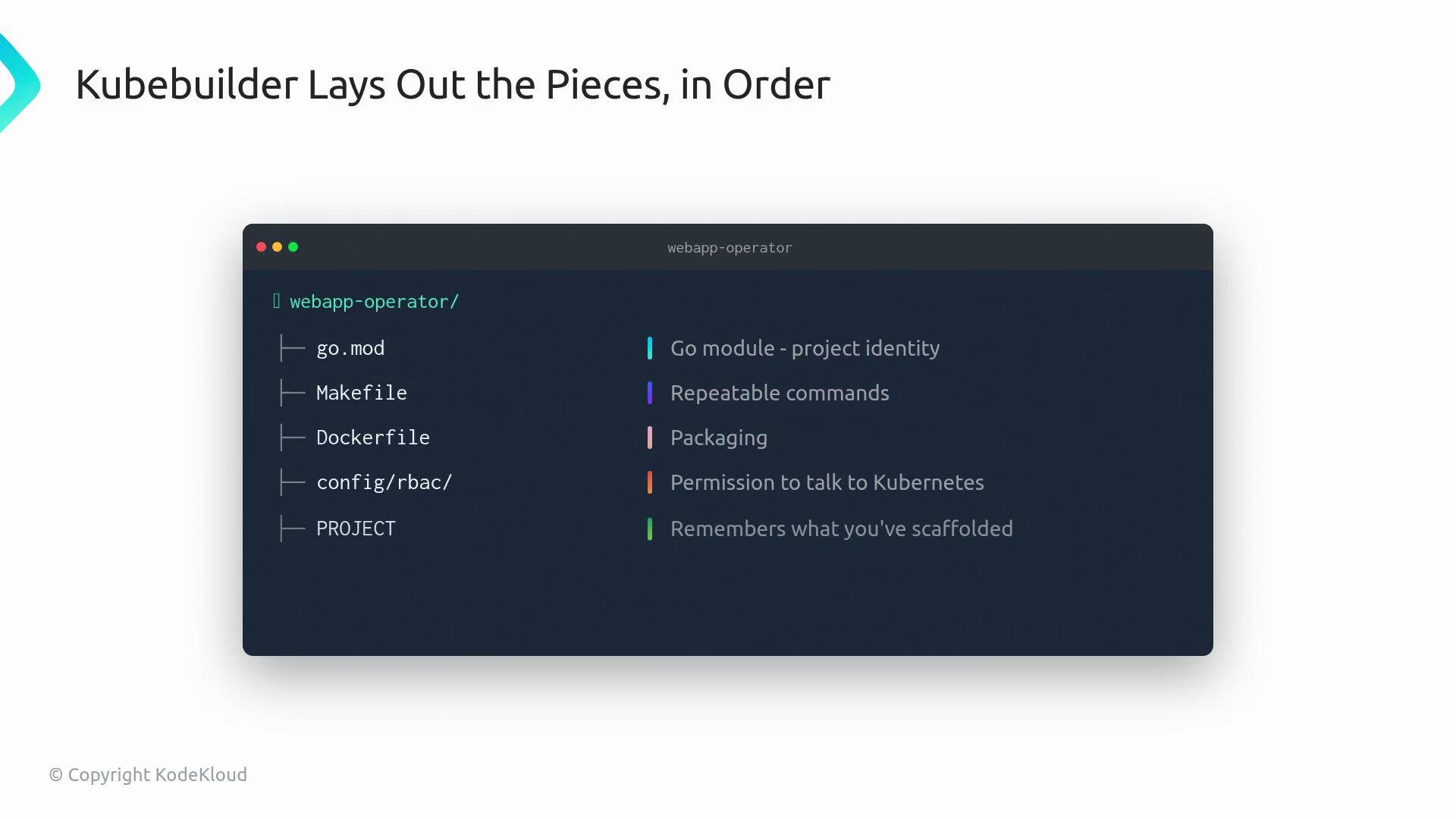
The image is a graphic explaining how Kubebuilder organizes project components, listing files like go.mod, Makefile, and Dockerfile, and explaining their purposes such as project identity and packaging.
Quick reference β€” common scaffold files and their purpose: Starter controller code is already wired to the manager. Before adding your custom APIs and reconcile logic, it helps to compare Kubebuilder with the Operator SDK: both leverage controller-runtime but provide different developer experiences and tooling. For this course, Kubebuilder is the primary scaffold tool.
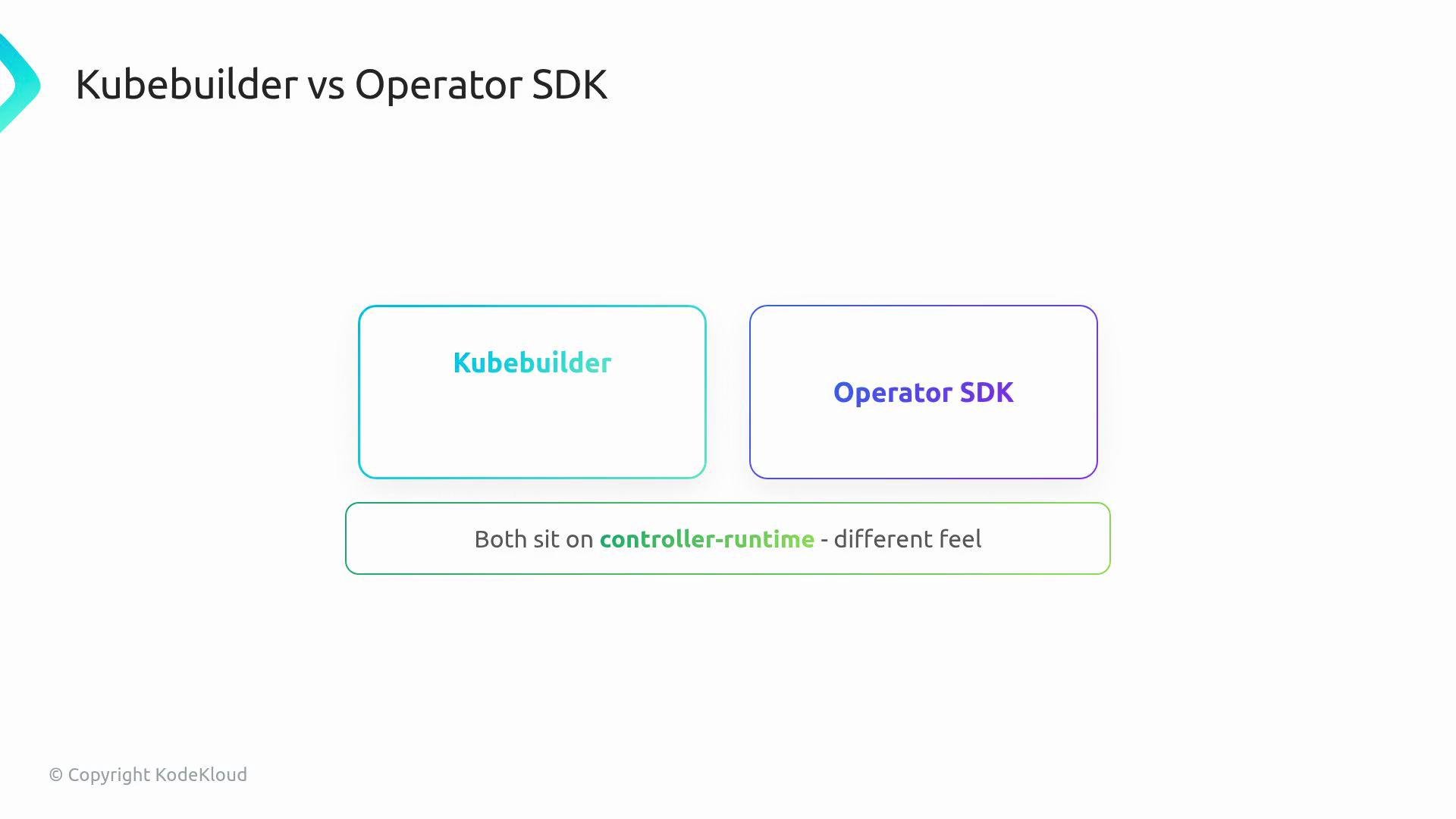
The image compares Kubebuilder and Operator SDK, indicating that both operate on the controller-runtime but have different feels.
Getting started β€” CLI commands
  1. Verify your toolchain and install Kubebuilder.
  2. Initialize a new project and create an API for the WebApp kind.
Example shell session:
Ensure go and kubebuilder are in your PATH. The --domain you pass to kubebuilder init becomes the DNS domain for your CRD API group (for example: apps.kodekloud.com/v1).
After generation, inspect the code layout. Key files you will interact with:
  • api/v1/webapp_types.go β€” the Go structs that define the WebApp spec and status.
  • controllers/webapp_controller.go β€” the Reconciler that runs when WebApp resources change.
  • main.go β€” wires the manager, controllers, and sets up leader election, metrics, etc.
  • Makefile β€” contains common targets: make build, make run, make docker-build, make install (CRDs), make deploy.
The reconciler implements the Reconcile method: read desired state (the resource), compare with actual cluster state, and make changes to converge. The generated skeleton leaves an empty Reconcile where you add the operator logic.
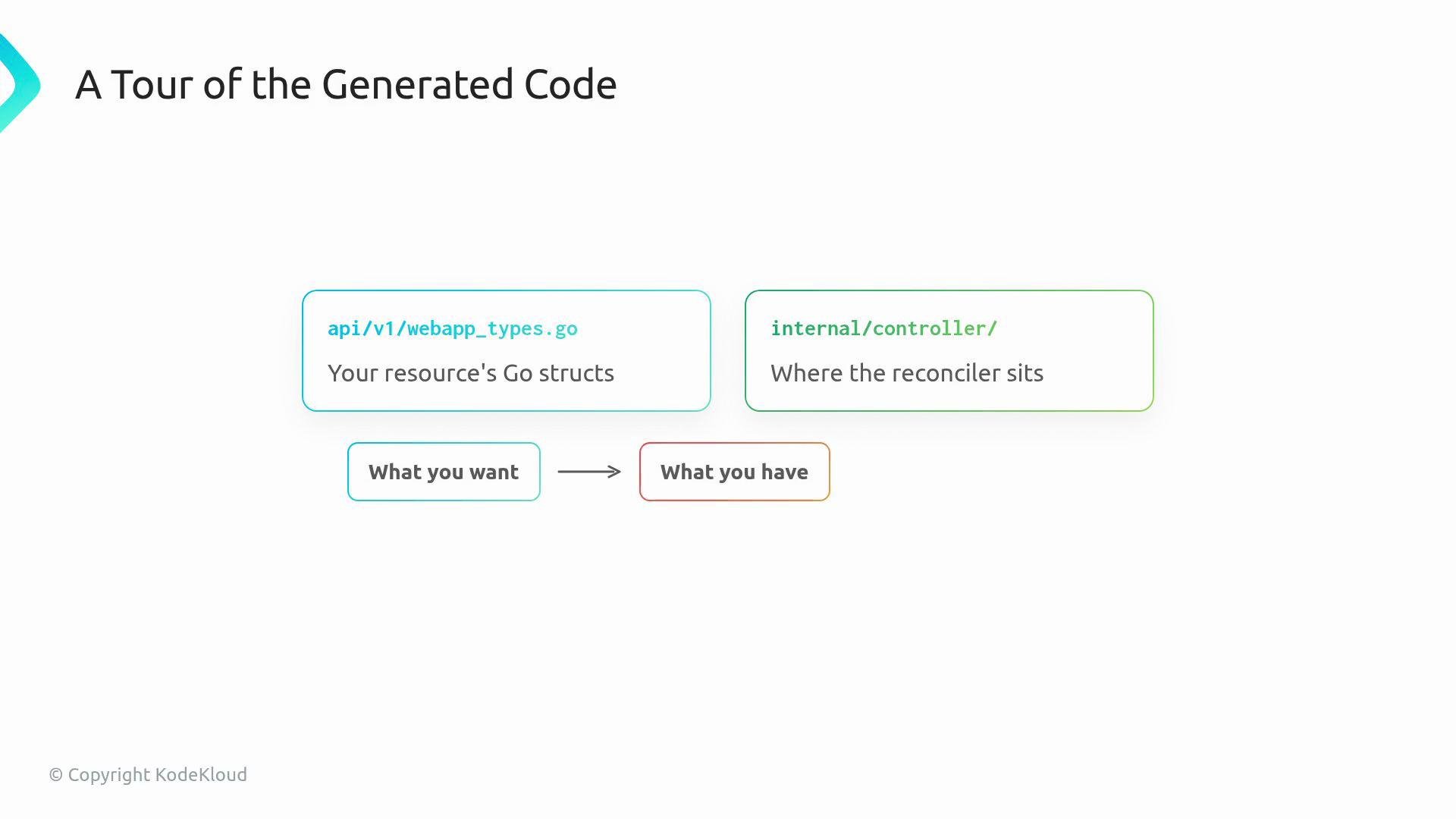
The image is a diagram illustrating a tour of generated code, showing two sections: one for Go structs in api/v1/webapp_types.go and one for the reconciler in internal/controller/, with a flow from "What you want" to "What you have."
controller-gen and markers Kubebuilder uses controller-tools (controller-gen) to generate CRD manifests and RBAC rules from annotated comments (markers) in your Go types and controller code. Markers are straightforward and drive automation. Example RBAC marker:
These markers will be turned into RBAC YAML in config/rbac/ and CRD YAML in config/crd/bases/ after you run the generator targets (for example: make generate and make manifests, depending on your Makefile).
Always verify generated RBAC rules and CRD group/version names before applying to a cluster. Incorrect RBAC or API group names can prevent your controller from watching or acting on resources.
Multiple APIs in one repo A single Kubebuilder project can hold multiple API groups, versions, and kinds. Use kubebuilder create api repeatedly to add new groups/versions/kinds; the scaffold keeps APIs and controllers organized under api/ and controllers/, and PROJECT records your layout. Wrap-up After completing this section you will have:
  • A compiling operator project.
  • Generated CRD YAML to install into a cluster.
  • An empty Reconcile method ready for your business logic.
  • An understanding of how markers drive CRD and RBAC generation and where to add additional APIs.
Links and references

Watch Video