

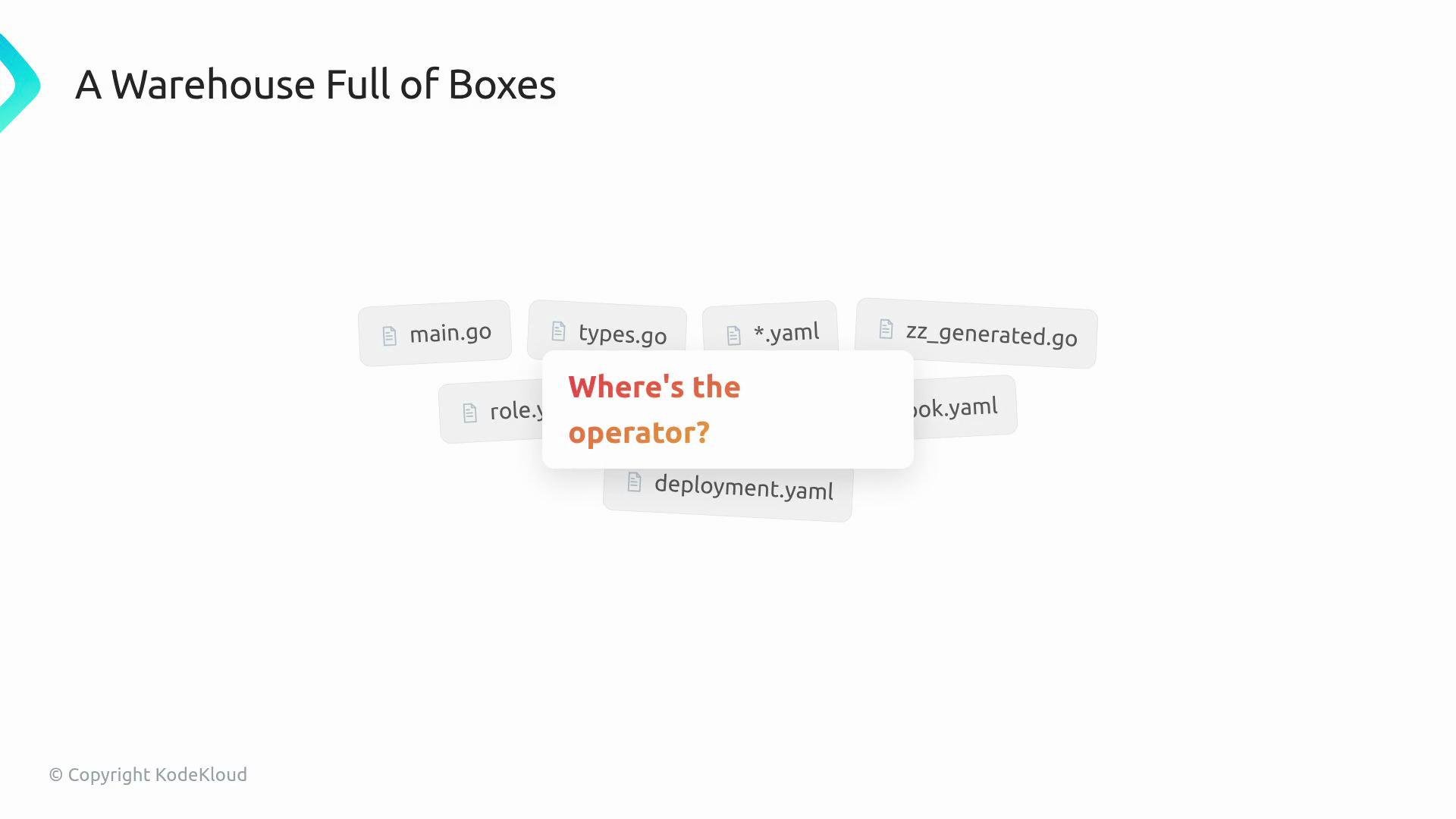
- The CRD (CustomResourceDefinition) is the front panel: the set of buttons and the display where users make requests.
- The controller is the internal machinery: motors, coils, and control logic that translate button presses into actions.
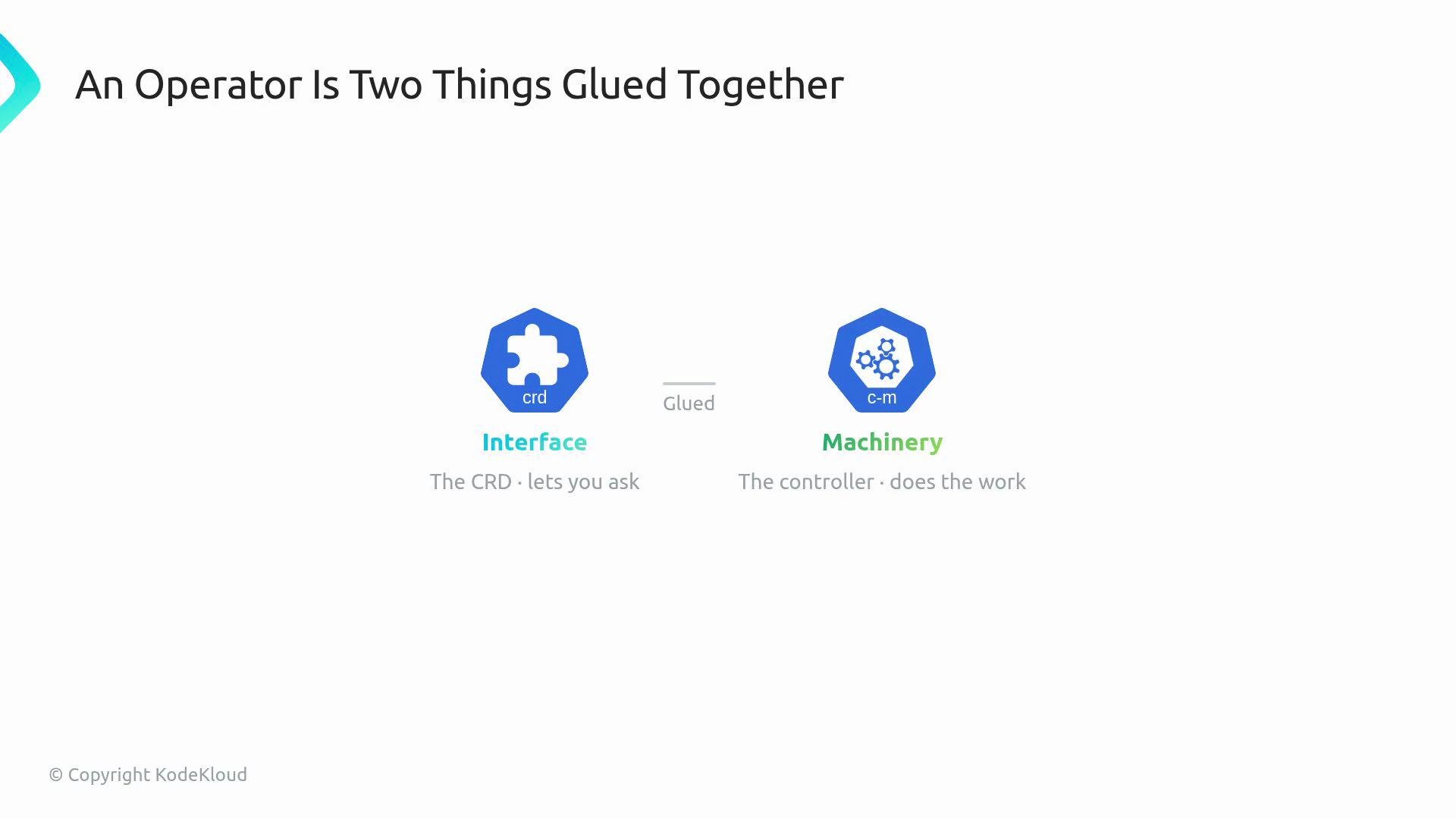
- A CRD teaches Kubernetes a new kind of API object (for example,
WebApp). - After the CRD is installed, you can
kubectl create,kubectl get, andkubectl deletethose custom resources just like built-in types.
WebApp resource introduced into the webapp.codecloud.com/v1 API group will appear as a first-class Kubernetes resource.
spec— the desired state the user requests.status— the observed state the controller reports back.
WebApp fields
What the controller does
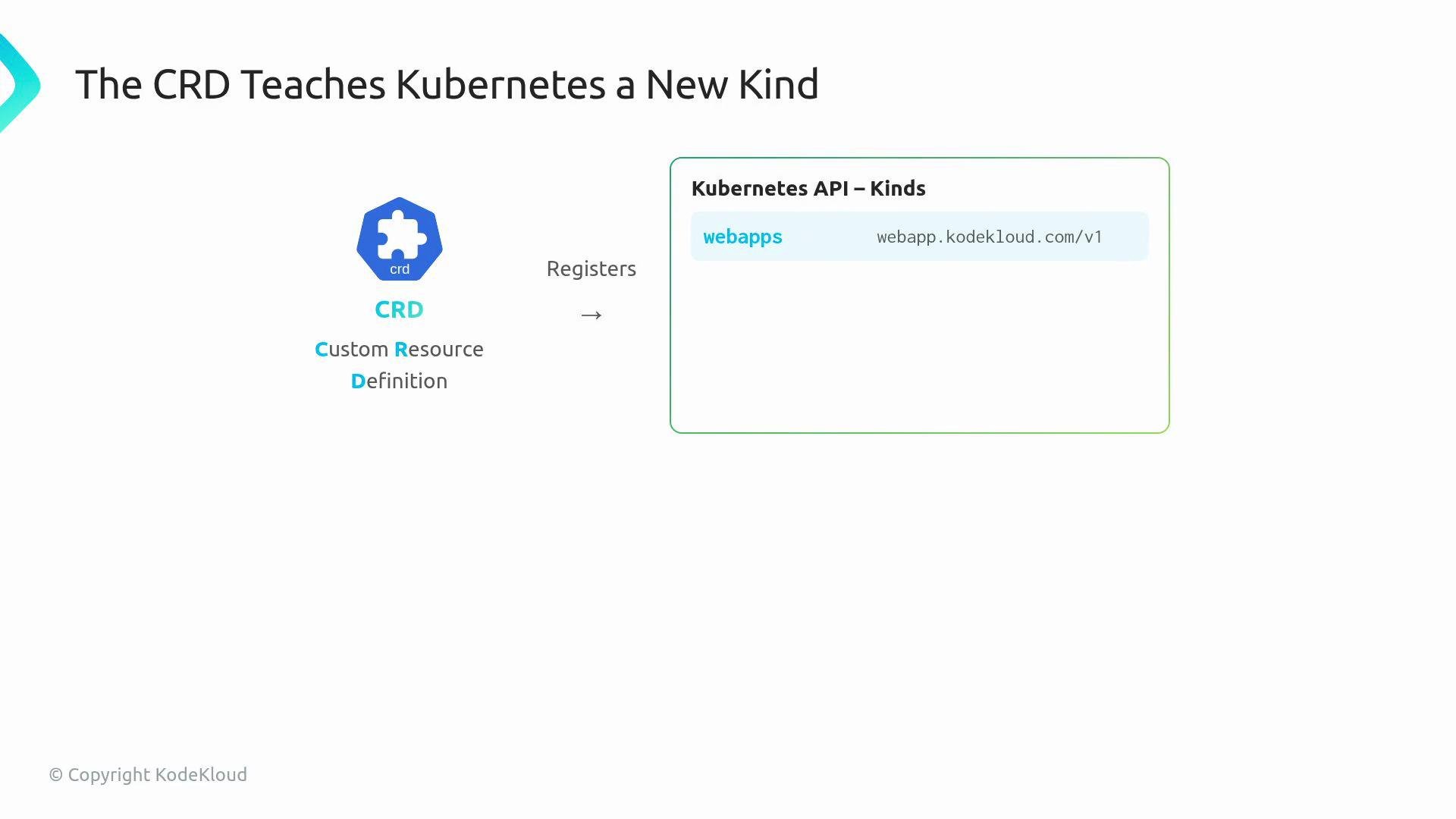
The controller is the running program that watches
WebApp objects and executes a reconcile loop to make reality match the spec. Concretely, reconciliation follows this pattern:
- Read the
spec(what the user asked for). - Inspect the current cluster state (what exists now).
- Create, update, or delete child resources to move the cluster toward the desired state.
- Update the
statusfield to reflect what was actually achieved.
- Deployment — defines the Pod template and replica count.
- Pod — the running container instance(s).
- Service — stable network identity and load-balancing for Pods.
- ConfigMap — configuration data as key/value pairs.
ownerReference on child objects that points back to the parent WebApp. With proper ownerReferences, Kubernetes’ garbage collector automatically deletes child objects when the parent is removed.
Around the reconcile loop: supporting pieces in an operator project
- Manager — boots and hosts one or more controllers and shared resources.
- Cache / Informers — a local, read-efficient view of cluster objects used by controllers.
- Client — API client for reading and mutating cluster state.
- RBAC — the set of Kubernetes permissions that determine what actions the controller can perform.
Keep the vending machine mental model: the CRD is the front interface, the controller is the machinery that performs work, child Kubernetes objects are the items produced, and
status reports the result back to users and tooling.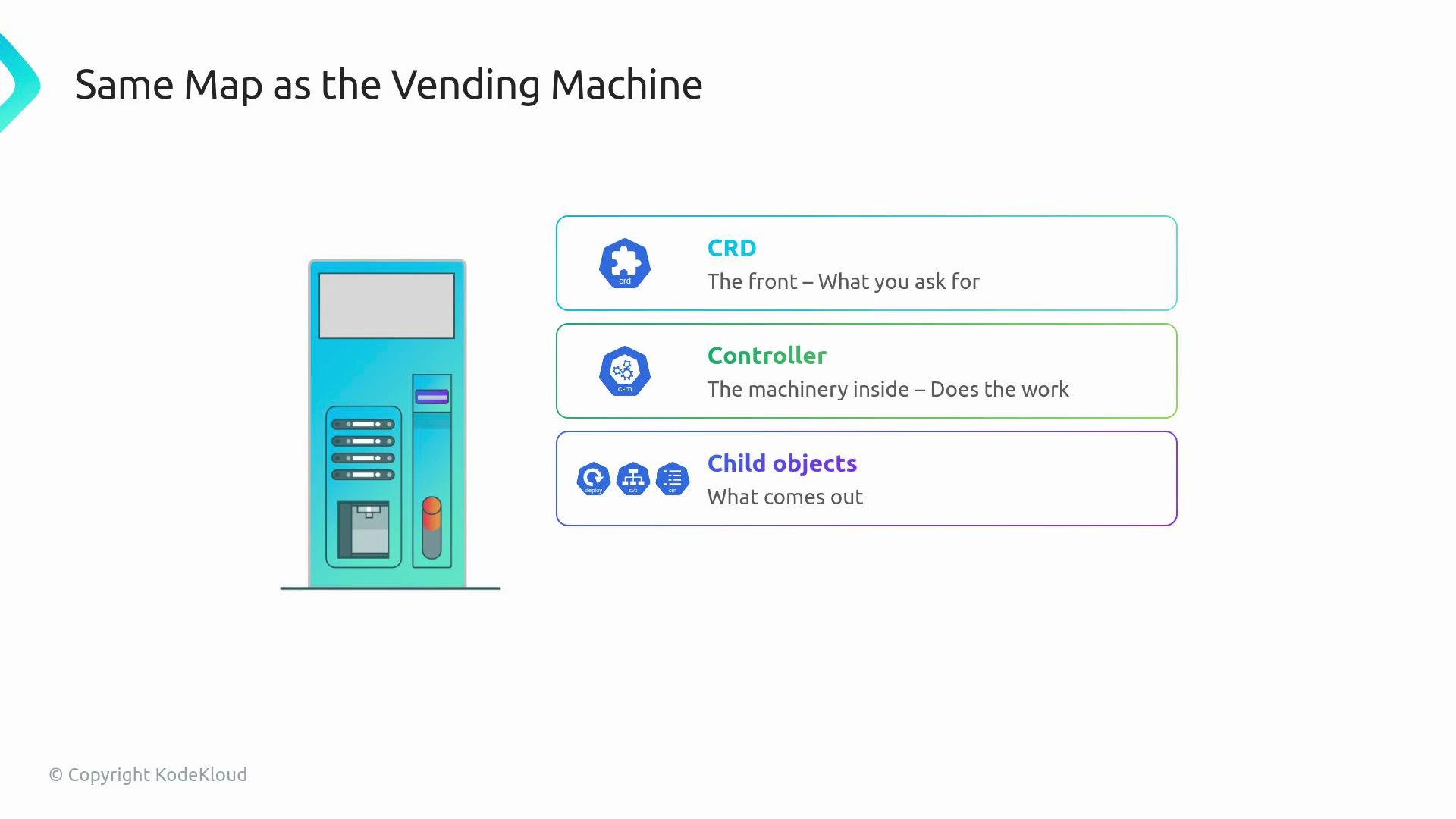
- Always verify your controller’s RBAC rules include permissions for resources it reads and writes (CRs, Deployments, Pods, Services, ConfigMaps, etc.). Missing RBAC permissions are a common source of runtime failures.
- Use
ownerReferencesso Kubernetes can automatically garbage-collect resources you create. - Prefer the controller-runtime manager and informers to avoid writing low-level watch code.
If your controller lacks appropriate RBAC permissions, reconciliation will fail silently or produce events. Always audit the Role/ClusterRole and RoleBinding/ClusterRoleBinding in your operator manifests.
- Kubernetes CustomResourceDefinition (CRD) docs: https://kubernetes.io/docs/tasks/extend-kubernetes/custom-resources/custom-resource-definitions/
- Controller pattern and reconciliation: https://kubernetes.io/docs/concepts/architecture/controller/
- controller-runtime and operator SDK: https://github.com/kubernetes-sigs/controller-runtime