

ReadyReplicas) are gauges — they show measurements. Conditions are the dashboard lights beside those gauges. If a web app’s spec requests three replicas but only one is ready, ReadyReplicas gives the count. A condition answers the human questions that follow:
- Is this still rolling out?
- Is it healthy enough?
- Or is something stuck?
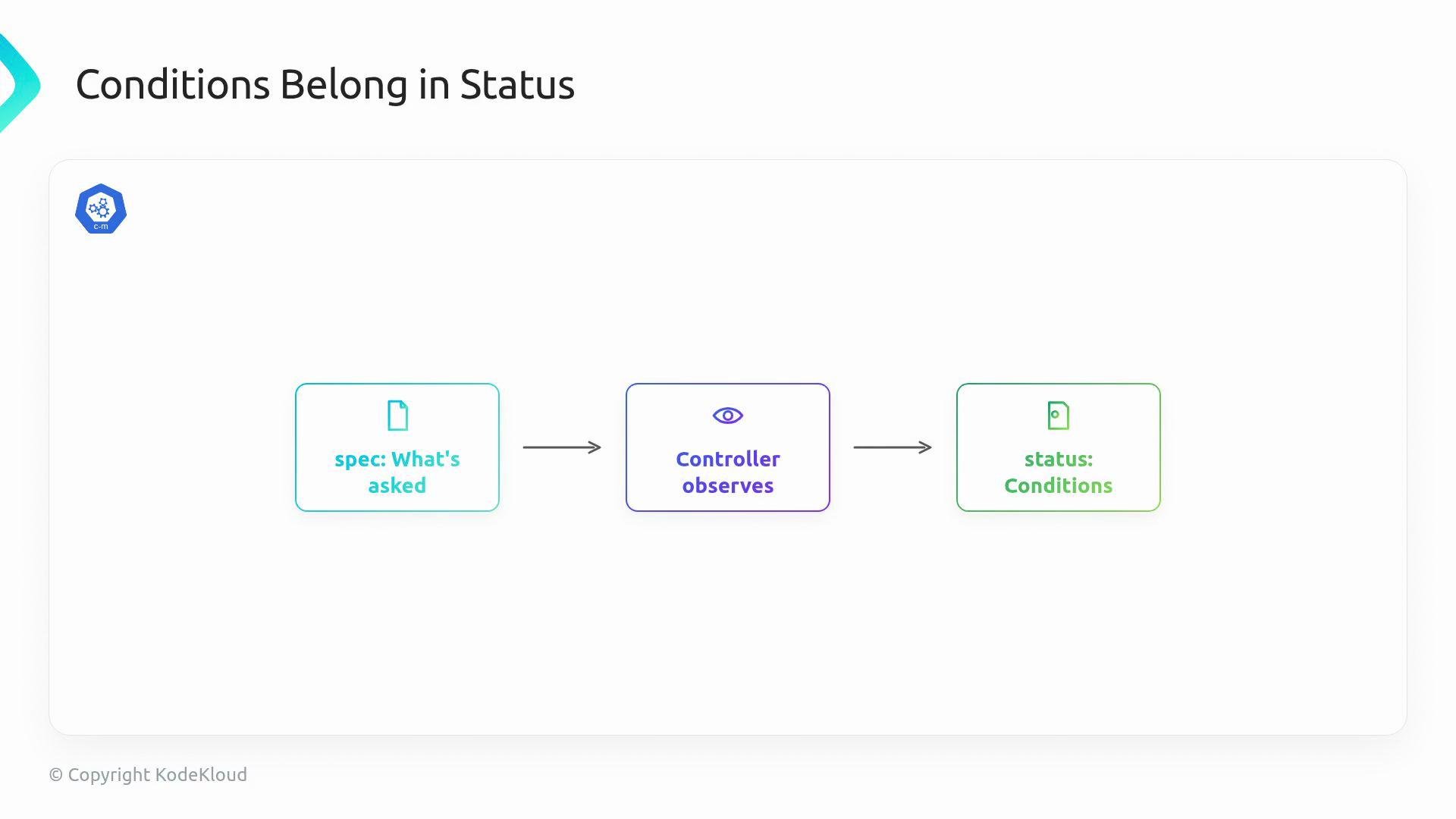
status because status is the controller’s report about the real cluster: spec is the user’s intent; status is what the controller actually observes. Kubernetes provides a shared shape for these reports via metav1.Condition.
- Type — a name for the light
- Status — the current state (
True,False,Unknown) - Reason — a short, stable, machine-friendly label
- Message — a human-readable sentence explaining the observation
- LastTransitionTime — when the condition last changed
- ObservedGeneration — which
metadata.generationthe status reflects
Do not confuse
LastTransitionTime with frequent reconciles: it should only change when the condition flips. That allows operators to know how long a resource has been in a particular state. ObservedGeneration prevents stale green lights: if Ready is True but ObservedGeneration is older than the latest metadata.generation, the status refers to a previous spec.
Example YAML snippet that separates machine- and human-facing fields:
- Ready — Does the resource meet the requested state (e.g., deployment has required ready replicas)?
- Progressing — Is the controller still moving toward that state (e.g., during a rollout)?
- Degraded — Has the controller observed a problem that blocks normal operation?
status into a crowded control panel.
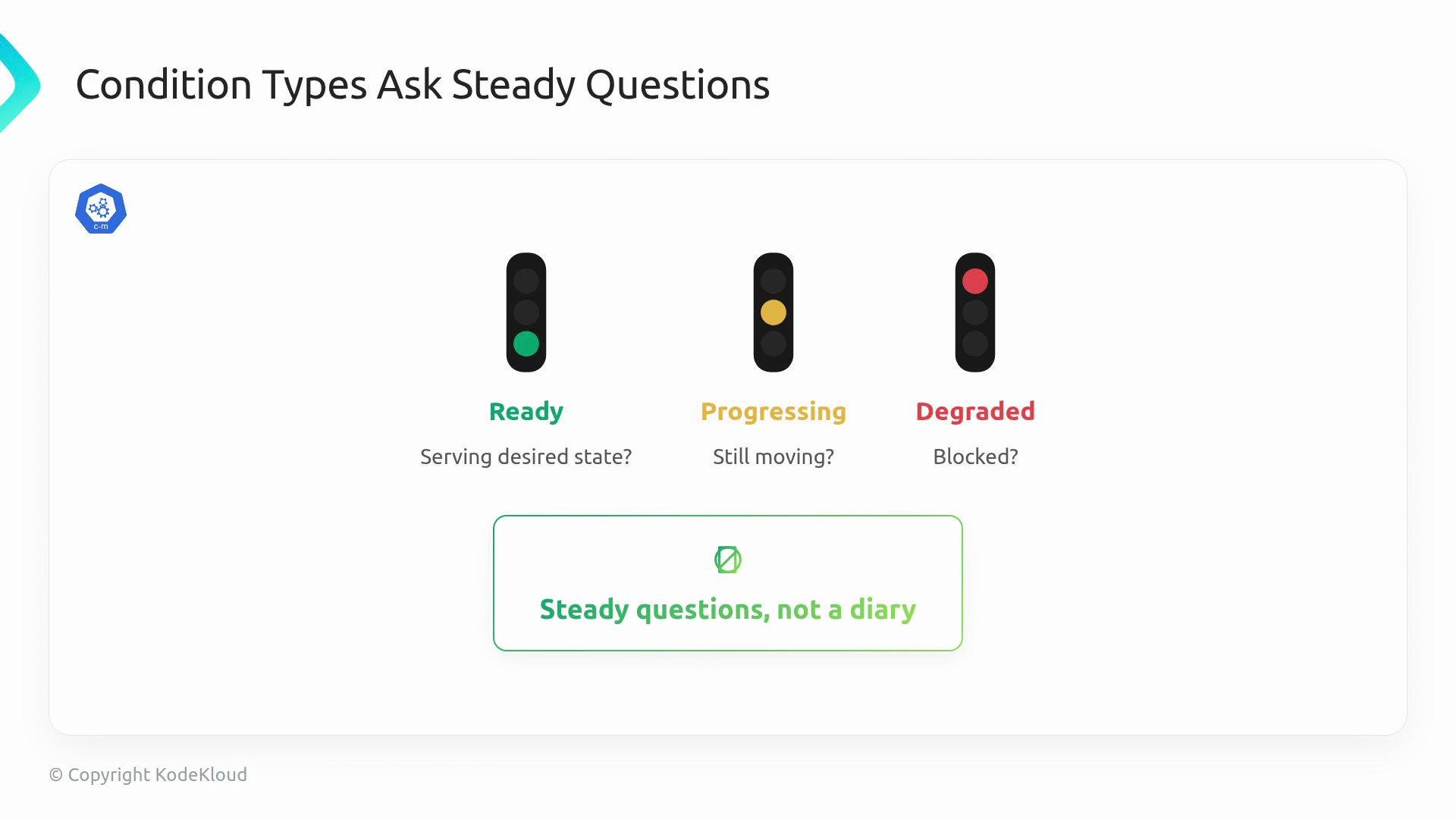
Keep condition types steady and focused: they should ask continuous health questions (Ready, Progressing, Degraded), not log every event or reconcile step.
- Keep condition types stable and few. They are part of your API’s contract and are used by alerts, dashboards, and other controllers.
- Make
Reasonpredictable and machine-friendly; useMessagefor human context. - Only update
LastTransitionTimewhen the condition value actually changes. - Populate
ObservedGenerationso users can detect stale status.
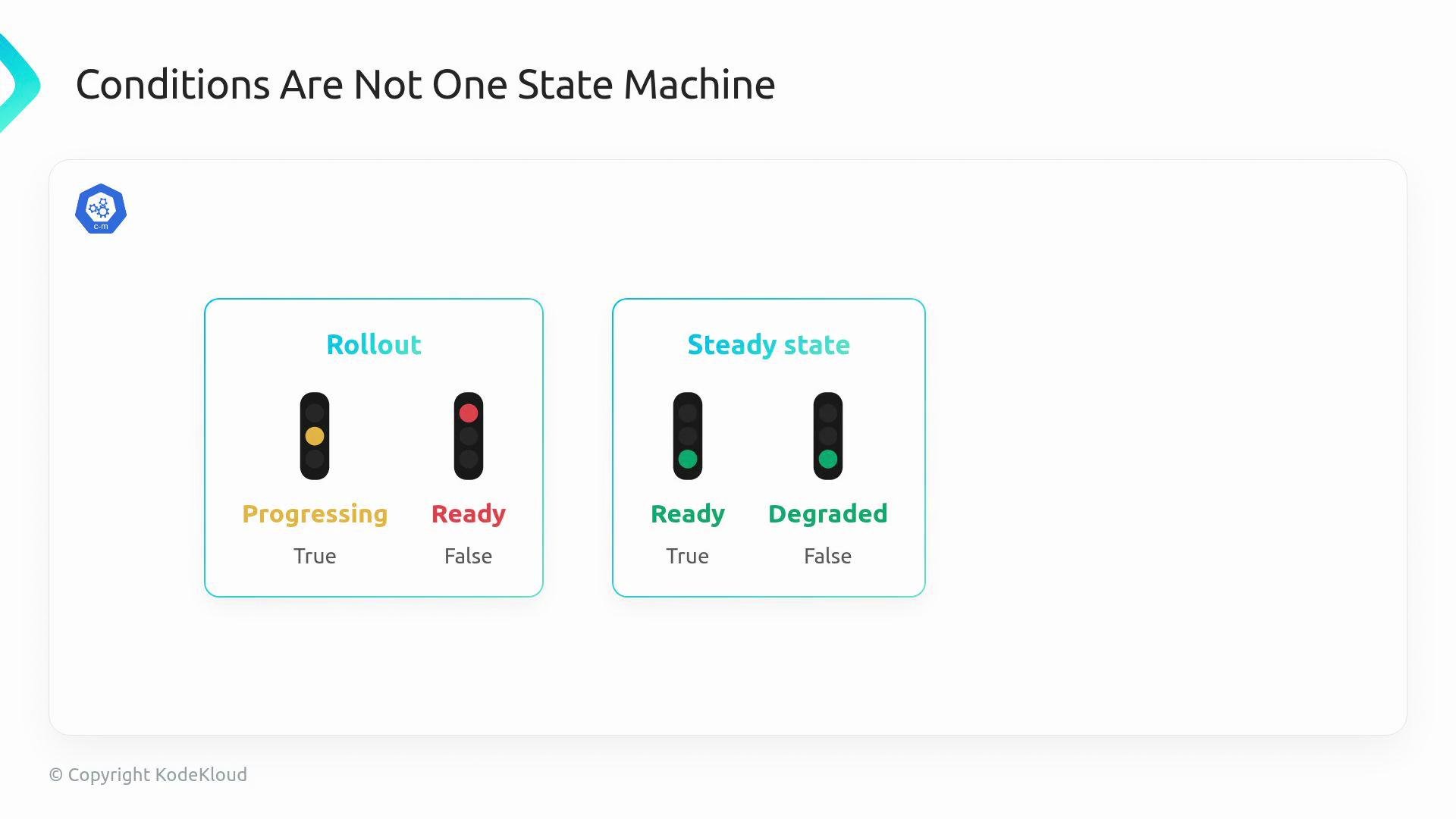
Progressingcan beTruewhileReadyisFalse.- In steady state,
Readycan beTruewhileDegradedisFalse.
Do not overload conditions with transient or debug-level events. Conditions should answer steady-state health questions, not act as a message log.
Ready condition. Good status design makes controllers and clusters easier to understand, debug, and operate.
Links and further reading
- Kubernetes API Conventions: Conditions
- metav1.Condition Go type reference
- Golang course reference used above