

kubectl apply.
webapp, version v1, kind WebApp) and shows how Kubebuilder wires everything together.
Project overview before scaffolding
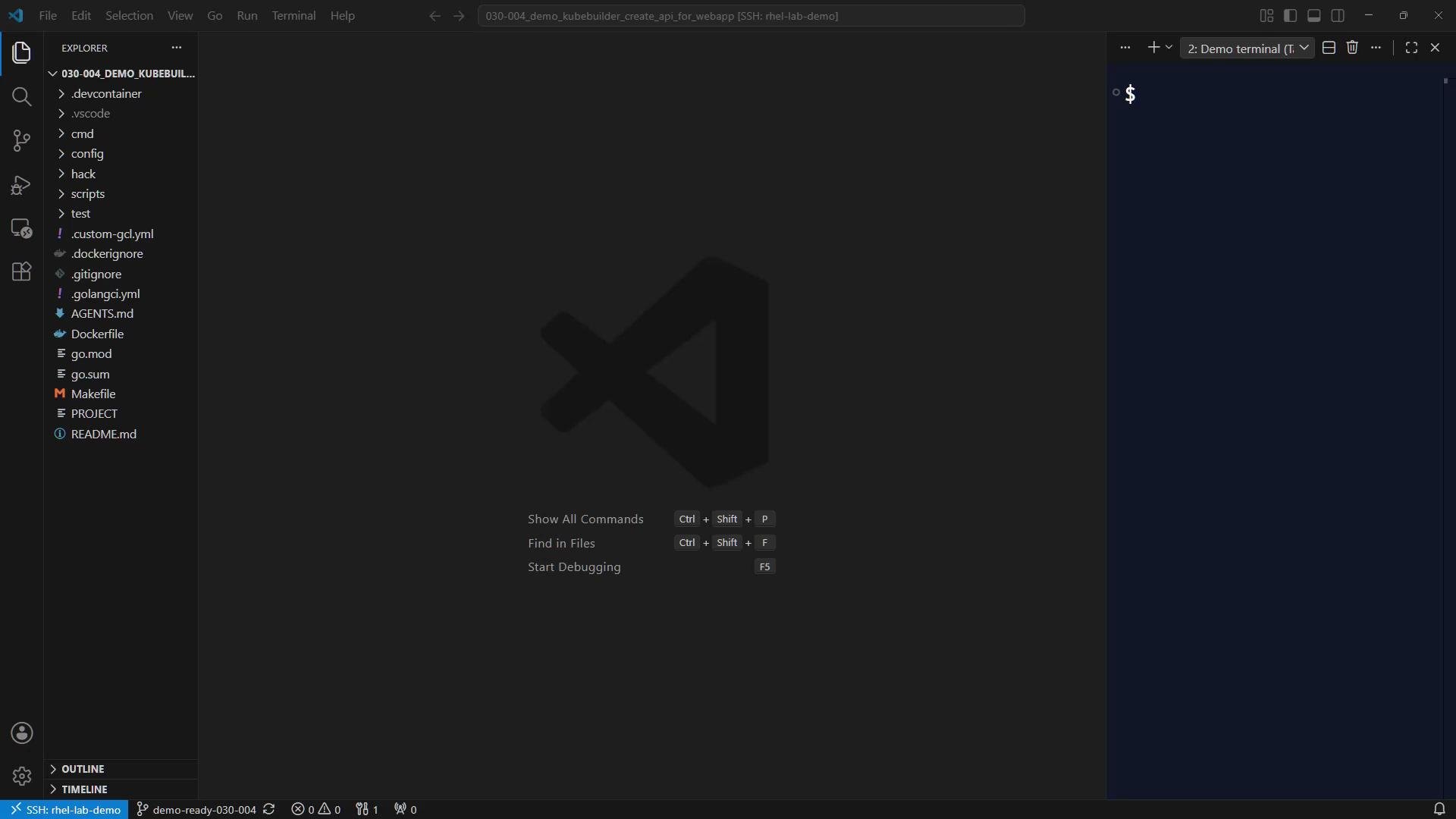
When you open the project you should already see:PROJECTfile describing the repository and domain.cmddirectory (entry point).configtree for manifests and kustomize overlays.
kodekloud.com in PROJECT, the full API group becomes:
webapp.kodekloud.com/v1.
What Kubebuilder generates
After running the scaffold command, Kubebuilder creates the new API types and controller skeleton. The two primary locations are:
Kubebuilder also updates the
PROJECT metadata used for future scaffolding. Example PROJECT-style metadata:
Generated Go types (example)
Kubebuilder scaffoldsapi/v1/webapp_types.go with placeholder fields. The WebAppSpec currently contains a Foo example field and WebAppStatus includes a Conditions slice prepared for status conditions. Keep these placeholders while following this lesson; a later lab replaces Foo with real fields such as image and replicas.
Example generated types:
Kubebuilder marker comments such as
+kubebuilder:object:root=true and
+kubebuilder:subresource:status are directives for the code generator (controller-gen).
They control what gets generated in the CRD YAML and client code.Generate CRD YAML from types
To convert the Go types (the single source of truth) into a Kubernetes CustomResourceDefinition (CRD) YAML, run:make manifests runs controller-gen which parses the Kubebuilder markers and writes the CRD base file into config/crd/bases. Kubebuilder names the CRD file using the group and plural form, for example:
config/crd/bases/webapp.kodekloud.com_webapps.yaml
A small excerpt of the generated CRD (shows identity and inferred schema):
- metadata
name: webapps.webapp.kodekloud.com group: webapp.kodekloud.comkind: WebApp,listKind: WebAppListplural: webapps,singular: webapp- version
v1and status subresource enabled
Verify compilation & development loop
Before editing types and controller logic, ensure the scaffold builds cleanly. A typical development loop is:- Scaffold the API:
- Regenerate CRD manifests:
- Build and test the controller:
Next steps
- Re-run
kubebuilder create apiif you need to add more APIs for the same project. - Replace placeholder fields in
api/v1/webapp_types.gowith real spec fields (for exampleimageandreplicas). - Implement controller logic in
internal/controllerto create and manage child resources such asService,Deployment, andConfigMapfor each WebApp.
- Kubebuilder docs: https://book.kubebuilder.io/
- controller-tools (controller-gen): https://github.com/kubernetes-sigs/controller-tools
- Kubernetes API conventions: https://github.com/kubernetes/community/blob/master/contributors/devel/sig-architecture/api-conventions.md