

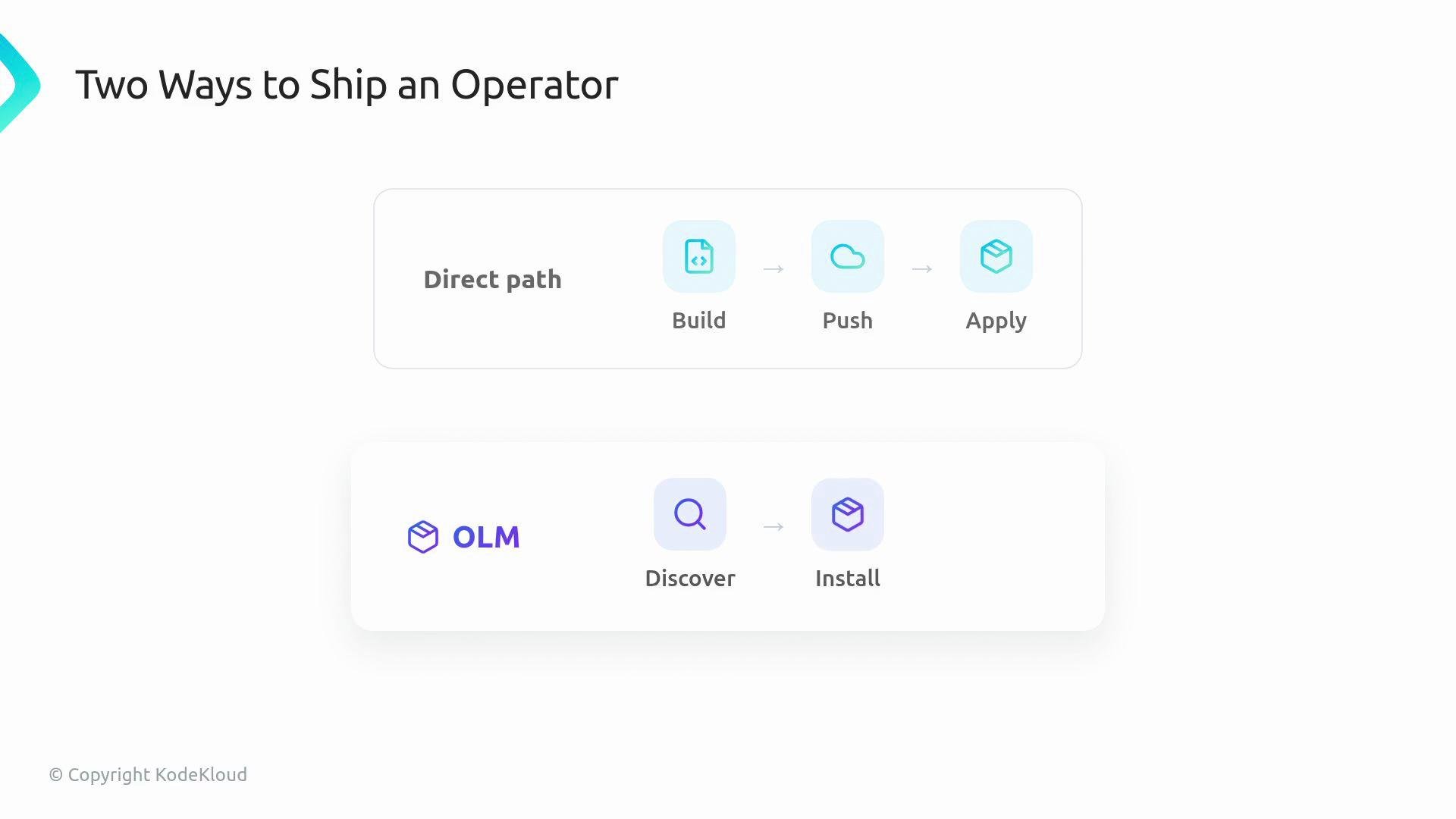
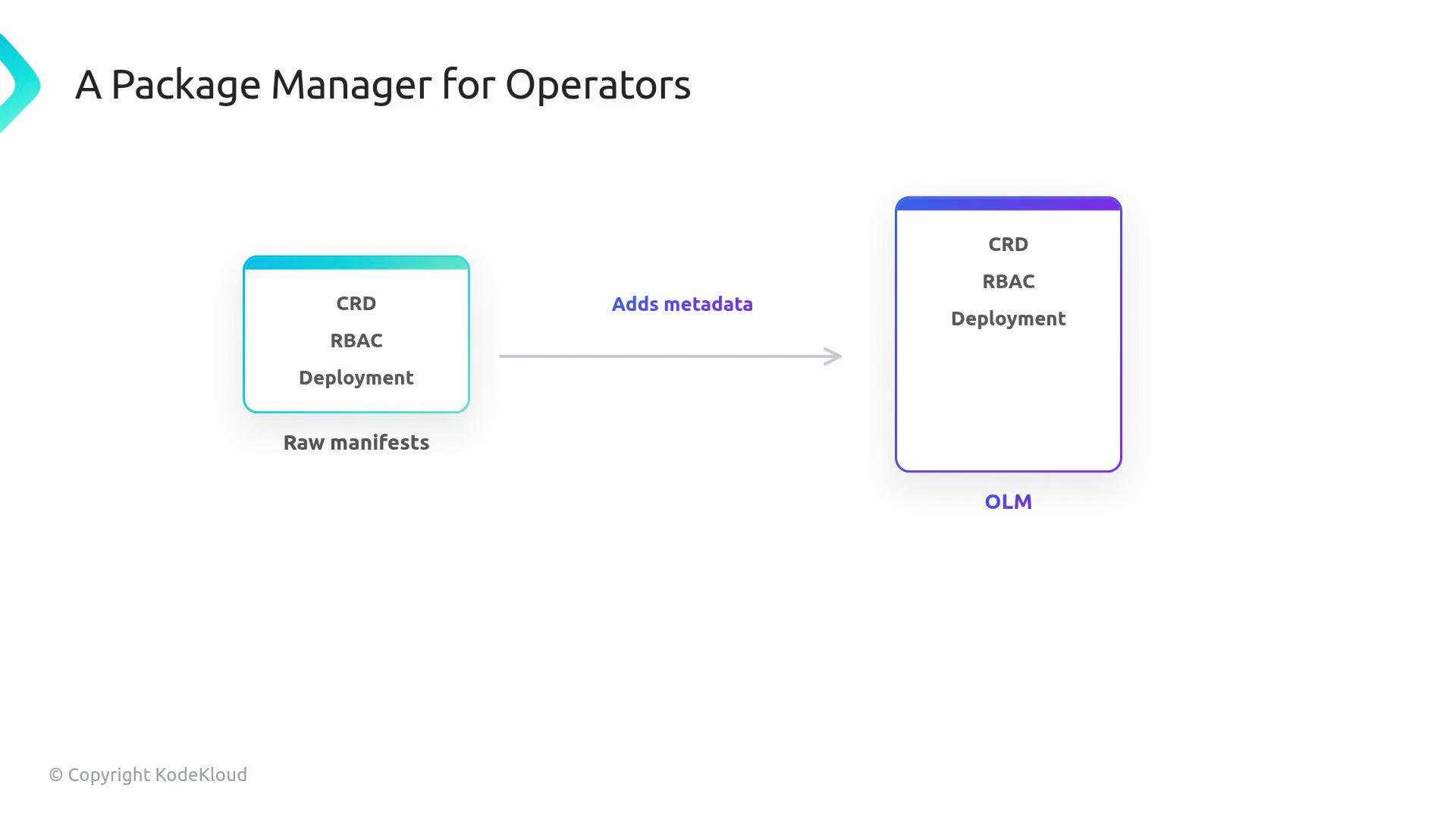
OLM provides discovery, install-time metadata, upgrade channels, and a managed approval workflow — it does not change how your reconcile loop works.
- Bundle
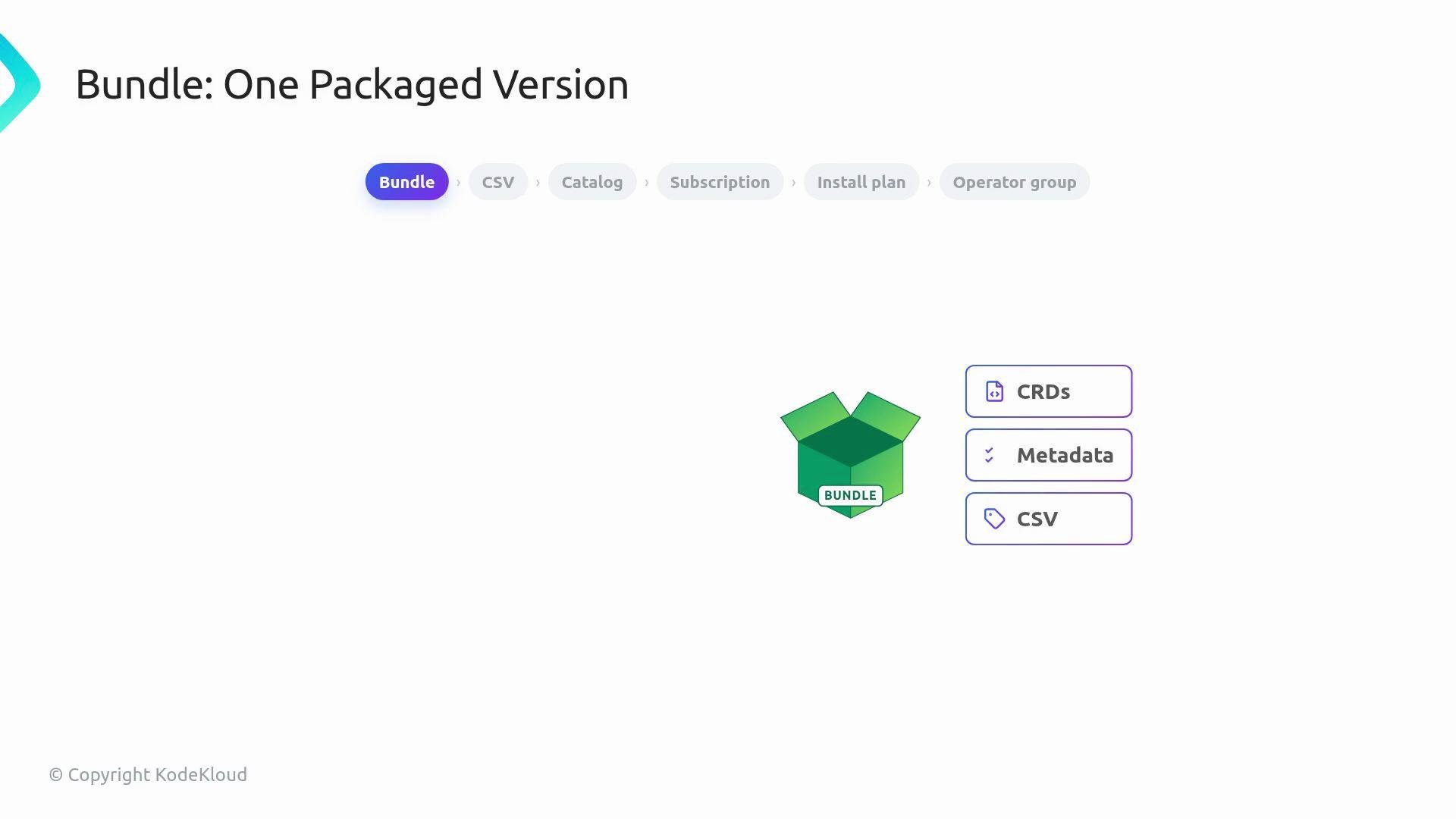
A bundle is the package for one version of the operator. It contains the files OLM needs: CRDs, metadata, and aClusterServiceVersion(CSV). A bundle represents a single packaged version of your operator.
-
Controller image
The controller image is the container image with your operator code. The bundle references this image and includes the metadata that tells OLM how to deploy it. -
ClusterServiceVersion (
CSV)
TheCSVis the versioned manifest inside the bundle. It describes the APIs the operator owns, the install strategy (for example, the deployment spec), required RBAC permissions, and UI-facing metadata such as description and version.
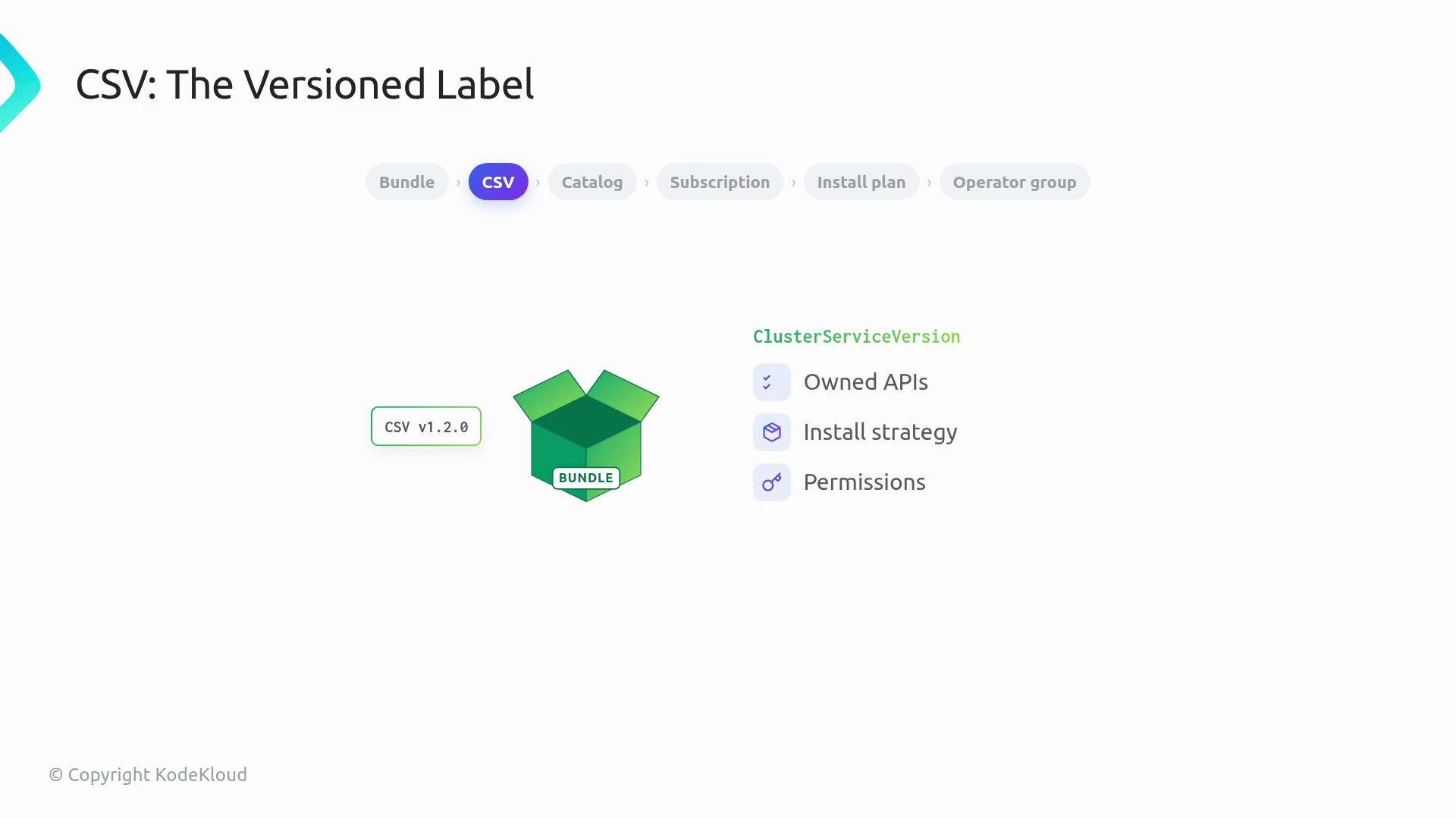
CSV is the version label that tells OLM and users what’s inside.
-
Catalog and
CatalogSource
ACatalogSourcetells OLM where to look for operator packages (for example, a public registry, vendor catalog, or private catalog). Clusters can use multiple catalogs; catalogs are how OLM discovers available operators and their versions. -
Subscription
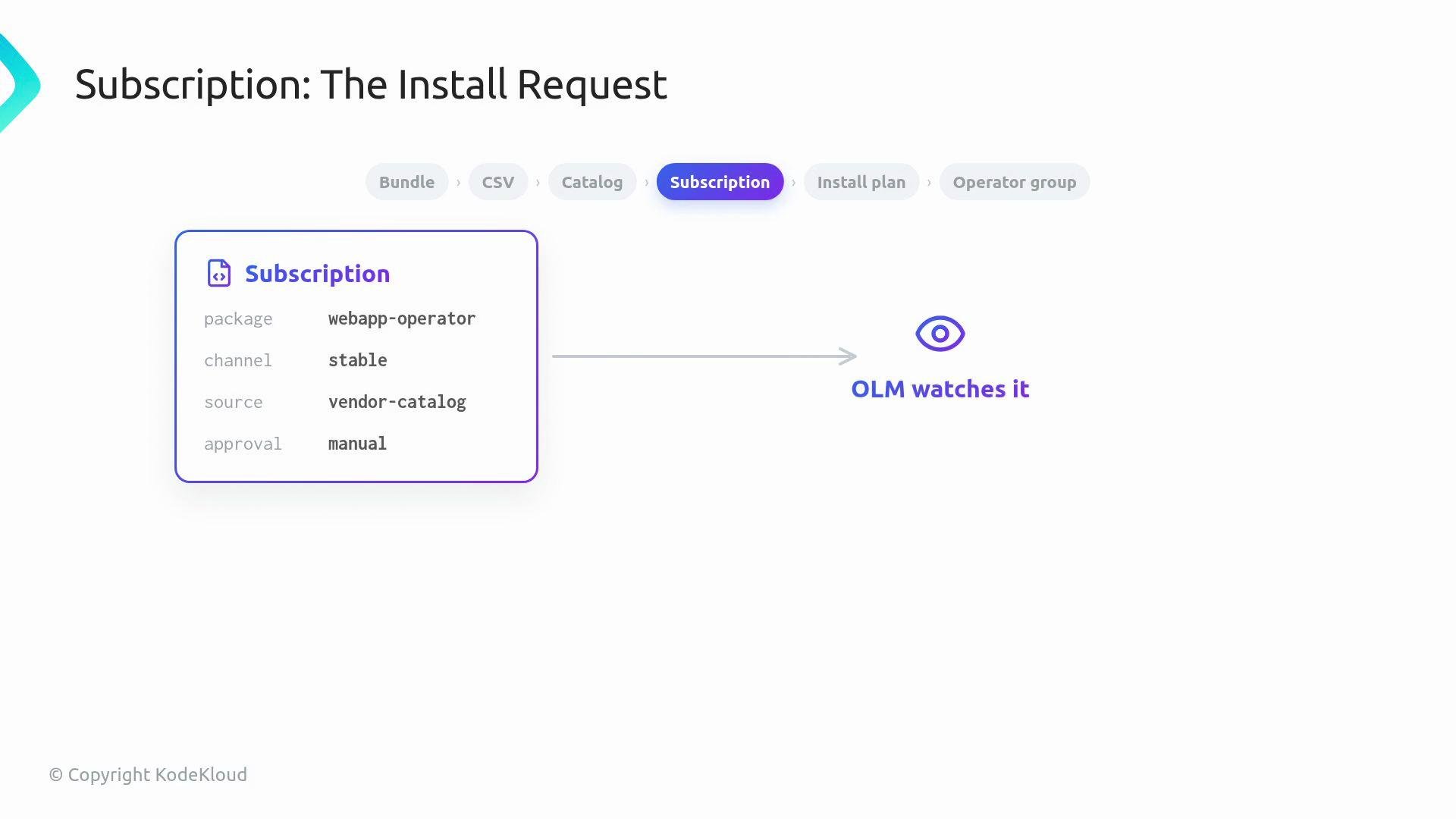
ASubscriptionis a user or platform request to install a package and follow a given channel over time. It names the package, the channel (for example,stableorbeta), the catalog source, and the approval behavior (AutomaticorManual). OLM watchesSubscriptionobjects and decides which version should be installed now and which upgrades to consider later.
InstallPlan
AnInstallPlanis the concrete list of steps OLM generates from aSubscription. It enumerates the resources OLM intends to install or upgrade (bundles, CSVs, CRDs, and other manifests). Based on theSubscriptionapproval mode, OLM may apply theInstallPlanautomatically or wait for human approval. This gating lets platform teams control when upgrades are applied.
If a
Subscription uses manual approval, OLM will pause at the InstallPlan stage until an operator or platform engineer approves the plan. This prevents unintended upgrades in production clusters.OperatorGroup
AnOperatorGroupdefines the scope of the operator — which namespaces it should target. Operators can be namespace-scoped (watch a single namespace) or cluster-scoped (watch the entire cluster).OperatorGrouptells OLM the intended installation scope.
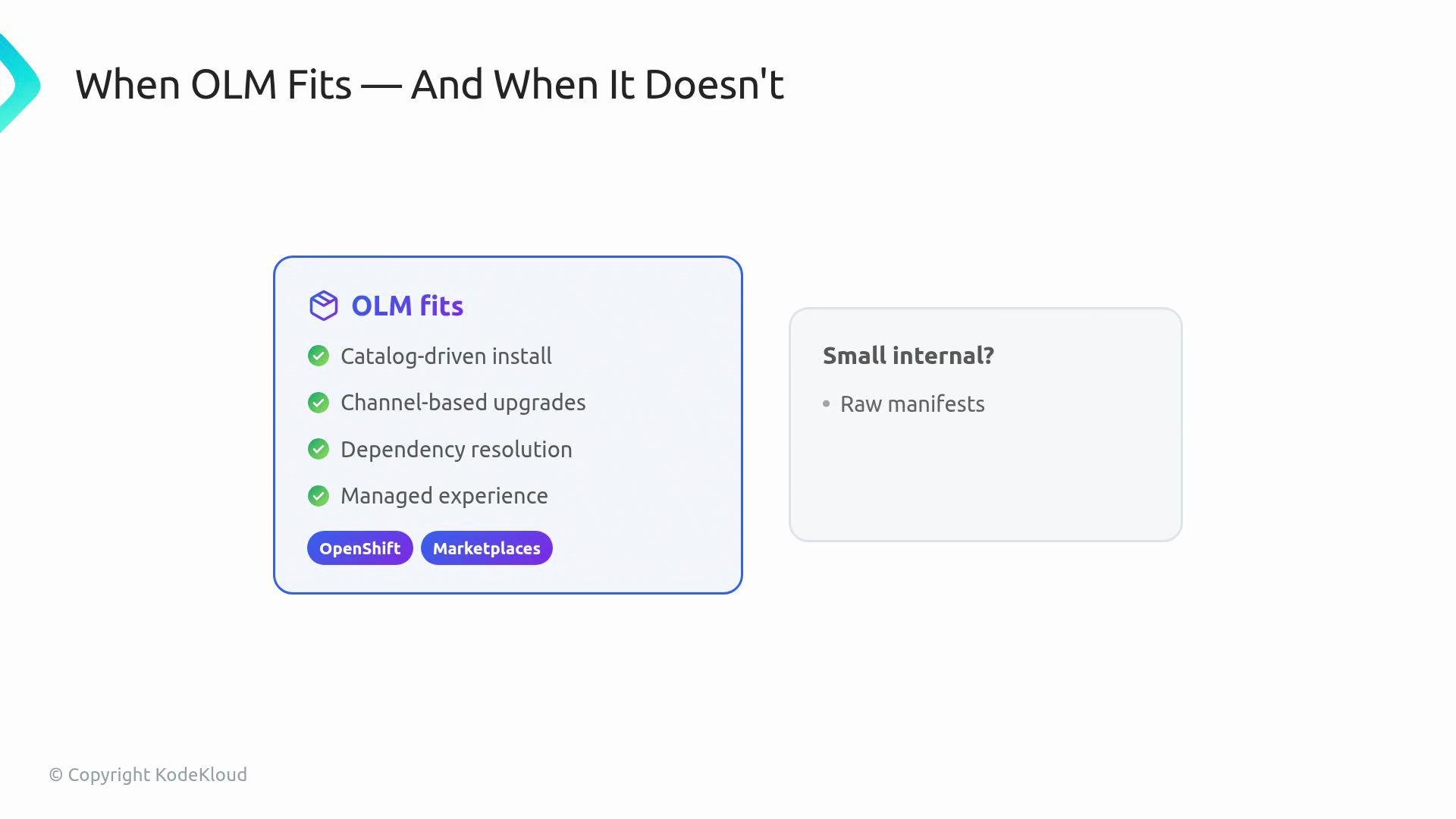
- Choose raw manifests,
Kustomize, orHelmwhen:- You want a simple, transparent install for a small internal operator.
- You prefer straightforward YAML that you apply directly.
- Choose OLM when you need:
- Catalog-driven discovery and distribution.
- Channel-based upgrades and version metadata.
- Dependency resolution and a managed approval workflow.
- A consistent operator marketplace experience (common on platforms like OpenShift).
Further reading and references
- Operator Lifecycle Manager (OLM) docs: https://olm.operatorframework.io/docs/
- OpenShift Operators and OperatorHub: https://docs.openshift.com/
- When to use Helm, Kustomize, or raw manifests: compare in your platform-specific docs
InstallPlans, and a gated workflow. When you hear “bundle”, CSV, CatalogSource, Subscription, InstallPlan, and OperatorGroup, treat them as the parts of a package manager story for Kubernetes operators.