

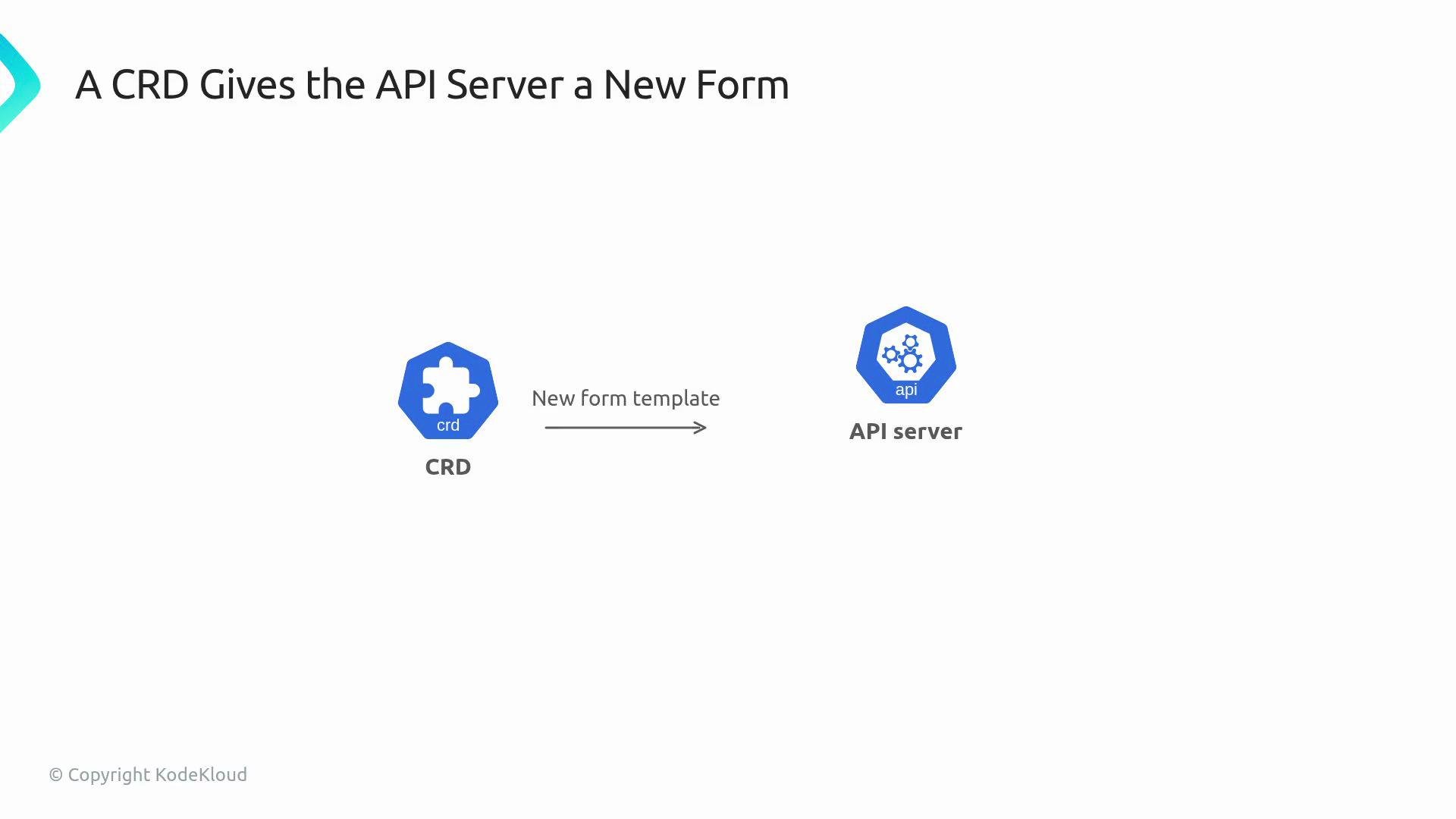
my-front-end with a specified image and replica count.
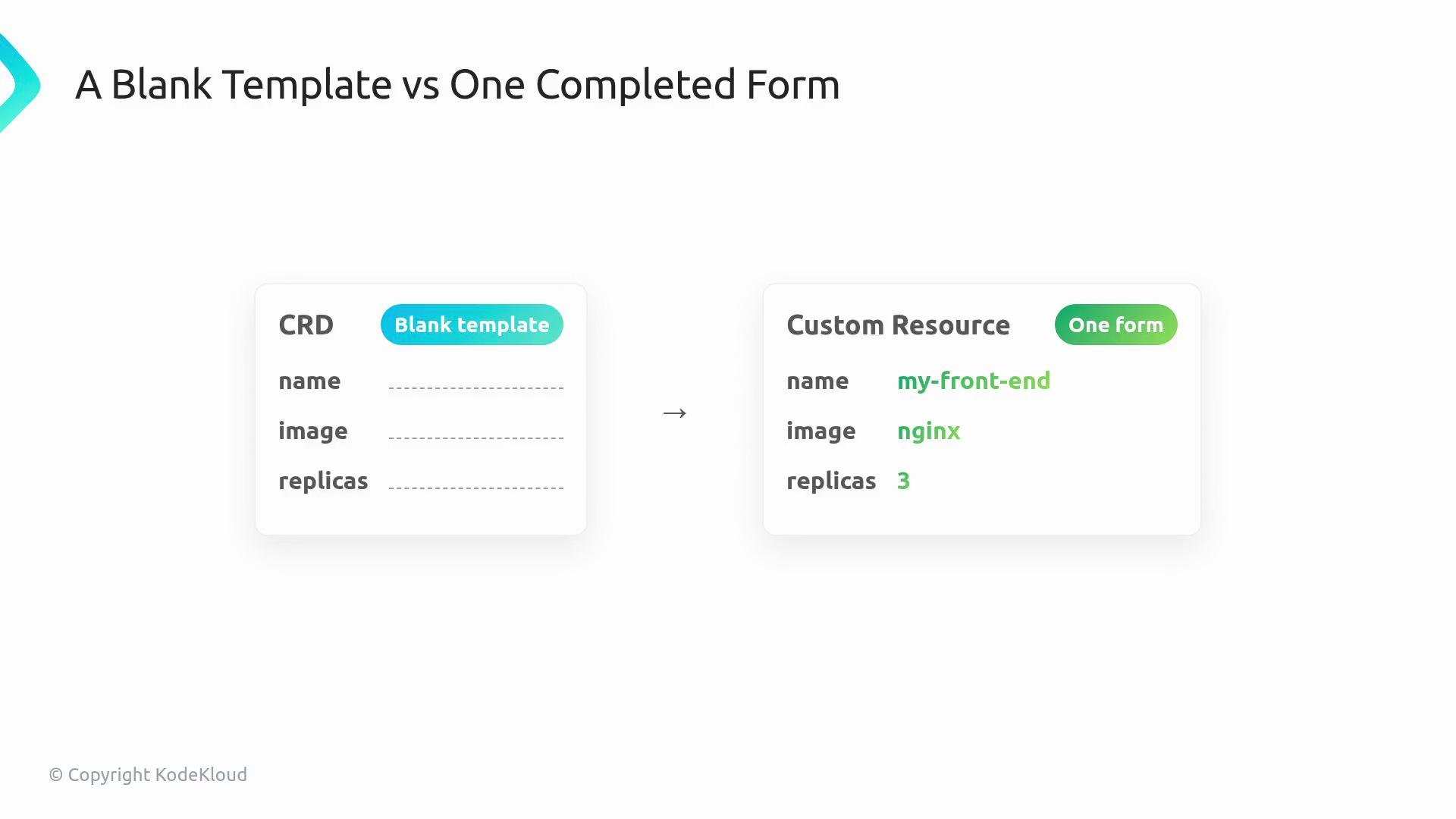
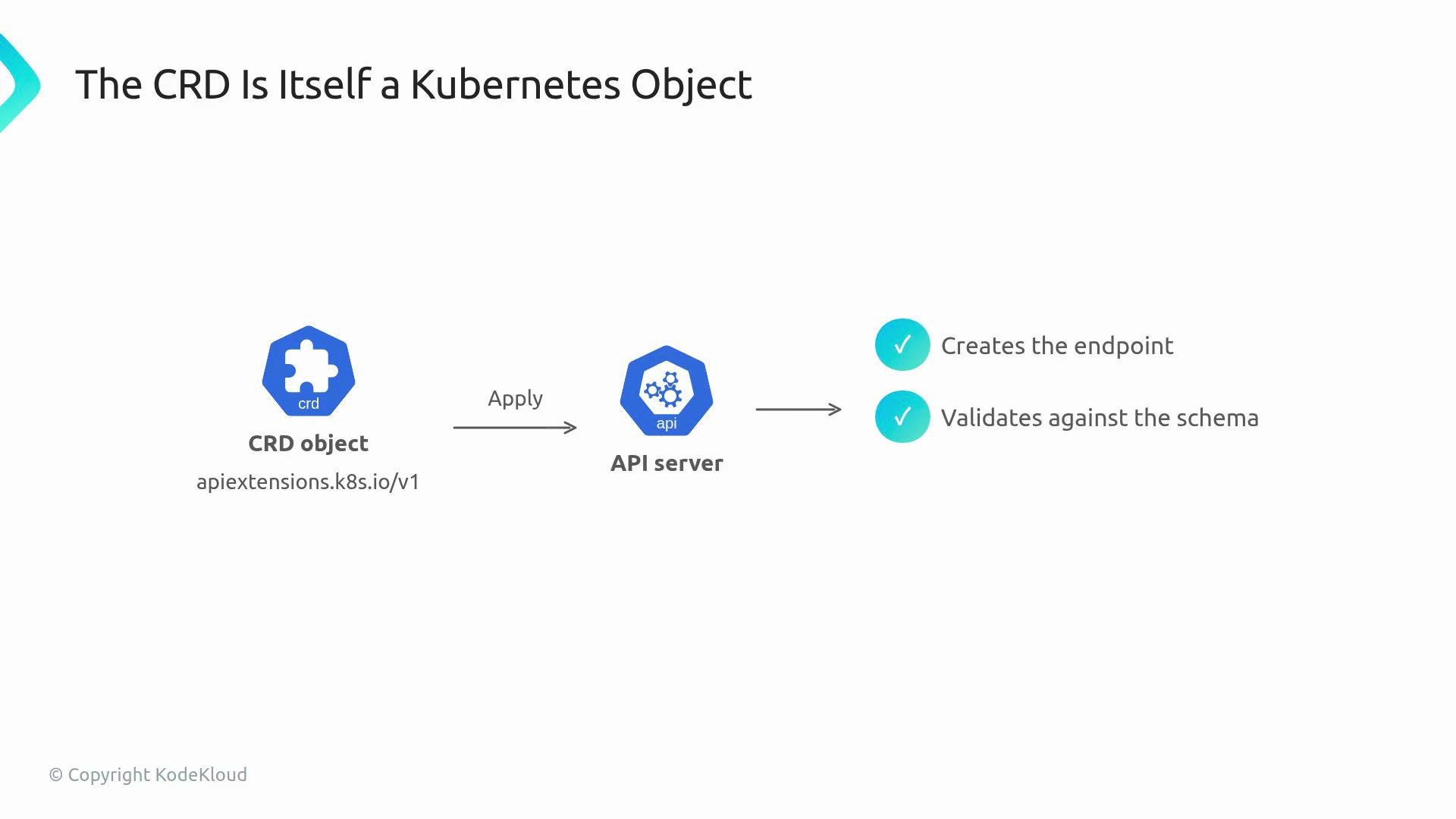
webapps.webapp.kodekloud.com), exposes endpoints, and validates objects against the schema declared in the CRD. After that:
kubectlcan create, read, and list these new objects.kubectl explaincan show the CRD schema.- RBAC rules can target the new resource (for example
webapps.webapp.kodekloud.com).
kubectl get, kubectl describe, add RBAC rules, annotate it, etc. But Kubernetes does not include a built-in controller for your custom Kind — you must provide one to implement the desired behavior.
The CRD itself is a Kubernetes object in the apiextensions.k8s.io/v1 API group. Applying it creates the endpoint, validates created objects against the declared OpenAPI schema, and persists accepted objects under your API group and version.
kubectl get webappsworks and lists CRs.kubectl explain webapp.specuses the CRD schema.- Cluster RBAC can grant access to
webapps.webapp.kodekloud.com. - No API server recompile or extension binaries needed — CRDs are dynamic.
Minimal CRD example (registers a
WebApp kind in webapp.kodekloud.com):
A CRD defines the API shape and validation only. To make CRs produce Deployments, Services, or Pods, you must run a controller (operator) that watches the CRs and reconciles the desired state.
- Prevents invalid input (e.g.,
replicas: "three"vsreplicas: 3). - Reduces runtime reconciler bugs by catching mistakes early.
- Enables
kubectl explainand improved developer ergonomics.
If you apply only the CRD and create CRs without a controller, the cluster will store those objects but no resources (Deployments, Pods, Services) will be created automatically. Always deploy or run a controller if you expect behavior to be realized.
- Kubernetes CustomResourceDefinition docs: https://kubernetes.io/docs/tasks/extend-kubernetes/custom-resources/custom-resource-definitions/
- Kubernetes API conventions: https://github.com/kubernetes/community/blob/master/contributors/devel/sig-architecture/api-conventions.md
- Operator pattern and controller-runtime: https://sdk.operatorframework.io/