This article explains how to declare, access, and effectively use arrays in Bash scripting.
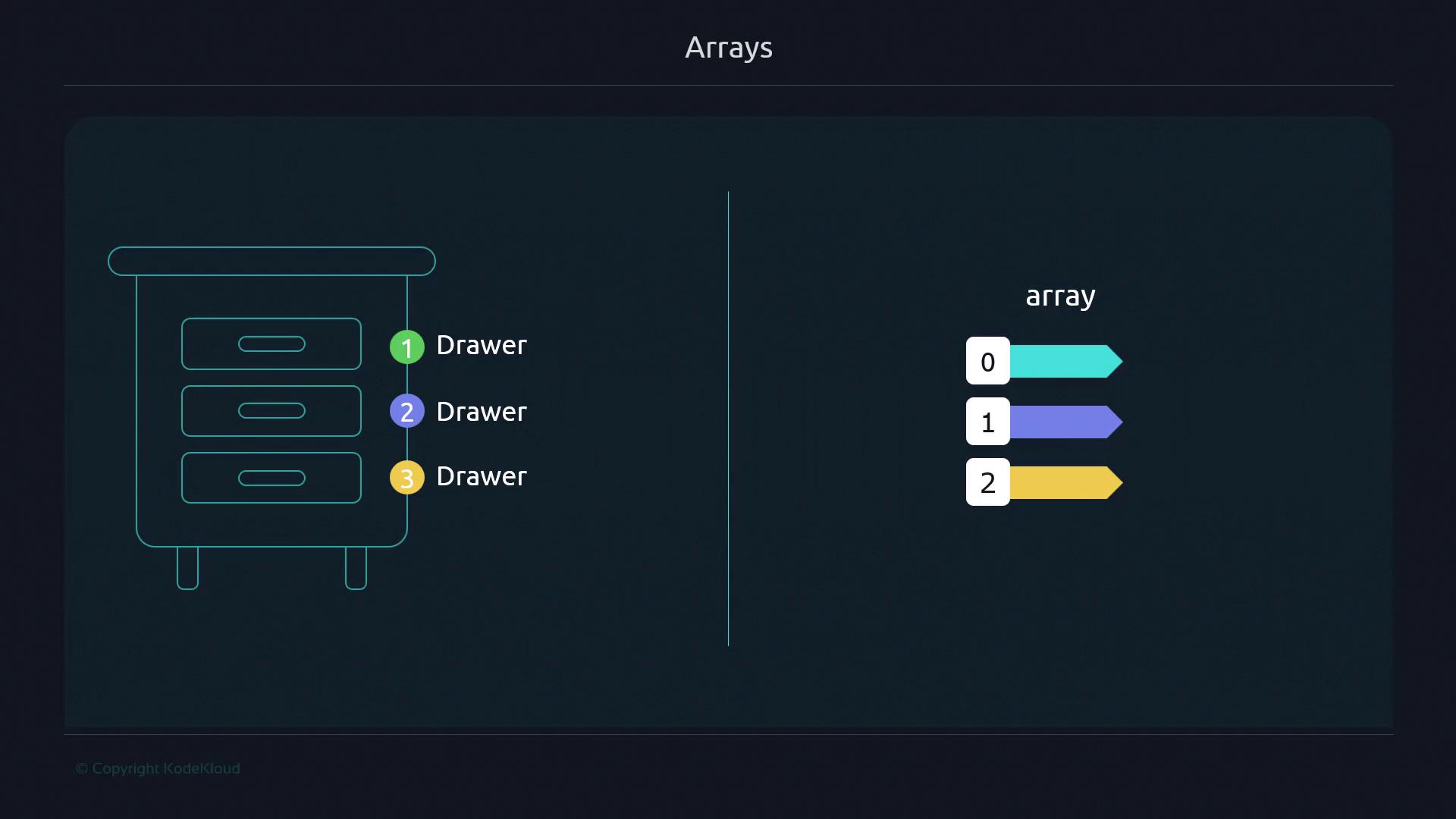
Arrays in Bash empower you to store multiple values in an indexed collection, offering direct access to any element—first, middle, or last—by its index. This is analogous to reaching into a specific drawer when you know exactly where your socks are kept, rather than inspecting each one sequentially.
Bash arrays are zero-indexed: the first element is at index 0, the second at 1, and so on.
Direct element access reduces loops and conditional checks.
Cleaner scripts when handling lists of servers, filenames, or configurations.
Improved performance versus string-based lists requiring manual parsing.
Compare a string-based iteration:
#!/usr/bin/env bashservers="server1 server2 server3"for server in ${servers}; do if [[ "$server" == "server2" ]]; then server="${server}.kodekloud.com" fi echo "$server"done
Output:
server1server2.kodekloud.comserver3
This checks every item, akin to opening each drawer until you find your socks. Arrays eliminate that overhead.
#!/usr/bin/env bashsections=("Coding Standards" "Best Practices")# Unquotedfor s in ${sections[@]}; do echo "$s"done# Quotedfor s in "${sections[@]}"; do echo "$s"done
Output:
CodingStandardsCoding Standards
Always quote${array[@]} in loops or commands to preserve elements containing spaces.
Unquoted expansions can lead to unexpected word splitting.


![The image illustrates an array with three indexed elements (0, 1, 2), highlighting the second element (index 1) as "server[1]".](https://kodekloud.com/kk-media/image/upload/v1752868542/notes-assets/images/Advanced-Bash-Scripting-Arrays/array-indexed-elements-server1.jpg)