sed to search, print, or delete specific patterns directly within files. While similar to grep, sed lets you combine pattern matching with editing commands in one step.
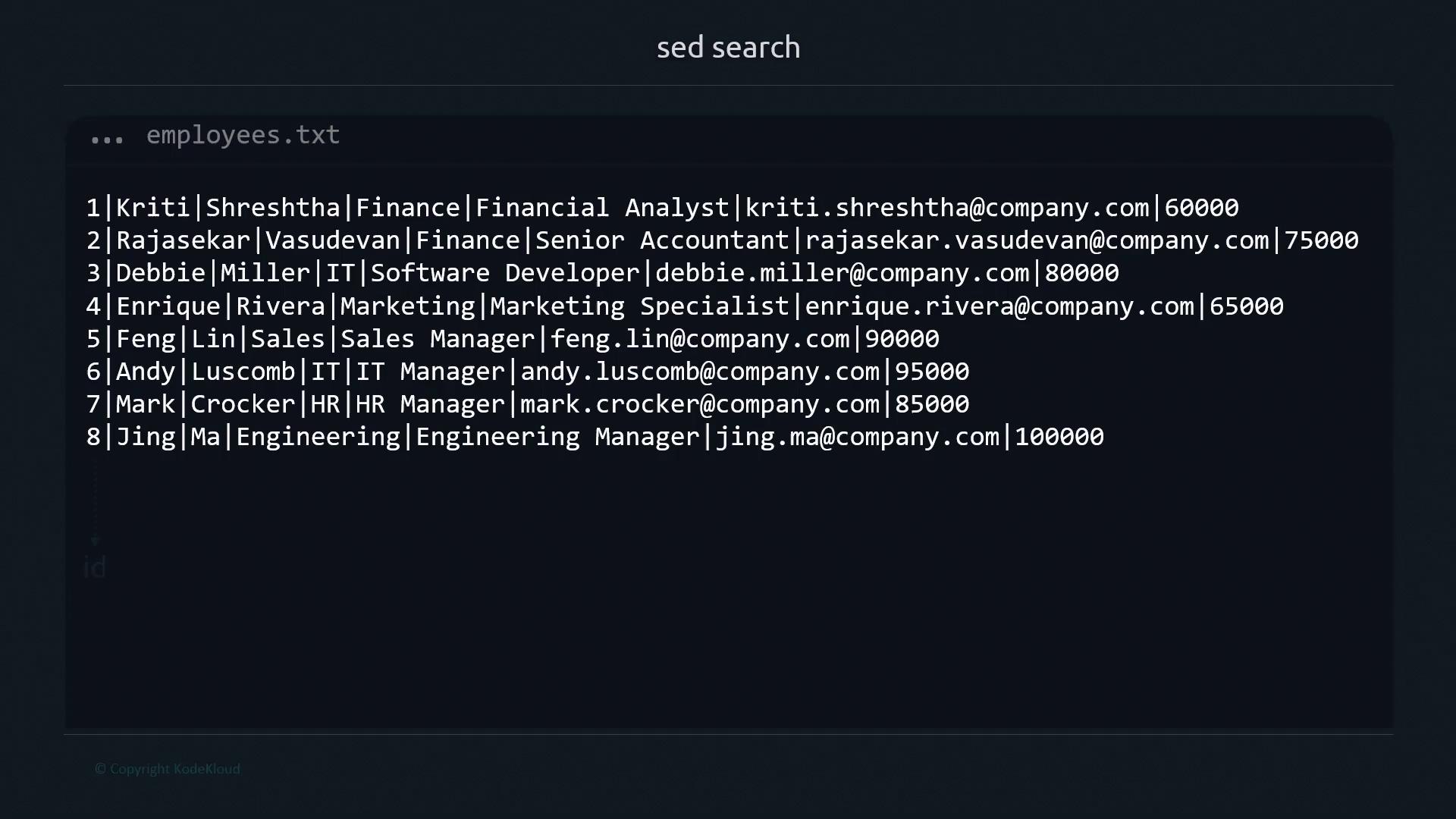
To follow along, we’ll use an employees.txt file with records formatted as ID|First|Last|Department|Role|Email|Salary.
1. Basic Search Syntax
sed requires both a pattern and an action. The minimal form is:
sed may default to printing every line or throw an error:
-n (quiet mode) with the p command:
-n: suppress automatic printing/Manager/: search for “Manager”p: print matching lines
By default,
sed performs case-sensitive matches. Searching for manager (lowercase) yields no results:2. Searching Substrings
Match partial strings by specifying only a fragment:3. Exact Word Matches with Word Boundaries
Use\< and \> to match whole words only:
sed: invoke stream editor-n: suppress default output/\<Ma\>/: match exact word “Ma”p: print matching line
4. Combining Multiple Search Patterns
Chain multiple scripts with-e to search for more than one pattern:
5. Deleting Matches
Swapp for d to remove matching lines:
Remove Enrique’s record:
6. Editing Files In-Place with -i
Apply deletions or substitutions directly using -i:
Using
-i overwrites your source file. Always keep backups or use version control.7. Quick Reference: sed Flags