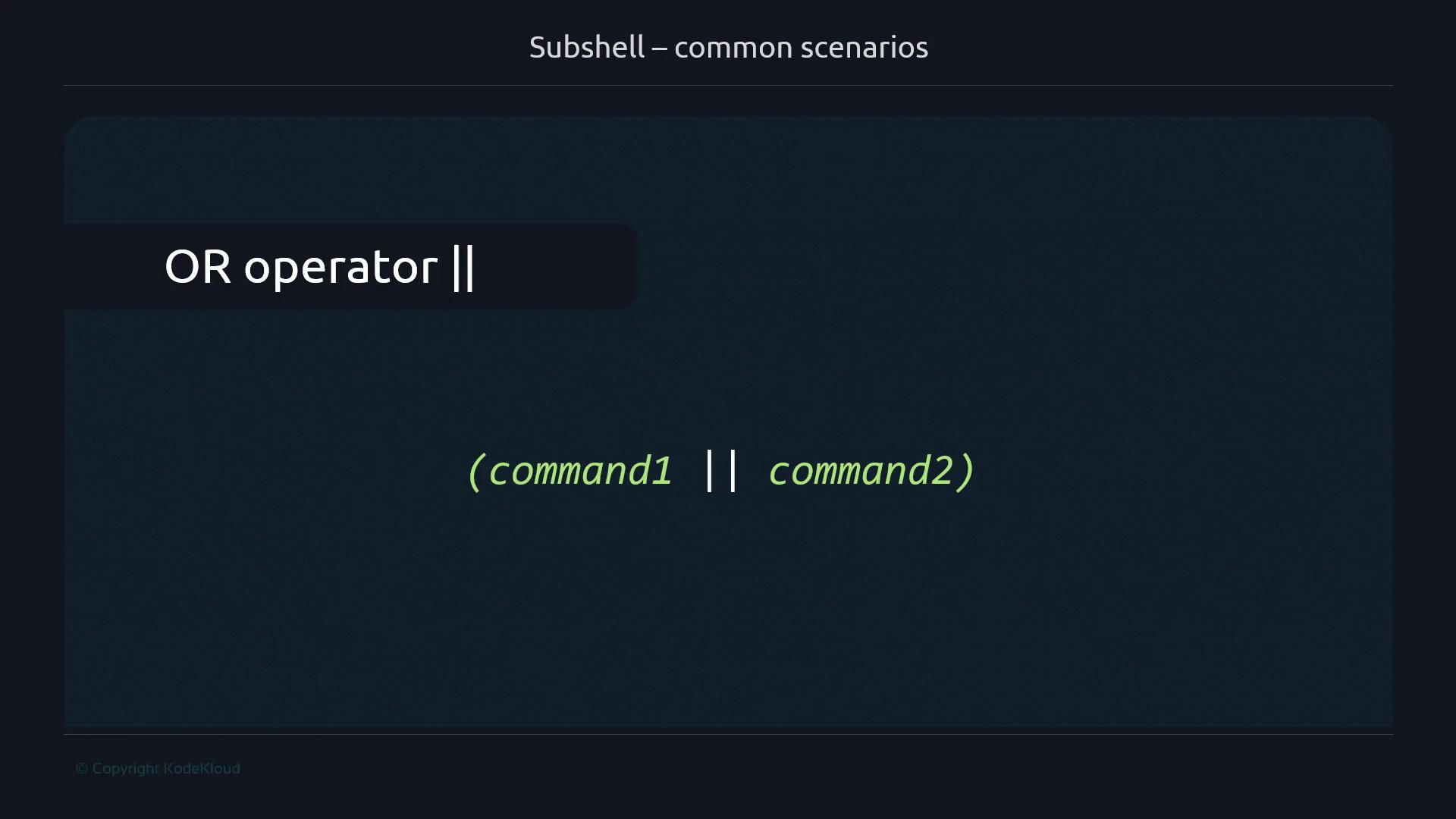
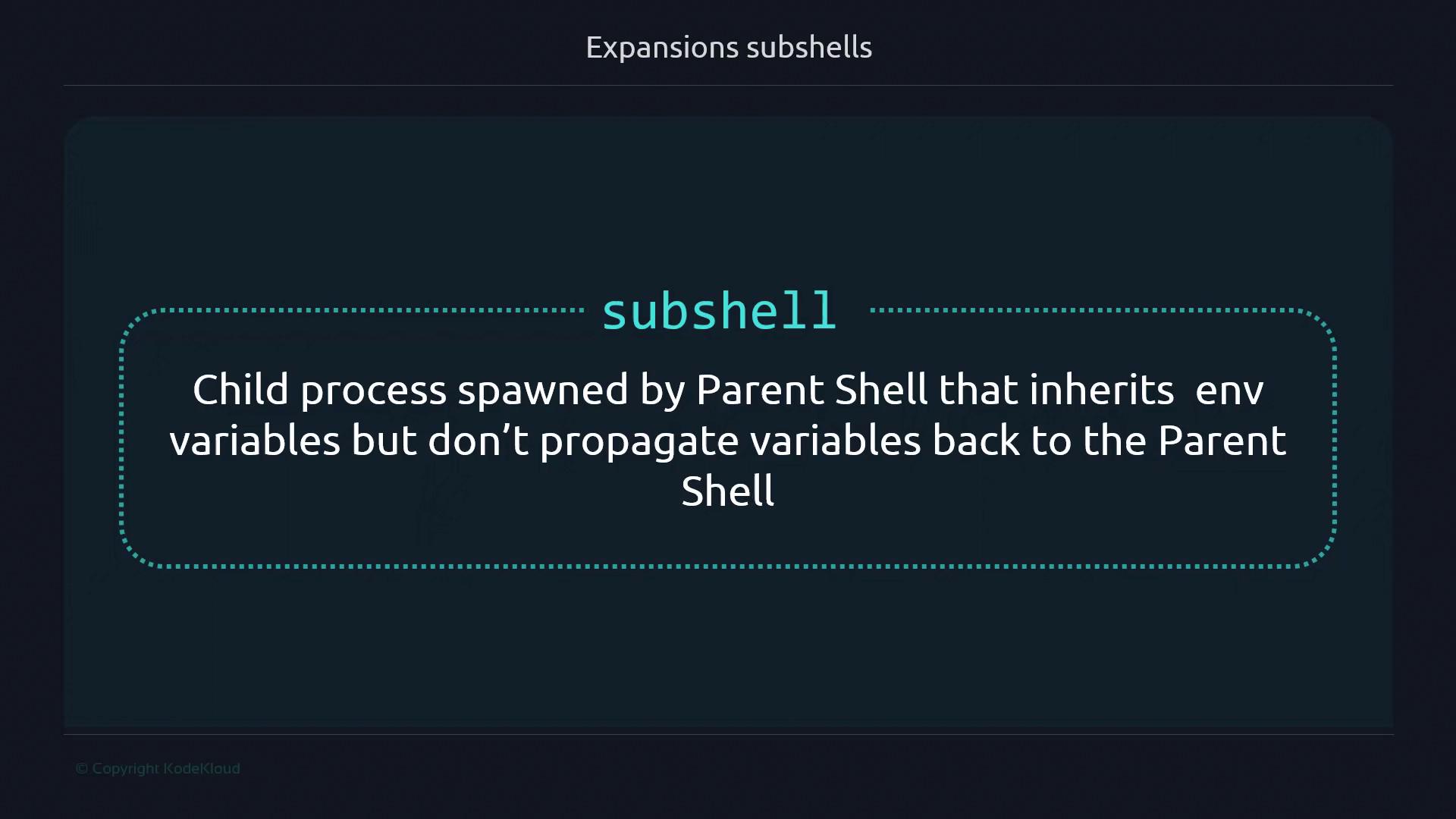
Command substitution with $(…) captures the output of commands into a variable, but it does so by spawning a subshell —a child process separate from your main shell:
#!/usr/bin/env bash
file_count = $( find . -type f | wc -l )
Assignments made inside the subshell do not affect variables in the parent shell.
Because a new process is created, there’s a small performance cost compared to running commands directly in the parent shell.
Overusing complex command substitutions inside tight loops can degrade script performance. Measure and optimize if needed.
#!/usr/bin/env bash
var = "a"
subshell = $( var = "b" )
echo " $var " # still "a"
echo " $subshell " # empty, because var="b" was in the subshell
1. Subshell Syntax
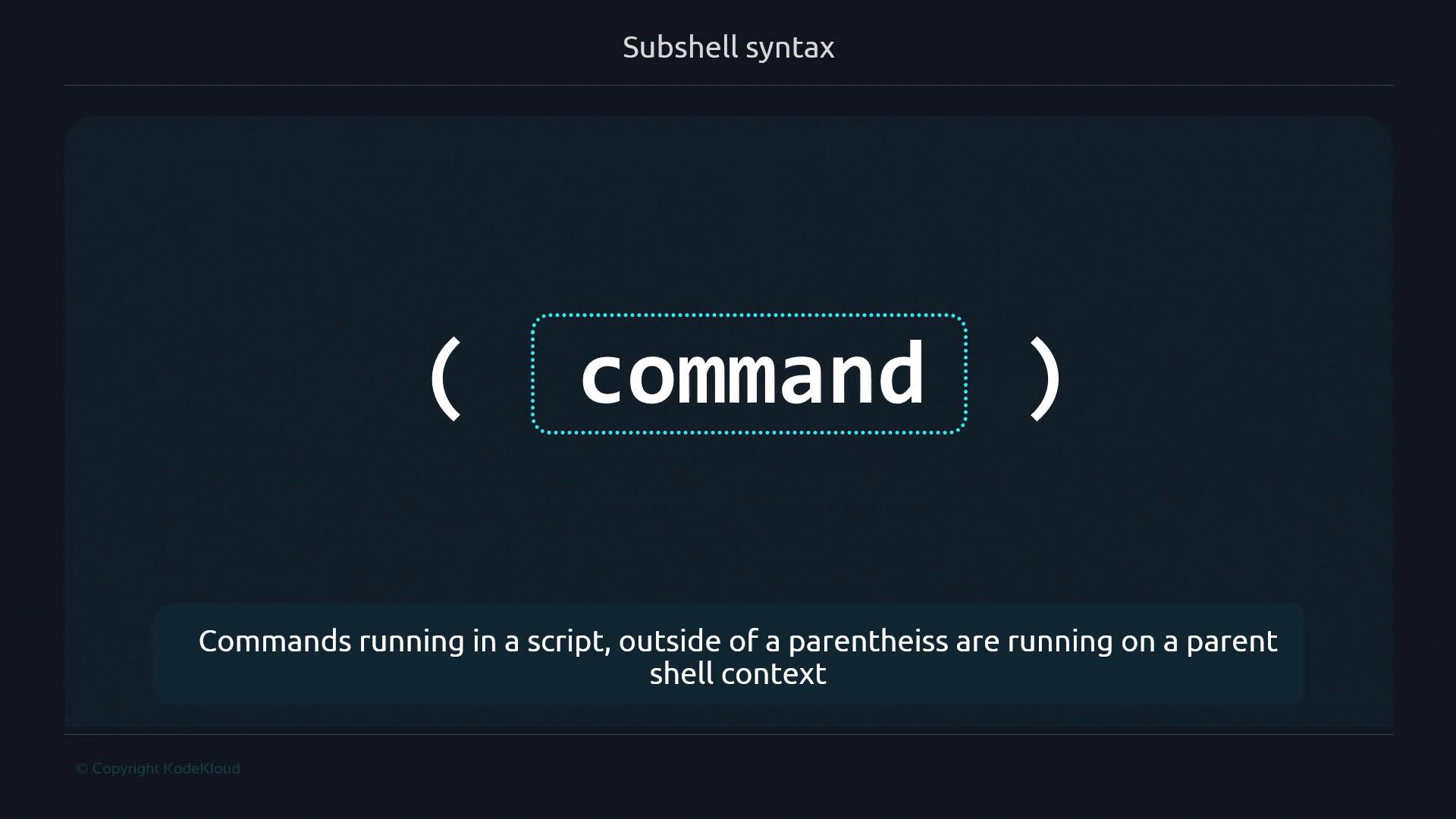
Wrap commands in parentheses to run them in a subshell:
#!/usr/bin/env bash
current_env = "shell"
(
echo "This is running in a ${ current_env }"
)
$ ./subshell-v0.sh
This is running in a shell
To prove isolation:
#!/usr/bin/env bash
current_env = "a"
(
current_env = "b"
echo "Inside subshell: $current_env "
)
echo "Outside subshell: $current_env "
$ ./subshell-v1.sh
Inside subshell: b
Outside subshell: a
2. Command Substitution with a Subshell
Combine a subshell with $(…) to capture its output separately from the parent shell:
#!/usr/bin/env bash
current_env = "a"
subsh_var = $(
current_env = "b"
echo " $current_env "
)
echo "Parent environment: $current_env "
echo "Subshell output: $subsh_var "
$ ./subshell-v2.sh
Parent environment: a
Subshell output: b
Errors inside the subshell still appear on the terminal:
#!/usr/bin/env bash
subsh_var = $(
echo "Output"
ls -fakeoption
)
$ ./subshell-v2-stderr.sh
ls: unrecognized option '--fakeoption'
3. Command Layout in Subshells
Within parentheses, you can:
Put commands on separate lines
Separate with semicolons (;)
Pipe between them (|)
Chain with && or ||
# Separate lines
(
command1
command2
command3
)
# Semicolons
( command1 ; command2 ; command3 )
# Pipes
( command1 | command2 | command3 )
# AND operator
( command1 && command2 && command3 )
# OR operator
( command1 || command2 )
4. Common Subshell Scenarios
4.1 One-Liners to Change Directory Temporarily
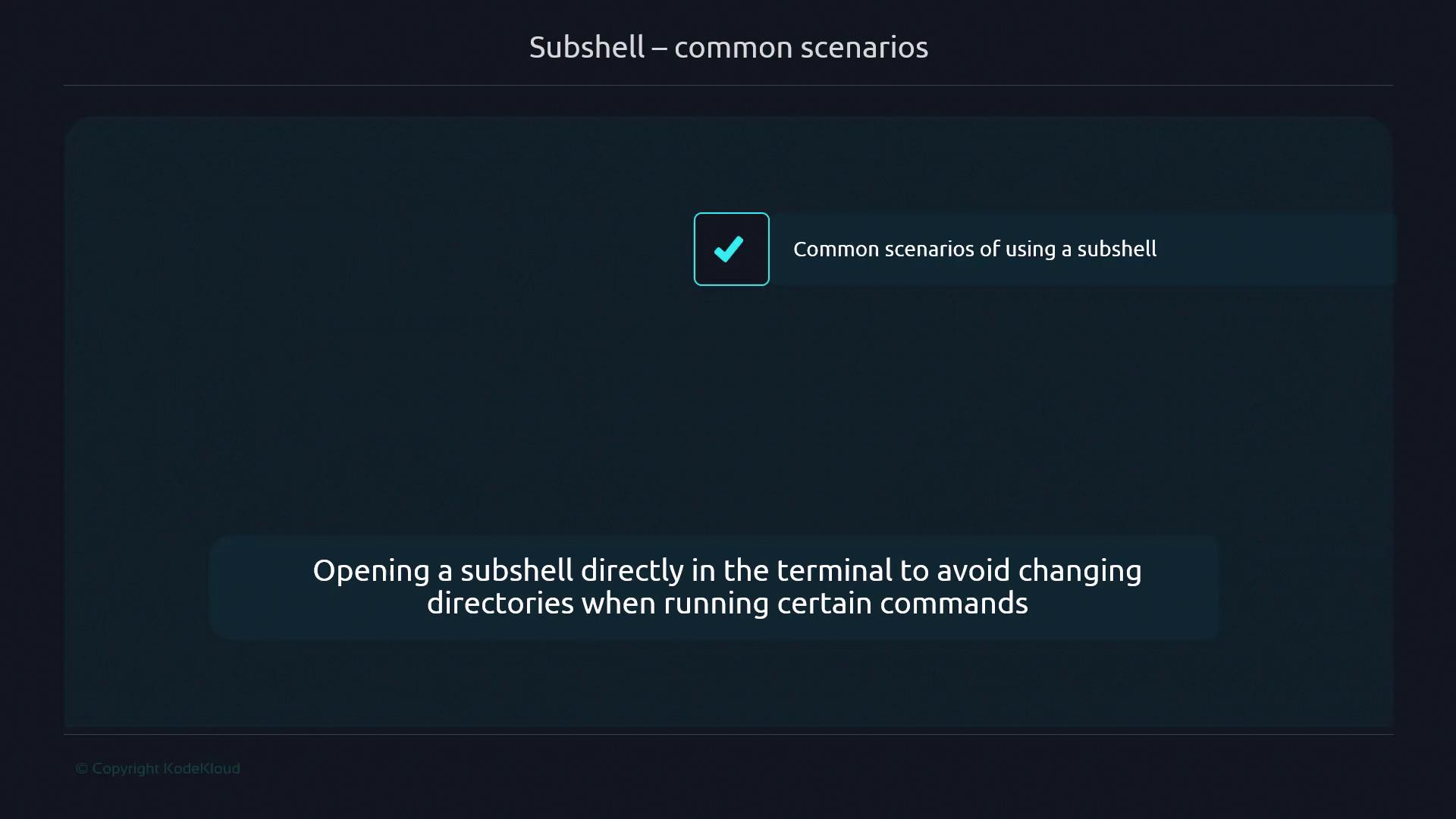
Run commands in a different folder without affecting your current directory:
#!/usr/bin/env bash
# Update and build inside /home/user/project
( cd /home/user/project && git pull && make )
Interactive example:
$ pwd
/home/user/workspace
$ (cd /tmp && ls )
file_in_tmp
$ pwd
/home/user/workspace
4.2 Jenkins Pipeline Steps
In Jenkins Pipelines, each sh step executes in its own subshell. This isolation explains differences when scripts run in CI/CD environments.
5. Verifying Process IDs
Use $$ and $BASHPID to compare parent and subshell PIDs:
Variable Description $$ PID of the parent shell $BASHPID PID of the current Bash process (even in a subshell)
#!/usr/bin/env bash
parent_pid = $$
(
echo "Inside subshell: PID= $BASHPID "
)
echo "Outside subshell: PID= $parent_pid "
$ ./subshell-v5.sh
Inside subshell: PID=12345
Outside subshell: PID=12344
6. Propagating Values Back to the Parent Shell
Since subshells can’t modify parent variables directly, use a temporary file or another IPC mechanism:
#!/usr/bin/env bash
tmpfile = "/tmp/ $$ .tmp"
counter = 1
# Initialize counter
echo " $counter " > " $tmpfile "
# Increment inside subshell
(
new_count = $(( $( < " $tmpfile " ) + 1 ))
echo " $new_count " > " $tmpfile "
)
# Read updated value
counter = $( < " $tmpfile " )
echo "Counter after subshell: $counter "
# Clean up
rm " $tmpfile "
$ ./subshell-v6.sh
Counter after subshell: 2
This pattern is useful in scripts, loops, and CI/CD jobs when you need to retrieve data from a subshell.