

Indexed Arrays vs. Associative Arrays
Think of indexed arrays as a numbered chest of drawers (0-based), and associative arrays as labeled drawers you open by name.Example: Indexed Array (Socks Analogy)
Checking Your Bash Version
Associative arrays require Bash 4.0+. Verify with:If your Bash version is older than 4.0, associative arrays won’t work. Please upgrade before continuing.
Declaring and Accessing an Associative Array
Usedeclare -A to define an associative array. Here’s how to store and retrieve “socks” by key:
Analogy: Emergency Contacts
Store quick-dial numbers by department name:Key-Value Pair Concept
Associative arrays map keys (identifiers) to values (data).In Bash associative arrays, each key is unique and case-sensitive:
"Mark" ≠ "mark".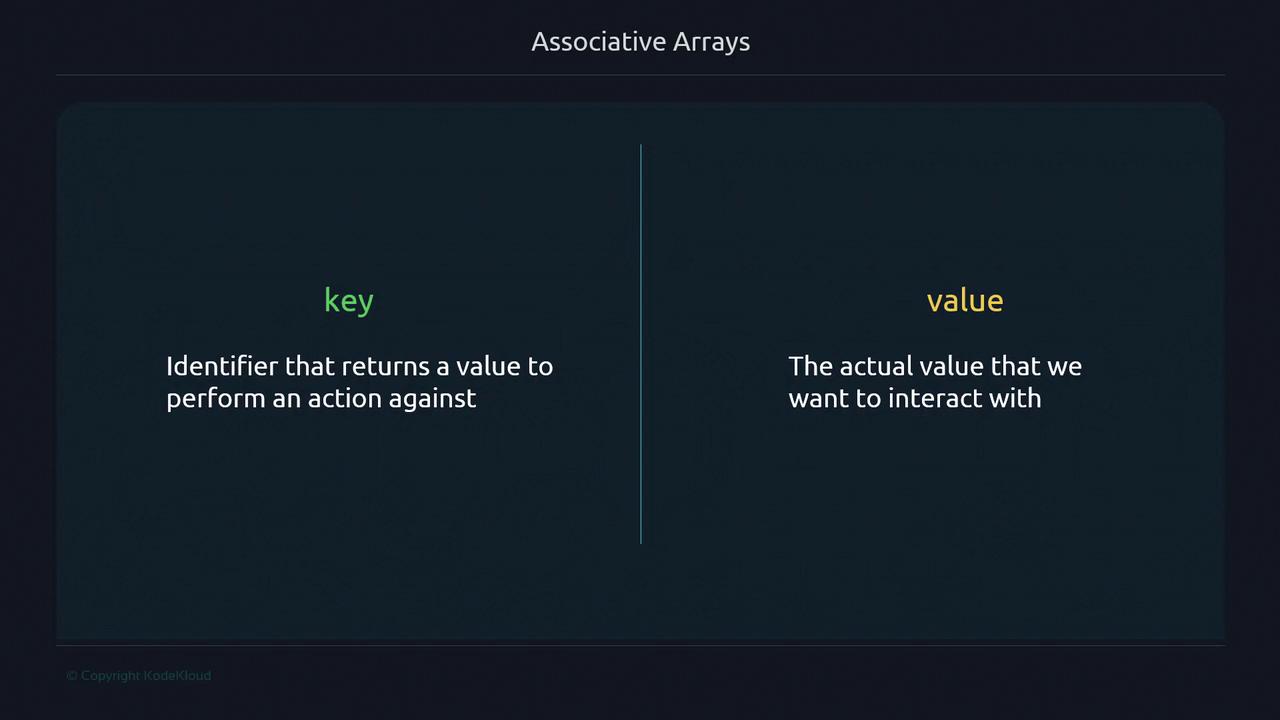
Example: Email Addresses
Adding New Elements
Assign a key in square brackets to insert or append:Associative arrays are unordered; iteration order can vary.
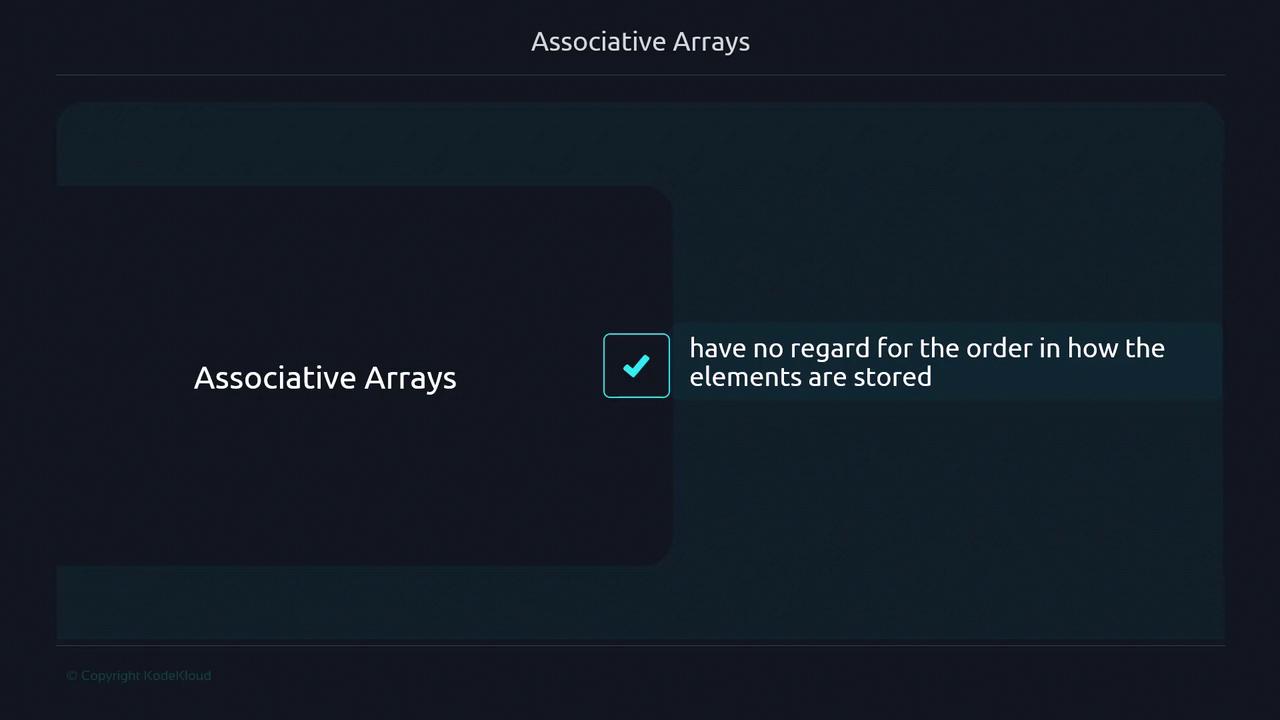
Replacing a Value
Overwrite an existing key to update its value:Removing Elements
Useunset to delete by key or clear the entire array:
Listing Keys vs. Values
- Keys:
${!array[@]} - Values:
${array[@]}
Iterating with a for Loop
Loop through keys and access each value:
"${!email_addresses[@]}" in quotes to handle multi-word keys correctly.