

Why Bash Still Matters
- 90% of corporate servers run Linux.
- 70% of academic servers use Unix-like OSes.
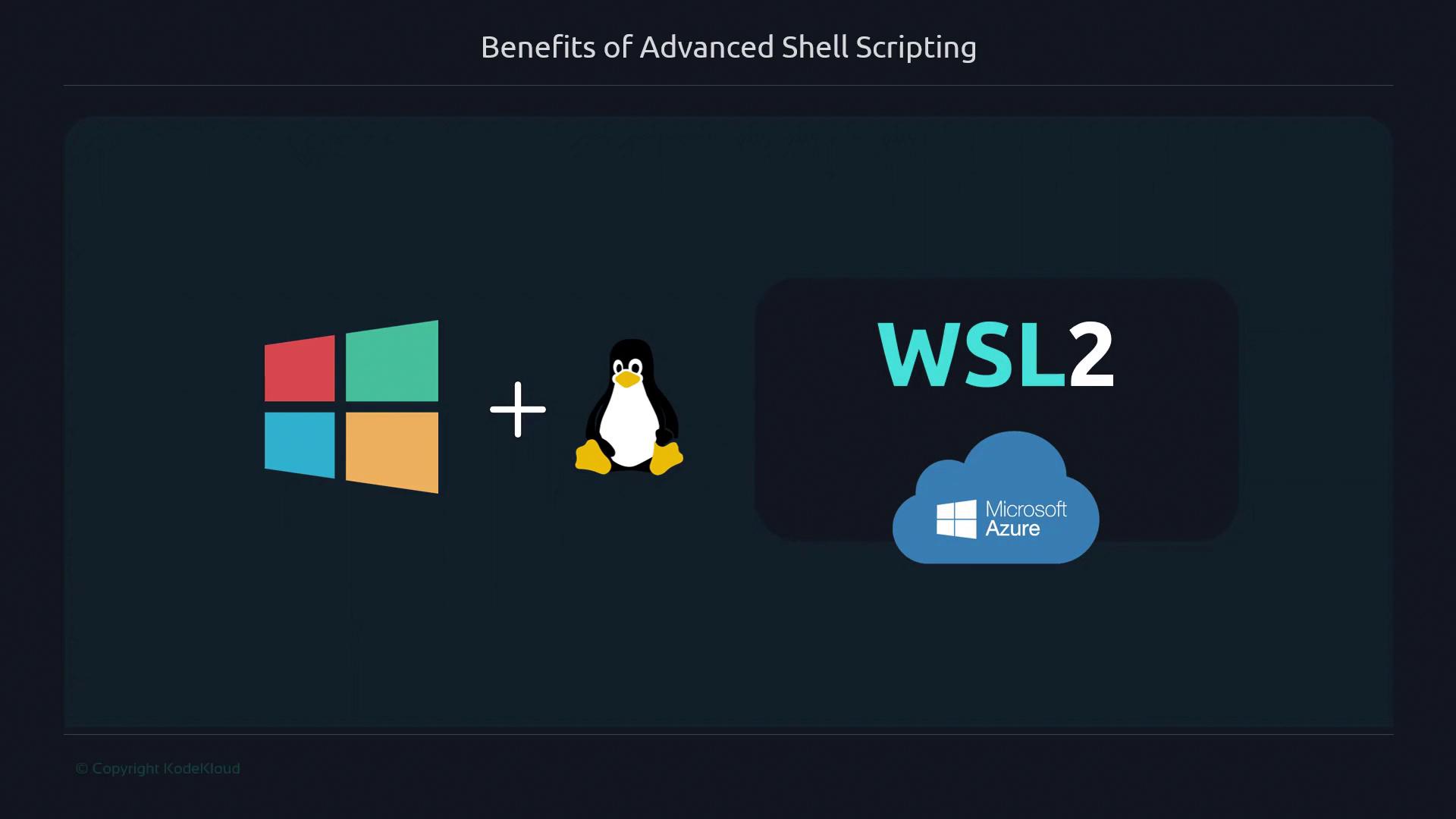
- Microsoft embraces Linux via WSL2 and Azure.
Bash is pre-installed on virtually every server and requires no additional packages to get started.
Real-World Example: On-Call Incident Automation
When CI pipelines break in production, you often need a quick fix. There’s no time to write Ansible playbooks or install Python modules. In one high-pressure incident, I needed to monitor total open connections on multiple load balancers over 24 hours. Instead of a heavyweight solution, I used this concise Bash script:Script Features at a Glance
The Development Cycle
Bash scripting offers an immediate feedback loop: write code, run it, and adjust on the fly. This three-stage cycle accelerates learning and troubleshooting.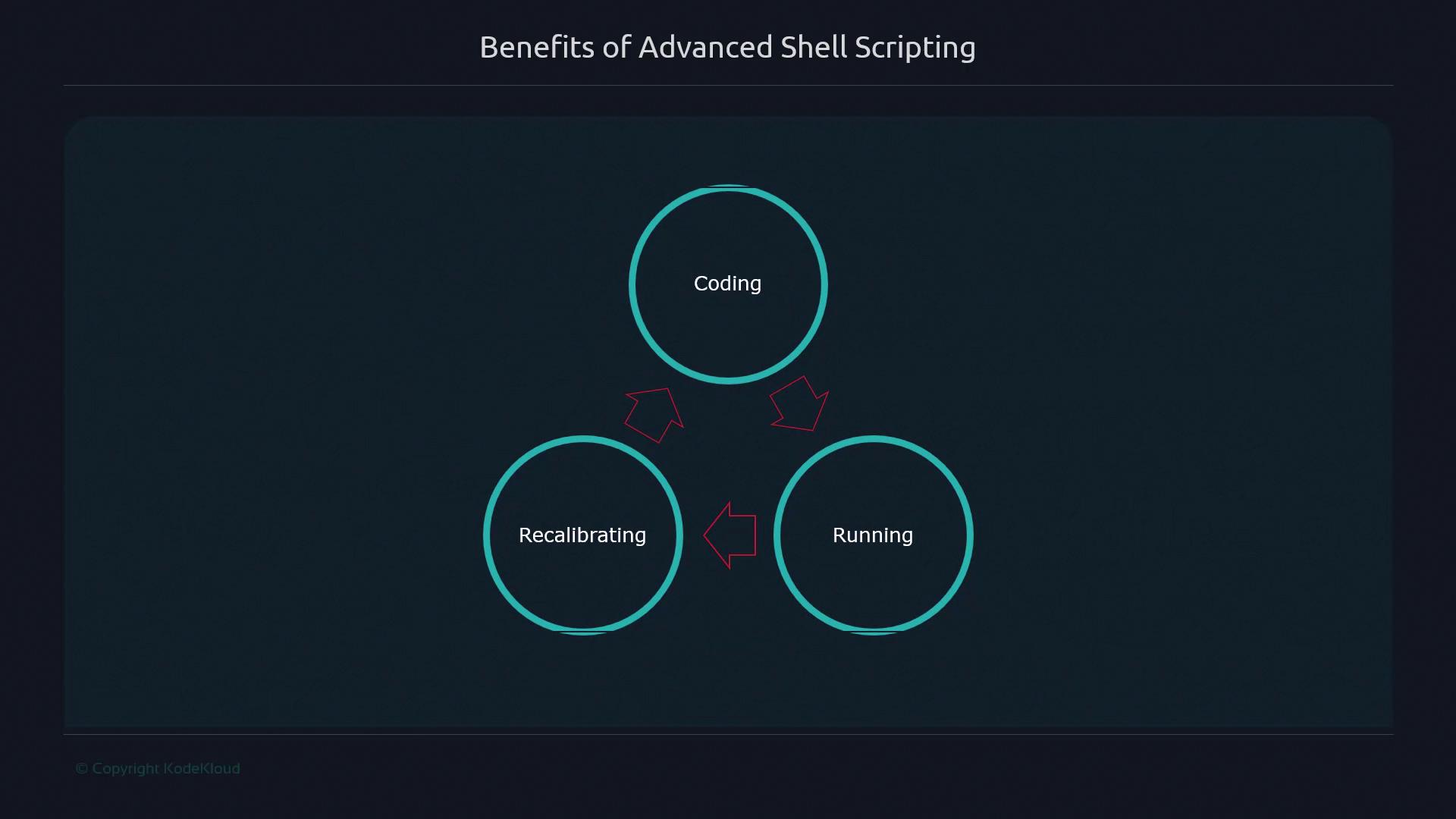
Core Benefits of Advanced Shell Scripting
By working directly with files, directories, and OS primitives—without extra frameworks—you gain practical skills that translate to real-world tasks: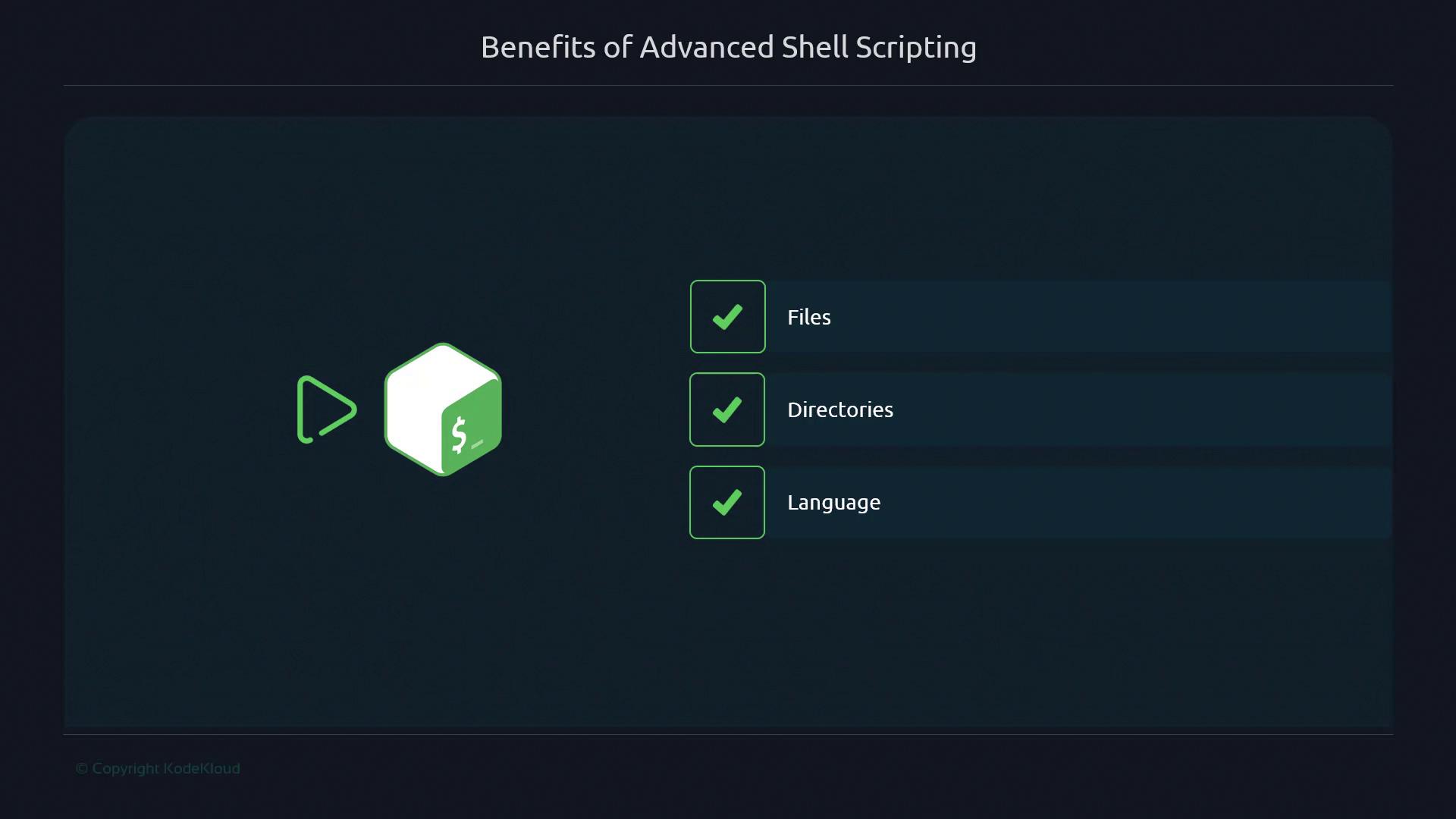
- Direct file and directory manipulation
- Minimal dependencies—no external libraries
- Instant script execution and iteration
- Reusable functions and modular patterns
Investing time in Bash improves your problem-solving agility, from daily automation to critical production fixes.