

Analogy: The Food Delivery Driver
Consider a food delivery driver verifying an address before dispatch. If the address is correct, the driver proceeds. If it’s wrong, they return with an error report. This mirrors how scripts and commands operate: they check conditions, perform tasks, and then report their status.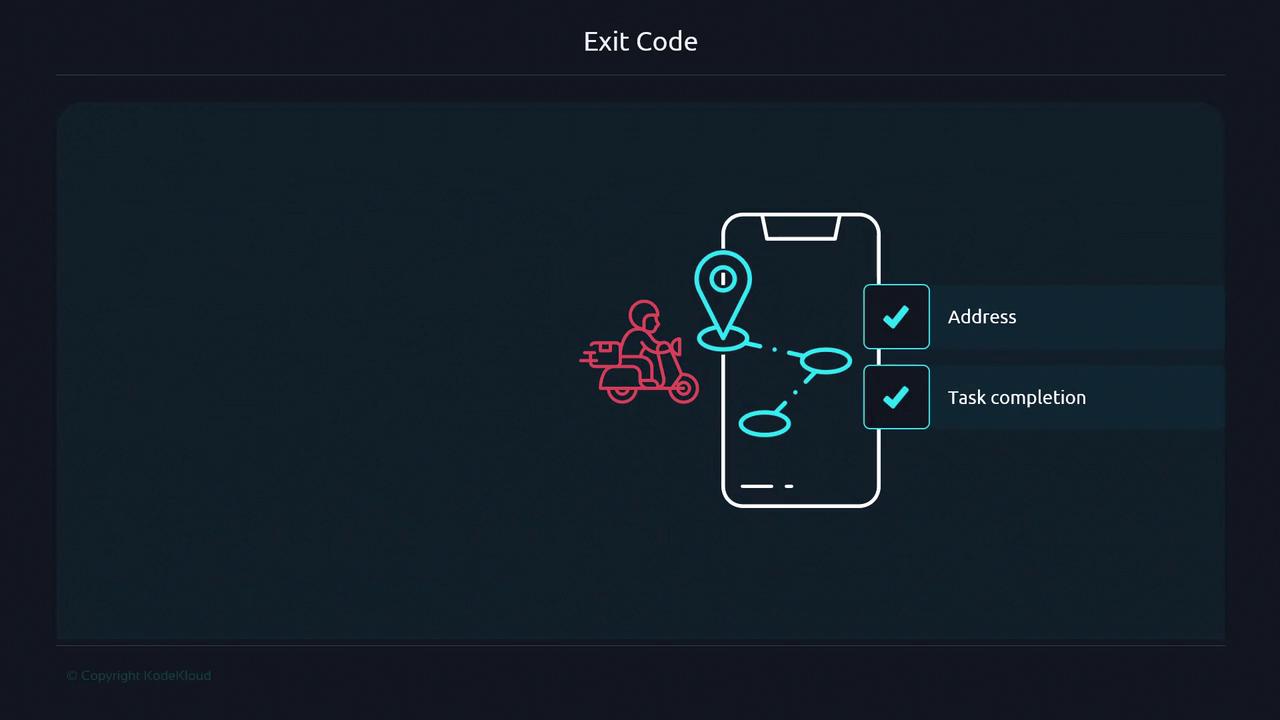
How Exit Codes Work in Unix
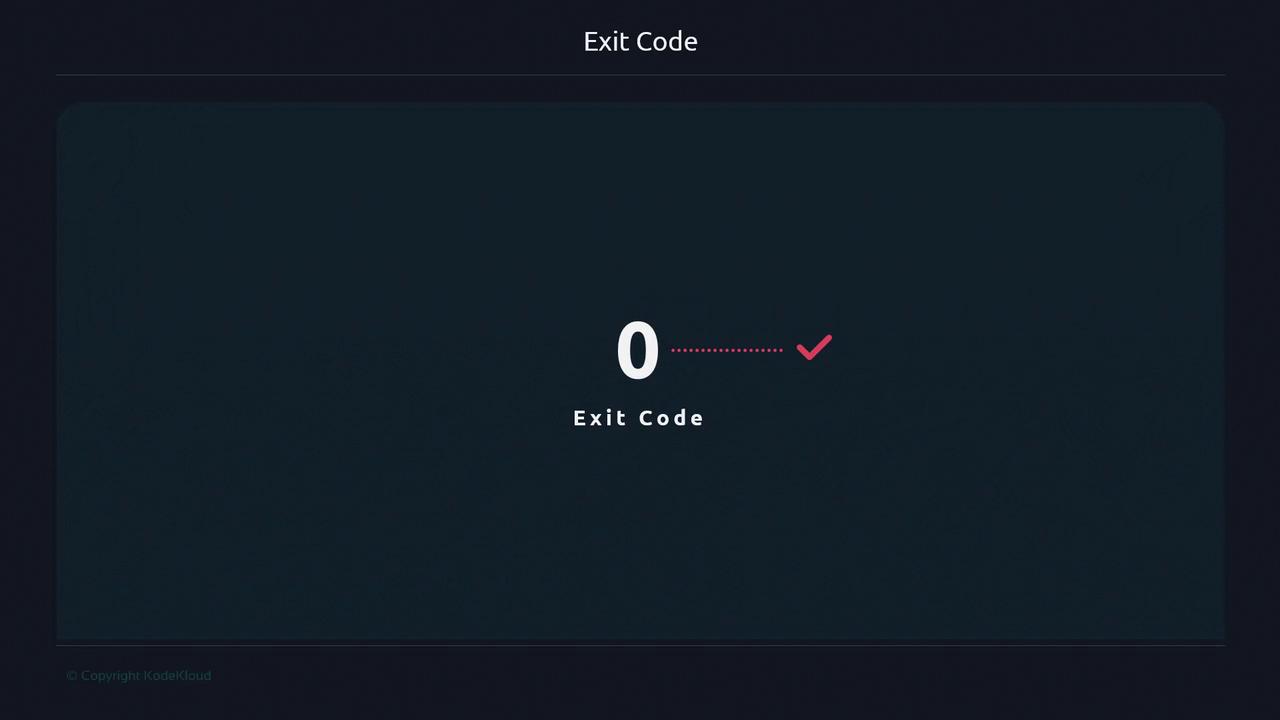
Every Unix-based command finishes with an exit code:- 0: Success
- Non-zero: An error occurred
Common Exit Codes Table
Exit codes are constrained to the range 0–255. Any value above 255 wraps around modulo 256.
Custom Exit Codes in Your Script
Below is a template that checks for a configuration file and terminates with meaningful exit statuses.Use clear, documented exit codes in your scripts. This makes it easier for users and other scripts to handle errors automatically.