

Examples below illustrate typical use cases and show how sed compares to grep and awk in practice.
grep: fast pattern search
grep is optimized for locating matches across large inputs. It doesn’t provide a simple oneliner for replacements (you’d pipe into sed or use other tools for that). Example — list filesystems and filter for the root entry:awk: field- and record-oriented processing
awk is a small but powerful programming language targeted at columns (fields) and rows (records). It’s ideal when you need conditional logic, arithmetic, or formatted output across fields. Example — print the first non-header (second) line from df:sed: stream editor for substitutions and line edits
sed excels at searching and transforming text in streams. Its syntax is compact and familiar to shell users. For many quick substitution tasks, sed is the simplest and most direct tool. Example — replace every occurrence of “sample” with “are” in a file. Contents of poem.txt:- s — substitute command.
- First
/.../— pattern to search for (sample). - Second
/.../— replacement string (are). - g — global flag: replace all occurrences in each line. Without
g, sed replaces only the first match on each line.
What you’ll learn in this section
We will progressively build sed knowledge:- Basic commands: printing or deleting lines, simple substitutions.
- Flags and modifiers:
g, address ranges, and regular-expression anchors. - In-place edits: using
-iand cross-platform gotchas. - Advanced patterns: groups, backreferences, and multi-line techniques.
- Useful one-liners and examples for common editing tasks.
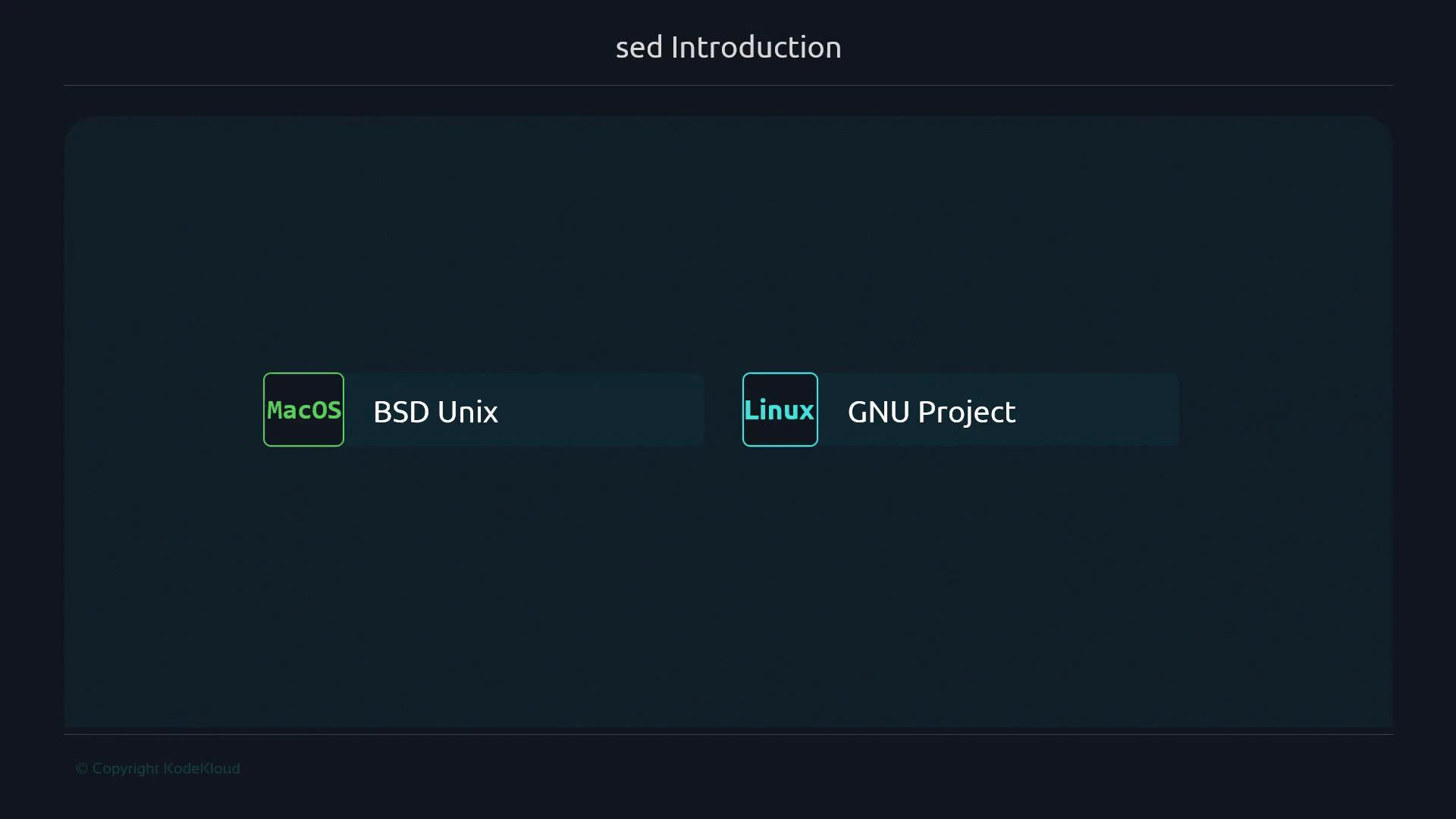
This lesson focuses on the GNU version of sed, which is more feature-rich and commonly available on Linux systems. If you’re on macOS, be aware that some extended options may differ or be unavailable in the BSD sed.
Warning: In-place editing with sed (
-i) and some extended expressions differ between GNU sed and BSD sed (macOS). When writing portable scripts, test sed commands on all target platforms or use POSIX-compatible constructs.Links and references
- GNU sed Manual — GNU.org
- sed one-liners collection
- Differences between GNU sed and BSD sed (macOS)
- Regular expressions (POSIX) reference