

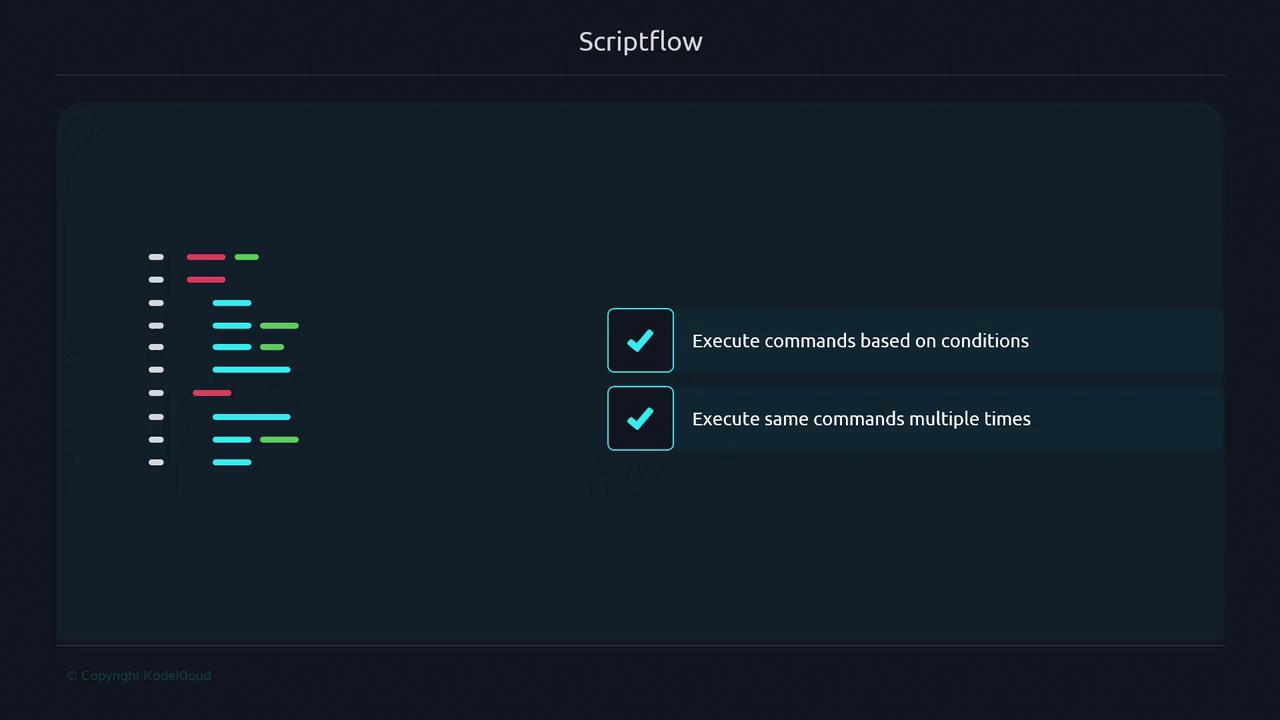
- Run commands only if specific conditions are met
- Repeat commands multiple times with varying inputs
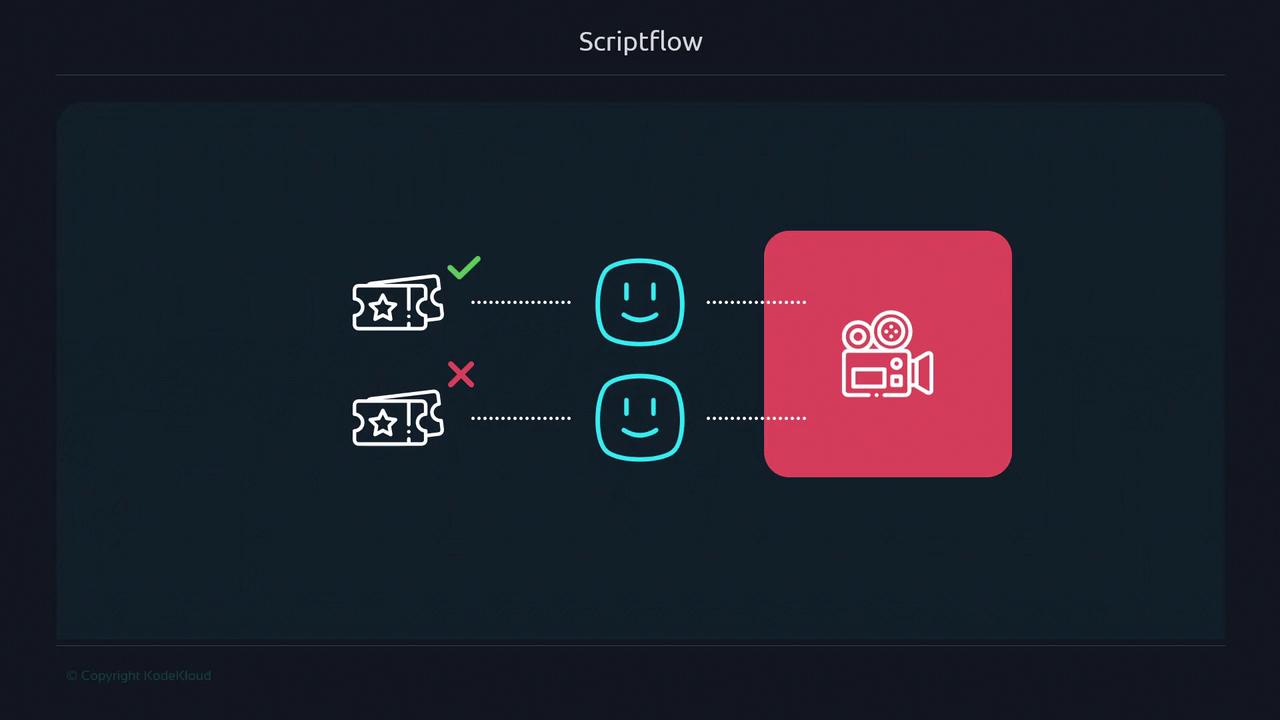
A Real-World Analogy: Buying a Movie Ticket
Imagine you walk up to a theater ticket booth. If you hand over a valid ticket, you enter; if not, you’re turned away. This decision-making process mirrors how anif statement in Bash evaluates conditions and branches accordingly.
A Factory Analogy for Complex Workflows
Consider a widget factory where each item travels along a conveyor. At an inspection station, defective widgets are removed while good ones proceed to the next stage. This inspection step functions like a control construct in your script, deciding whether data moves forward or is handled differently.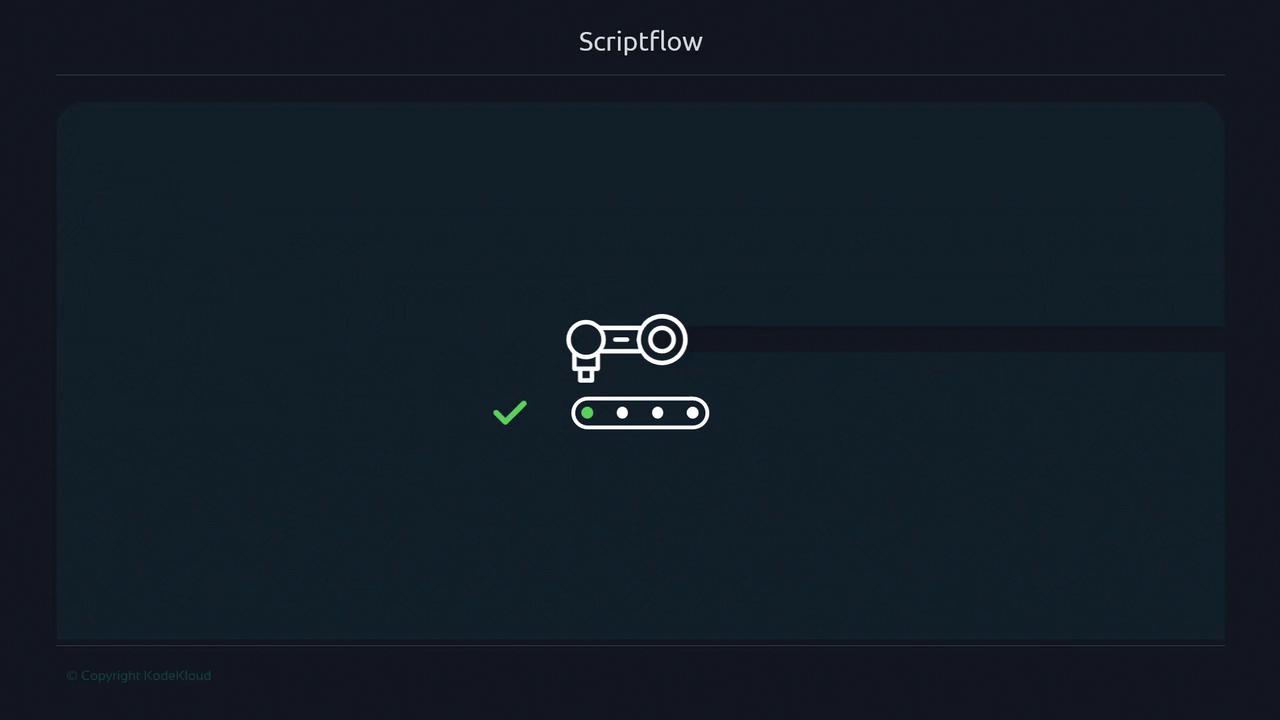
Key Constructs That Alter Scriptflow
Shell scripts use these four core constructs to modify the default linear execution: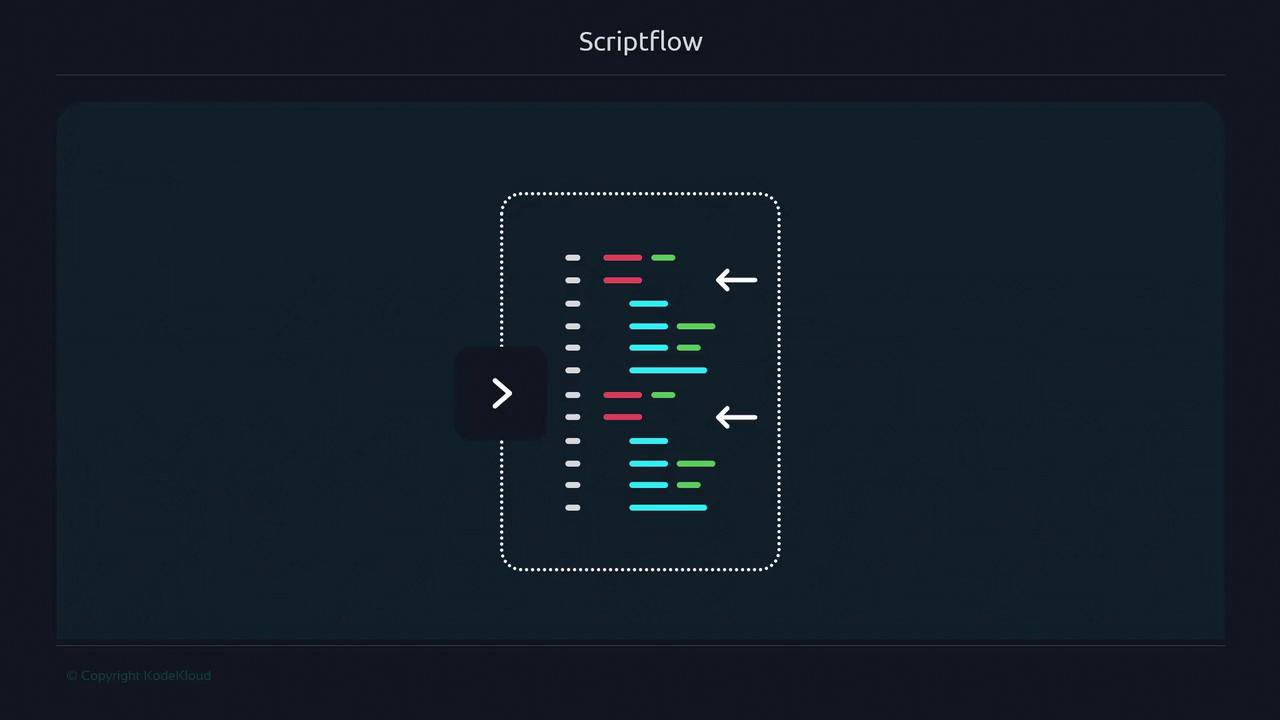
Conditional Statements
if Statement
Bash’s [[ … ]] test command provides richer conditional checks than [ … ]:
We recommend
[[ … ]] over [ … ] for its support of pattern matching and logical operators.case Statement
Use case for clear branching when matching a variable against multiple patterns:
Loops
Loops are ideal for executing commands multiple times, either a fixed count or until a condition changes.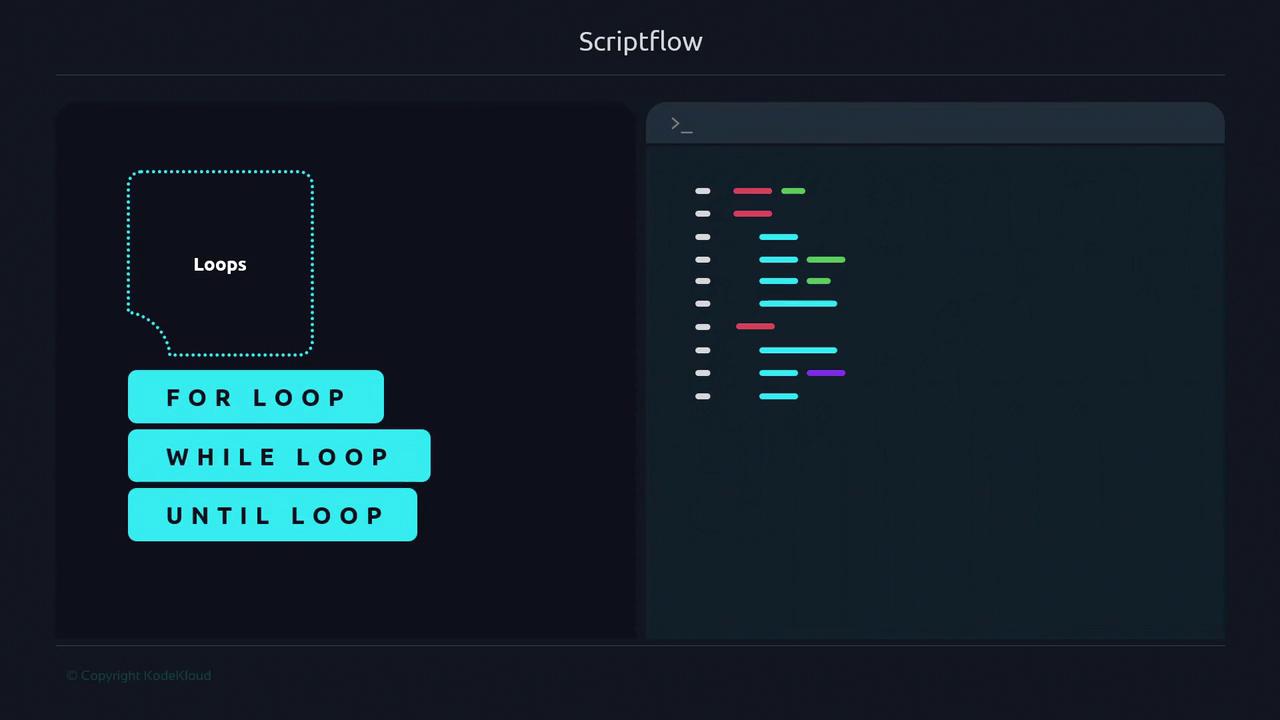
whileloop with a counterforloop with brace expansionuntilloop counting down- Piping
seqintowhile - Reading lines from a file
Use
for loops when the number of iterations is predetermined.Choose
while or until when waiting for a dynamic condition or external event.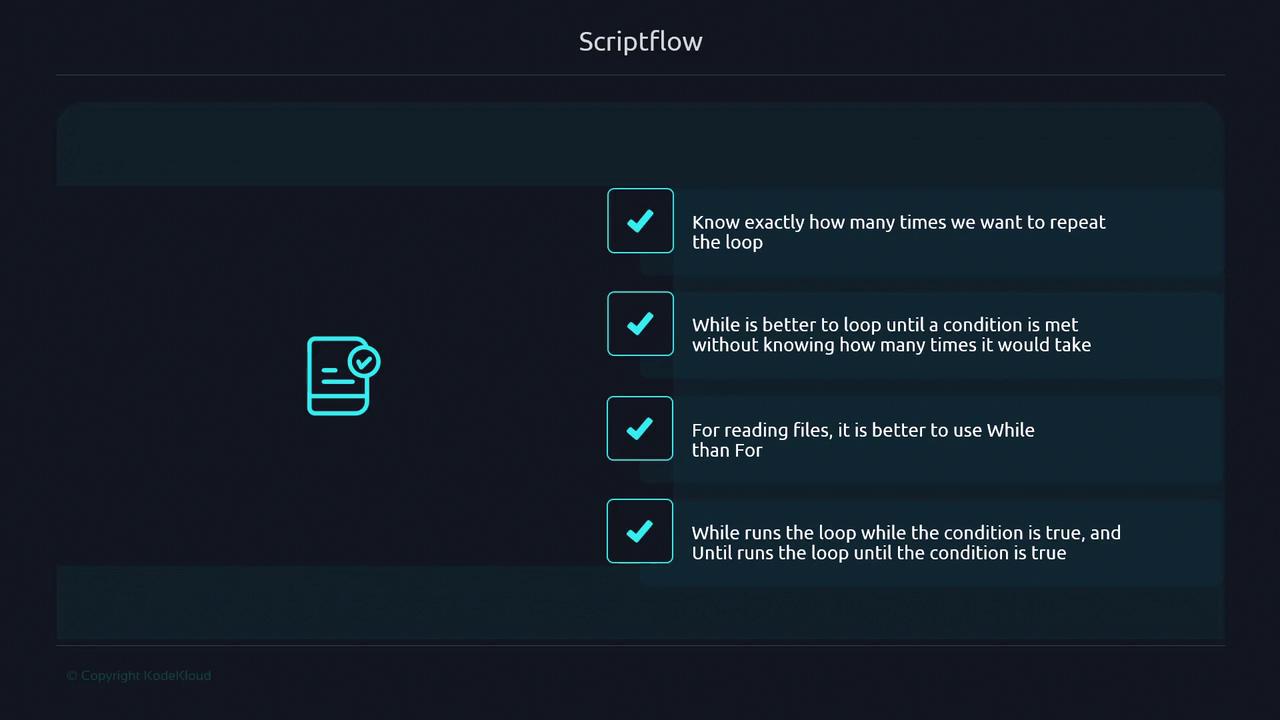
Sourcing External Files
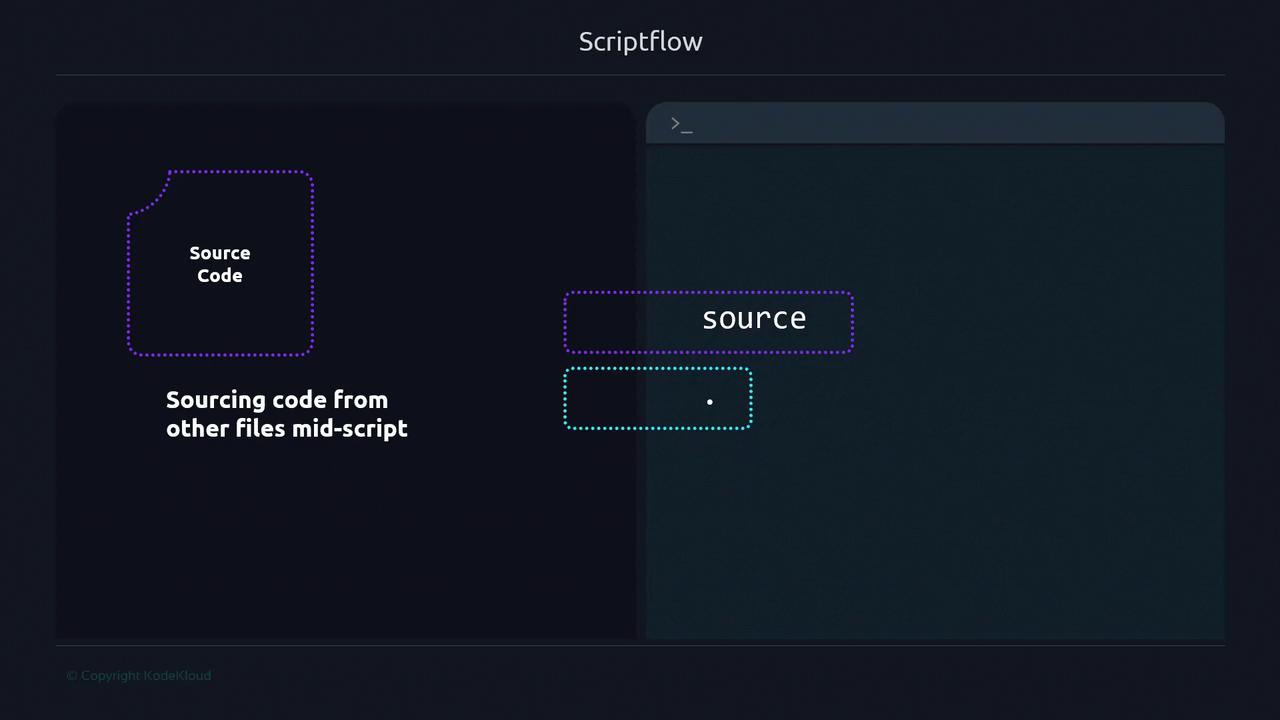
You can import another script or configuration file mid-execution usingsource or the shorthand .. This merges the external content into your current shell environment.
Example v1: Basic Sourcing
Example v2: Safe Sourcing with Fallback
.conf exists:
Always verify or sanitize sourced files to avoid executing untrusted code.