

What Are Stdout and Stderr?
When you execute a command, it sends data to:- Standard Output (stdout): the default channel for normal output.
- Standard Error (stderr): the default channel for error and diagnostic messages.
Examples of Stdout vs. Stderr
A simplels shows stdout:
-l):
-j), it emits stderr:
mv works silently unless you use -v:
mv can’t find a file, it writes to stderr:
Separating stdout and stderr allows you to log normal output separately from errors, making debugging and automation much cleaner.
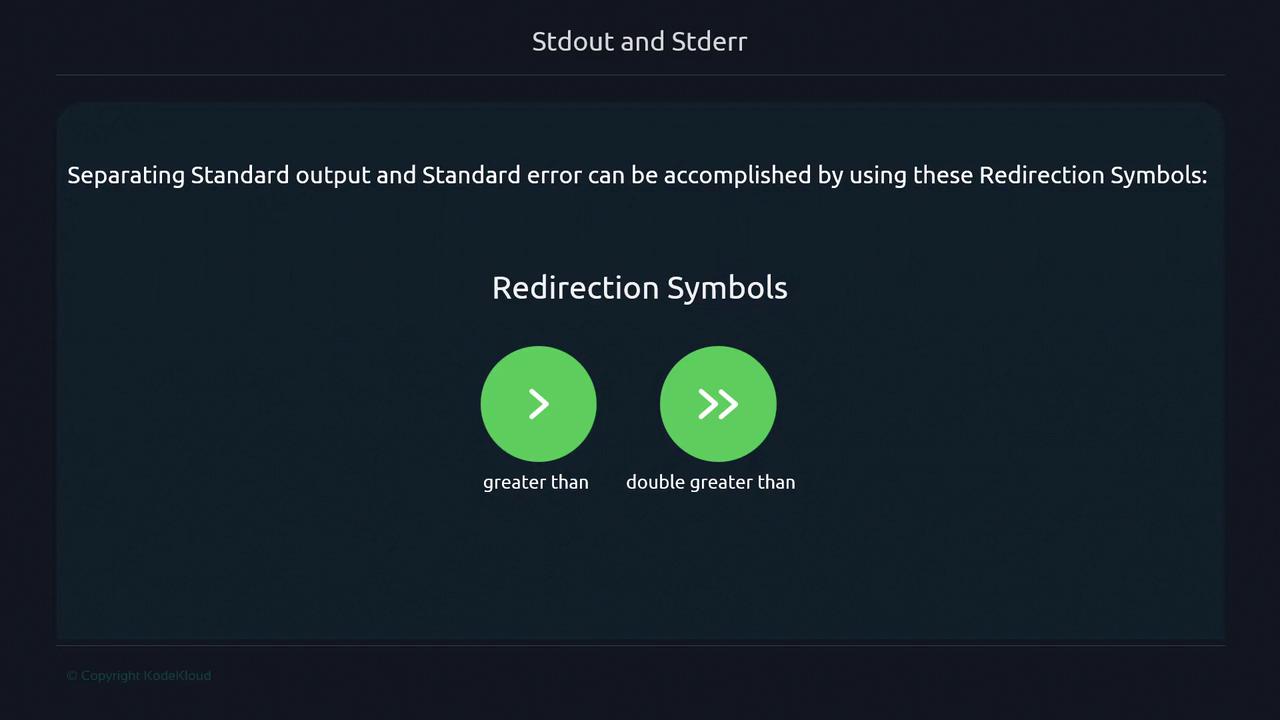
Redirecting Stdout and Stderr
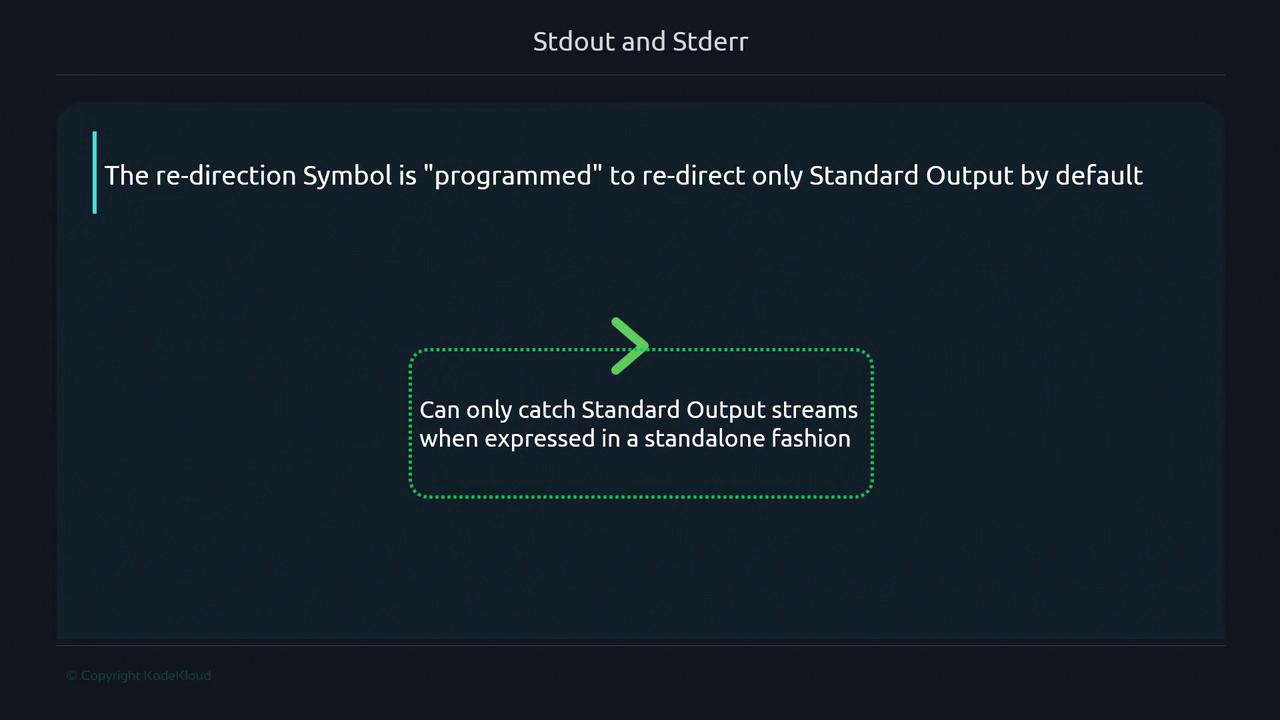
By default,> captures only stdout. To see how this works, consider redirecting the output of an echo:
Redirecting stderr
To catch error messages, prefix the redirection operator with2 (stderr’s file descriptor):
errors.txt while stdout (if any) stays on the terminal.
File Descriptors and Redirection Table
Linux assigns numeric file descriptors to each stream:Separating Both Streams
To send stdout and stderr to different files:Combining Streams
Merge stderr into stdout, writing both to the same file or pipe:Using
> will overwrite existing files. To avoid data loss, double-check your redirections or use >> to append.