

$) to tell the shell to replace the variable name with its stored value.
Braces vs No Braces
You can reference variables with or without braces. Braces become essential when you append characters immediately after the variable name.With Braces
Without Braces
Delimiting Variable Names
Without braces, the shell cannot determine where the variable name ends:Quoting and Word Splitting
By default, unquoted expansions are split on whitespace defined byIFS (space, tab, newline). Use quotes to preserve the exact value.
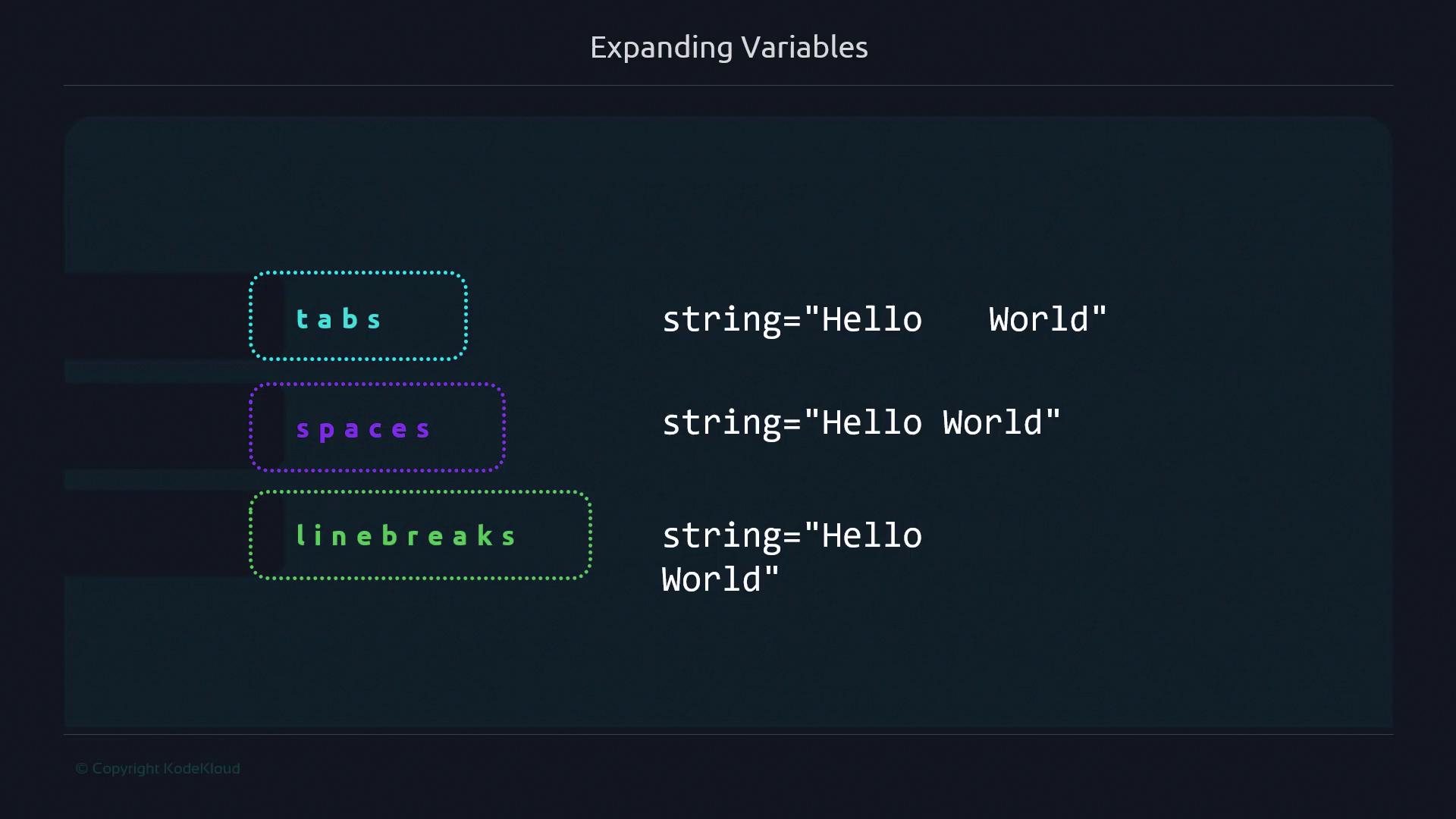
Unquoted Expansion
Quoted Expansion
Always quote expansions when dealing with filenames, paths, or URLs to prevent unintended splitting.
Intentional Splitting
Sometimes you want to iterate over each word in a list:Best Practices
Use this quick reference to decide when to quote or brace variables: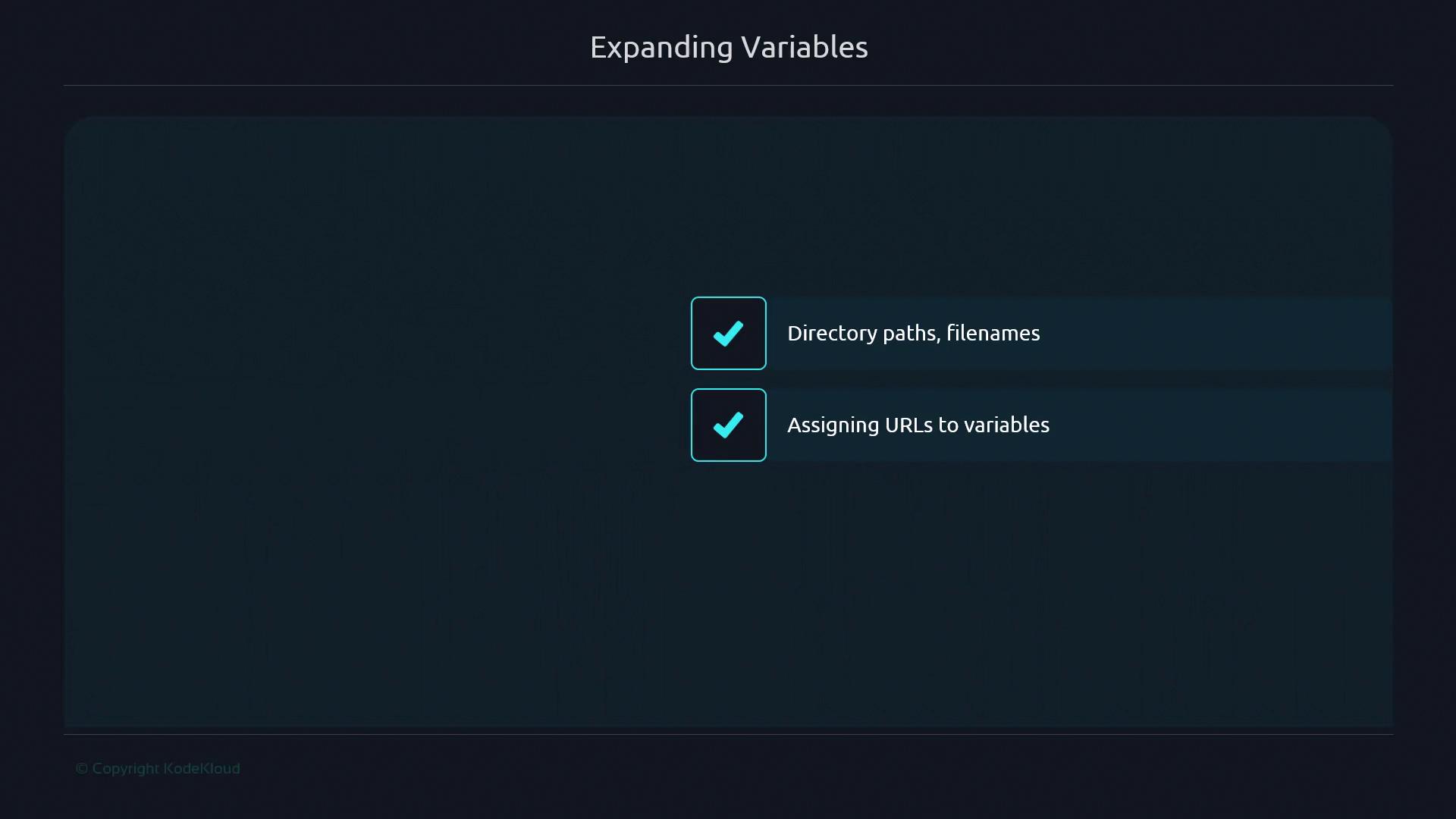
Never rely on unquoted variable expansions for user input or file names—they can introduce security risks or unexpected behavior.