

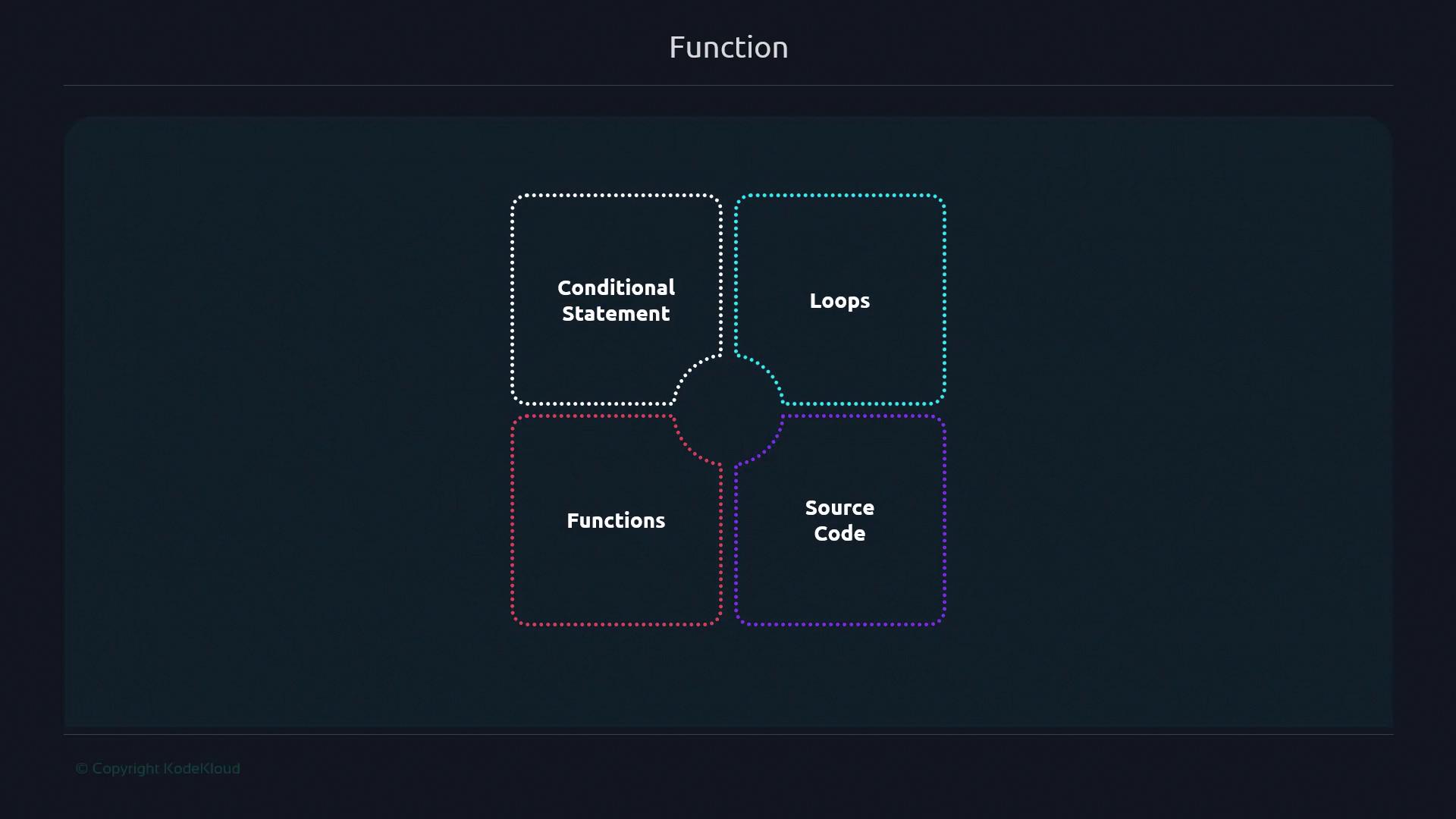
Why Define Functions in Bash?
Functions encapsulate a sequence of commands into a single callable unit. This reduces repetition, minimizes errors, and makes your scripts easier to update and test. Imagine a chef perfecting a recipe once and reusing it whenever needed—functions work the same way in scripting.Backup Script: Before vs. After
Without a function:Always use
mkdir -p to avoid errors if the directory already exists, and add || exit 1 after cd to stop the script on failure.Refactoring a Git Clone Example
Grouping related tasks into functions clarifies your script’s main flow.
By naming
clone_git and count_files, you isolate logic and make testing easier.
Function Declaration Syntax
Bash supports two portable styles. Use the first for maximum compatibility:
You can even define and call a function inline:
Local Variables in Functions
Limit variable scope inside functions withlocal to avoid unintended side effects.
Example where var1 is not visible outside:
Using
local helps prevent variable collisions in larger scripts. For more details, see Bash Scripting Guide.Benefits of Using Functions
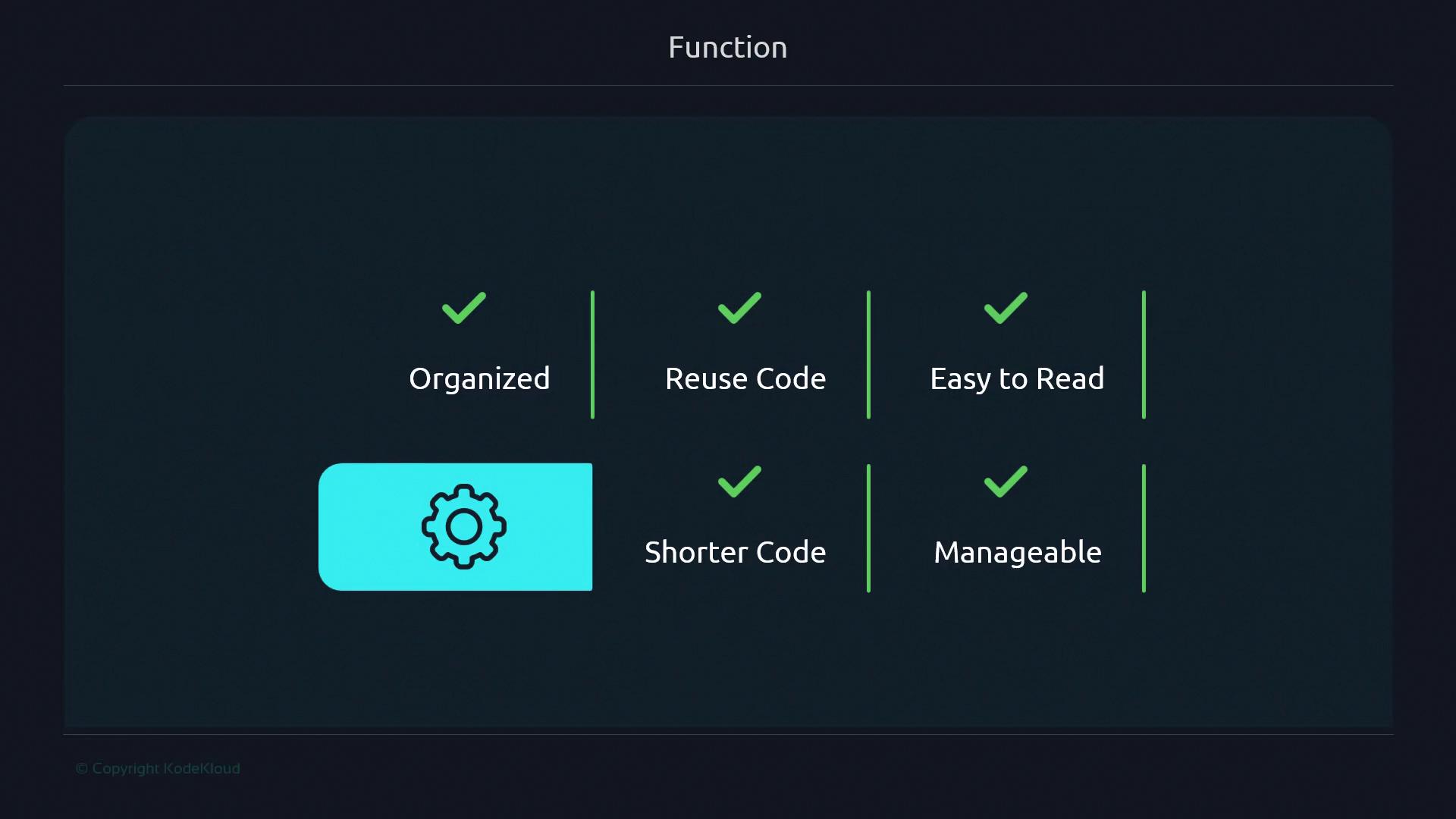
- Organization: Break large scripts into logical units.
- Reusability: Call the same code multiple times without duplication.
- Readability: Name complex logic for better clarity.
- Maintainability: Update one function rather than many code blocks.
Links and References
- GNU Bash Reference Manual
- LinuxCommand.org: Bash Functions
- Stack Overflow: Bash Function Best Practices