


Standard Streams in Linux
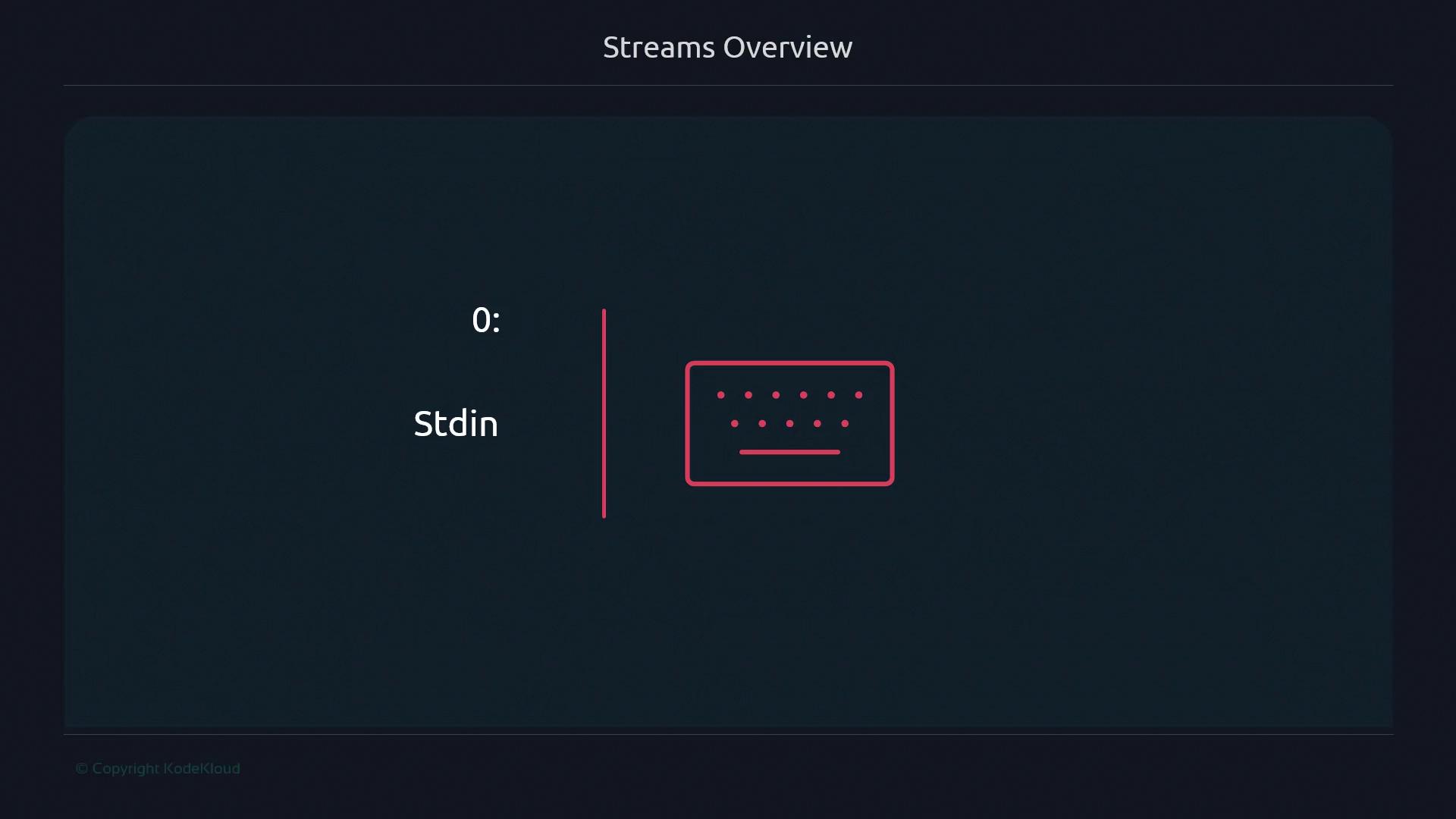
Every Linux process is born with three standard file descriptors:- Standard input (fd 0) typically reads from your keyboard
- Standard output (fd 1) displays command results
- Standard error (fd 2) sends error messages
stdout and stderr both default to your terminal. Redirecting one does not affect the other unless you explicitly combine them.Redirecting Streams
You can reroute streams using<, >, and pipes (|). This allows you to save output to files, read input from files, or chain commands together.

When combining redirections, order matters. Always place
2>&1 after > file to capture both streams.Examples
Capture command output and errors separately:Links and References
Further Reading
Mastering streams and redirection will elevate your shell scripting from basic commands to automation powerhouses. Practice these techniques to handle data flows confidently in your scripts.