xargs is a powerful GNU utility that transforms piped data into arguments for another command. Instead of reading from stdin and writing to stdout like typical pipelines, xargs gathers items and appends them as parameters—enabling more flexible shell scripting and one-liners.
Table of Contents
Piping Basics
Most shell utilities can read from stdin or files. For example, to count words:xargs acts like a “bucket”—it collects output from a previous command and then invokes another command, passing those collected items as arguments.
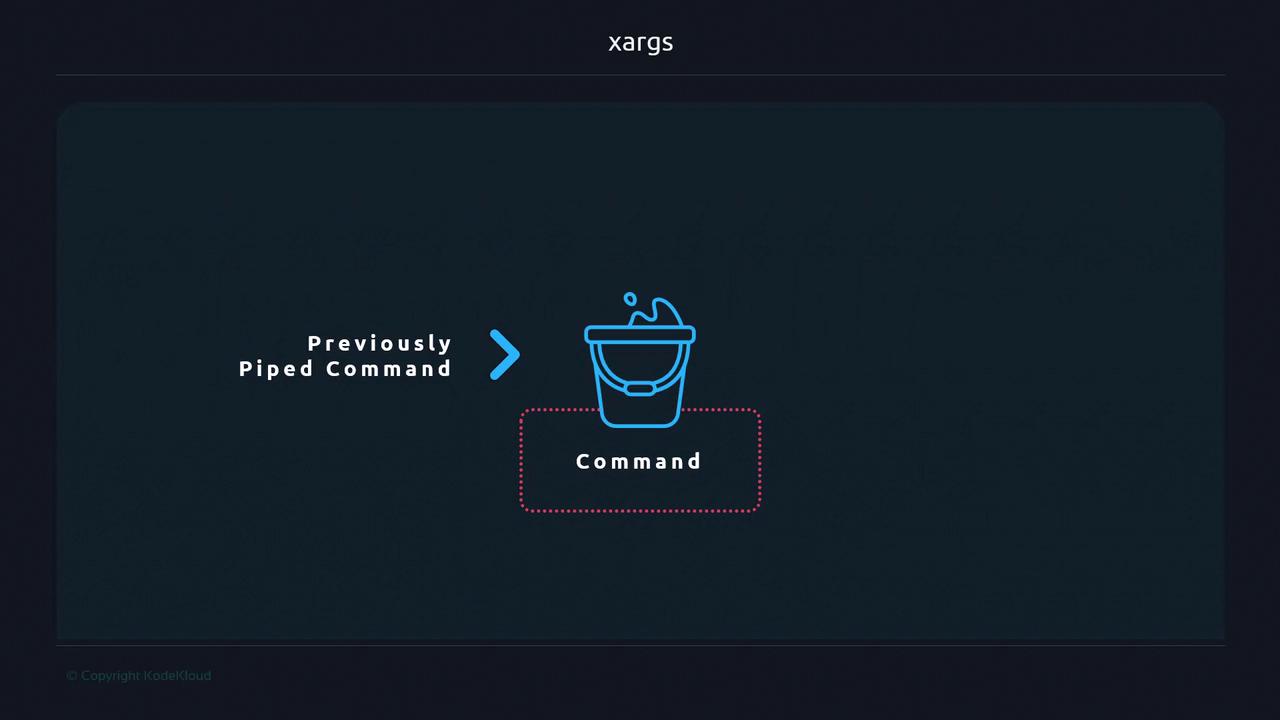
How xargs Works
Assumefile.txt contains:
echo without xargs preserves newlines in the input stream but not in output:
xargs:
- Reads whitespace (spaces, tabs, newlines) by default.
- Constructs a single command line by concatenating all items.
- Executes that command:
Common Use Cases
Supplying Arguments to Commands
Commands likerm, ls, mkdir or even custom scripts require positional arguments. Instead of writing loops, xargs can automate this:
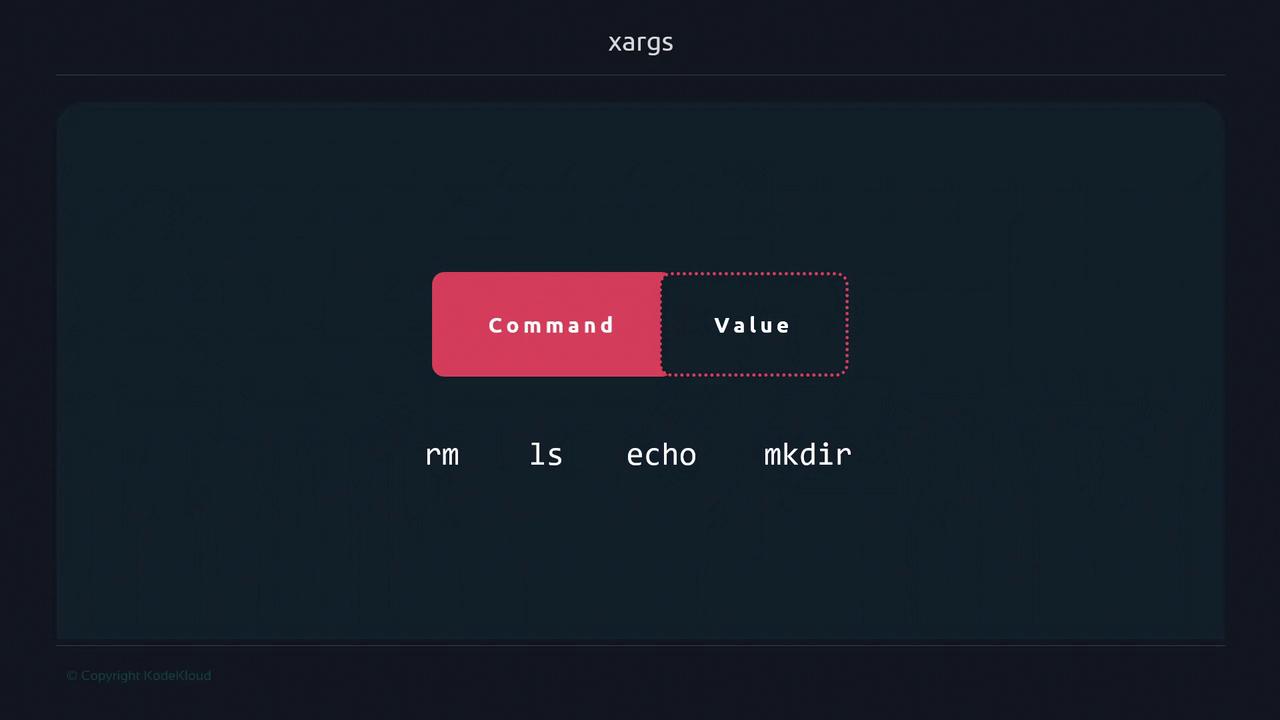
Creating Multiple Directories
Generate directories from a whitespace-separated list:Table of Handy xargs Examples
Handling Special Characters
By default,
xargs splits on any whitespace. Filenames containing spaces or special characters may break. Use -0 with NUL-separated data (e.g., find . -print0 \| xargs -0) to handle arbitrary names safely.