

echo statements and manual editing. They’re invaluable for generating configuration files, embedding SQL queries, or executing batches of commands over SSH—especially in non-interactive environments where editors like Vim or Nano aren’t available.
A Heredoc sends an entire block of text as input to a command. This keeps your scripts clean and reduces the risk of accidental overwrites when using
> vs. >>.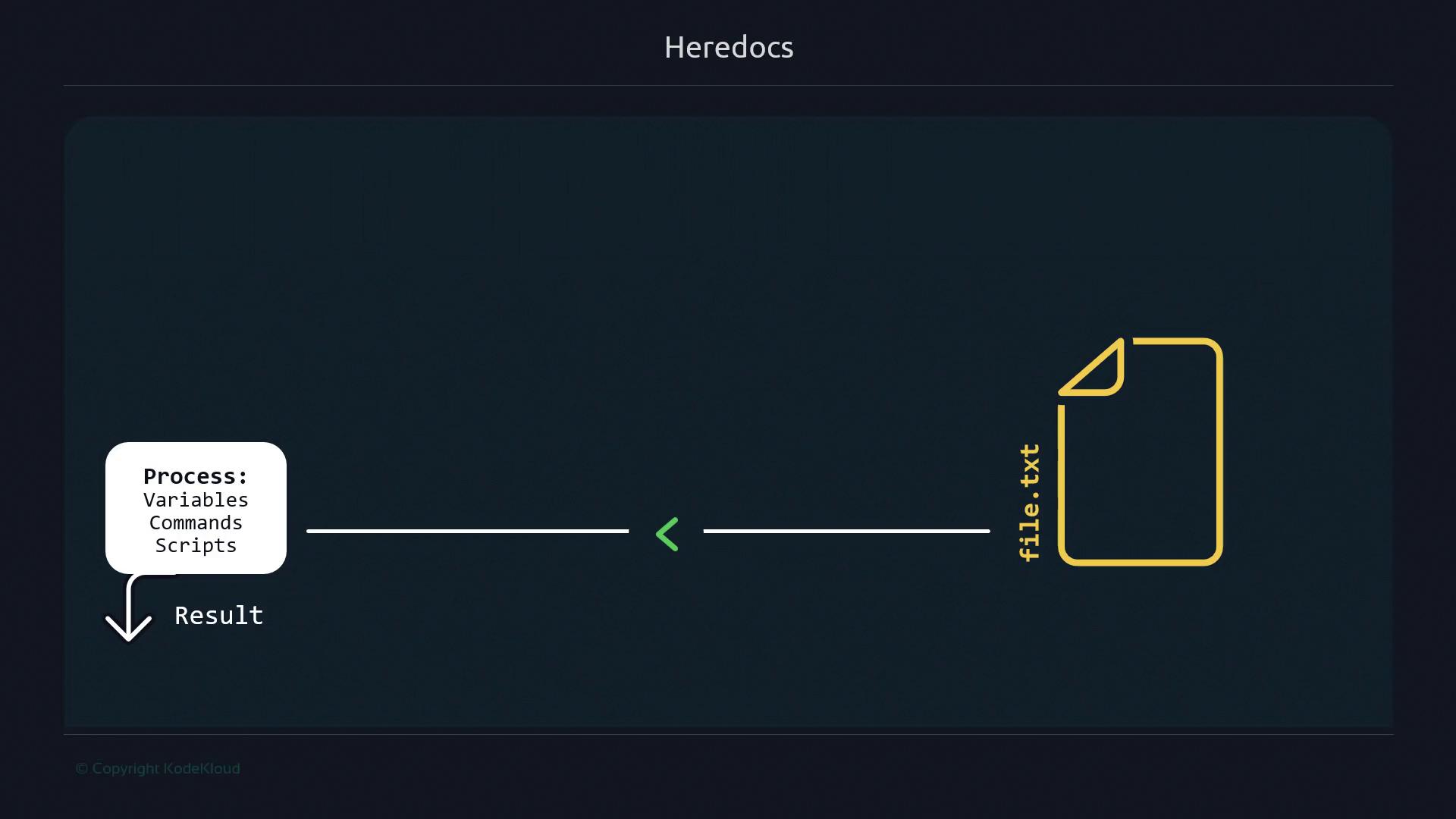
Why Choose Heredocs Over Multiple echo Commands
Using individual echo lines quickly becomes error-prone as your script grows:
> instead of >>, you can overwrite your file. Heredocs treat the block as a single unit of input, eliminating this risk.
Basic Heredoc Syntax
Feed a block of text into any command—here,cat—using the <<DELIM operator:
- The closing delimiter must match exactly (case-sensitive) and have no leading spaces.
- Common delimiters include
EOF,EOM, or a custom token of your choice.
If you mistype the closing token, the shell will continue to prompt for input until you either provide the correct delimiter or cancel with
Ctrl+C.Common Use Cases for Heredocs
Quick Checklist: Heredoc Benefits

- One-liner for simple operations
- Embed large blocks of text without quotes
- Support complex scripting scenarios
Remote Command Execution via SSH
You can run multiple commands on a remote host in one go. First, check your remote directory:Here Strings for Single-Line Input
When you need to pass a single line of text into a command, a Here String (<<<) is more concise: