

Shell Built-ins vs Keywords
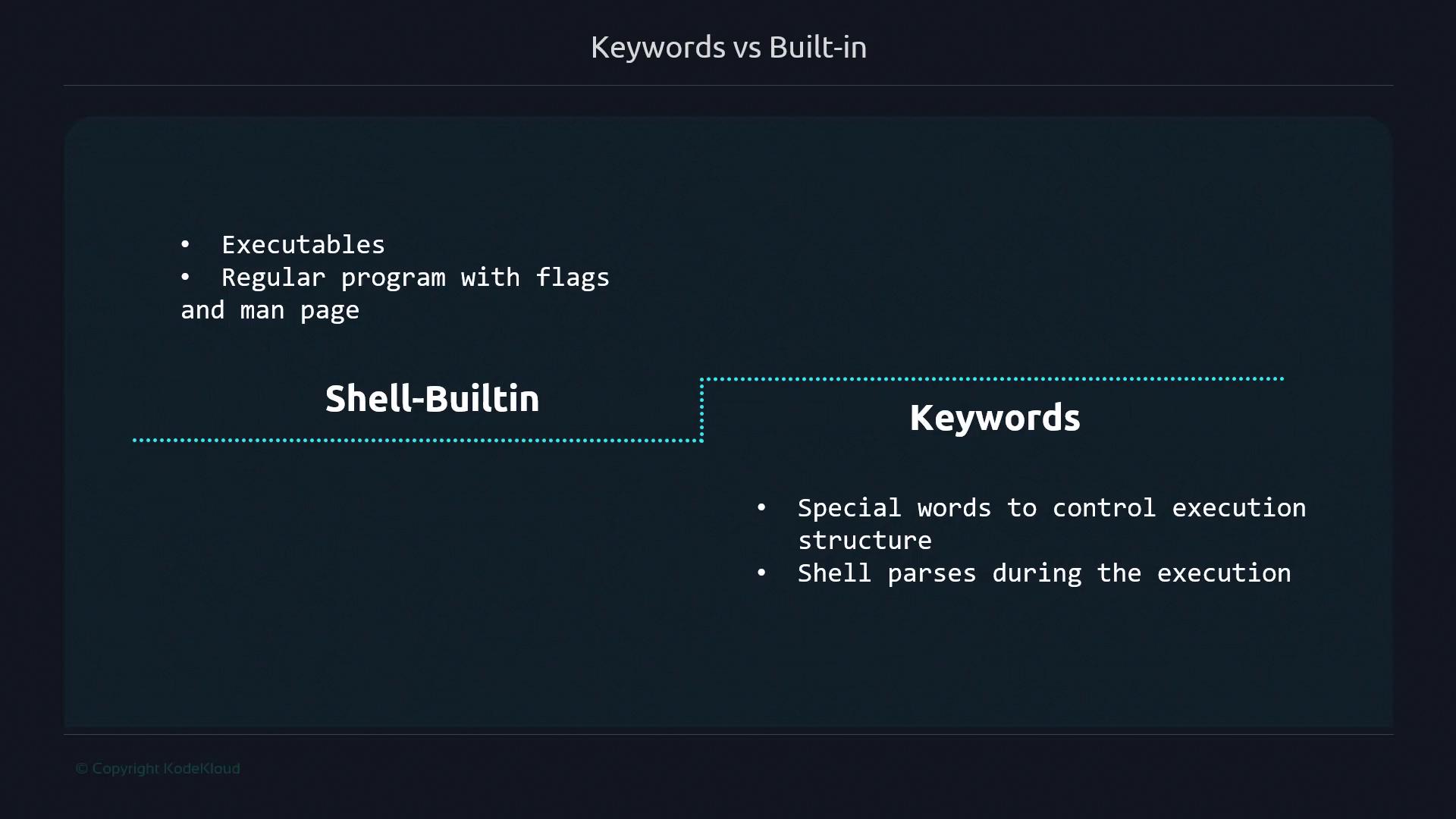
echo, cd, or [ ]) are implemented directly within Bash, complete with flags and documentation via help or man. Keywords (like if, for, or [[ ]]) are special words the shell interpreter parses to direct execution order and logic.
Built-in commands minimize overhead by avoiding additional process creation. Keywords define the script’s flow without calling external binaries.
Single vs Double Square Brackets
Single brackets ([ ]) are a built-in alias for the test command. Double brackets ([[ ]]) are keywords with enhanced features and direct parsing by Bash.
builtin-sample.sh
keyword-sample.sh
[ vs test
Under the hood, [ ] is just the test built-in. You can invoke either name interchangeably:
[[ ]] has no external binary, Bash handles it entirely as a keyword.
Built-in vs Keyword Evaluations
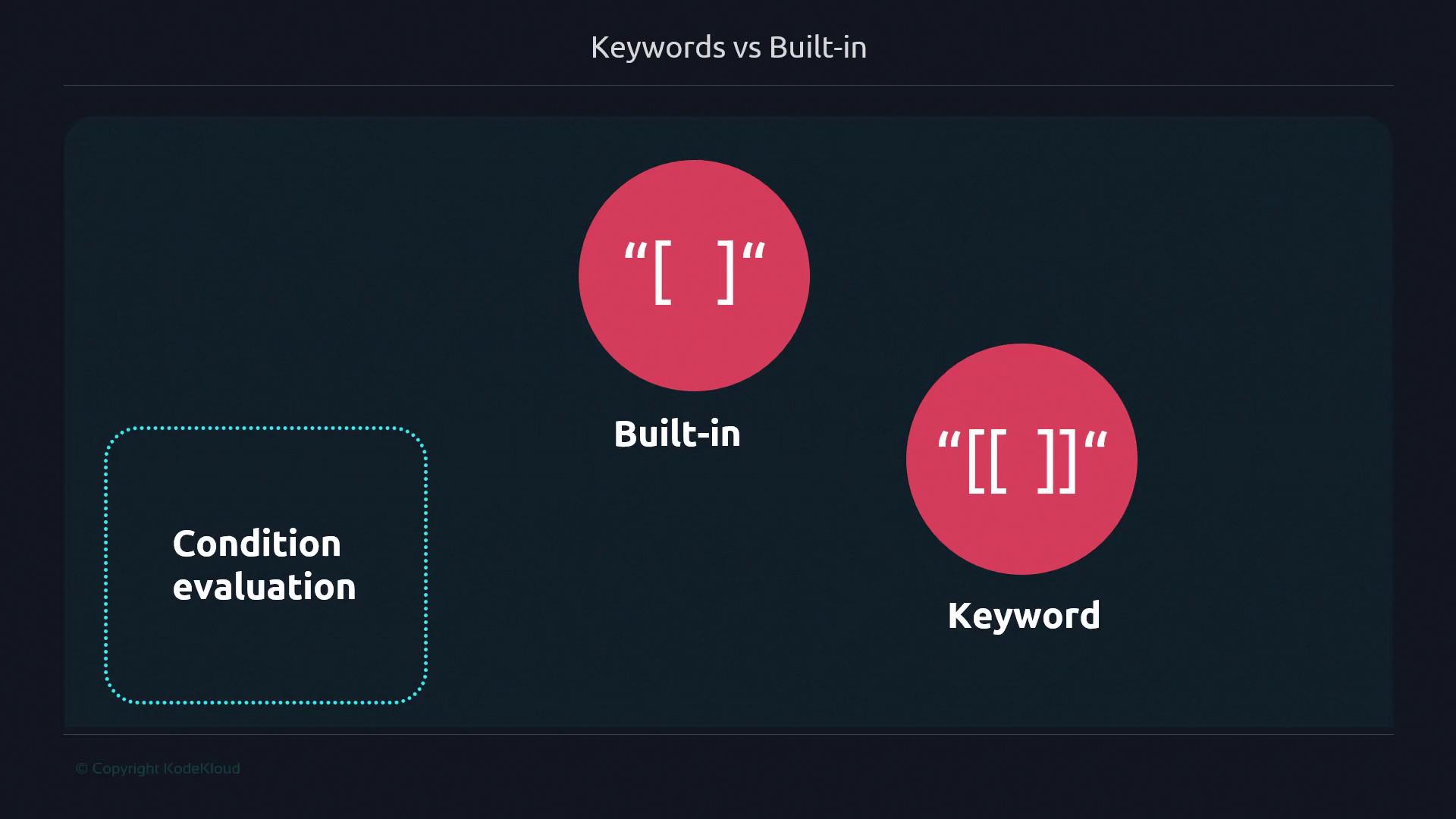
< as a redirection operator:
< as a comparison operator:
Advanced Double Bracket Features
Double brackets unlock logical grouping, glob patterns, and regular expressions:The
[[ ]] syntax is not POSIX compliant and may not be available in all shells. Use it only when Bash-specific features are acceptable.Advantages and Disadvantages
Single Square Brackets ([ ])
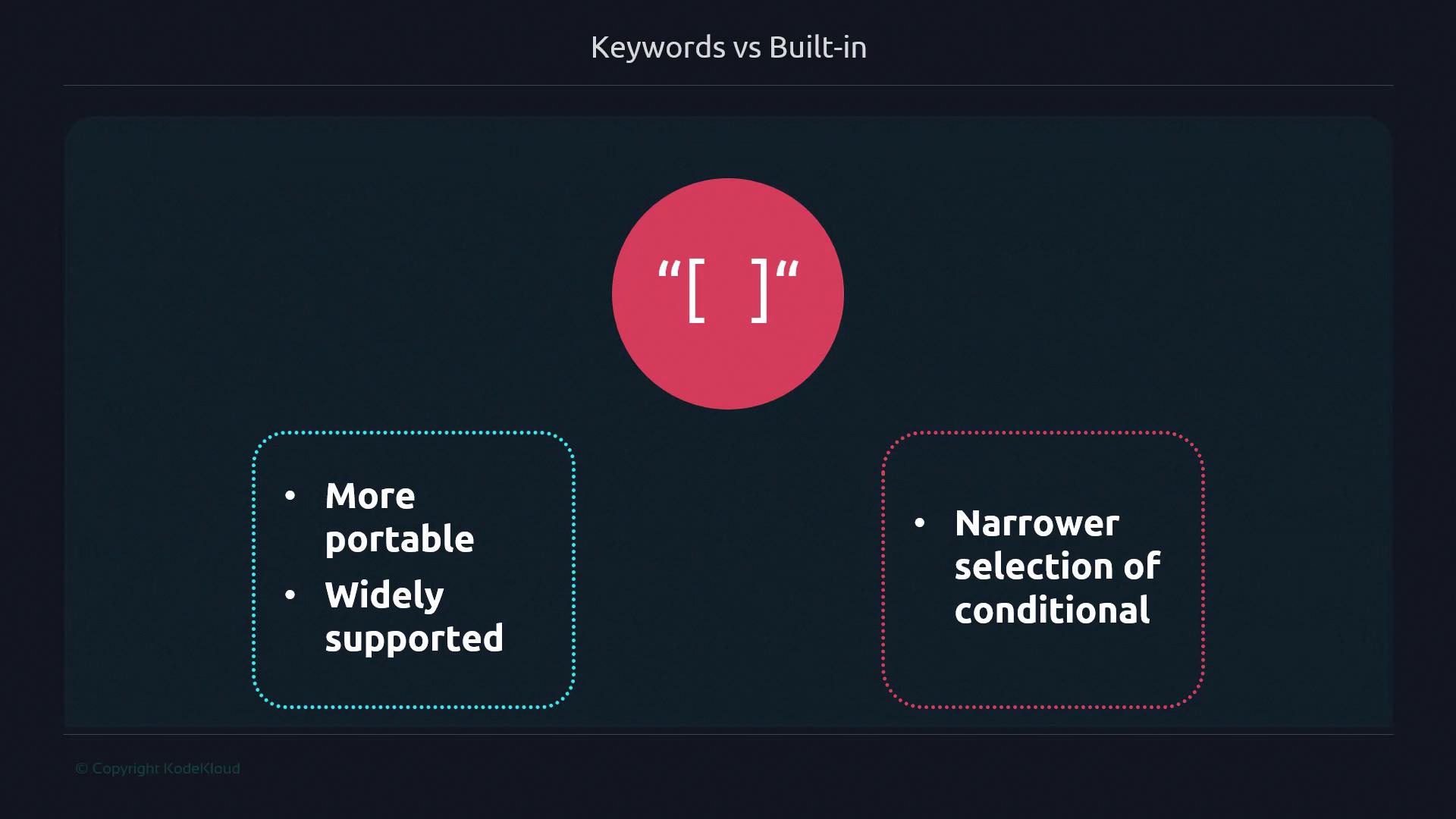
- Portable across POSIX-compliant shells
- Standard conditional syntax
- Limited to basic comparisons
- No pattern matching or grouping
Double Square Brackets ([[ ]])
![The image compares the advantages and disadvantages of using double square brackets "[[ ]]" in programming, highlighting more support and wider conditional evaluation versus lack of backward compatibility and non-compliance with POSIX.](https://kodekloud.com/kk-media/image/upload/v1752868596/notes-assets/images/Advanced-Bash-Scripting-Keywords-builtins/double-square-brackets-comparison.jpg)
- Extended conditionals (regex, globs, grouping)
- Safer string comparisons
- Not POSIX compliant
- Bash-specific feature
Summary: Built-ins vs Keywords

- Shell built-ins run inside Bash without forking.
- Keywords are parsed tokens controlling flow or behavior.
- Neither built-ins nor keywords spawn external processes.
time) act like directives rather than forming explicit control structures. Armed with these distinctions, you can choose the most efficient and appropriate syntax for your Bash scripts.