

declare (also known as typeset) built-in in Bash lets you assign attributes and data types to your variables. While Bash is dynamically typed, using declare can help enforce types (like integers), create read-only variables, and define arrays.
In this article, we’ll cover:
- Data types in Bash
- Dynamically typed variables
- Enforcing integer types with
declare -i - Other useful
declareflags - Working with arrays using
declare -a
Data Types in Bash
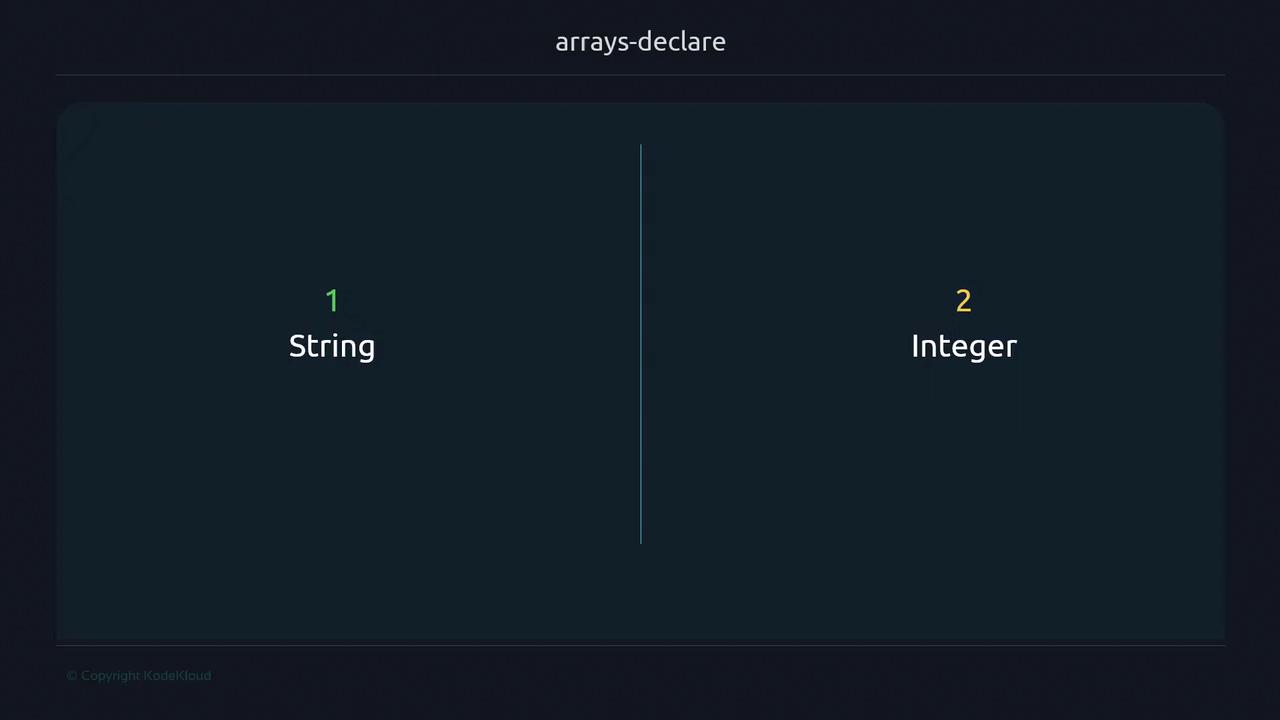
Bash offers two fundamental data types:- String
- Integer
Dynamically Typed Variables
Bash determines the type at runtime, based on context:Bash’s dynamic typing means it tries to interpret values at runtime—no compile-time errors for type mismatches.
Enforcing Integer Types with declare -i
To enforce integer semantics (mimicking static typing), use:
0.
Other declare Flags
Here’s a quick reference for some common attributes:
Read-Only Variables (-r)
Attempting to modify a
readonly variable will terminate your script with an error.