

Table of Contents
- Adding Elements Manually
- Efficient Appending via Parameter Expansion
- Replacing Elements at a Specific Index
- Inserting Elements in the Middle
- Method Comparison
- Links & References
Adding Elements Manually
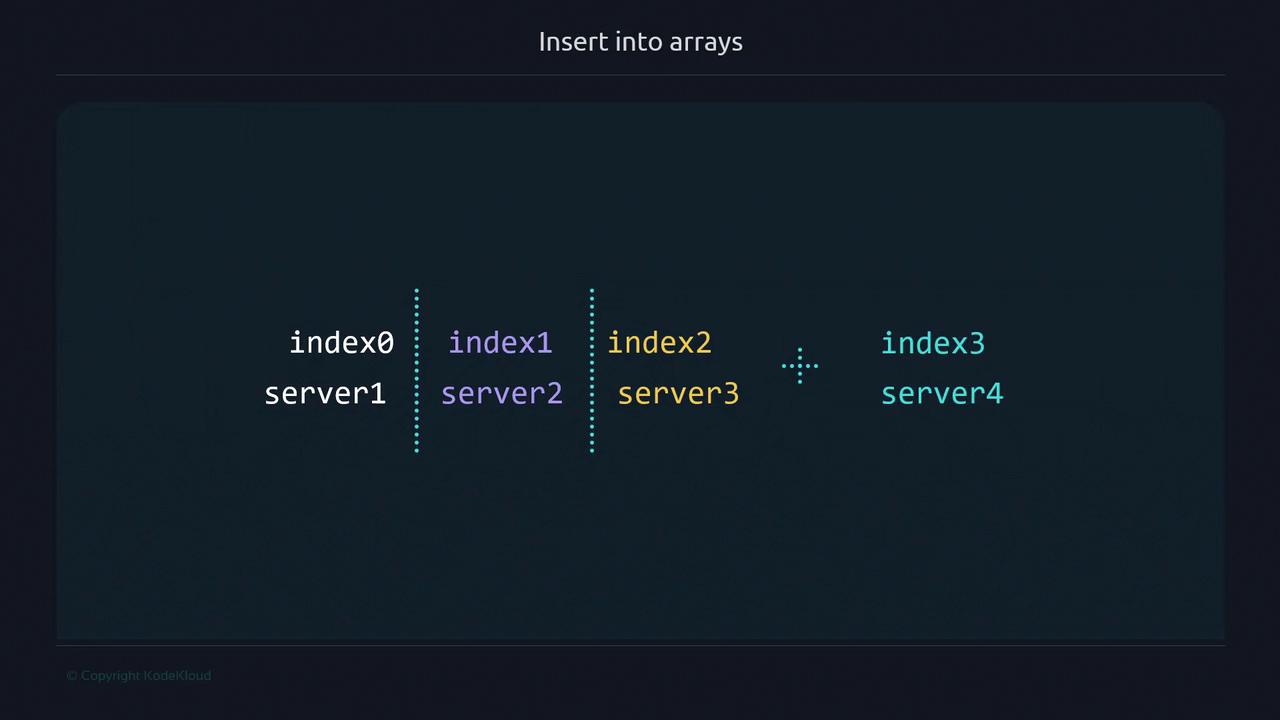
You can append items by specifying the next index directly. This approach works but requires you to know or calculate the current array length:servers array:
Manually counting indices can lead to errors in larger scripts. Consider using parameter expansion to automate index calculation.
Efficient Appending via Parameter Expansion
Bash provides${#array[@]} to retrieve the current number of elements. Since arrays are zero-indexed, this value equals the next available index:
Replacing Elements at a Specific Index
To overwrite an existing element, assign a new value to that index: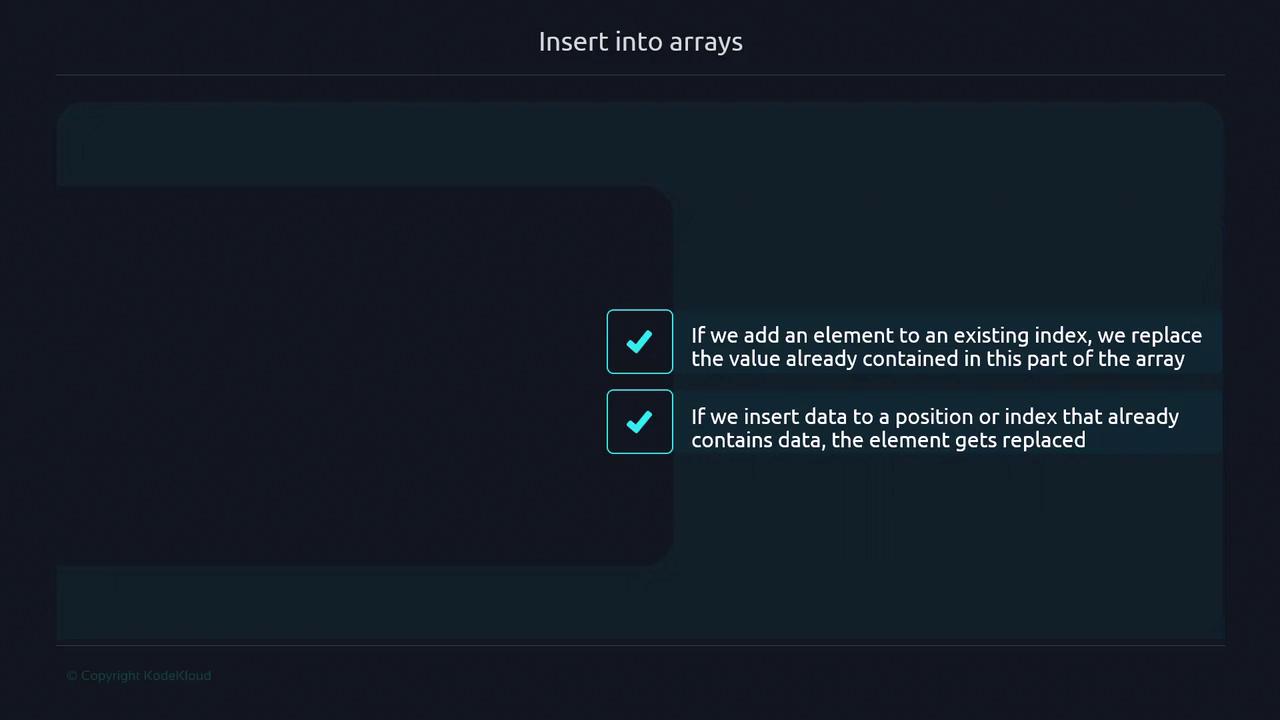
Warning: Scalar vs Array Assignment
If you omit the index brackets, Bash treats the assignment as a scalar, modifying index 0:Inserting Elements in the Middle
To insert an element at a specific position and automatically shift the rest, use array slicing:${servers[@]:0:1}→ elements up to (but not including) the insertion point"server1.5"→ new element${servers[@]:1}→ remaining elements from index 1 onward
Method Comparison
Links & References
- Bash Reference Manual
- Bash Scripting Best Practices
- Kubernetes Basics (for scripting in cloud-native environments)