

Simple build process
A minimal Java build has three steps:- Write source code (.java)
- Compile to JVM bytecode (.class)
- Run on a Java Virtual Machine (JVM)
MyClass.class. Run the program with the Java launcher (specify the class name without .class):
javap -c:
Packaging: JAR and WAR
Applications typically include many classes plus resources (configuration, images, web assets). Packaging these into archives makes distribution and deployment simpler.- JAR (Java ARchive): Bundles class files, libraries, and resources into a single compressed archive.
- WAR (Web ARchive): Layout for web applications; contains web-specific directories and static files.
jar tool generates a default META-INF/MANIFEST.MF. To make a JAR executable (so you can run java -jar MyApp.jar) you must include a Main-Class entry. Two common approaches:
- Use the
-eoption to set the entry point:
- Or provide a custom manifest file (e.g.,
manifest.txt):
If your application depends on external libraries, ensure they are available at runtime. Either use the Class-Path manifest entry, supply required JARs on the
-cp/--class-path, or build a single “fat” or “uber” JAR that bundles dependencies.Generating documentation
Document source with Javadoc. Runningjavadoc on source files generates an HTML documentation site:
doc directory for other developers to browse.
When builds get bigger
Larger projects and team workflows typically require more steps:- Compiling multiple modules
- Running unit and integration tests
- Static analysis and linting
- Security and vulnerability scanning
- Packaging, signing artifacts, and publishing to artifact repositories
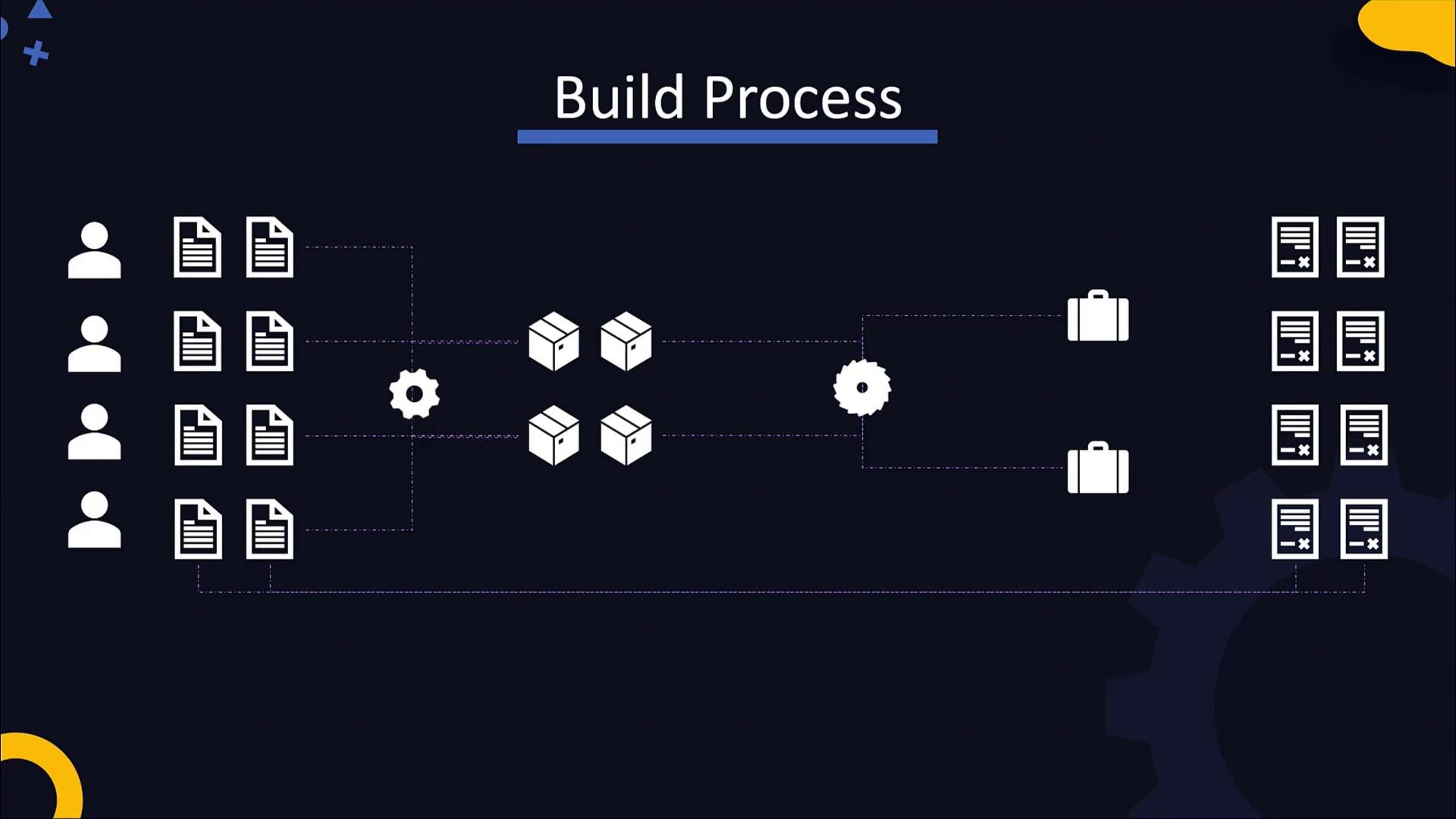
Build tools: Ant, Maven, Gradle
Common Java build tools let you describe build steps in configuration files and run them consistently across environments.
Below is an example Ant build file that compiles code, generates Javadoc, and creates a JAR. Targets declare dependencies so Ant executes them in the required order.
Build tools let teams automate and standardize repetitive steps (compile, test, package, publish). Integrate these tools with CI/CD pipelines to enforce consistency and reduce manual errors.
Gradle example
A minimal Gradle build script (Groovy DSL) that applies plugins and defines the main class:- Build the application:
- Run the application:
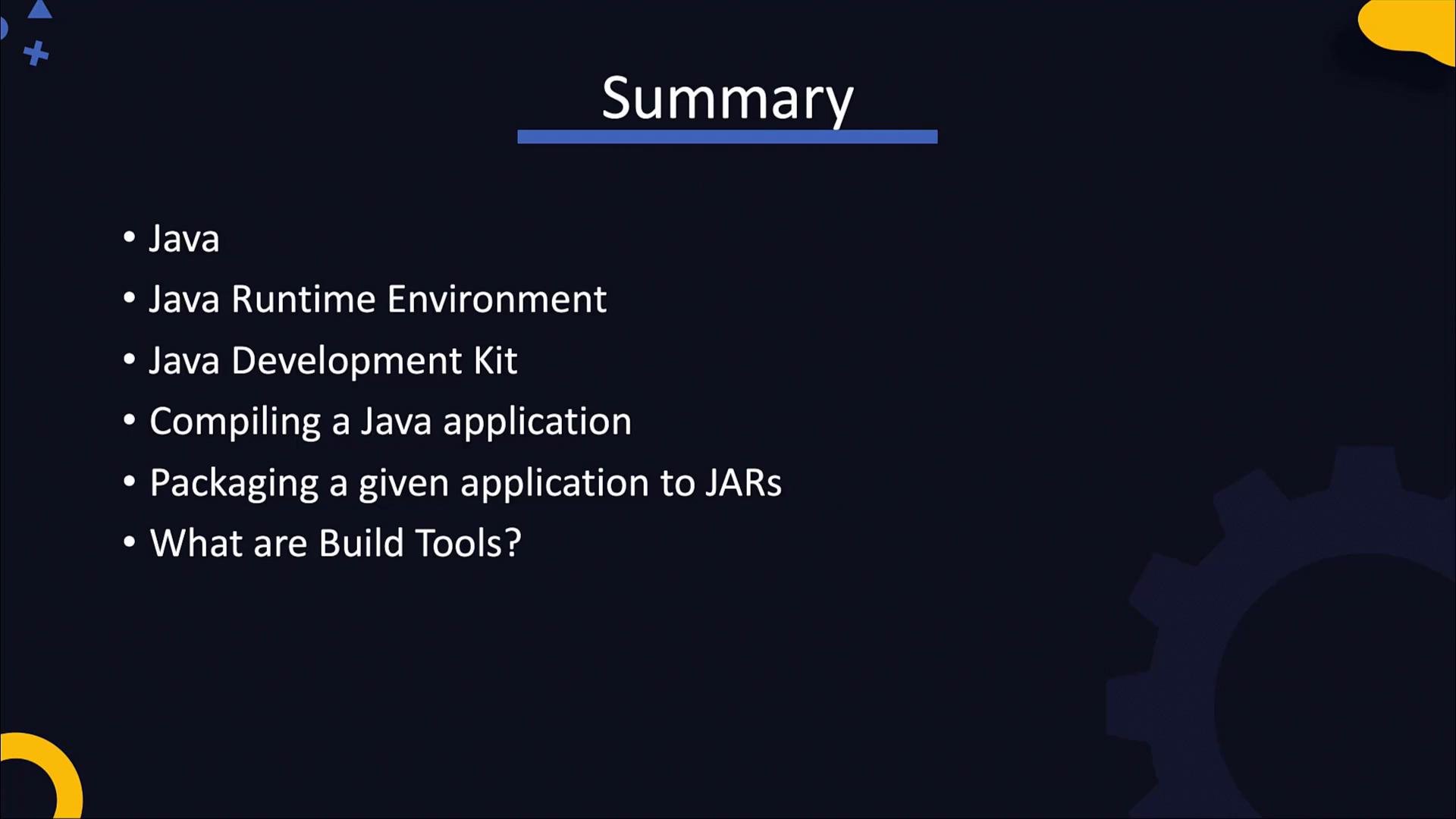
Summary
Key takeaways:- Source (.java) -> compile with
javac-> bytecode (.class) executed by the JVM. - Use the
javalauncher to run classes; usejavadocto generate API documentation. - Package applications into JAR/WAR archives; include a
Main-Classmanifest entry to make JARs executable. - Ensure external libraries are available at runtime via classpath entries or by creating a fat/uber JAR.
- Use build tools (Ant, Maven, Gradle) to automate compilation, testing, packaging, and publishing in a repeatable way.
- Java Platform, Standard Edition Documentation
- Javadoc Tool documentation
- Gradle User Manual
- Maven Introduction