

Formatting a Partition with XFS
To format a partition with the XFS file system using default settings, run the following command:mkfs command (short for “make file system”) supports numerous settings to tailor the file system. The above examples use the default configuration, which is sufficient for most scenarios. However, if you need to customize parameters, refer to the manual pages for more details.
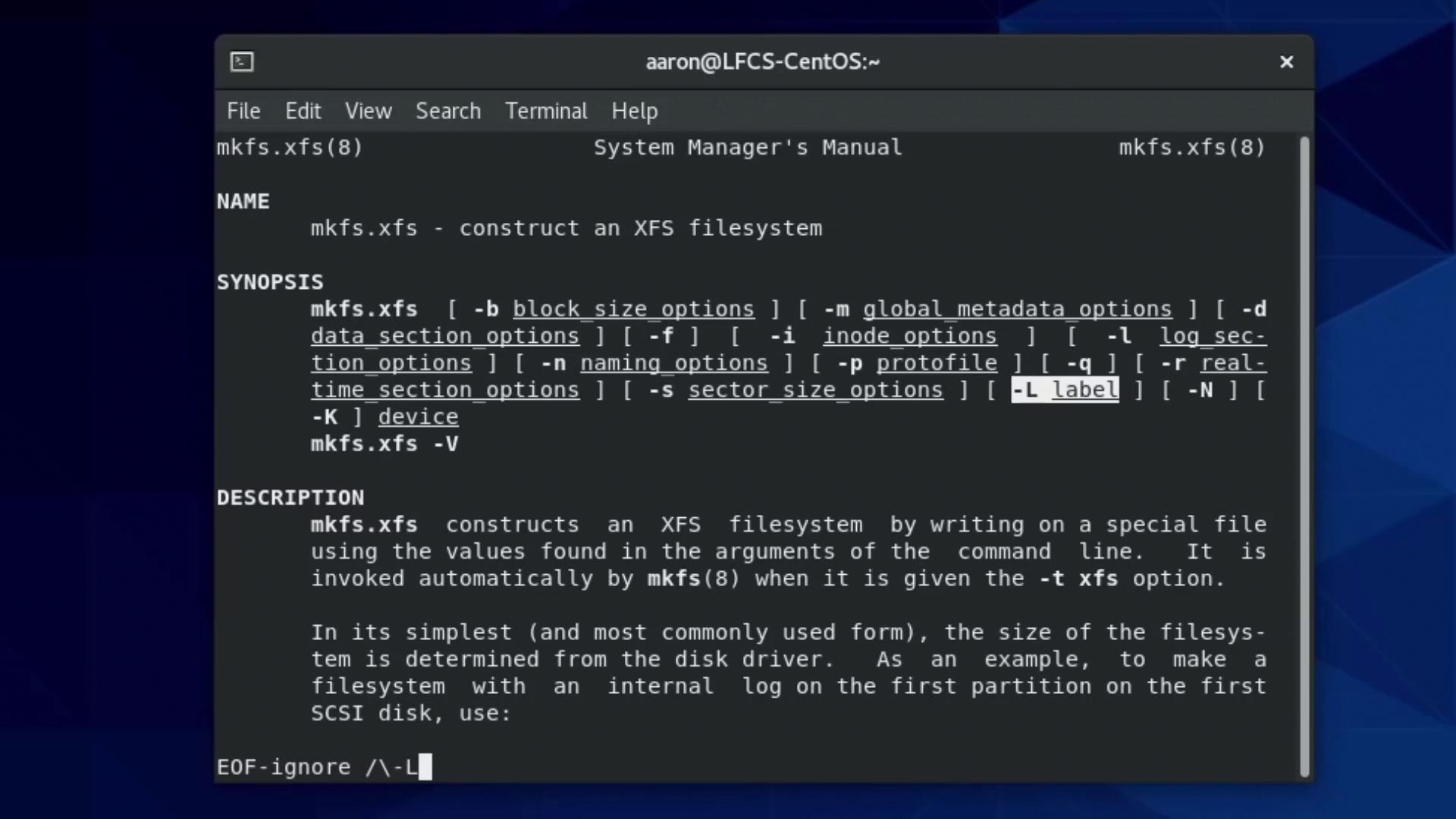
For example, to view the configurable options for constructing an XFS file system, check its manual page:
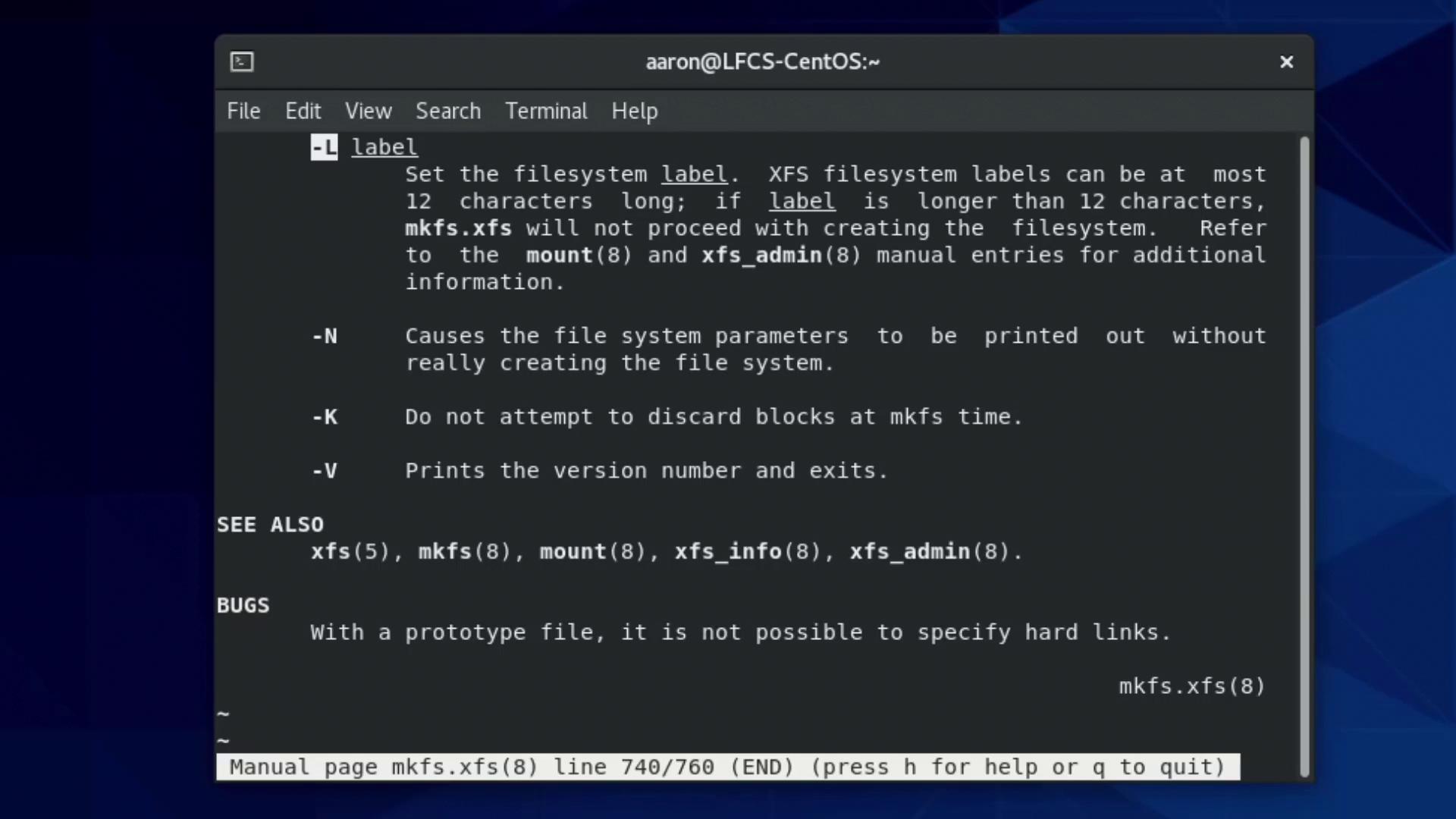
-L flag, which allows you to assign a label. Note that label names are limited to 12 characters. To label your XFS partition as “BackupVolume”, use:
-L flag and additional options:
If you encounter any unexpected errors while formatting, double-check your partition identifier and ensure your system supports the chosen file system.
XFS Utilities and Modifying File System Attributes
Once the file system is created, you can explore a suite of XFS utilities by typingxfs and pressing the Tab key twice. This will display tools such as:
-L option. For example, to update the label to “FistFS”, run:
Formatting a Partition with ext4
The ext4 file system is a popular choice on Linux systems. The process of creating an ext4 file system is handled by themke2fs command, with mkfs.ext4 serving as a convenient alias. To access its manual page, use:
-L flag is used to set a label, and the -N flag allows you to control the number of inodes. This is crucial if you anticipate handling a large volume of small files. If the default inode count is insufficient, you can specify an alternative number.
For instance, to create an ext4 file system on /dev/sdb2 with a label “BackupVolume” and 500,000 inodes, execute:
tune2fs utility. For example, to change the label of /dev/sdb2 to “SecondFS”, run:
Ensure that you back up any critical data before modifying file system parameters. Changing labels or inode counts on active file systems without proper precautions can lead to data loss.
Summary
In this lesson, you learned how to create and configure file systems on Linux using both XFS and ext4. We covered:- Formatting partitions with XFS and ext4
- Customizing file system parameters such as labels and inode sizes
- Utilizing utilities like
xfs_admin,mkfs.ext4, andtune2fsfor managing file system attributes
man mkfs.xfs, man mkfs.ext4, and man tune2fs. Experimenting with these tools will deepen your understanding and hone your Linux file system management skills.
Happy learning and exploring your Linux system configuration!
For additional resources, check out: